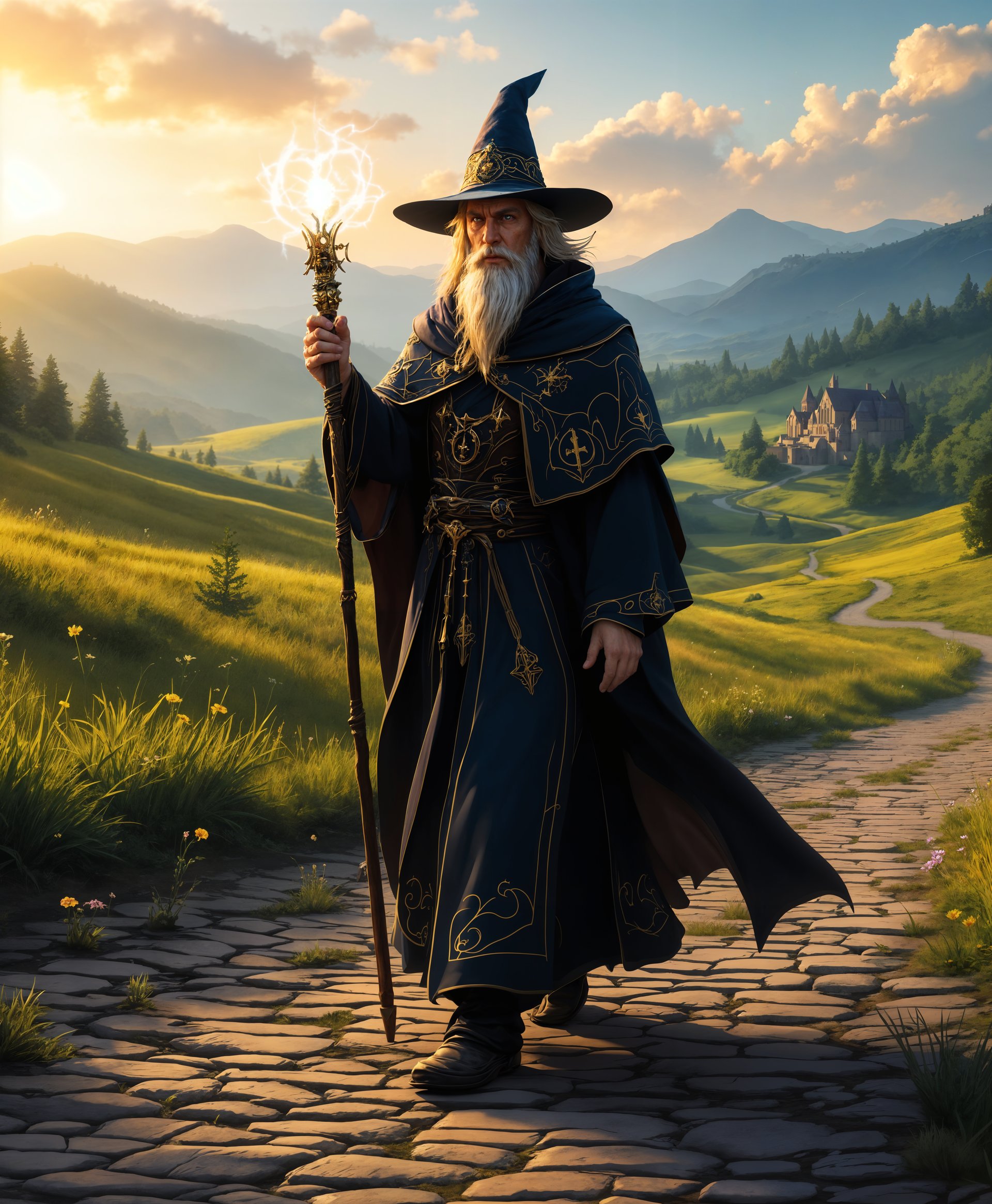
PixelDojoのAIツールでビジュアルを進化させた、10,000人以上のクリエイターの仲間へ。品質と使いやすさで4.8/5の評価を獲得しています。
magichourにPixel Dojoを選ぶ理由
最先端のAI技術によるプロ品質の仕上がり
理想の光を、いつでも
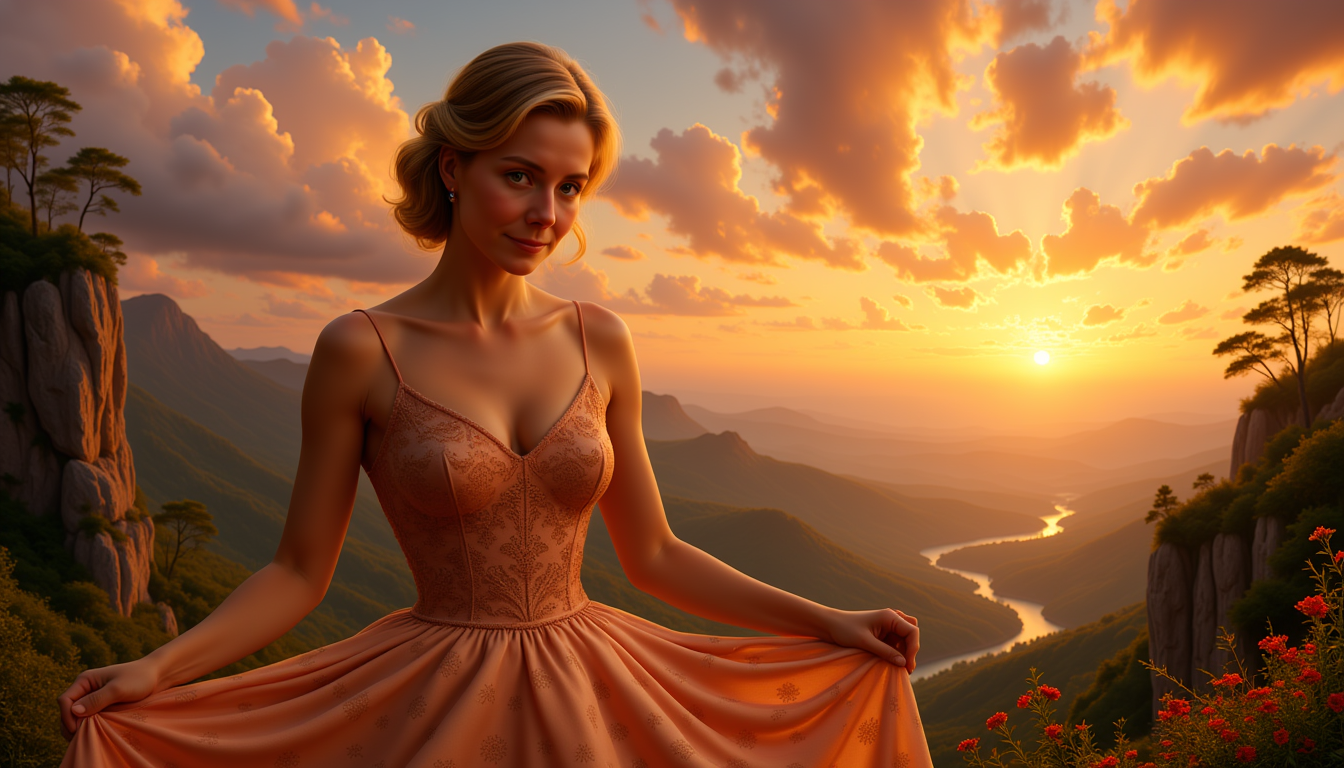
自然光や天候に左右されず、いつでも美しいマジックアワーの光を再現できます。
写真の魅力を、一瞬で引き出す
心を動かす温かな黄金色のトーンで、見る人を惹きつける一枚に仕上げます。
AIの自動化で時間を短縮
AIツールが複雑なライティング効果をすばやく適用。制作の流れをスムーズにします。
使い方
PixelDojoの直感的な操作で、魅惑的なマジックアワーの画像を簡単に作成できます。次の手順で写真を仕上げましょう。
ステップ1: 画像を選ぶ
仕上げたい写真をPixelDojoにアップロードします。
ステップ2: Magic Lightingを適用
「Magic Lighting」ツールが画像を自動調整し、マジックアワーならではの温かな色合いを加えます。
ステップ3: 調整してダウンロード
効果の強さや色の温かみを好みに合わせて微調整し、仕上がった画像をダウンロードします。

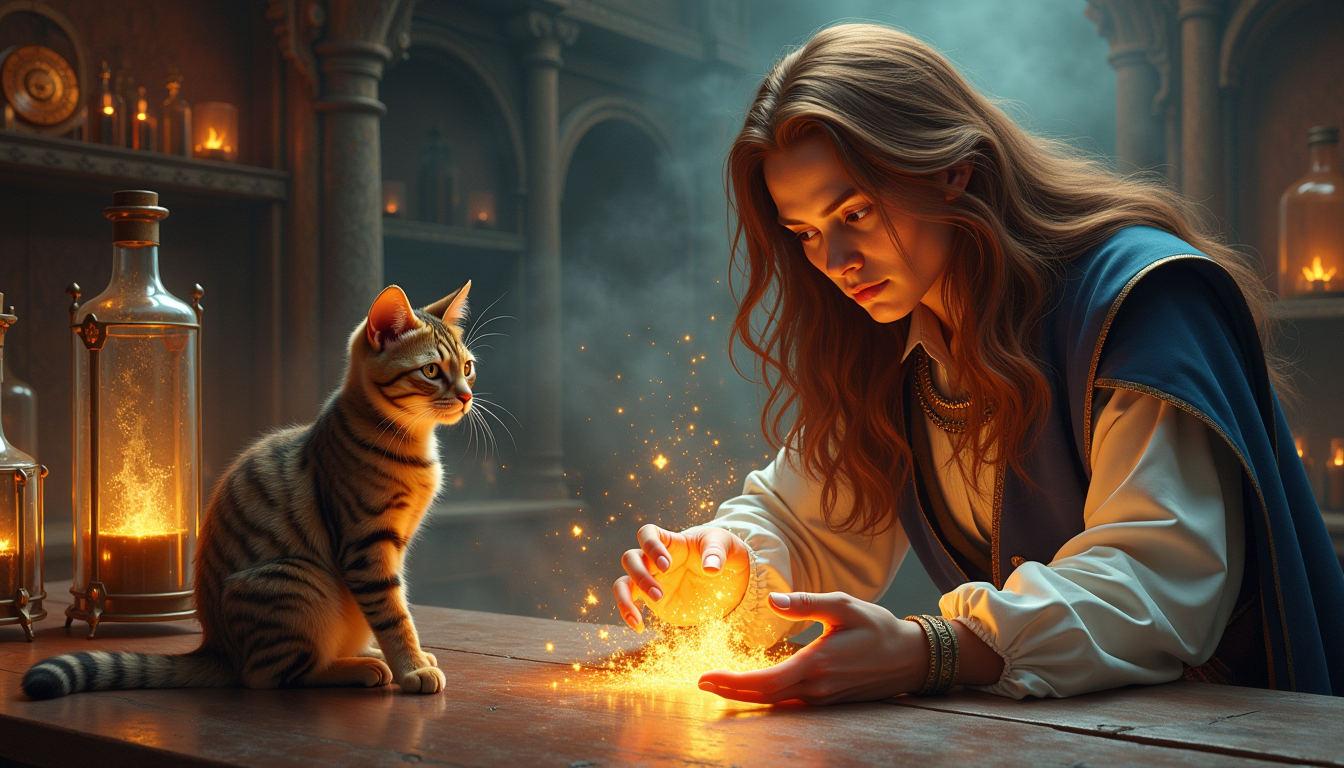
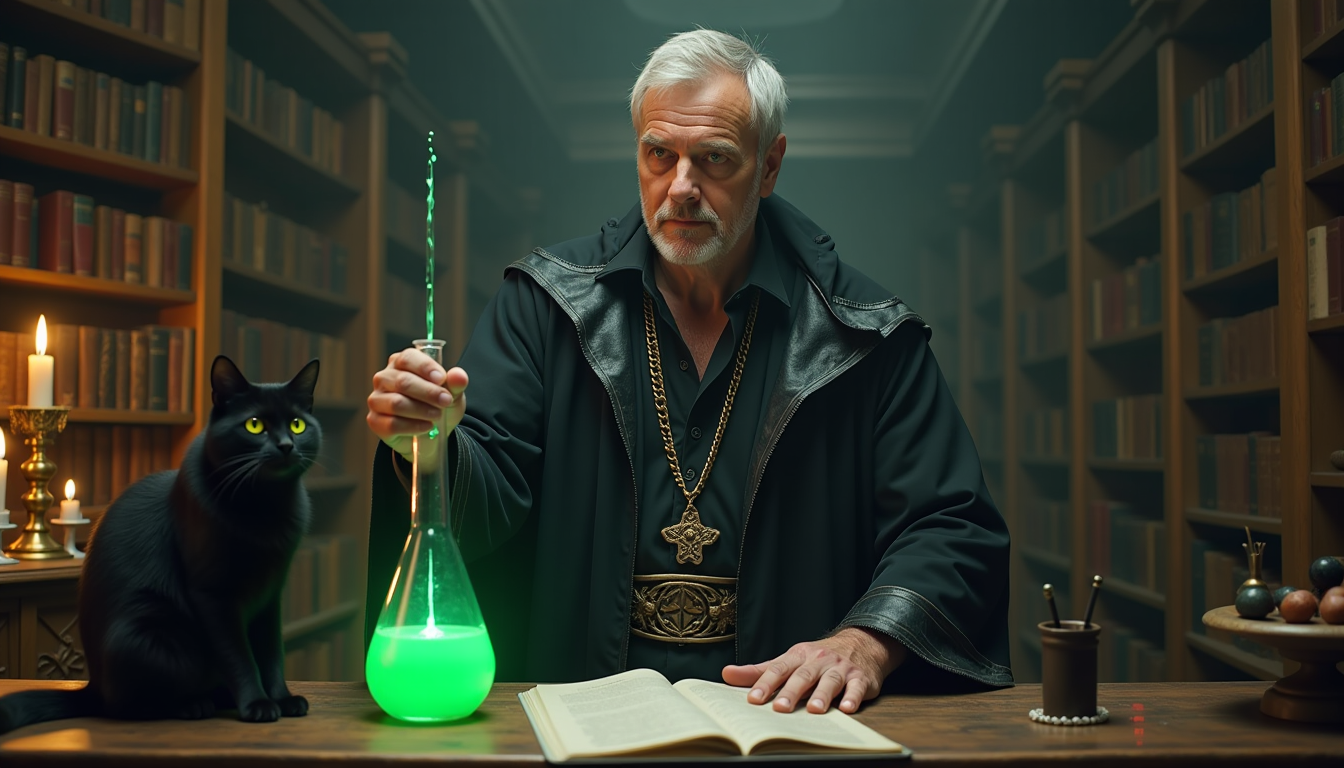
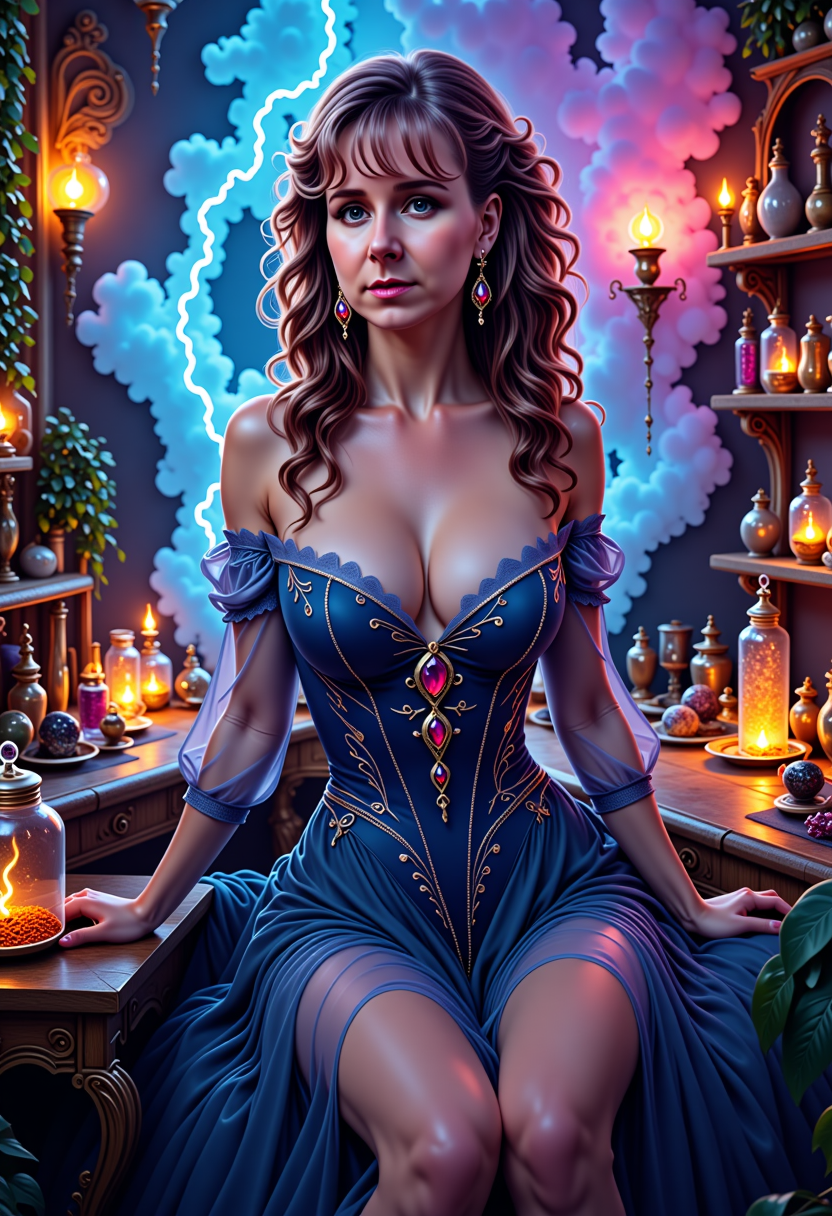
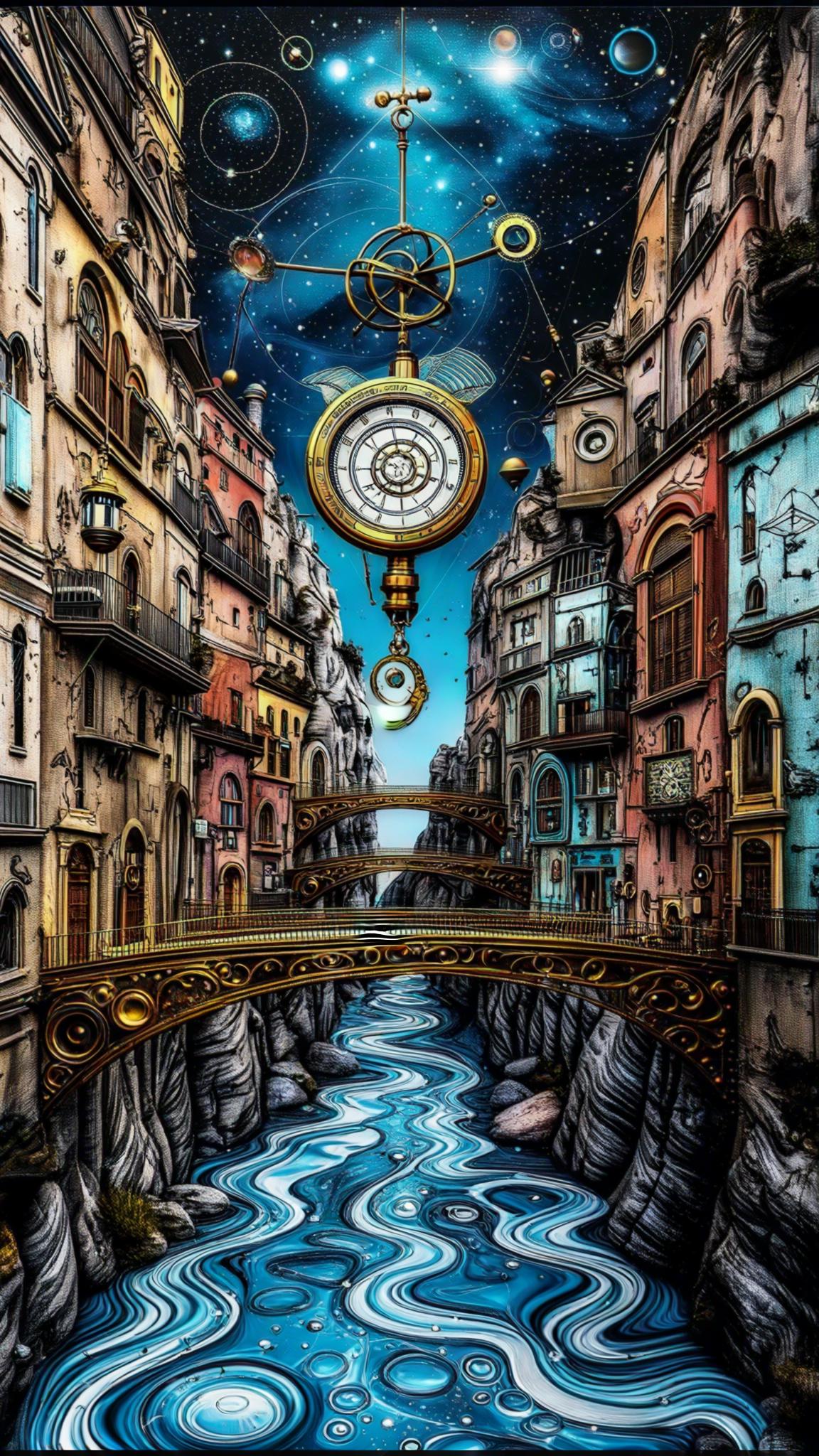
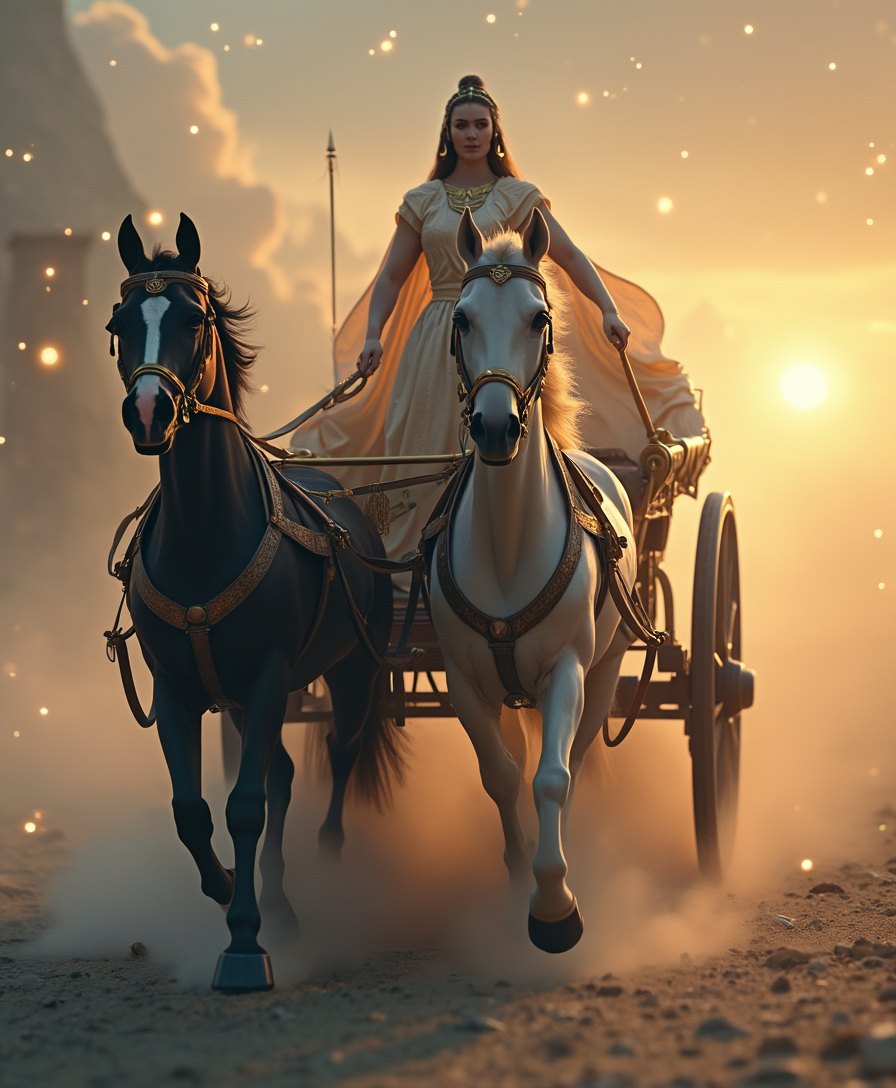
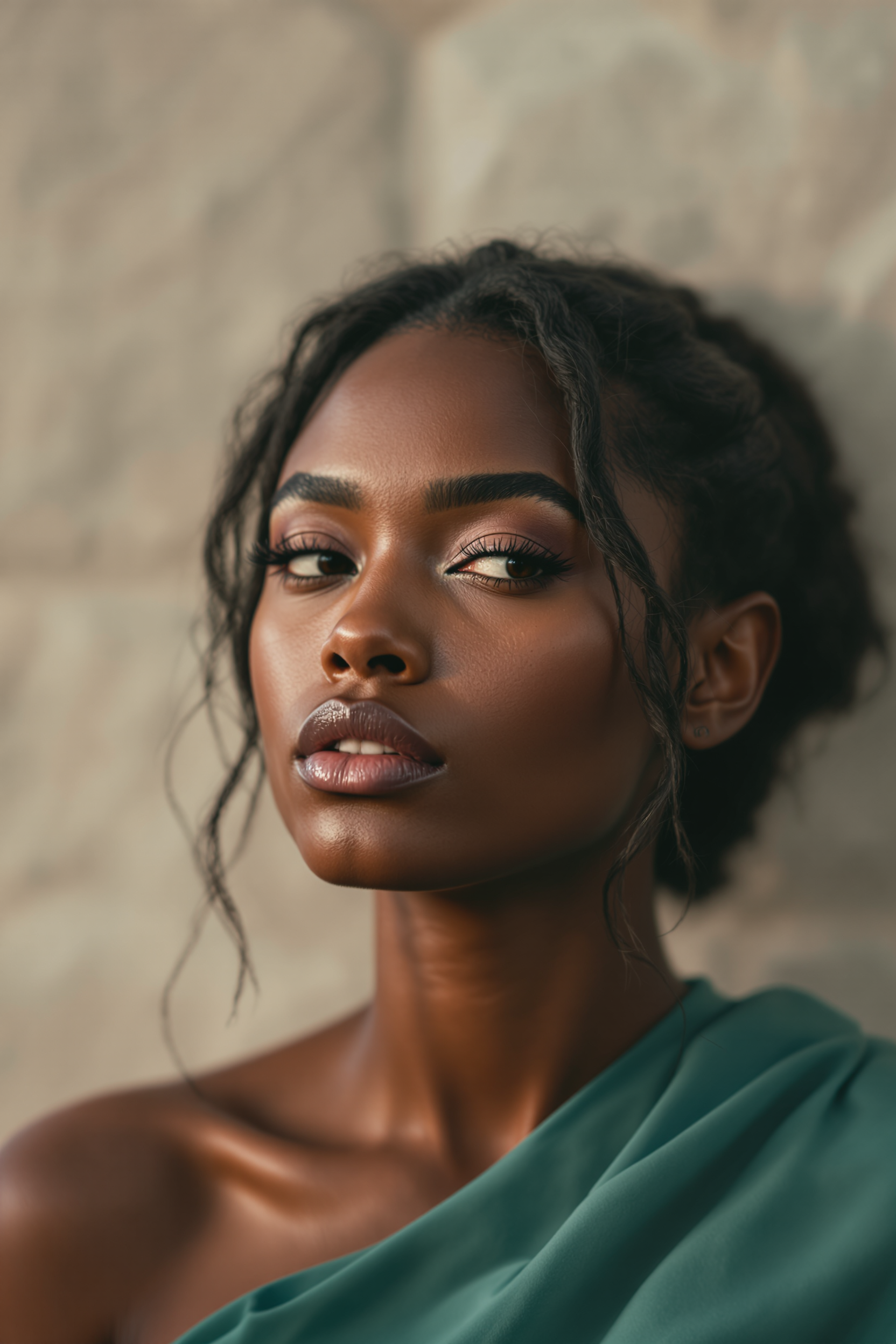
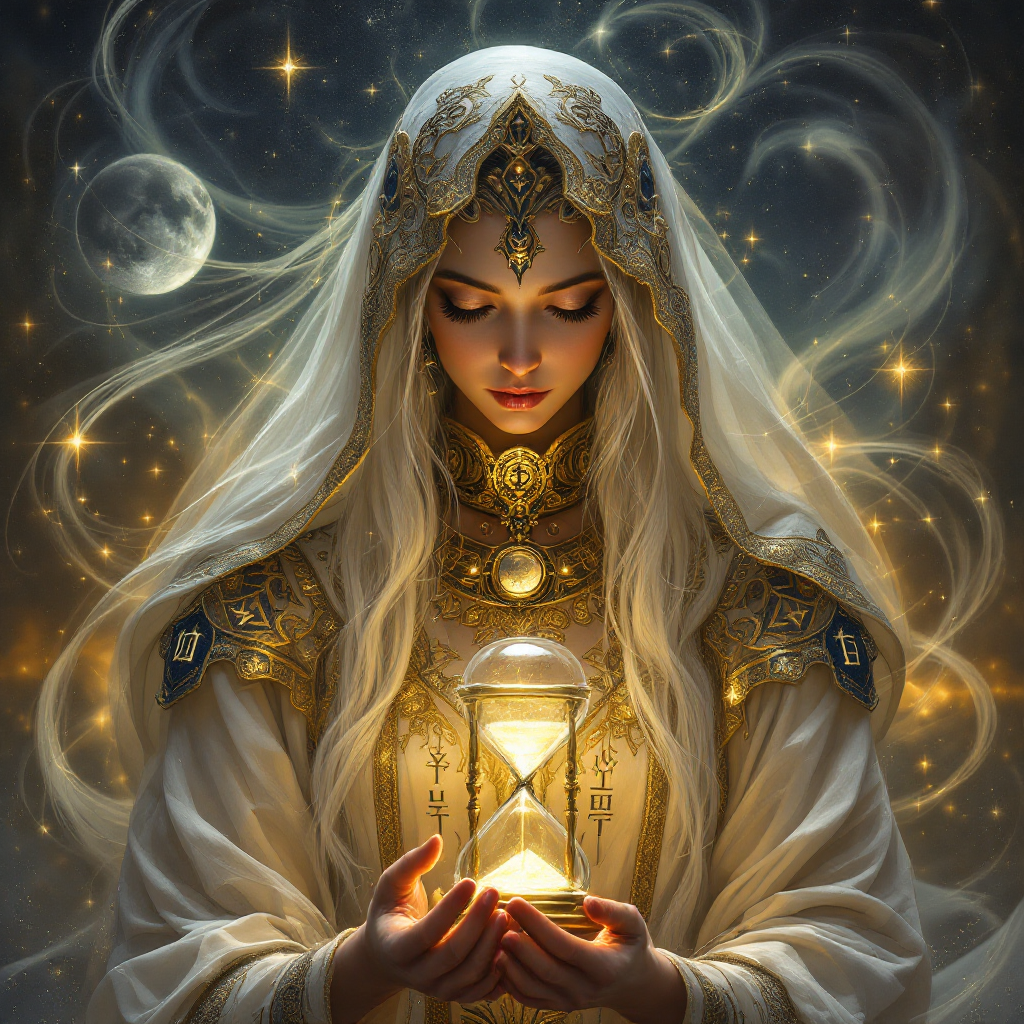
The Pixel Dojo Advantage
マジックアワーの画像づくりにPixelDojoが選ばれる理由:
| Others | Pixel Dojo |
|---|---|
| 従来の写真撮影 | 理想の一枚のために、特定の時間や天候を待つ必要はありません。 |
| 一般的な写真編集ソフト | AIによる自動化で、手動調整なしでも正確で一貫したライティング補正を実現します。 |
| 手作業での写真編集 | 複雑なライティング効果も、自動化ツールなら数秒で適用。時間と手間を省けます。 |
PixelDojoのクリエイターに愛されています
PixelDojoを利用しているユーザーから、製品内アンケートで集めたリアルな声です。
Great site and so much fun to use!
everyone has gotten so expensive and limits what can be done, you all are simply the best available option by miles
Easy to use and good quality and fun
very useful set of tools for image creation, upscaling and enhancement
ease of use, variety of tools, high quality trainings, and a well-maintained discord channel
Ease of use, friendliness and support of the owner, continued innovation.
PixelDojoでさらにAIツールを見る
人気のAIモデル
AIツール
比較・切り替え
- All AI Tool Alternatives
- Pollo AI Alternative
- PixelDojo vs Pollo AI
- Pollo AI Review
- MotionMuse AI Alternative
- MioCreate Alternative
- Dessi AI Alternative
- Runway Alternatives
- CapCut Alternatives
- Leonardo Alternatives
- OpenArt Alternatives
- Midjourney Alternatives
- Canva AI Alternatives
- Pika Alternatives
- InVideo Alternatives
- Higgsfield Alternatives
- Krea Alternatives
- Luma Alternatives
- Magic Hour Alternatives
- HeyGen Alternatives
- PixAI Alternatives
- Vidu Alternatives
- Seedream Alternatives
- Tensor.Art Alternatives
よくある質問
magichourについて知っておくべきこと
PixelDojoはどのように写真にマジックアワーの効果を加えますか?
PixelDojoは高度なAIアルゴリズムで画像を分析し、マジックアワーならではの温かな黄金色のトーンを再現するように光を調整します。写真全体の美しさを引き立てます。
マジックアワー効果の強さは調整できますか?
はい。「Magic Lighting」ツールで、表現したいイメージに合わせて効果の強さや色の温かみを調整できます。
PixelDojoは初心者でも使えますか?
もちろんです。PixelDojoは直感的に操作できる設計なので、スキルを問わず、誰でも手軽に美しい画像を作成できます。
PixelDojoを使うにはソフトのインストールが必要ですか?
いいえ。PixelDojoはブラウザで使えるプラットフォームです。インストール不要で、すべてのAIツールをブラウザから直接利用できます。
PixelDojoのアップロードとダウンロードに対応するファイル形式は?
PixelDojoはJPEG、PNG、TIFFなど幅広いファイル形式に対応しているため、今の制作フローにそのまま組み込めます。
PixelDojoに無料トライアルはありますか?
はい。PixelDojoでは、AIツールを利用できる無料トライアルをご用意しています。有料プランに申し込む前に、機能を試しながら作品を作れます。