Lora ai model generator train custom models free
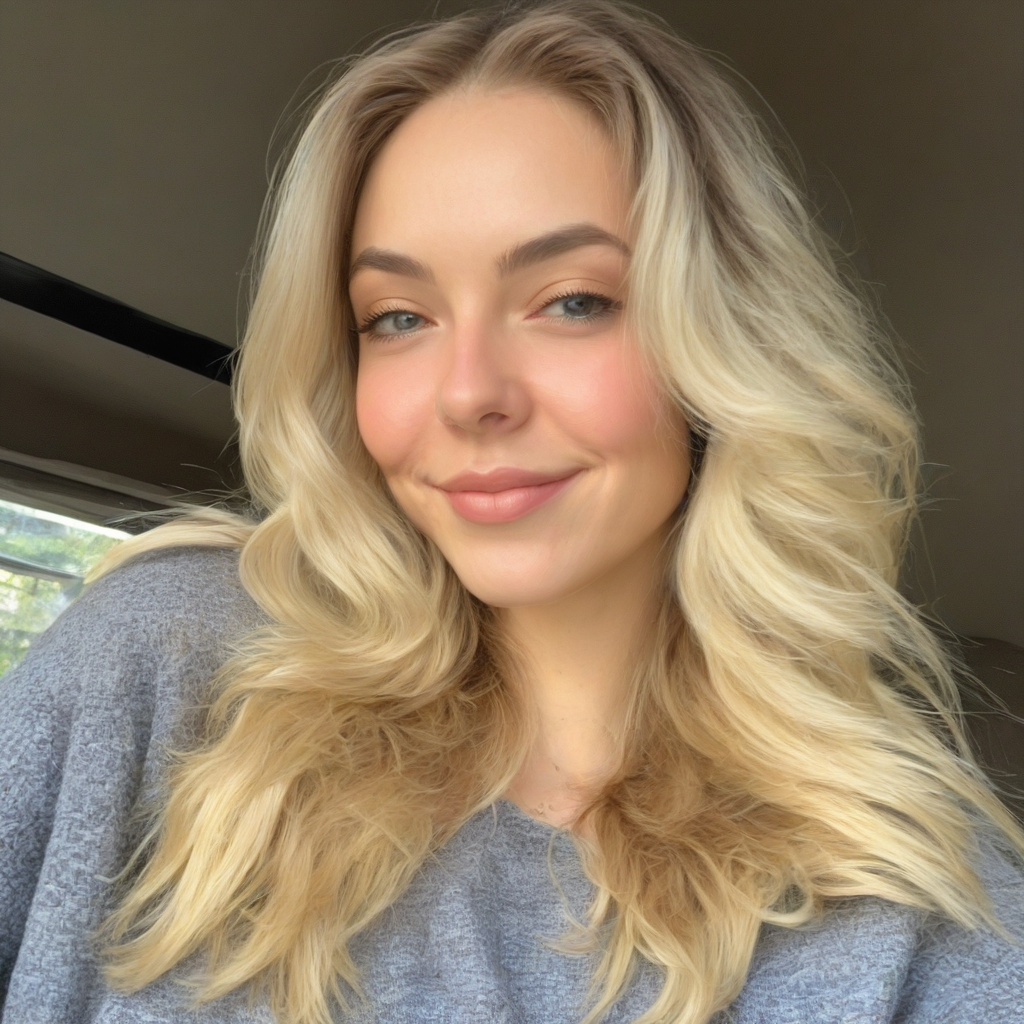
Generated on PixelDojo. Produced by PixelDojo's generation pipeline.
Unlock the power of personalized AI image generation with PixelDojo's free LoRA AI model generator. Whether you're an artist, designer, or content creator, our intuitive platform empowers you to train custom AI models tailored to your unique style and vision—no technical expertise required.
Real image examples generated on PixelDojo
Every example below was produced on PixelDojo. Hover to see the prompt.
Lora ai model generator train custom models free on PixelDojo
stable-diffusion
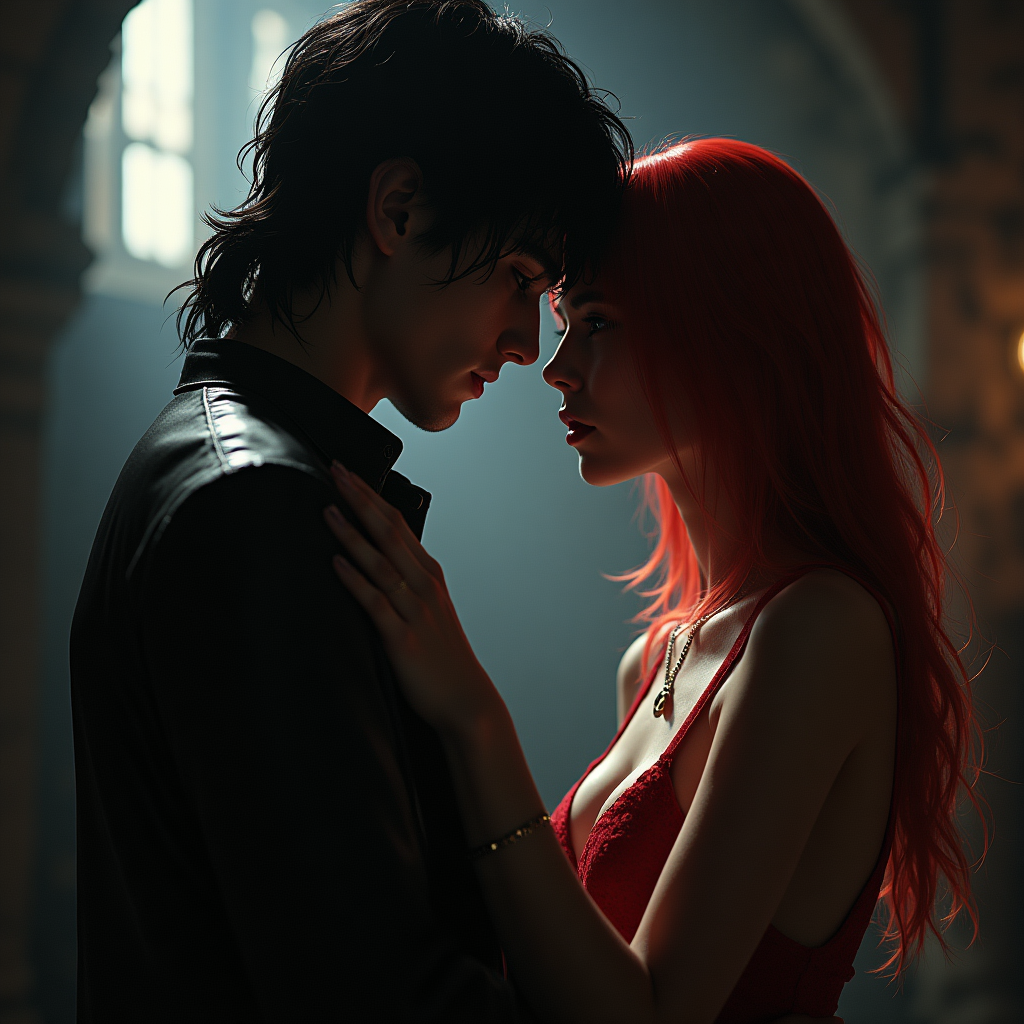
<lora:Kenva:1>
flux-studio

MO-LoRa-Multi
flux
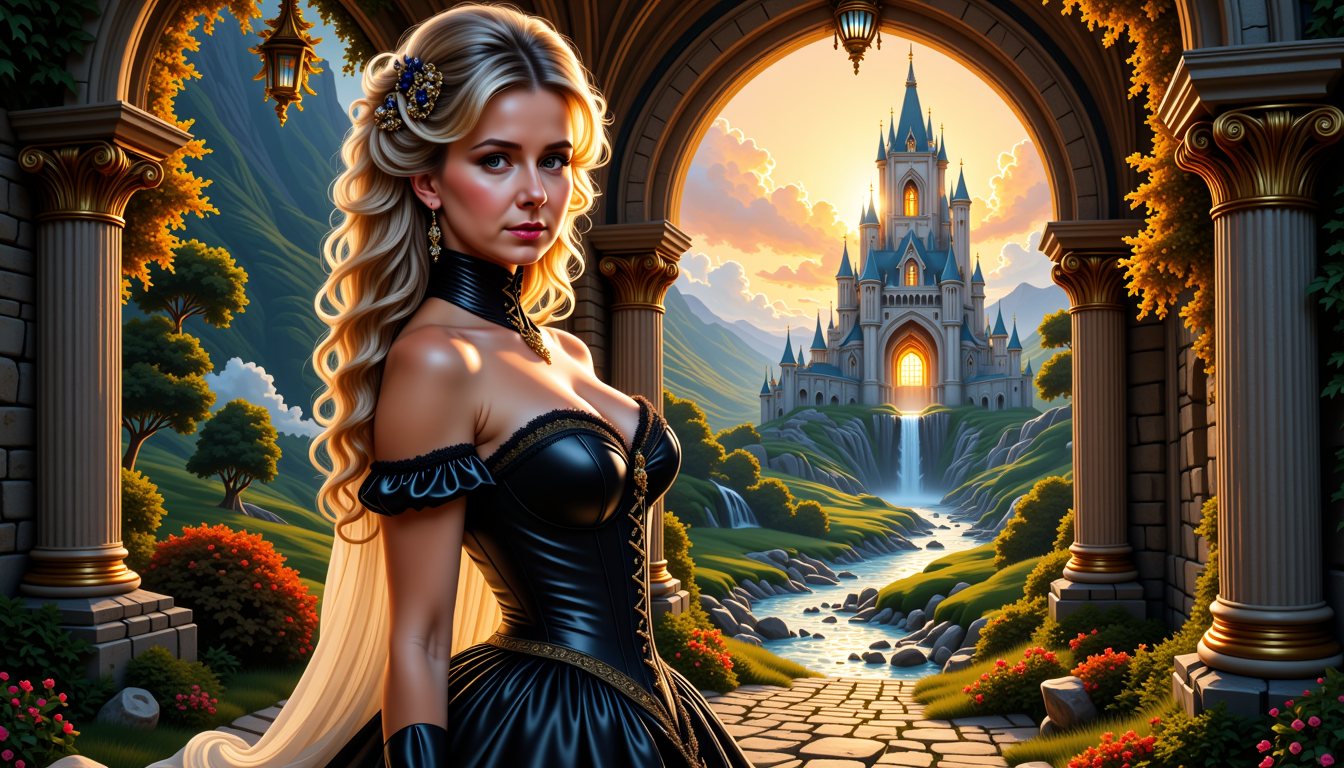
MO-LoRa-Multi
flux

MO-LoRa-Pixie
flux
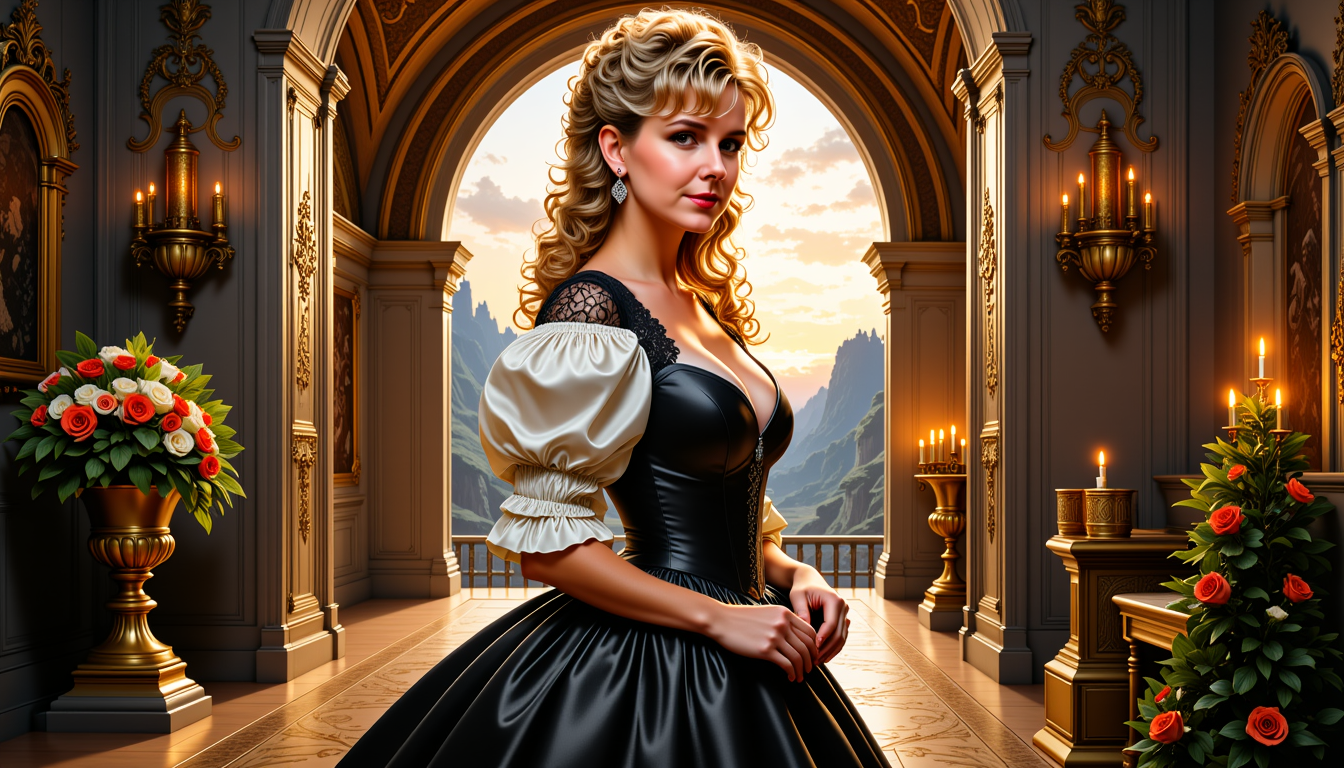
MO-LoRa-Pixie
flux
Models you can run on PixelDojo for Lora ai model generator train custom models free
Switch models without switching tools. Each one runs in the same PixelDojo studio.
What you can do with Lora ai model generator train custom models free on PixelDojo
Train Custom LoRA Models
We let creators upload image sets and start training a personalized LoRA model on our platform.
Run Free Model Training
Creators can complete LoRA training sessions at no cost and receive the resulting model file.
Generate Images From Trained Models
We support image generation prompts that use any of your saved custom LoRA models.
Download Your Model Files
Creators receive downloadable LoRA weights after training finishes for use in other tools.
Join over 10,000 creators who have transformed their workflows with PixelDojo's AI tools, achieving a 95% satisfaction rate.
Why Choose Pixel Dojo for Lora ai model generator train custom models free
Professional-quality results with cutting-edge AI technology
Personalized AI Models
Train AI models that reflect your unique artistic style, ensuring every generated image aligns with your creative vision.
Cost-Effective Creativity
Access powerful AI model training tools for free, eliminating the need for expensive software or hardware investments.
User-Friendly Interface
Our intuitive platform makes training custom AI models accessible to everyone, regardless of technical background.
How It Works
Creating your own custom AI models with PixelDojo is a straightforward process. Follow these simple steps to bring your creative ideas to life:
Step 1: Upload Your Images
Gather a set of images that represent the style or subject you want your AI model to learn. Upload these images to PixelDojo's platform to serve as the training dataset.
Step 2: Train Your LoRA Model
Utilize PixelDojo's FLUX Model Trainer to process your uploaded images and create a custom LoRA model tailored to your specified style or subject.
Step 3: Generate Unique Images
With your trained LoRA model, input prompts to generate new images that reflect your personalized style. Experiment with different prompts to explore the full potential of your custom model.
The Pixel Dojo Advantage
Discover why PixelDojo is the superior choice for training custom AI models compared to other methods:
| Others | Pixel Dojo |
|---|---|
| Traditional AI Model Training | PixelDojo simplifies the process, allowing you to train custom models without the need for advanced technical skills or expensive hardware. |
| Generic AI Tools | Unlike one-size-fits-all solutions, PixelDojo enables you to create models that are uniquely tailored to your artistic style and preferences. |
| Manual Image Editing | Automate the creation of images in your desired style, saving countless hours compared to manual editing processes. |
Loved by creators on PixelDojo
Real feedback from people using PixelDojo, pulled from our in-product surveys.
Trained my Lora super fast. Still working out how to creat content wit it, but I love it so far.
I love this app
It has all the tools I can think of...
deployment rate of splendid features is incredible. Legend
large selection of tools on one platform
the amount you can do on this site
Explore more AI tools on PixelDojo
Popular AI Models
AI Tools
Compare & Switch
- Best AI Image Generators
- Best AI Video Generators
- Midjourney Alternatives
- Civitai Alternatives
- Runway Alternatives
- Leonardo Alternatives
- Pika Alternatives
- Luma Alternatives
- Magnific Alternatives
- Veo Alternatives
- Flux Alternatives
- Freepik Alternatives
- Seedance Alternatives
- Seedream Alternatives
- Pixverse Alternatives
- GPT Image Alternatives
- Synthesia Alternatives
- Playground Alternatives
- NightCafe Alternatives
- Canva AI Alternatives
- ElevenLabs Alternatives
- ComfyUI Alternatives
- Fal Alternatives
- Replicate Alternatives
Common Questions
Everything you need to know about Lora ai model generator train custom models free
How can I train custom AI models for free using PixelDojo?
PixelDojo offers a free LoRA AI model generator that allows you to train custom models by uploading your own images. Our user-friendly platform guides you through the process, making it accessible to everyone.
Do I need technical skills to use PixelDojo's LoRA generator?
No, PixelDojo is designed with a user-friendly interface that requires no technical expertise. Simply upload your images, and our platform handles the rest.
What types of images can I create with my custom LoRA model?
Your custom LoRA model can generate images in any style or subject you've trained it on, from portraits and landscapes to abstract art and product designs.
How long does it take to train a custom AI model on PixelDojo?
Training times can vary depending on the size of your dataset, but PixelDojo's efficient FLUX Model Trainer ensures a swift process, often completing within minutes.
Can I use my trained LoRA model for commercial purposes?
Yes, images generated using your custom LoRA model can be used for both personal and commercial projects, providing you with flexibility in your creative endeavors.
Is there a limit to how many custom models I can train on PixelDojo?
PixelDojo allows you to train multiple custom models, enabling you to explore various styles and subjects without limitations.