qwen image edit
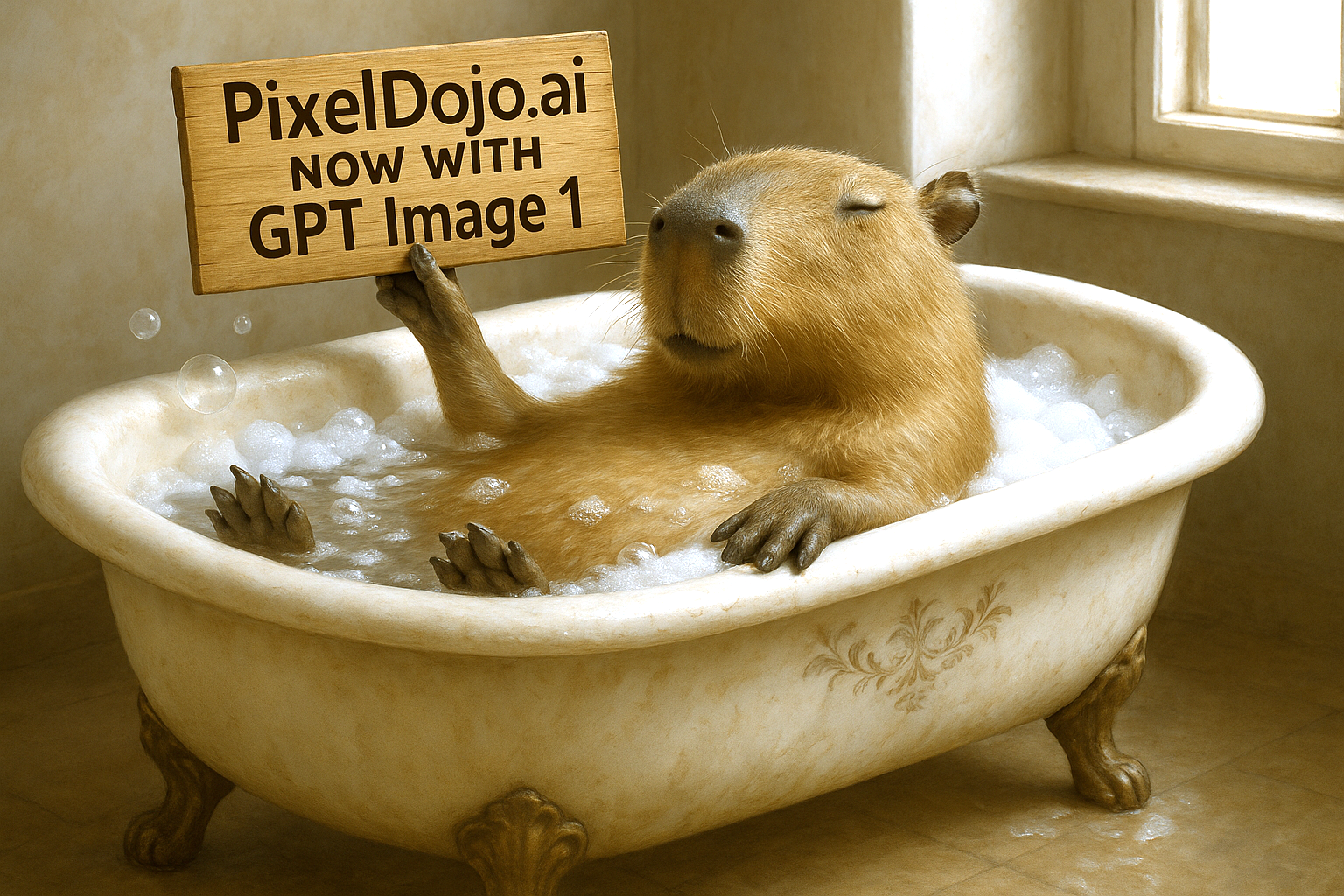
Generated on PixelDojo. Produced by PixelDojo's generation pipeline.
You no longer need hours in complex software or expensive designers to transform your photos into professional marketing assets, product shots or creative campaigns. With PixelDojo’s Qwen image edit capabilities you simply upload an image, describe what you want in everyday language, and receive studio-ready results that keep faces, products and original details perfectly intact. Change a poster’s headline while matching the exact font and style, rotate a product to reveal its back side, turn a portrait into a Ghibli-style avatar, or composite a person holding your product in a new scene—all while preserving identity and lighting. PixelDojo puts QWEN Image 2, Qwen 3 Pro and a full suite of edit tools at your fingertips so you can iterate instantly, produce bilingual Chinese-English text that looks native, and ship campaign-ready files the same day. 1M+ creators already rely on these 100+ cutting-edge AI tools to skip the learning curve and cancel anytime if their needs change. Your next high-converting visual is only a prompt away.
Real image examples generated on PixelDojo
Every example below was produced on PixelDojo. Hover to see the prompt.
Make it photo realistic edit
stable-diffusion
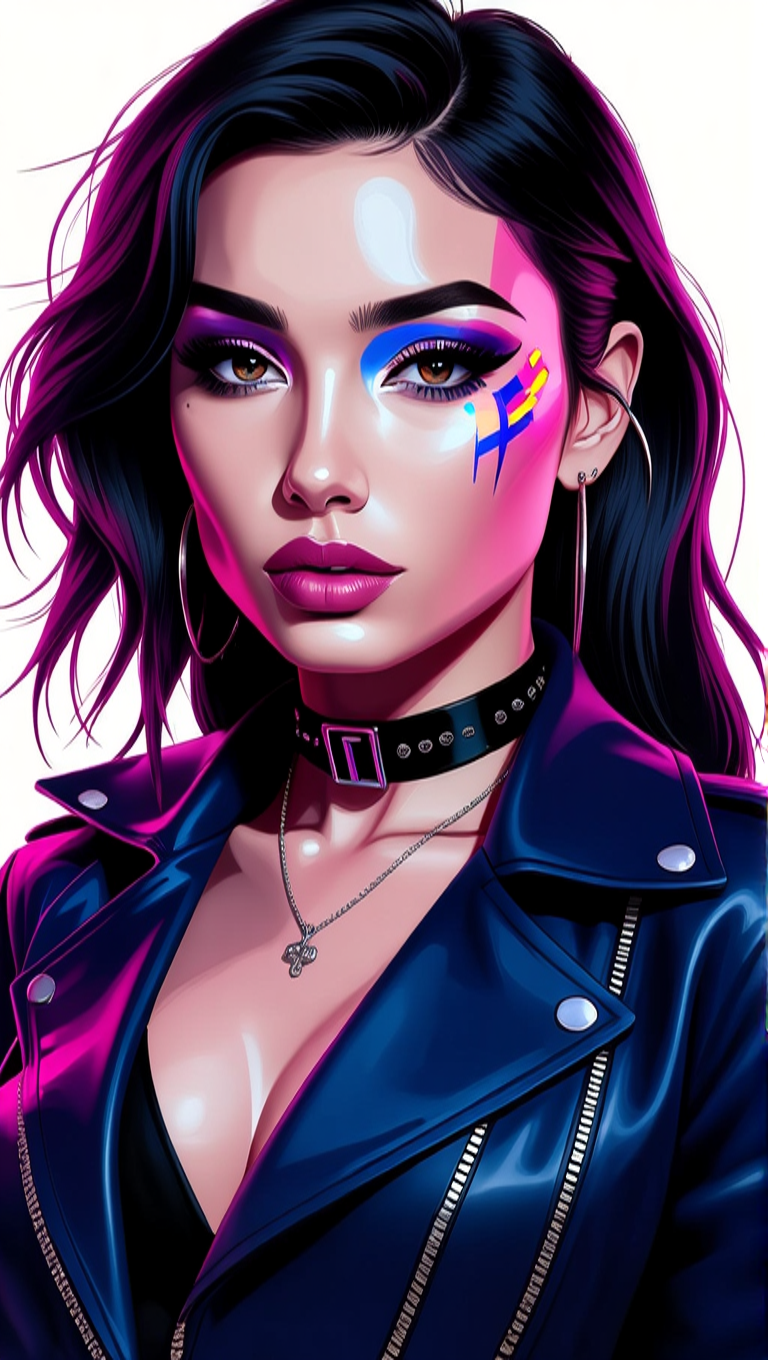
Make her photo realistic edit
hidream
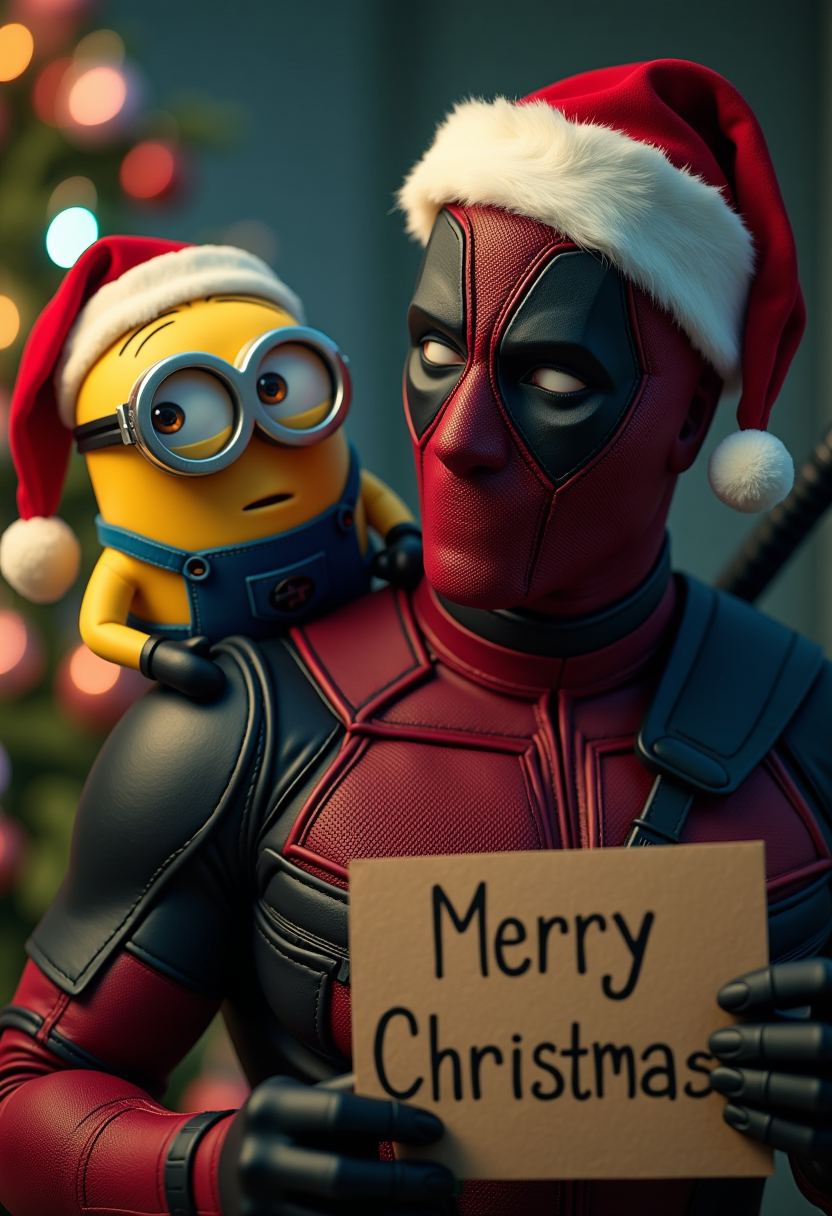
Minion sitting on the Deadpool's shoulder
flux
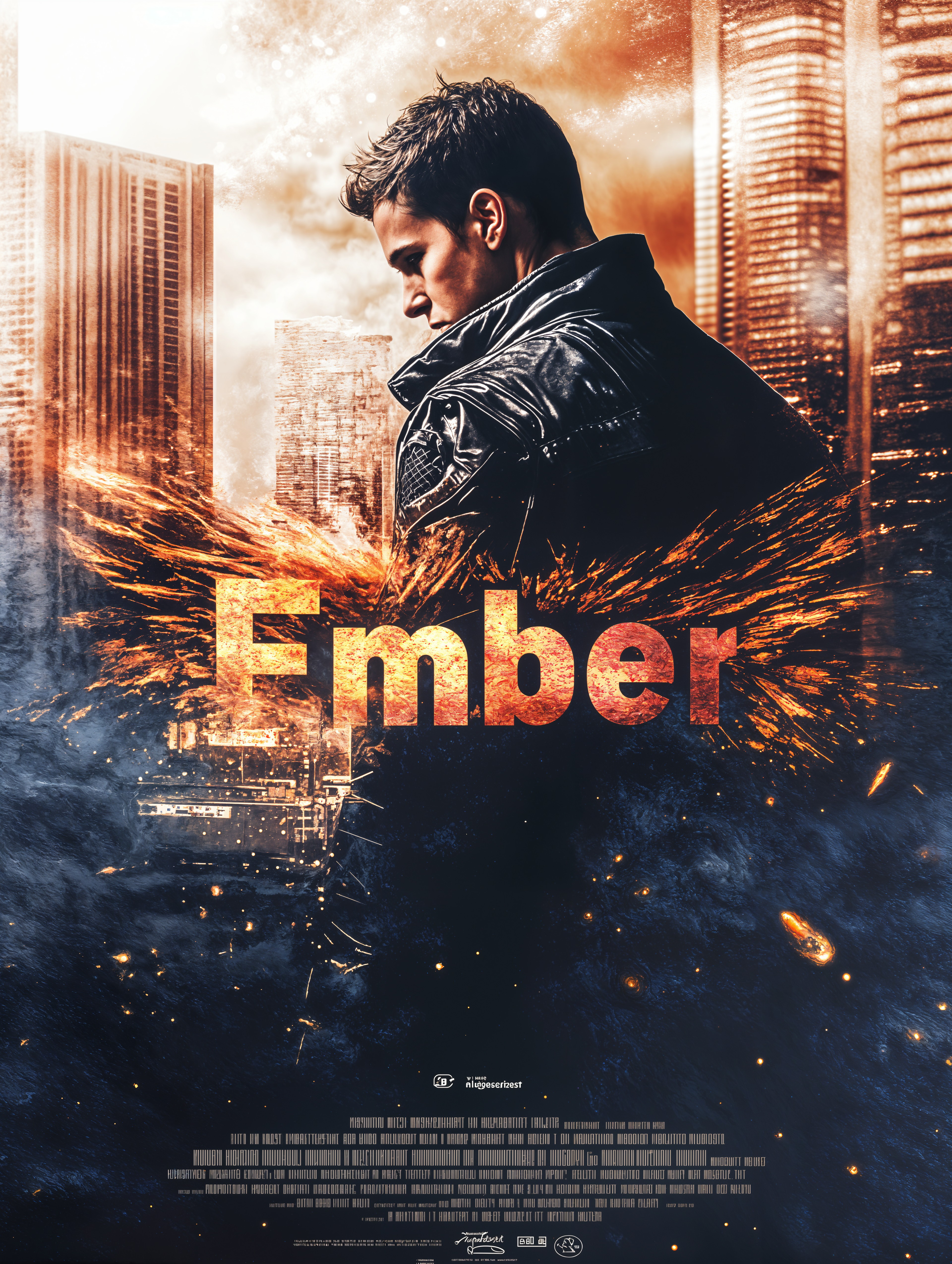
qwen image edit on PixelDojo

Canvas generate — From qwen-image
canvas-generate
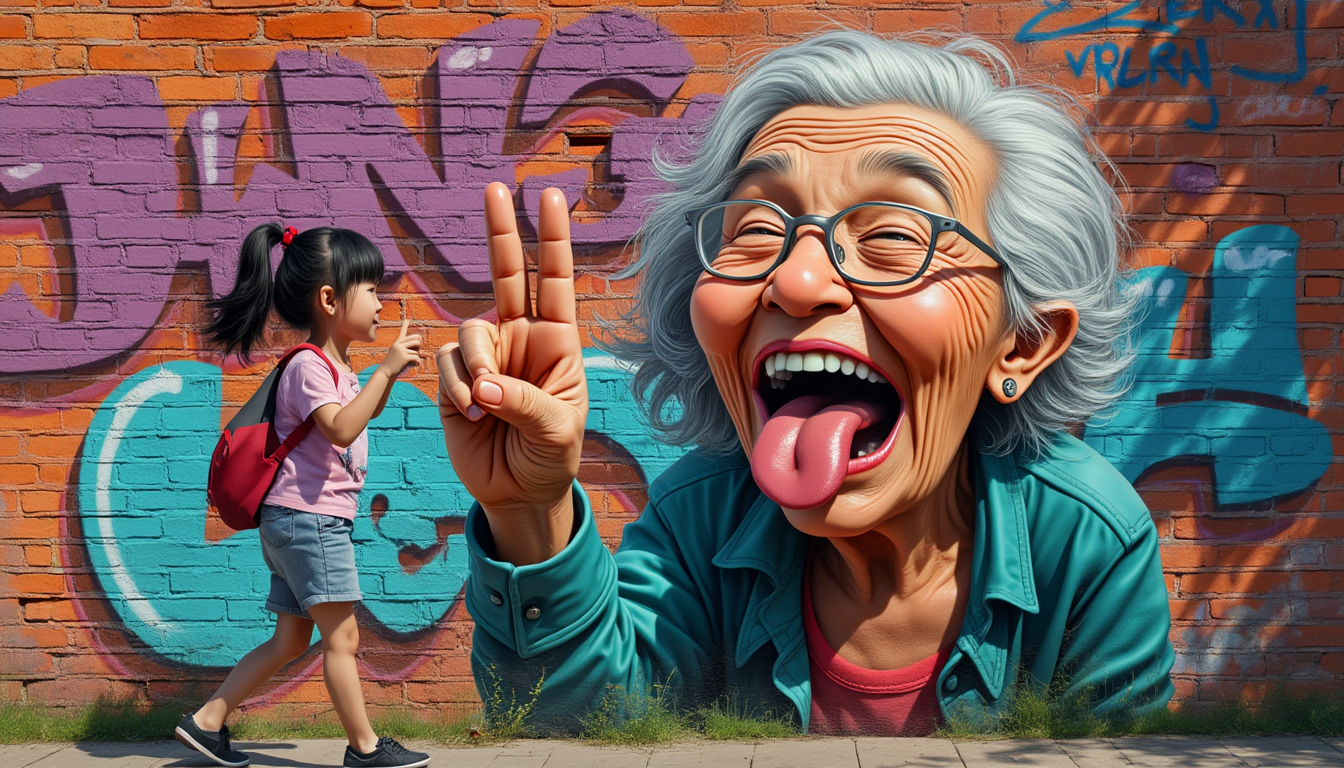
Full view grafitti colorfull of a pixar style 85 year old granny airbrushed on a brick wal…
flux
Models you can run on PixelDojo for qwen image edit
Switch models without switching tools. Each one runs in the same PixelDojo studio.
What you can do with qwen image edit on PixelDojo
Instruction Based Image Edits
We run Qwen image edit so you can describe the change in plain language and update an existing image. Keep the original layout while adjusting objects, lighting, or style.
Targeted Object Changes
We help you add, remove, or replace elements with a short prompt instead of starting from a blank canvas. Edits stay tied to the source photo or render you upload.
Text Guided Restyles
We apply Qwen edits to shift mood, wardrobe, background, or art direction without rebuilding the whole scene. You iterate with follow-up instructions on the same image.
Creator Workflow On PixelDojo
We give you Qwen image edit next to your other generation tools so drafts, uploads, and variants live in one place. Export results when the edit matches what you asked for.
Loved by 1M+ creators worldwide who generate campaign assets daily. 4.9/5 average rating from designers using our 100+ AI tools. Cancel anytime—no contracts, no risk.
Why Choose Pixel Dojo for qwen image edit
Professional-quality results with cutting-edge AI technology
Keep Faces and Products Perfectly Consistent
You can rotate objects 90 or 180 degrees, change entire scenes or apply new styles while the original person or product remains instantly recognizable. Qwen 3 Pro plus Change Camera Angle and Reality Polisher deliver identity-preserving results that look like they were shot in-studio.
Edit Text as Precisely as a Designer
Add, delete or restyle Chinese and English text on posters, packaging or ads while the original font, size, color and even material stay identical. QWEN Image 2 makes localization, A/B testing and last-minute copy changes effortless.
Build Multi-Image Campaigns in One Workflow
Combine a person, a product and a background into one coherent shot, then refine lighting and details. Image to Image, Style Transfer and Magic Lighting let you create consistent series without hiring a photographer or compositor.
How It Works
You create professional Qwen-style image edits on PixelDojo in three straightforward steps—no technical knowledge required.
Step 1: Choose Your Tool
Log in and select QWEN Image 2 or Qwen 3 Pro from Generate Images for new creations, or jump straight to Edit Images tools such as Image to Image, Inpainting, Style Transfer or Change Camera Angle. These Qwen-powered options give you both generation and precise editing in one dashboard.
Step 2: Enter Your Prompt
Upload one to three reference photos and type a natural-language instruction such as “rotate the bottle 180 degrees so we see the back label, keep lighting identical” or “replace the English headline with Chinese text matching the original font and add a sunset background.” The model understands both semantic and appearance-level changes.
Step 3: Customize & Download
Review the result, apply Reality Polisher or P-Image Upscale for extra sharpness, then download in high resolution. Iterate as many times as you like—PixelDojo’s 100+ tools let you refine lighting, extend the canvas with Image Outpainting or swap characters instantly.
The Pixel Dojo Advantage
Why PixelDojo outperforms other options for Qwen image edit
| Others | Pixel Dojo |
|---|---|
| Traditional photo-editing software | You finish in seconds with a simple prompt instead of spending hours masking, cloning and matching fonts. QWEN Image 2 plus Inpainting delivers professional results without the steep learning curve. |
| Generic AI image tools | Most tools drift identity or scramble text. PixelDojo’s dedicated Qwen 3 Pro, Style Transfer and Reality Polisher keep faces, products and bilingual typography pixel-perfect across edits. |
| Manual photo editing or hiring designers | You avoid high costs and wait times. Generate variations on demand, cancel anytime, and still receive commercial-use files ready for print or social the same day. |
Loved by creators on PixelDojo
Real feedback from people using PixelDojo, pulled from our in-product surveys.
es facil de comprender asi uno no sea programador
amazing web site
phenomenal site. would highly recommend
Amazing features, easy to use, privacy
the number of options, and especially the quick response to questions on Discord
Love you guys!!
Explore more AI tools on PixelDojo
Popular AI Models
AI Tools
Compare & Switch
- All AI Tool Alternatives
- Pollo AI Alternative
- PixelDojo vs Pollo AI
- Pollo AI Review
- MotionMuse AI Alternative
- MioCreate Alternative
- Dessi AI Alternative
- Runway Alternatives
- CapCut Alternatives
- Leonardo Alternatives
- OpenArt Alternatives
- Midjourney Alternatives
- Canva AI Alternatives
- Pika Alternatives
- InVideo Alternatives
- Higgsfield Alternatives
- Krea Alternatives
- Luma Alternatives
- Magic Hour Alternatives
- HeyGen Alternatives
- PixAI Alternatives
- Vidu Alternatives
- Seedream Alternatives
- Tensor.Art Alternatives
Common Questions
Everything you need to know about qwen image edit
What is Qwen image edit and how does PixelDojo make it accessible?
Qwen image edit is Alibaba’s advanced instruction-guided editing that handles both tiny appearance tweaks and large semantic transformations while preserving identity and original text styles. On PixelDojo you access it through QWEN Image 2, Qwen 3 Pro and the full Edit Images suite—no local installation, no GPU required. Simply upload, prompt and download.
How do I perform precise bilingual text editing with Qwen on PixelDojo?
Upload your poster or product shot, then describe the change: “replace the English slogan with this Chinese phrase, keep the exact font, size and gold foil effect.” QWEN Image 2 plus Inpainting matches the original typography so your localized ads look professionally designed rather than AI-generated.
Can I create novel views or 180-degree product rotations using PixelDojo’s Qwen tools?
Yes. Select Change Camera Angle or Qwen 3 Pro, upload the original photo and prompt “show the back of the sneaker, maintain lighting and materials.” The model synthesizes a new viewpoint that looks like a real additional photo, perfect for e-commerce galleries.
Does PixelDojo support multi-image Qwen editing for person-plus-product composites?
Absolutely. Use Image to Image with up to three references—person, product, scene—then add a prompt such as “have the model hold the bottle naturally in the café setting.” Style Transfer and Magic Lighting keep everything consistent so you can produce entire campaign series in minutes.
Which PixelDojo tools work best together with Qwen Image 2 for professional editing?
Pair QWEN Image 2 with Image to Image for overall transformations, Inpainting for local fixes, Background Remover for clean cut-outs, Reality Polisher for extra realism and P-Image Upscale for print-ready files. QWEN Trainer even lets you fine-tune a custom model on your brand assets.
Is there any risk in trying Qwen image edit on PixelDojo?
None. You get instant access to 100+ cutting-edge AI tools loved by 1M+ creators worldwide. Cancel anytime, commercial-use license included, and you only pay for what you generate. Start with a single edit today and scale when you see the results.