all ai image models in one

Generated on PixelDojo. Produced by PixelDojo's generation pipeline.
You no longer have to choose between photorealism, perfect text, character consistency or lightning-fast drafts. PixelDojo puts every leading AI image model in one workspace so you can pick the right engine for each job and ship finished visuals in minutes. Whether you need Nano Banana 2’s reasoning and world knowledge, GPT Image 2’s complex prompt accuracy, Flux.2 Studio’s photorealism, Seedream 5’s 4K product shots, Qwen Image 2’s multilingual text or Ideogram 4’s typography, you stay inside a single dashboard. The result is professional campaigns, social graphics, product mockups and storyboards that look like they came from a full creative team – without the cost, delays or tool-switching friction. Thousands of creators already produce millions of commercially licensed images this way. Start with any idea, generate variations across models, refine with built-in editing tools and download ready-to-use files. Your next high-converting visual is only a prompt away.
Real image examples generated on PixelDojo
Every example below was produced on PixelDojo. Hover to see the prompt.
Image of an ai painting a human and a human painting an ai
flux
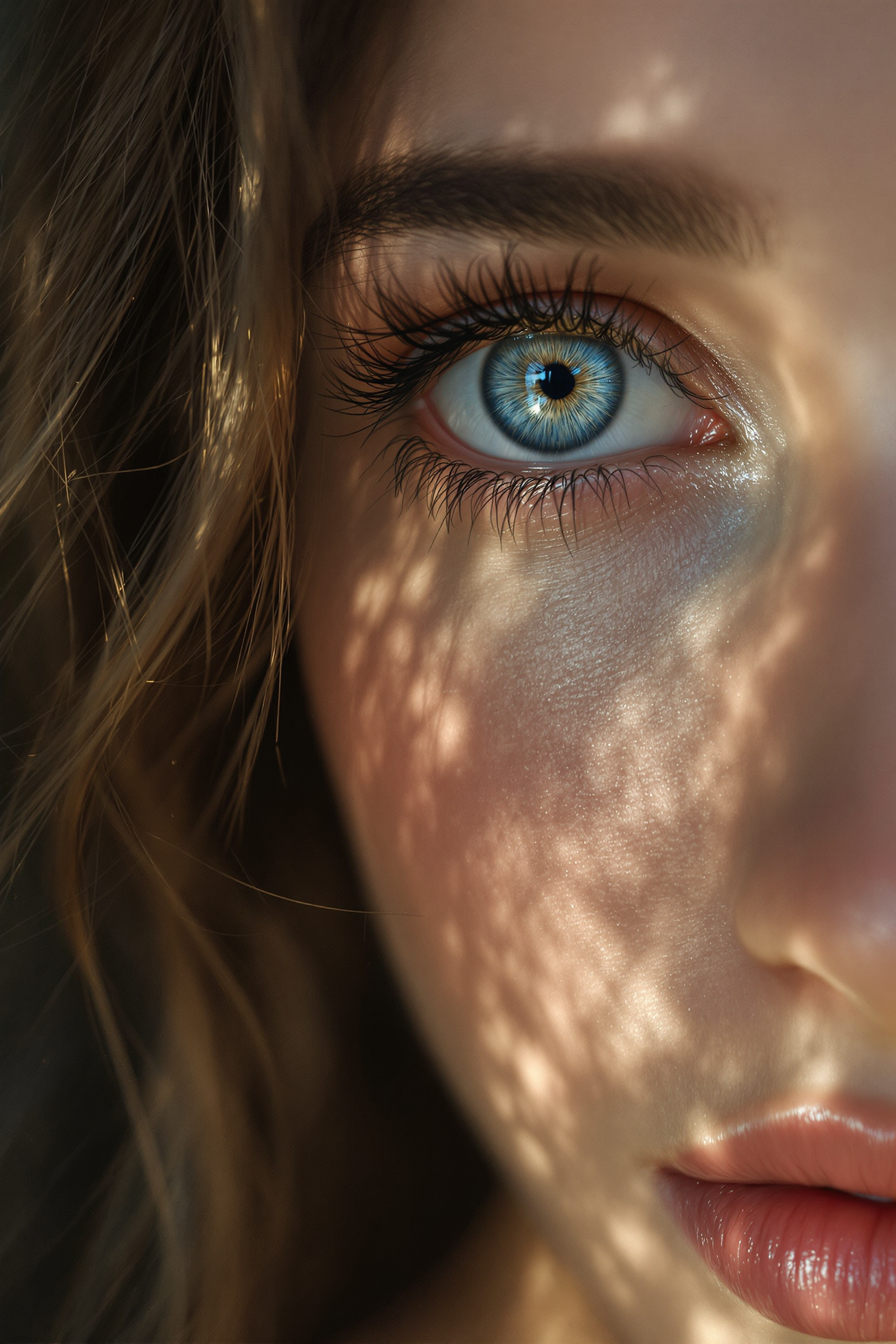
Midjourney ai art specializes in creating stunning zoom out portraits of beautiful woman
flux
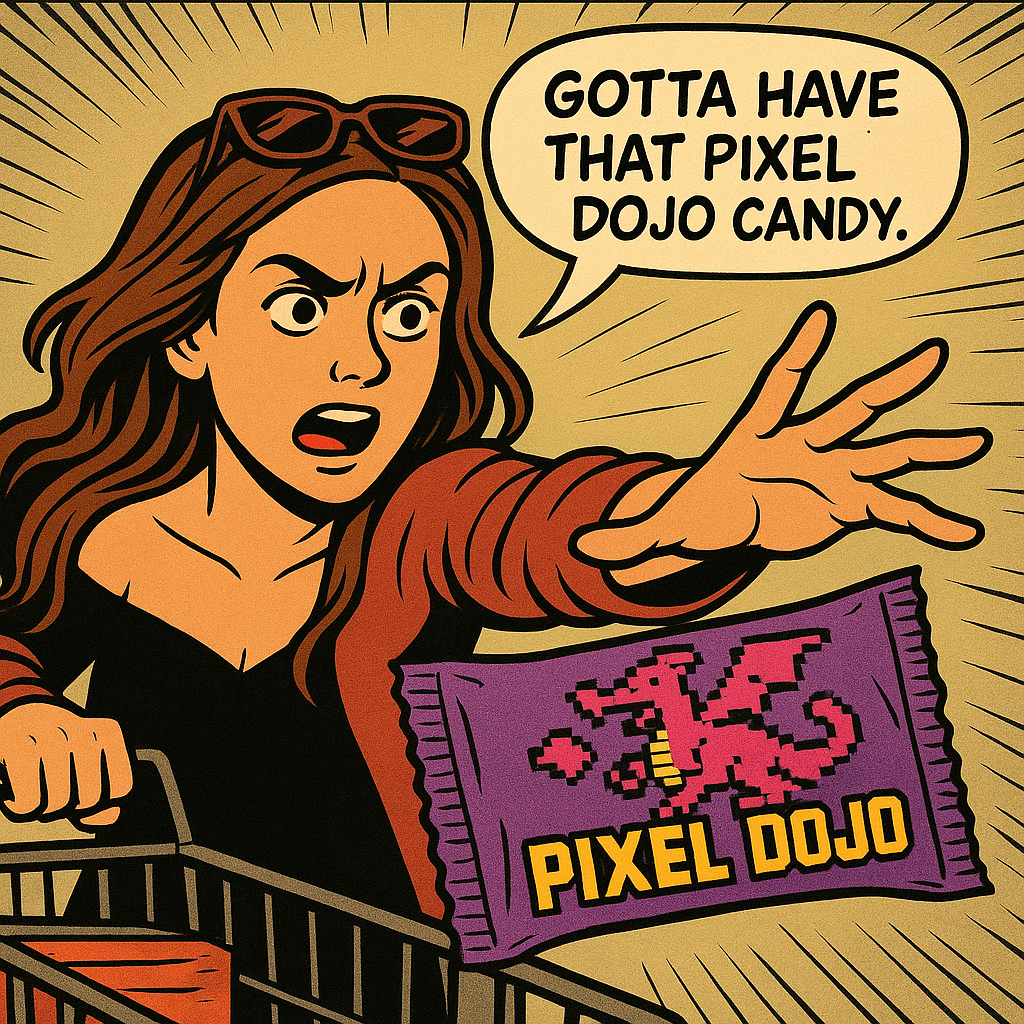
Show me this woman in the cartoon image edited with OpenAI Image 1
openai-image-1
A korean kpop girl dancing and singing a song about how pixel dojo is the only ai tool you…
image-to-video
A kpop girl dancing and singing a song about how pixel dojo is the only ai tool you need
image-to-video
A kpop girl dancing and singing a song about how pixel dojo is the only ai tool you need
image-to-video
Models you can run on PixelDojo for all ai image models in one
Switch models without switching tools. Each one runs in the same PixelDojo studio.
What you can do with all ai image models in one on PixelDojo
Many models, one studio
We give you access to a wide range of image generation models in a single workspace so you can stay in one place instead of hopping between tools.
Switch models mid-workflow
We let you pick a different model for the next generation without starting over, so you can match the look you want as you iterate.
Side by side generations
We help you run similar prompts across models and review the results together so you can choose the output that fits the brief.
Shared settings across models
We keep core controls like prompt, size, and seed in one interface so you can reuse what already works when you try another model.
Loved by 5,000+ active creators with a 4.9/5 rating and more than 4 million creations. 112 AI tools included on every plan, cancel anytime.
Why Choose Pixel Dojo for all ai image models in one
Professional-quality results with cutting-edge AI technology
Pick the Perfect Model for Every Outcome
You generate photorealistic product photography with Flux.2 Studio, lock character identity across a whole campaign with Nano Banana 2, render flawless text and infographics with Seedream 5 or GPT Image 2, and explore artistic styles with Recraft V4.1 or PonyXL – all without leaving PixelDojo. The right model for the job means fewer retries and images that actually convert.
Keep Characters and Brands Consistent Across Everything
You build once with Consistent Characters and Character Sheets, then reuse the same face, outfit and style in Nano Banana 2, WAN Image, Kling Image or any other model. Virtual Try-On and Flux Pro Virtual Try-On let you show products on models instantly. The outcome is cohesive brand stories and marketing assets that look professionally produced.
Edit, Enhance and Ship in the Same Flow
You refine any generation with Inpainting, Change Camera Angle, Style Transfer, Magic Lighting, Background Remover, Reality Polisher and Image Outpainting. Then upscale with P-Image Upscale, Magnific Upscaler or Portrait Upscaler. Everything stays commercial-ready so you download once and use everywhere.
How It Works
Creating with all AI image models in one place is designed for speed and results. You stay in a single workspace from first idea to finished file, choosing the model that matches your goal and polishing with professional tools.
Step 1: Choose Your Tool
Open the Generate Images library and select from Nano Banana 2, GPT Image 2, Grok Image, Flux.2 Studio, Krea Image, QWEN Image 2, Seedream 5, Ideogram 4, Recraft V4.1, Hunyuan Image 3, Bria 3.2 and dozens more. Match the model to your outcome – photorealism, text, speed or style – then start generating.
Step 2: Enter Your Prompt
Describe what you want in everyday language. Add reference images for character lock or product accuracy. Models such as GPT Image 2 understand complex scenes and world knowledge while Nano Banana 2 handles multi-image blends. Generate several variations in seconds and pick the strongest starting point.
Step 3: Customize & Download
Use Image to Image, Inpainting, Style Transfer or Magic Lighting to perfect the result. Apply Background Remover or Reality Polisher, then upscale. Download in high resolution with full commercial rights. Your image is ready for ads, social, print or further video work.
The Pixel Dojo Advantage
Why PixelDojo outperforms other options for all AI image models in one image generation
| Others | Pixel Dojo |
|---|---|
| Traditional photography and design | You skip studio rentals, photographers and days of revisions. Generate professional variations in minutes using the latest models and keep full commercial rights. |
| Generic single-model tools | You never settle for one look. Switch instantly between Nano Banana 2, GPT Image 2, Flux.2 Studio, Seedream 5 and 25+ other engines inside the same workspace to get the best possible image every time. |
| Manual photo editing software | AI handles the heavy lifting of inpainting, style transfer, lighting changes and outpainting. You simply guide the result and polish with one-click tools instead of hours of layers and masks. |
Loved by creators on PixelDojo
Real feedback from people using PixelDojo, pulled from our in-product surveys.
Love how I can almost create anything
The Flux Pro Ultra is just amazing!
Very easy to use, and they have fast wan 2.2 video generation with custom loras available.
The overall quality of the site and it's amazing variety of tools. The continued updates of the UI. The unbelievable level of tech support.
THIS IS SO DOPE !
I have already recommended it to friends
Explore more AI tools on PixelDojo
Popular AI Models
AI Tools
Compare & Switch
- Best AI Image Generators
- Best AI Video Generators
- Midjourney Alternatives
- Civitai Alternatives
- Runway Alternatives
- Leonardo Alternatives
- Pika Alternatives
- Luma Alternatives
- Magnific Alternatives
- Veo Alternatives
- Flux Alternatives
- Freepik Alternatives
- Seedance Alternatives
- Seedream Alternatives
- Pixverse Alternatives
- GPT Image Alternatives
- Synthesia Alternatives
- Playground Alternatives
- NightCafe Alternatives
- Canva AI Alternatives
- ElevenLabs Alternatives
- ComfyUI Alternatives
- Fal Alternatives
- Replicate Alternatives
Common Questions
Everything you need to know about all ai image models in one
What is the best all in one AI image generator that includes every major model?
PixelDojo is built exactly for this. You get Nano Banana 2, GPT Image 2, Grok Image, Flux.2 Studio, Seedream 5, Qwen Image 2, Ideogram 4, Recraft V4.1, Kling Image, WAN Image and many more under one plan. No extra subscriptions, no switching tabs – just pick the model that delivers the outcome you need and generate.
How do I access GPT Image 2, Nano Banana 2, Flux.2 and Seedream 5 in one platform?
Sign up, go to Generate Images and they are all listed. You can run the same prompt across several models, compare results side-by-side and then continue editing with Inpainting or Style Transfer. Every plan includes the full library plus new models as they launch.
Can I keep the same character consistent when using different AI image models?
Yes. Use Consistent Characters and Character Sheets once, then generate the same person in Nano Banana 2, Flux.2 Studio, WAN Image or any other model. Combine with Virtual Try-On for product shots or Kling Avatar for further animation. The result is campaign-ready series that look like they were shot together.
Do I own the images I create with all these AI models on PixelDojo?
You receive full commercial rights on every generation. Use them in ads, merch, websites, social media or client work without extra licensing. Combined with upscalers like Magnific Upscaler and Clarity Pro, your files are print-ready and legally yours.
What latest AI image generation techniques can I use with all models in one place?
You can apply multi-image referencing, reasoning-based prompting, native 4K output, unified generation-and-editing, character lock and photorealistic lighting control. Tools such as Change Camera Angle, Magic Lighting and Reality Polisher let you refine any model’s output without starting over. The platform stays current so you always have the newest techniques available.
How much does it cost to use every AI image model in one workspace?
Plans start at $10 per month with 160 credits and every image model included. Higher tiers give more credits but the same speed and full tool access. You can cancel anytime, and cost is shown before each generation so there are no surprises. One subscription replaces multiple separate tools.