seedream 4.5 online AI Generator
Generated on PixelDojo. Produced by PixelDojo's generation pipeline.
You want images that look like they came from a professional photoshoot—flawless skin texture, cinematic lighting, characters who stay perfectly consistent across every pose and scene. Seedream 4.5 online on PixelDojo delivers exactly that. ByteDance’s refined model turns your ideas into hyper-realistic, fashion-forward visuals in native 2K or 4K without the wait, the cost or the technical barriers of traditional photography. Whether you need lifestyle campaigns, product shots with readable text, or a full character series for your brand, you simply describe what you see and watch it appear. Pair Seedream 4.5 with PixelDojo’s Image to Image, Inpainting and Consistent Characters tools and you move from concept to commercial-ready assets in minutes. 1M+ creators already rely on these 100+ cutting-edge AI tools every day. Cancel anytime. Start creating the images your audience will remember.
Real image examples generated on PixelDojo
Every example below was produced on PixelDojo. Hover to see the prompt.
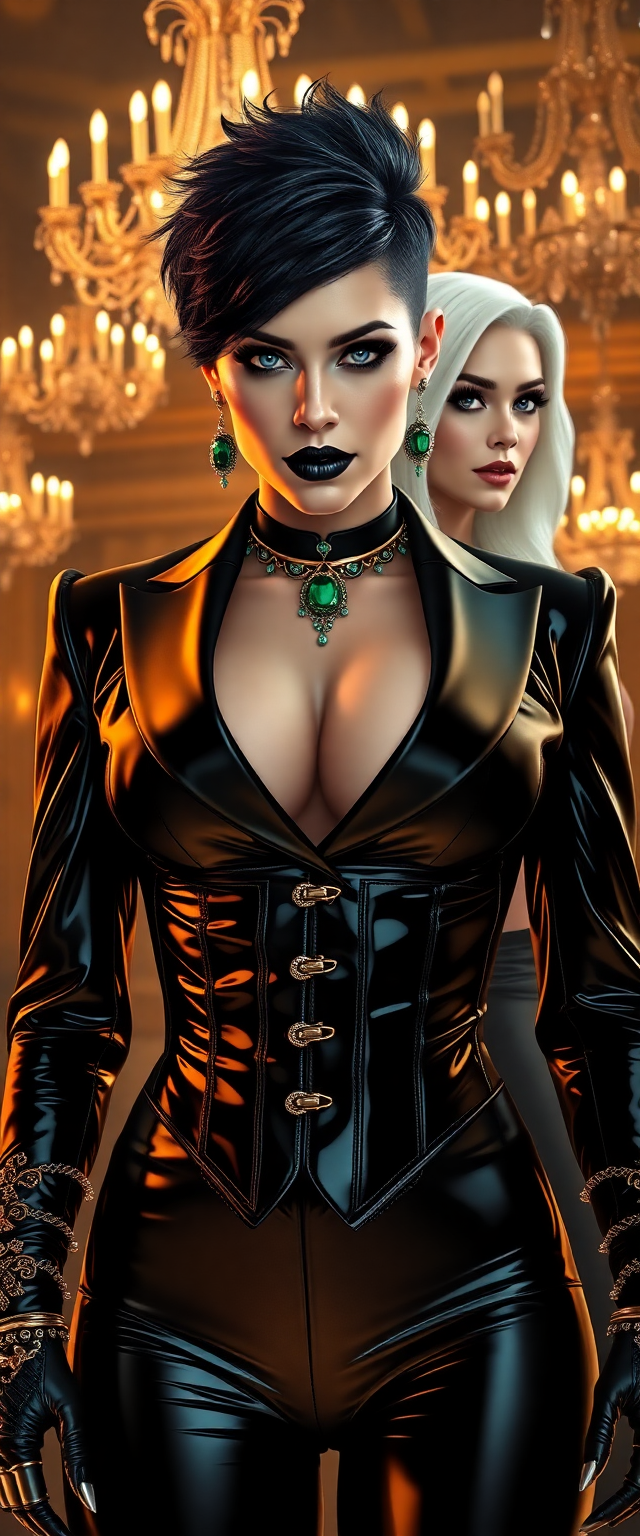
A breathtaking portrait of wrestler Becky Lynch and a striking white-haired woman
flux
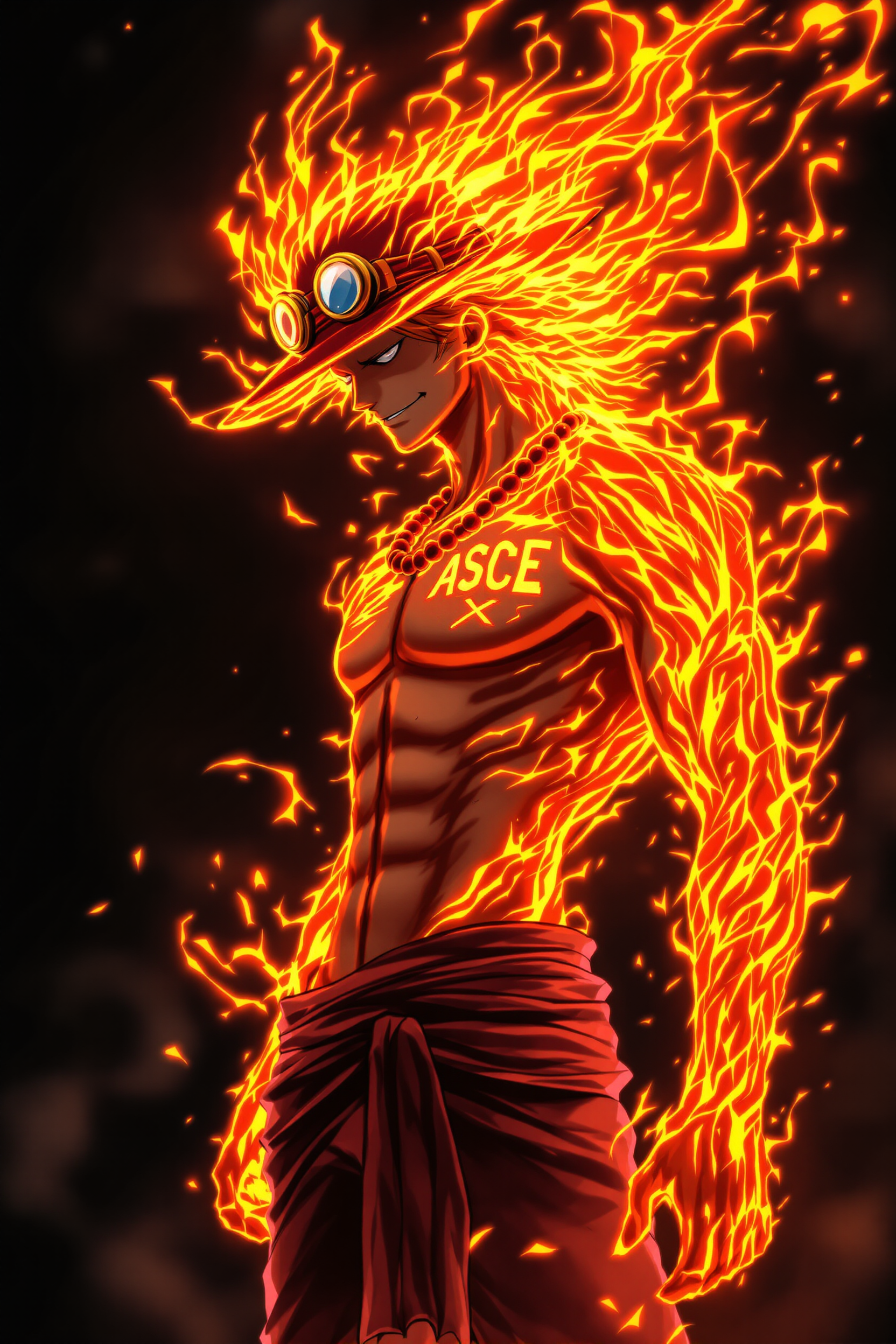
A highly detailed digital anime-style illustration of Portgas D
flux
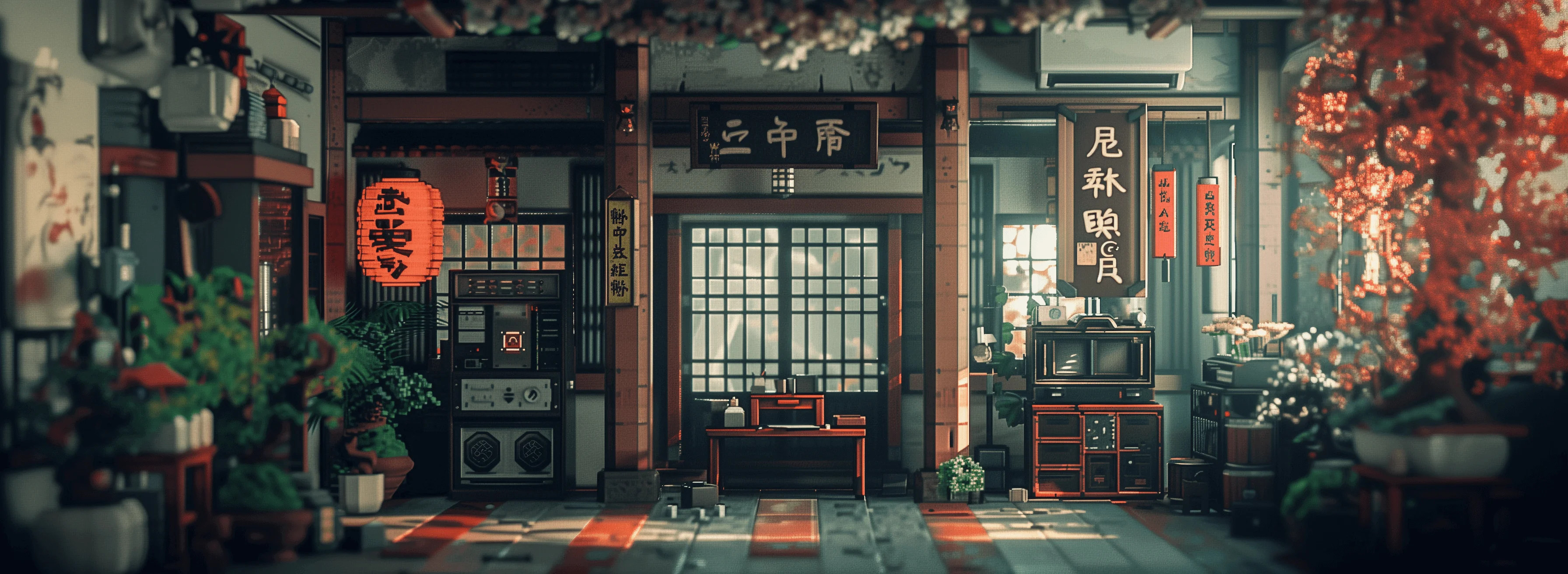
Masterpiece
creative-upscaler

A cute corgi puppy sitting in a basket of autumn leaves
bria-3-2
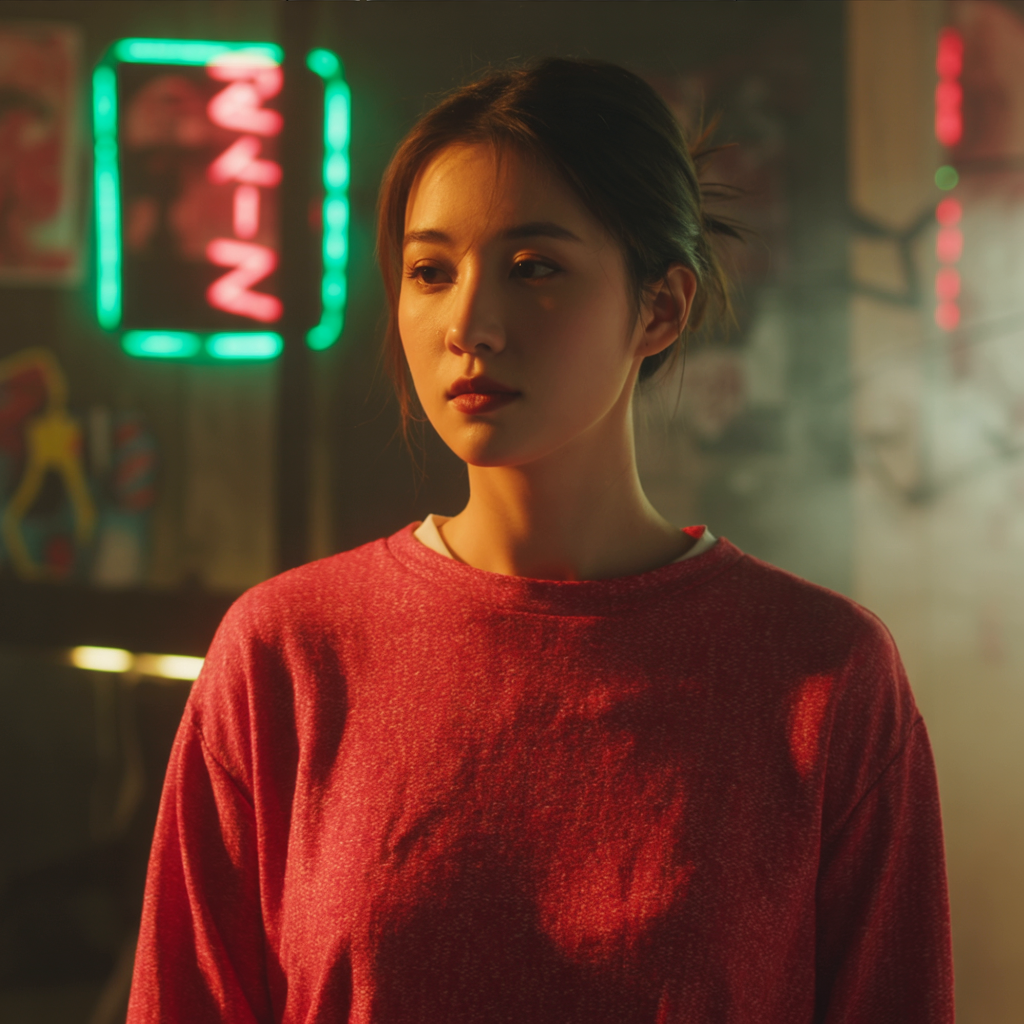
A woman wearing a red sweater in a dimly lit cyberpunk inspired room
ideogram-character
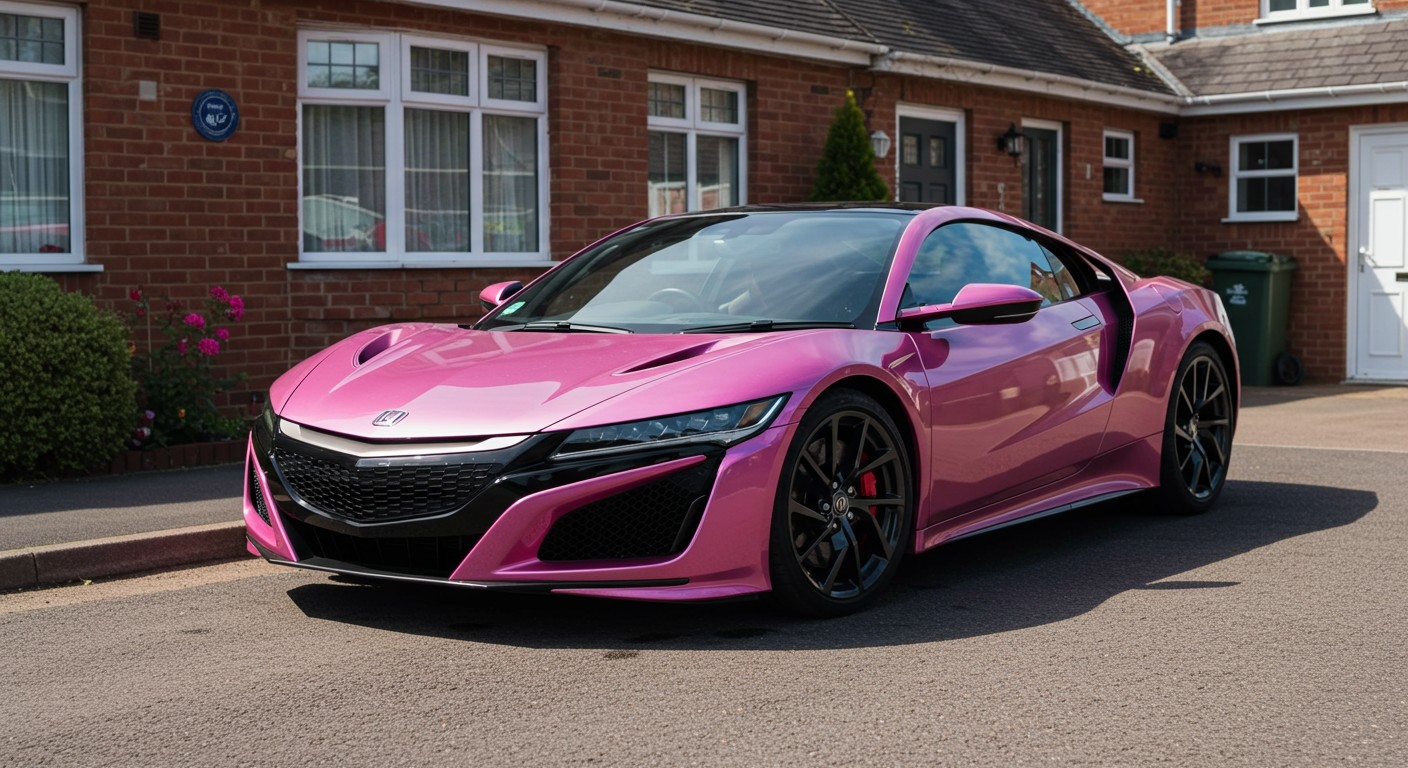
Create image: 2021 new Honda NSX in metallic pink & white in a UK driveway
imagen
Models you can run on PixelDojo for seedream 4.5 online
Switch models without switching tools. Each one runs in the same PixelDojo studio.
What you can do with seedream 4.5 online on PixelDojo
Seedream 4.5 in Browser
We host Seedream 4.5 so you can generate images from text prompts without installing local software. Open a session, write a prompt, and receive stills you can download.
Prompt Driven Still Images
We run Seedream 4.5 for scene, subject, lighting, and style instructions in a single prompt. You can iterate by editing the prompt and generating again.
Flexible Output Sizes
We let you choose common aspect ratios and resolutions supported by the model for social, print, and concept work. Each run returns files you can keep in your PixelDojo library.
Credits and Shared Workflow
We bill generation against your PixelDojo credits and keep history with the rest of your image tools. You can reuse prompts, compare variants, and export without leaving the site.
Loved by 1M+ creators worldwide. 100+ cutting-edge AI tools including Seedream 4.5, Flux.2 Studio and Kling Image. Commercial-use ready, cancel anytime.
Why Choose Pixel Dojo for seedream 4.5 online
Professional-quality results with cutting-edge AI technology
Capture Magazine-Quality Photorealism Instantly
You get hyper-realistic portraits and lifestyle scenes with natural skin texture, believable lighting and cinematic depth that look professionally shot. No more generic AI look—your images feel like they belong in a high-end fashion editorial or luxury brand campaign.
Keep Characters Perfectly Consistent Across Every Shot
Upload up to ten reference images and Seedream 4.5 locks identity, lighting and color so your hero looks identical from front view to three-quarter angle. You can finally produce cohesive character sheets, ad series and social content without the usual shapeshifting frustration.
Export Native 4K Files Ready for Print and Ads
Choose 2K or 4K output directly—no extra upscale step that softens details. Sharp small text, clean logos and rich textures mean your posters, packaging and e-commerce shots are production-ready the moment they generate. Combine with P-Image Upscale or Magnific Upscaler when you need even more polish.
How It Works
Creating with Seedream 4.5 online on PixelDojo takes three simple steps. You stay in control of every creative decision while the model handles the heavy lifting of photorealism and consistency.
Step 1: Choose Your Tool
Open Generate Images and select Seedream 4.5. Add optional reference photos for character or product consistency, or start from a blank prompt. You can later refine with Image to Image, Change Camera Angle or Style Transfer without leaving the platform.
Step 2: Enter Your Prompt
Lead with the subject, then add pose, environment, lighting and style in natural language. Seedream 4.5 rewards detailed yet clear descriptions—think “young woman in silk dress walking through misty bamboo forest, golden hour backlight, 85mm cinematic photography.” Wrap any on-image text in quotes for sharper rendering.
Step 3: Customize & Download
Pick 2K or 4K, choose aspect ratio, generate four variants, then download the winner. Use Reality Polisher or Portrait Upscaler for extra refinement. Every image is commercial-use ready. Iterate in seconds and move straight into Marketing Studio or video tools if you need motion.
The Pixel Dojo Advantage
Why PixelDojo outperforms other options for Seedream 4.5 online image generation
| Others | Pixel Dojo |
|---|---|
| Traditional photography and studio shoots | You skip location scouting, model fees and hours of setup. Generate photoreal variations in minutes at a fraction of the cost while keeping full commercial rights. |
| Generic AI image tools | Seedream 4.5 plus PixelDojo’s dedicated edit suite (Inpainting, Background Remover, Consistent Characters) gives you native 4K, superior identity lock and fashion-grade skin texture that generic platforms simply cannot match. |
| Manual photo editing in traditional software | Complex lighting, pose changes and multi-image consistency happen automatically. You spend seconds instead of hours and still get print-ready files you can further enhance with Magnific Upscaler or Flux Pro Virtual Try-On. |
Loved by creators on PixelDojo
Real feedback from people using PixelDojo, pulled from our in-product surveys.
So many different models to try out
You keep adding to it to stay up to date and that is GOLD.
very easy to use and good support
Very easy to use
super easy to use
it's very easy to use
Explore more AI tools on PixelDojo
Popular AI Models
AI Tools
Compare & Switch
- All AI Tool Alternatives
- Pollo AI Alternative
- PixelDojo vs Pollo AI
- Pollo AI Review
- MotionMuse AI Alternative
- MioCreate Alternative
- Dessi AI Alternative
- Runway Alternatives
- CapCut Alternatives
- Leonardo Alternatives
- OpenArt Alternatives
- Midjourney Alternatives
- Canva AI Alternatives
- Pika Alternatives
- InVideo Alternatives
- Higgsfield Alternatives
- Krea Alternatives
- Luma Alternatives
- Magic Hour Alternatives
- HeyGen Alternatives
- PixAI Alternatives
- Vidu Alternatives
- Seedream Alternatives
- Tensor.Art Alternatives
Common Questions
Everything you need to know about seedream 4.5 online
What is Seedream 4.5 online and how do I access it on PixelDojo?
Seedream 4.5 is ByteDance’s latest photorealistic image model known for cinematic aesthetics, excellent skin texture and strong character consistency. On PixelDojo you simply log in, choose it from the Generate Images list and start creating. No software install, no GPU required. Credits are charged only on successful generations and you can cancel your plan anytime.
How do I generate native 4K images with Seedream 4.5 online?
Select the 4K option before you hit generate. Seedream 4.5 renders at native 4K so you avoid the quality loss of later upscaling. For even larger files or extra sharpness you can send the result straight to P-Image Upscale or Creative Upscaler. All outputs are commercial-use ready.
Can I create consistent characters with Seedream 4.5 on PixelDojo?
Yes. Upload up to ten reference images and Seedream 4.5 preserves facial features, lighting and color across new poses and scenes. Combine this with PixelDojo’s Consistent Characters and Character Sheets tools to build complete visual identities for branding, comics or advertising campaigns.
What are the best prompting techniques for Seedream 4.5 photorealistic results?
Start with the subject, then describe action, environment, lighting and camera details in complete sentences. Seedream 4.5 responds especially well to fashion, lifestyle and portrait briefs. Use quotes around any text that must appear in the image. Generate four variants, pick the strongest, then refine with Image to Image or Magic Lighting.
Is Seedream 4.5 good for fashion photography and product shots?
It excels at both. You get magazine-quality fabric rendering, natural skin and precise small-text logos. Pair it with Flux Pro Virtual Try-On or Background Remover to create complete e-commerce sets. Many PixelDojo users run Seedream 4.5 for hero campaign images then switch to WAN 2.7 or Kling Image for supporting shots.
How much does Seedream 4.5 cost on PixelDojo and can I try it risk-free?
Each image costs a flat credit with no extra charge for 4K. New users receive free credits to test Seedream 4.5 plus the rest of the 100+ tools. Plans are month-to-month and you can cancel anytime. All generated images include commercial rights so you can use them immediately in client work or your own brand.