remaker ai

AI Generated
隨時可取消商業使用授權150+ 個 AI 模型每月 US$10 起

想像一下,任何照片都能在幾秒內變成全新傑作。PixelDojo 的 Remaker AI 工具讓你重製圖片、換上新風格、修復瑕疵,還能生成令人驚豔的多種版本,完全不需要設計底子。無論是翻新老照片、嘗試藝術特效,還是製作社群與行銷用的專業視覺,PixelDojo 都能快速交出高品質成果,讓你的作品脫穎而出。

超過 50,000 位創作者信賴 PixelDojo,打造 remaker ai 作品。全球數千位使用者給出 4.9/5 高分,平台已重製數百萬張圖片。40+ 款尖端 AI 工具,隨時可取消訂閱。

為什麼選擇 Pixel Dojo 製作remaker ai

最先進的 AI 技術,帶來專業級成果

照片即刻重製

上傳任何圖片,用圖生圖、變更拍攝角度等工具,生成不同角度、光線或構圖的新版本。點數夠,就能繼續創作。

風格轉換,輕鬆到位

透過風格轉換工具,以及 Flux.2 Studio、Ideogram 4 等模型,一鍵為照片套用專業藝術風格、特效或主題。

專業精修,細節到位

使用背景移除、P-Image Upscale、局部重繪與真實感精修工具,輕鬆去背、放大至 4K+、修飾臉部,並自然重繪細節。

使用方式

PixelDojo 結合直覺介面與強大工具,只要 3 個簡單步驟,就能完成 remaker ai 圖片。

1

步驟 1:選擇工具

依需求選擇專用重製工具:用圖生圖重製照片、用風格轉換打造藝術造型,或用局部重繪修復、強化指定區域。想先生成高品質基礎圖片,熱門首選包括 Flux.2 Studio 和 Google Nano Banana。

2

步驟 2:輸入提示詞

上傳原圖,描述你想做的改變,例如「改成帶有霓虹燈的賽博龐克風格」或「把背景換成夕陽下的山景」。搭配角色一致性工具來換臉,或用虛擬試穿工具更換服裝。

3

步驟 3:自訂並下載

用 P-Image Upscale 調整解析度等參數,再以魔法打光或真實感精修工具細修,接著生成多種版本。下載高解析度檔案,滿足各種用途,全程可使用 WAN Image、Recraft V4.1 等 40+ 款模型。


Community remaker ai Gallery

Real examples created by our community

image of an ai painting a human and a human painting an ai, they are looking at each other, they have created each other, very vibrant colors, creative, imaginative
Create a YouTube Header for "FLUXPRO" AI image generation. cool ai, robotic, space, internet, computers
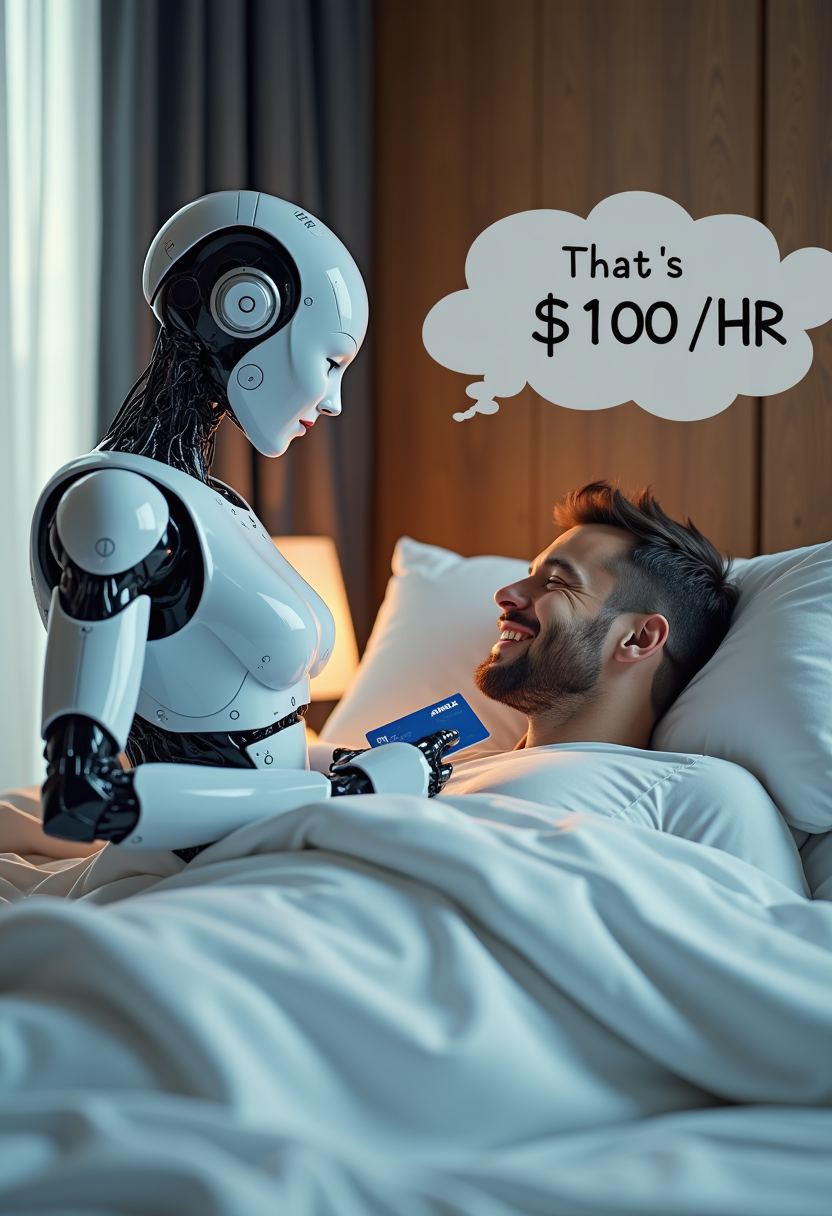
Create image of very beautiful AI robot woman in bed a happy man under the covers. The robot is charging his "AMEX" credit card, with a speech bubble "That's $100 /HR"
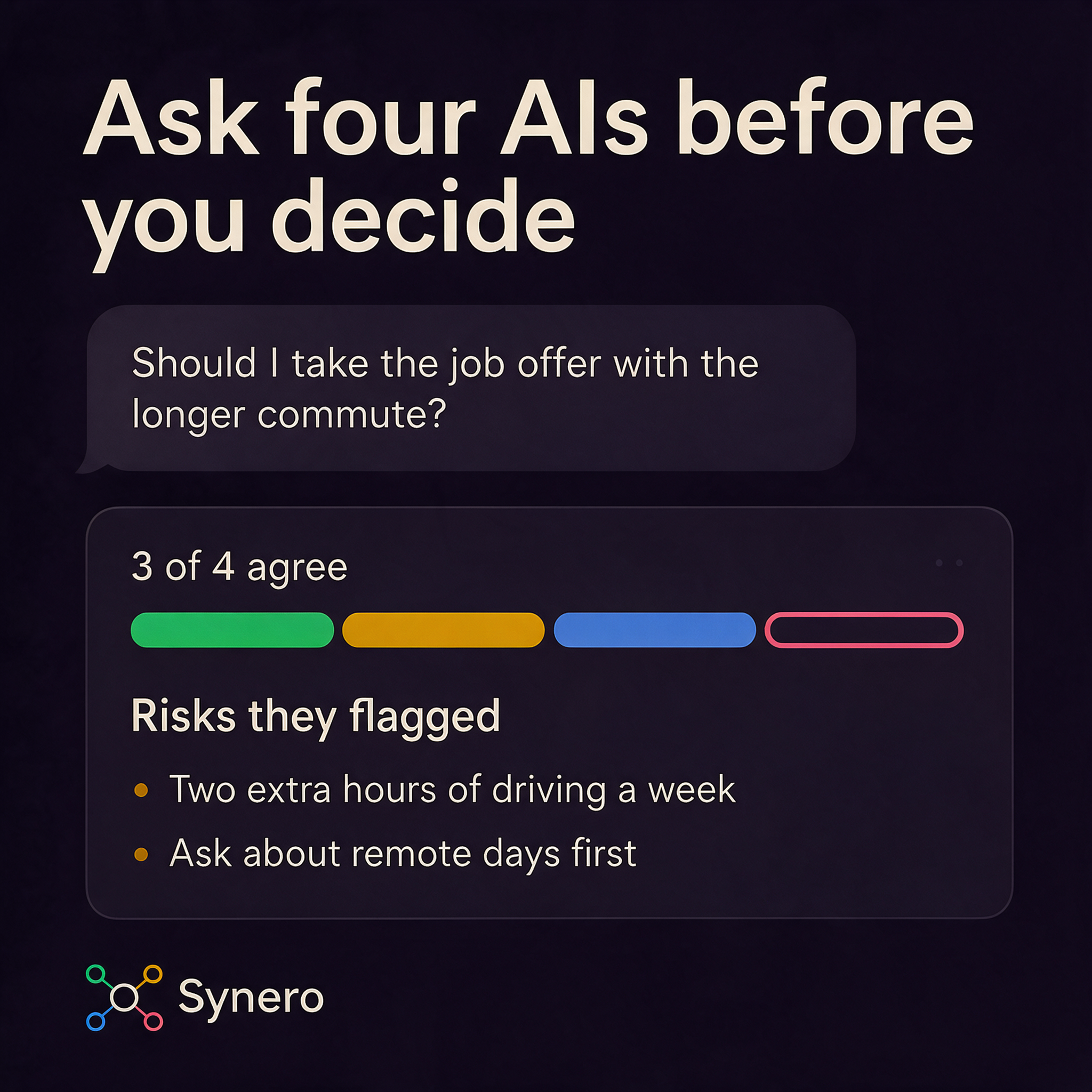
Synero Meta ad E: Ask four AIs before you decide
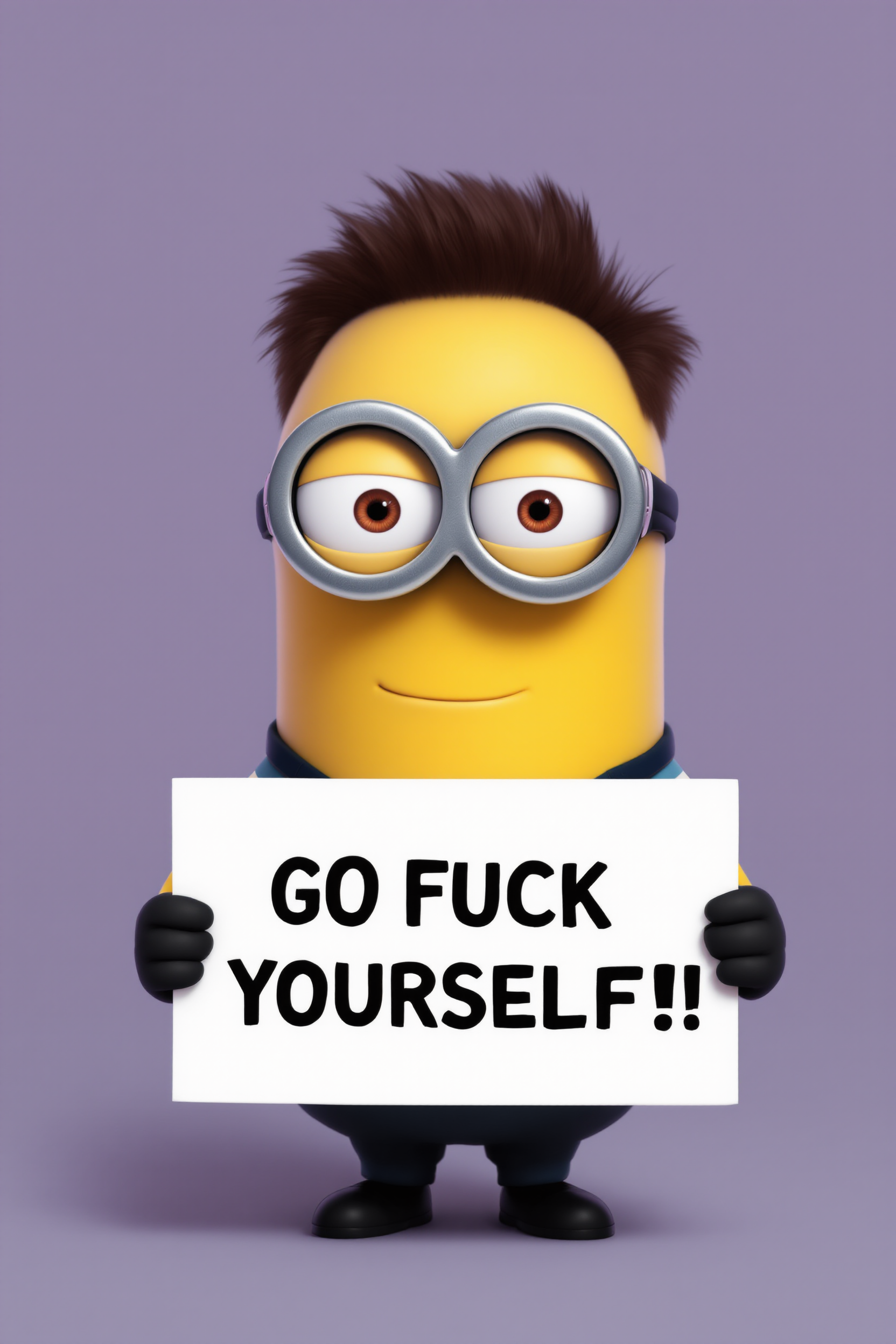
create a minion that looks like Elon Musk holding a sign that reads "GO FUCK YOURSELF!!" wearing a t-shirt with AI logo
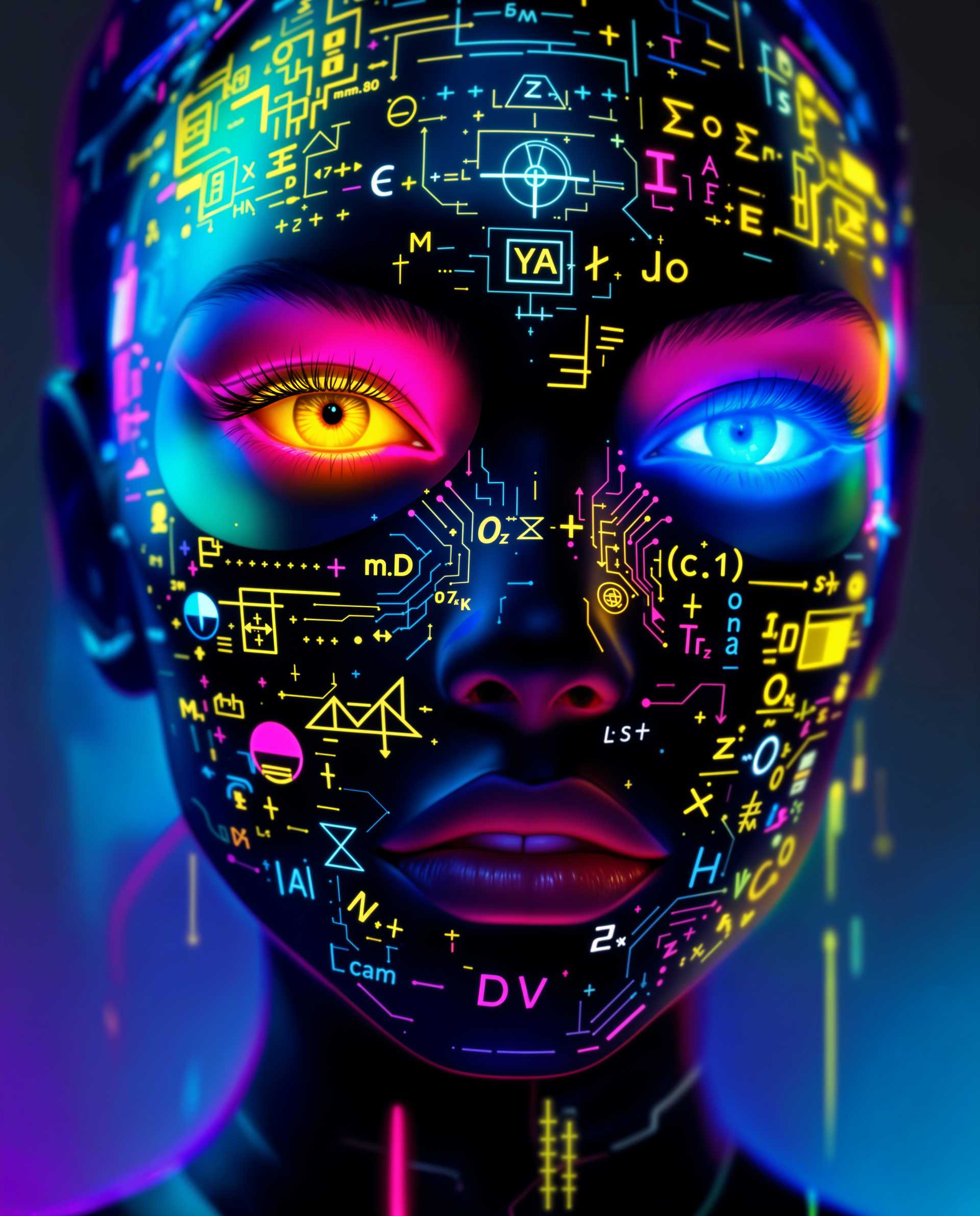
masterpiece, best quality, highres, sharp image, more detail <lora:more_details:0.5> <lora:SDXLrender_v2.0:1>, masterpiece, best quality, highres, sharp image, more detail, This image is a realistic photo (photograph) of a female real person digital artwork that exudes a cyberpunk vibe, characterized by its futuristic and neonlit aesthetic. The subject of the image is a closeup of a persons face, with a focus on the eyes and the mask they are wearing.The art style is highly stylized and appears to be a blend of digital painting and illustration techniques, with a strong emphasis on vibrant colors and intricate details. The medium seems to be a digital canvas, given the smooth gradients and seamless blending of colors.The colors in the image are rich and dynamic, with a predominance of neon hues such as pink, blue, yellow, and green. These colors are used to create a sense of energy and movement, and they are applied in a way that gives the image a threedimensional effect. The background is a gradient of blues and purples, which contrasts with the bright colors of the subject and adds to the overall futuristic feel.The subjects eyes are detailed and expressive, with one eye having a golden iris and the other a blue one. The irises are surrounded by a halo of neon pink, which complements the vibrant colors of the mask.The mask is the centerpiece of the image and is a work of art in itself. It is adorned with an array of symbols and designs, including mathematical equations, circuitlike patterns, and various shapes and symbols that suggest a connection to technology and artificial intelligence. The mask is predominantly black, with neon accents that stand out against the dark background, adding to the overall sense of depth and complexity.The overall effect of the image is one of awe and intrigue, inviting the viewer to ponder the themes of technology, identity, and the future that the artwork represents.
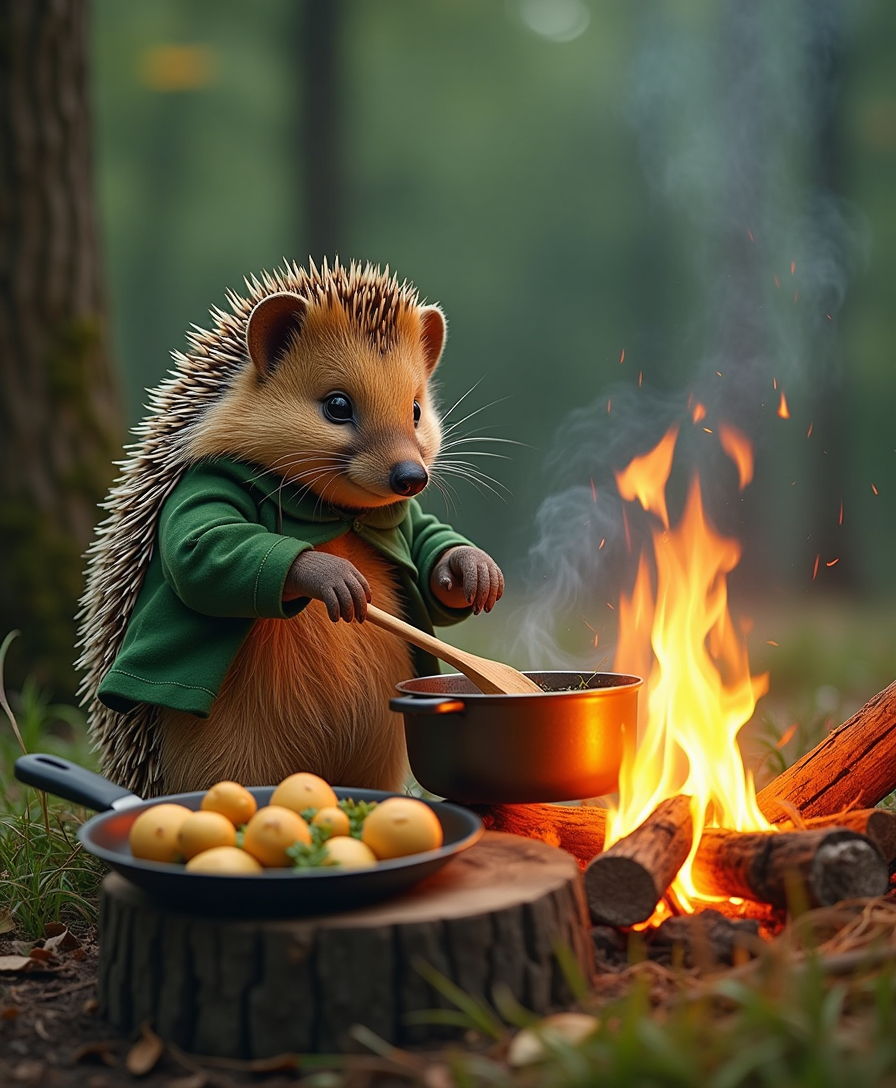
An outdoor woodland scene of the hedgehog chef cooking over a campfire beside a tree stump table. The hedgehog stirs a bubbling pot with a wooden spoon while a skillet filled with golden mushrooms and herbs simmers nearby. The glow of the fire lights up the chef's green jacket and creates a warm, inviting atmosphere.
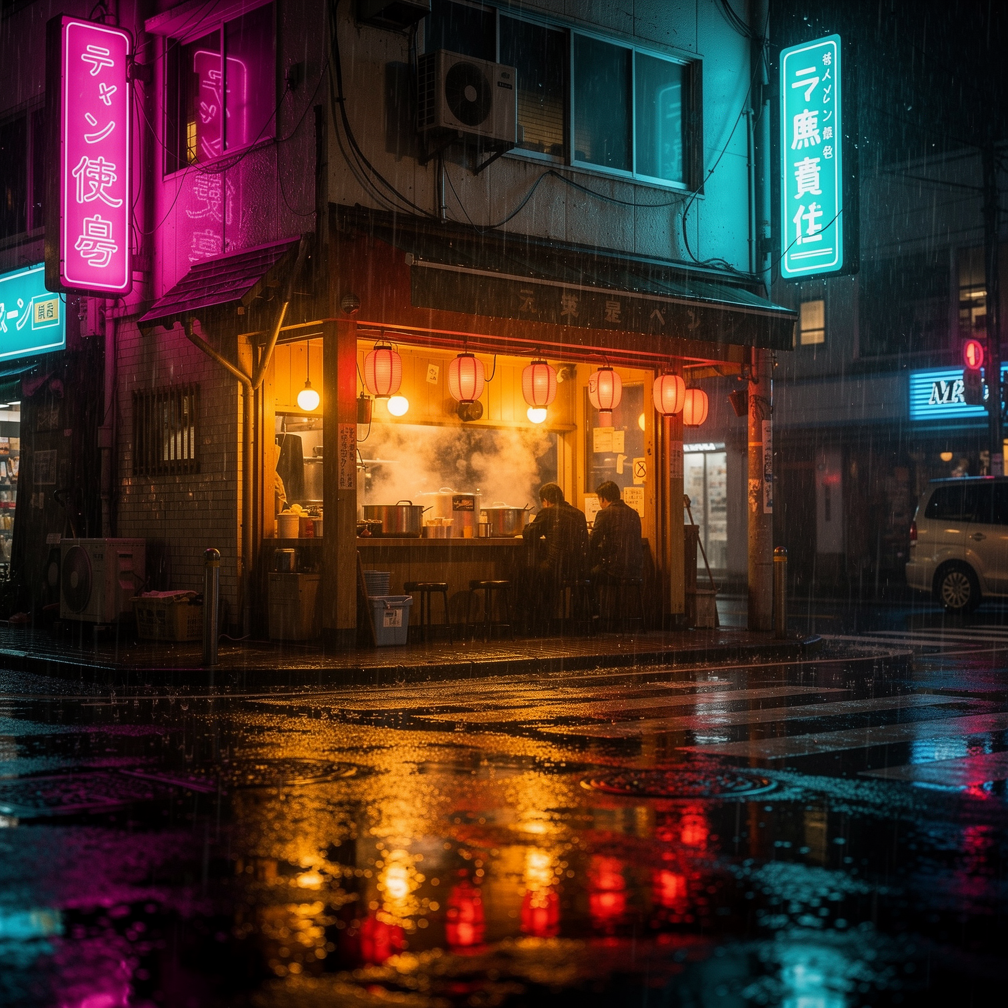
a cozy ramen shop on a rainy neon-lit street corner at night, cinematic photography, reflections on wet pavement

今天就開始打造 remaker ai 圖片

40+ 款尖端 AI 工具,深受全球數千位創作者喜愛,隨時可取消訂閱,今天就試試

The Pixel Dojo Advantage

用 remaker ai 生成圖片,為什麼 PixelDojo 更出色

OthersPixel Dojo
傳統圖片重製不用昂貴軟體,也不用花上幾小時手動處理,靠 AI 精準重製與改造圖片,幾秒就完成。
一般 AI 工具使用 Flux.2 Studio、Ideogram 4、Google Nano Banana 等 40+ 款專用模型,專為圖片重製需求打造,穩定產出一致、高品質的成果。
手動修圖臉部一致性、去背、套用風格等複雜編輯,自動完成。不必費心學習,也不用負擔昂貴訂閱。

PixelDojo 創作者好評推薦

來自 PixelDojo 使用者的真實回饋,取自我們的產品內問卷。

es facil de comprender asi uno no sea programador
PixelDojo 認證創作者
amazing web site
PixelDojo 認證創作者
phenomenal site. would highly recommend
PixelDojo 認證創作者
Amazing features, easy to use, privacy
PixelDojo 認證創作者
the number of options, and especially the quick response to questions on Discord
PixelDojo 認證創作者
Love you guys!!
PixelDojo 認證創作者

常見問題

關於remaker ai,你需要知道的一切

PixelDojo 的 remaker ai 如何重製照片?

PixelDojo 的 remaker ai 採用先進的圖生圖與局部重繪工具,由 Flux.2 Studio、WAN Image 等模型驅動。只要上傳照片、輸入描述性提示詞,AI 就會生成新版本,同時保留臉部或構圖等關鍵元素,呈現逼真成果。

用 remaker ai 轉換風格,有哪些最佳技巧?

使用專用的風格轉換工具,搭配 Recraft V4.1 或 Ideogram 4 等模型。上傳圖片,選擇「油畫」或「賽博龐克」等目標風格,即可立即生成多種版本。再加上魔法打光,強化情緒與氛圍。

remaker ai 可以換臉,也能維持角色一致嗎?

可以!PixelDojo 的角色一致性、LoRA 換臉與 Flux Pro Virtual Try-On 工具,正是這方面的強項。讓同一人物在多張重製圖片中維持一致,或自然換臉,同時保留自然的光線與表情。

如何放大並強化 remaker ai 生成的圖片?

完成重製後,使用 P-Image Upscale、Magnific Upscaler 或 Clarity Pro,將解析度提升至 4K 或更高。人物圖片可用 Portrait Upscaler,再以真實感精修工具打磨細節,達到印刷品質。

PixelDojo 的 remaker ai 適合商業專案嗎?

當然。所有生成圖片都附完整商用權利。透過背景移除與智慧調整尺寸等工具,就能快速、實惠地備妥電商、行銷或社群活動所需的視覺素材。

PixelDojo 的 remaker ai 和其他平台有什麼不同?

PixelDojo 將 40+ 款專用工具整合在同一平台,包含變更拍攝角度、圖片向外延伸等獨特功能,並整合影片編輯工具。生成更快、一致性更好,還能用 Flux 2 Trainer 訓練自訂模型,重製符合品牌風格的圖片。

準備好用 remaker ai 打造驚豔圖片了嗎?

準備好讓你的創意成真了嗎?

加入超過 100 萬名在 Pixel Dojo 製作 AI 圖片與影片的創作者,前幾個特效免費。