PixelDojoで生成されたリアル画像の例
以下の例はすべてPixelDojoで作成されました。カーソルを合わせるとプロンプトが表示されます。
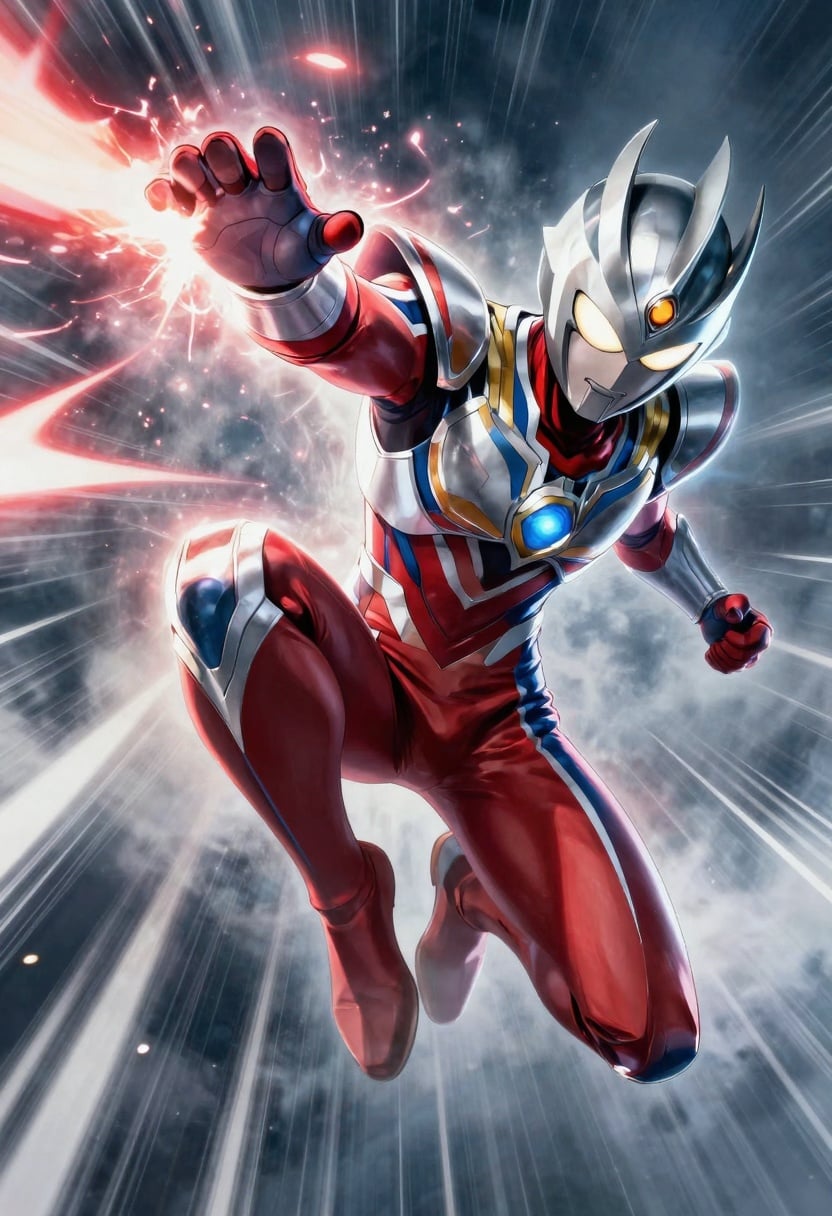
A cinematic 2:3 metal poster of a stylized anime hero mid-action leap with energy trails
p-image
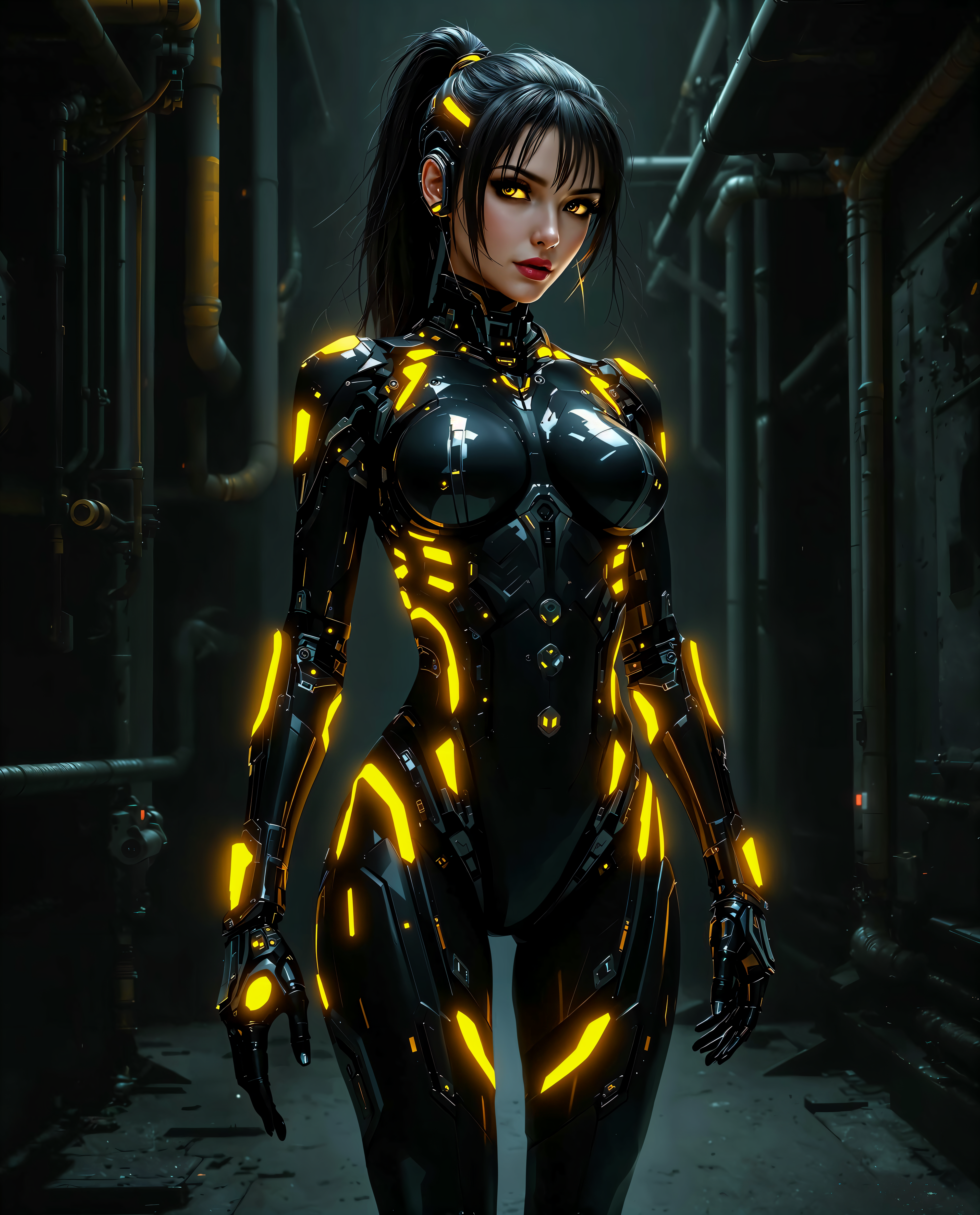
faceswap free on PixelDojo
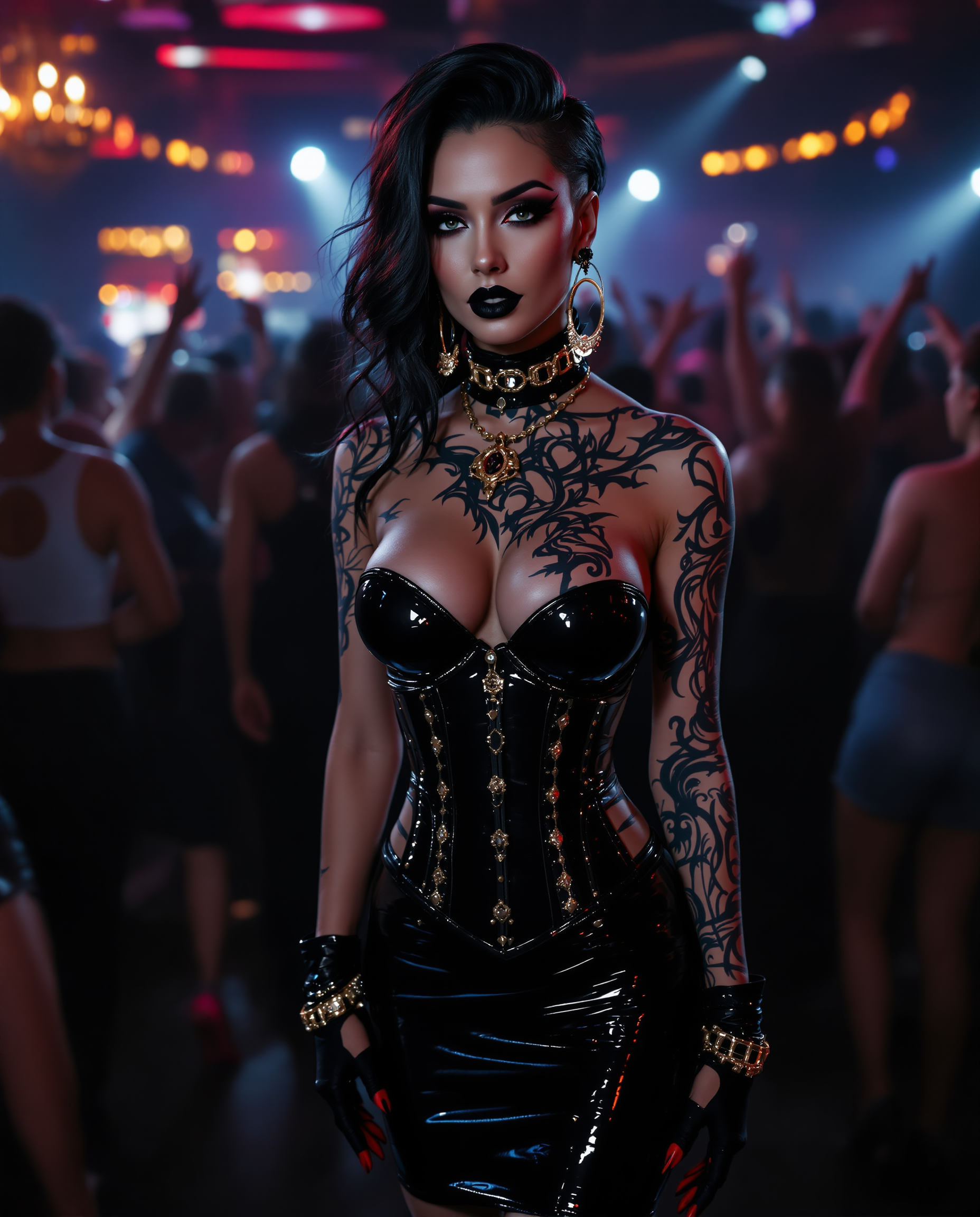
"SHOT COMPOSITION": "Frame a dynamic medium shot of the woman standing confidently at the…
stable-diffusion
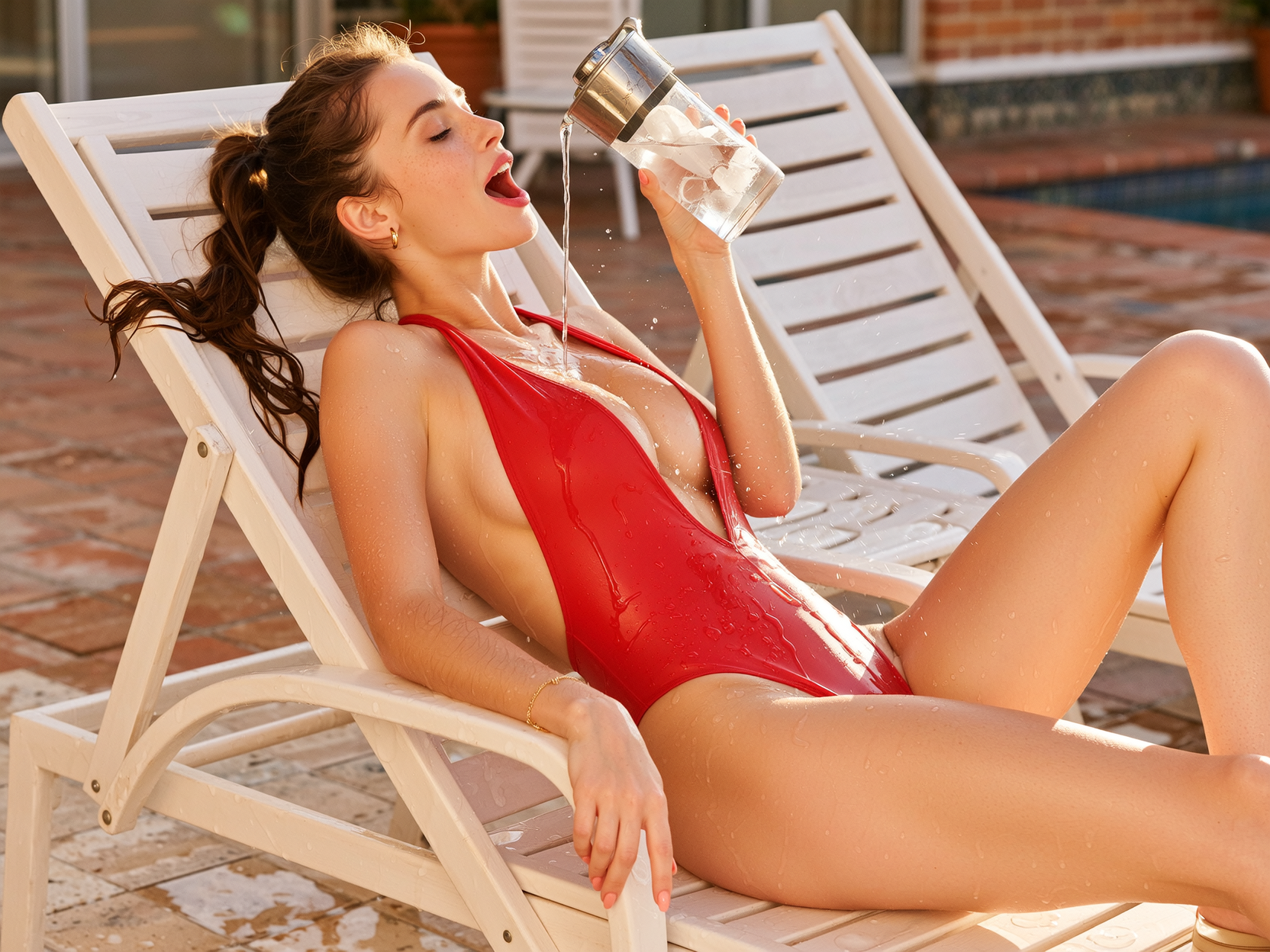
Side profile composition
wan-image

A majestic tarot card illustration of "The Chariot
flux

"SHOT COMPOSITION": "Medium shot framing a confident curvaceous African American standing…
stable-diffusion
PixelDojoのfaceswap無料でできること
画像をアップロードして顔をスワップ
デバイスからソース画像とターゲット画像を選択。顔スワップを適用して新しい出力画像を生成します。
複数の結果を生成
同じスワップを異なる設定で何度でも実行。プロジェクト用に作成された画像をダウンロードできます。
無料ツールへのアクセス
顔スワップ機能を無料でご利用いただけます。アカウントや支払いなしで画像を作成可能です。
処理済み画像のダウンロード
完成した顔スワップファイルをパソコンに保存。個人または商用クリエイティブ作品にご利用ください。
10,000人以上のクリエイター • 500,000枚以上のスワップ画像 • 4.8★の使いやすさ • 完全無料・透かしなし
faceswap freeにPixel Dojoを選ぶ理由
最先端のAI技術によるプロ品質の仕上がり
瞬時に自然なスワップ
数秒で自然でリアルな顔スワップを実現。ぎこちない輪郭や光の不一致もありません。
完全無料・制限なし
FaceSwapツールは完全に無料でご利用いただけます。隠れた料金や透かし、基本機能利用のためのサブスクリプションは一切不要です。
誰でもクリエイティブに
編集スキルは必要ありません。直感的なツールで顔をスワップし、40以上のAIモデルをお試しください。
使い方
PixelDojoで無料の顔スワップを3つの簡単なステップで行う方法をご紹介します。SDXL、FLUX Image、Image Analyzerなどのツールを使ってプロ級の画像を作成しましょう。
ステップ1:FaceSwapツールとモデルを選択
「Characters & Faces」へ移動し、「Face Swap」ツールを選択。SDXLやQWEN ImageなどのAIモデルからスタイル(リアル、アート、漫画など)を設定します。
ステップ2:2枚の画像をアップロード
ベース画像(背景)とソースとなる顔画像をアップロードします。どちらも正面で明るく撮影されたものが理想です。データ編集のスキルは不要で、クリアな写真であればOKです。
ステップ3:生成・ダウンロードと調整
「Swap Faces」をクリックしてAIに処理させましょう。オプションでImage Analyzerを使って肌を整えたり、Magic Lightingで照明を合わせたりできます。満足できたら高品質な結果をダウンロードしてください。
The Pixel Dojo Advantage
無料AI顔スワップでPixelDojoが他を上回る理由
| Others | Pixel Dojo |
|---|---|
| 従来の写真編集ソフト | レイヤーやマスク、時間をかける必要はありません。PixelDojoなら学習曲線なしで、数秒で完璧な結果を提供します。 |
| 一般的な無料顔スワップツール | 他社とは異なり、PixelDojoは透かしなしの結果と一貫したリアリズムを実現。ぼやけた輪郭やブレンドの問題はありません。 |
| 複数のアプリを使った手動方法 | PixelDojoならスワップ、照明、スタイル、補正をすべて1つのプラットフォームで完結。アプリを行き来する必要はありません。 |
PixelDojoのクリエイターに愛されています
PixelDojoを利用しているユーザーから、製品内アンケートで集めたリアルな声です。
Very eay to use, works well to train SDXL loras.
The amazing tools
Top notch quality and strong prompt adherence.
A well resourced sunscription with attention to updates.
Easy to use and there's lots of options.
super lora download
PixelDojoでさらにAIツールを見る
人気のAIモデル
AIツール
比較・切り替え
- Best AI Image Generators
- Best AI Video Generators
- Midjourney Alternatives
- Civitai Alternatives
- Runway Alternatives
- Leonardo Alternatives
- Pika Alternatives
- Luma Alternatives
- Magnific Alternatives
- Veo Alternatives
- Flux Alternatives
- Freepik Alternatives
- Seedance Alternatives
- Seedream Alternatives
- Pixverse Alternatives
- GPT Image Alternatives
- Synthesia Alternatives
- Playground Alternatives
- NightCafe Alternatives
- Canva AI Alternatives
- ElevenLabs Alternatives
- ComfyUI Alternatives
- Fal Alternatives
- Replicate Alternatives
よくある質問
faceswap freeについて知っておくべきこと
PixelDojoのfaceswapは透かしなしで本当に無料ですか?
Yes. PixelDojo’s FaceSwap tool is completely free to use without hidden costs. You’ll get watermark-free downloads and full functionality for basic face swaps. ([pixeldojo.ai](https://pixeldojo.ai/faceswap-ai-free?utm_source=openai))
PixelDojoの無料faceswap画像を商用目的で利用できますか?
Yes, you can use face-swapped images created with PixelDojo for both personal and commercial projects. Just make sure you have the right to use the source images (like photos you own or have permission for). ([pixeldojo.ai](https://pixeldojo.ai/faceswap?utm_source=openai))
PixelDojoの無料faceswapツールを使うのに専門スキルは必要ですか?
Absolutely not! The process is designed for beginners—just upload two clear images and click to generate. No editing, no code. ([pixeldojo.ai](https://pixeldojo.ai/faceswap-ai-free?utm_source=openai))
無料の顔スワップ画像を作成するのにどれくらい時間がかかりますか?
Most face swaps are completed within a few seconds after you hit ‘Generate’—rendering is fast and optimized. ([pixeldojo.ai](https://pixeldojo.ai/faceswap-ai-free?utm_source=openai))
PixelDojoで動画の顔を無料でスワップできますか?
Currently, the free FaceSwap tool supports still images only. Video face swapping is in development and may be available later. ([pixeldojo.ai](https://pixeldojo.ai/faceswap-ai-free?utm_source=openai))
PixelDojoでfaceswap無料を利用する際、データは安全ですか?
Yes. PixelDojo processes your uploads securely, doesn’t store your images without consent, and respects your privacy. ([pixeldojo.ai](https://pixeldojo.ai/faceswap-ai-free?utm_source=openai))