faceswap free AI Generator
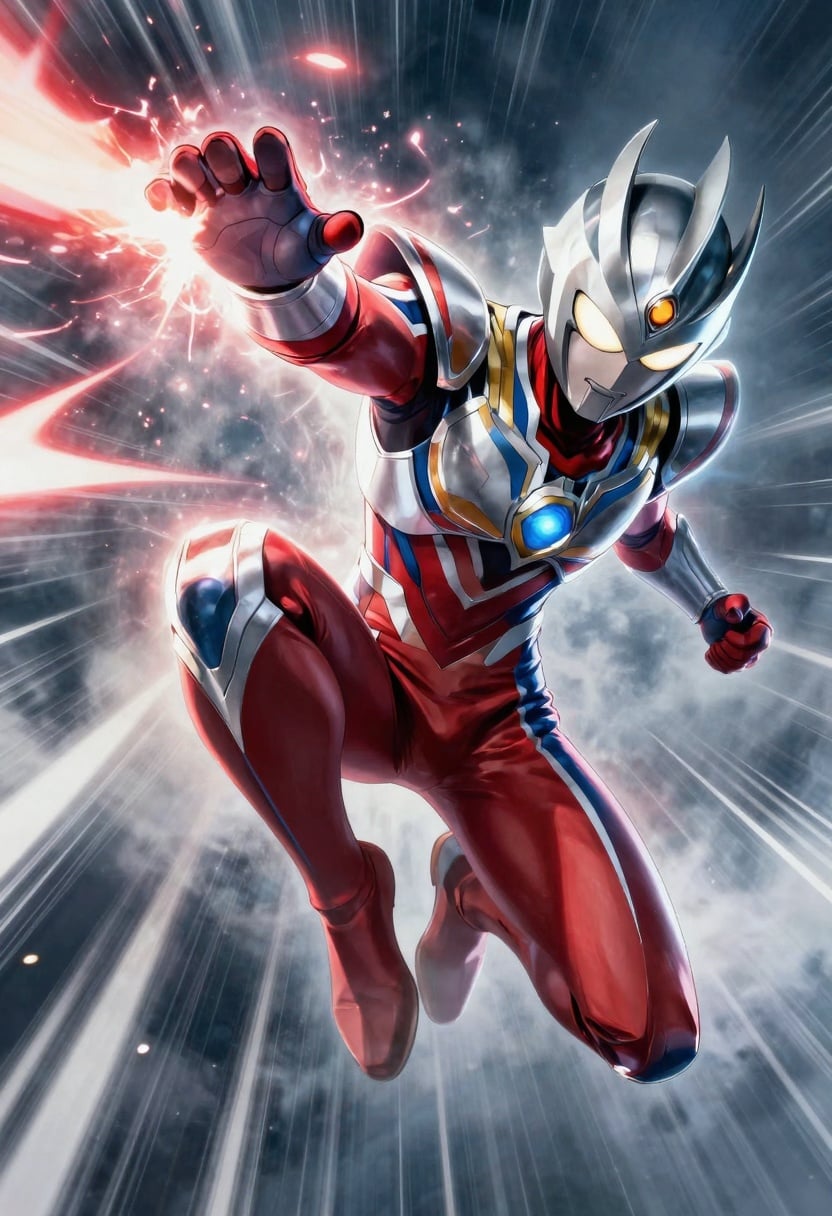
Generated on PixelDojo. Produced by PixelDojo's generation pipeline.
Transform your photos with PixelDojo’s Free FaceSwap tool—swap any face into any image instantly. Whether you want a funny meme, memorable gift, or marketing asset, you can get seamless, believable face swaps that look like professional composites—all without paying a cent or learning Photoshop.
Real image examples generated on PixelDojo
Every example below was produced on PixelDojo. Hover to see the prompt.
A cinematic 2:3 metal poster of a stylized anime hero mid-action leap with energy trails
p-image
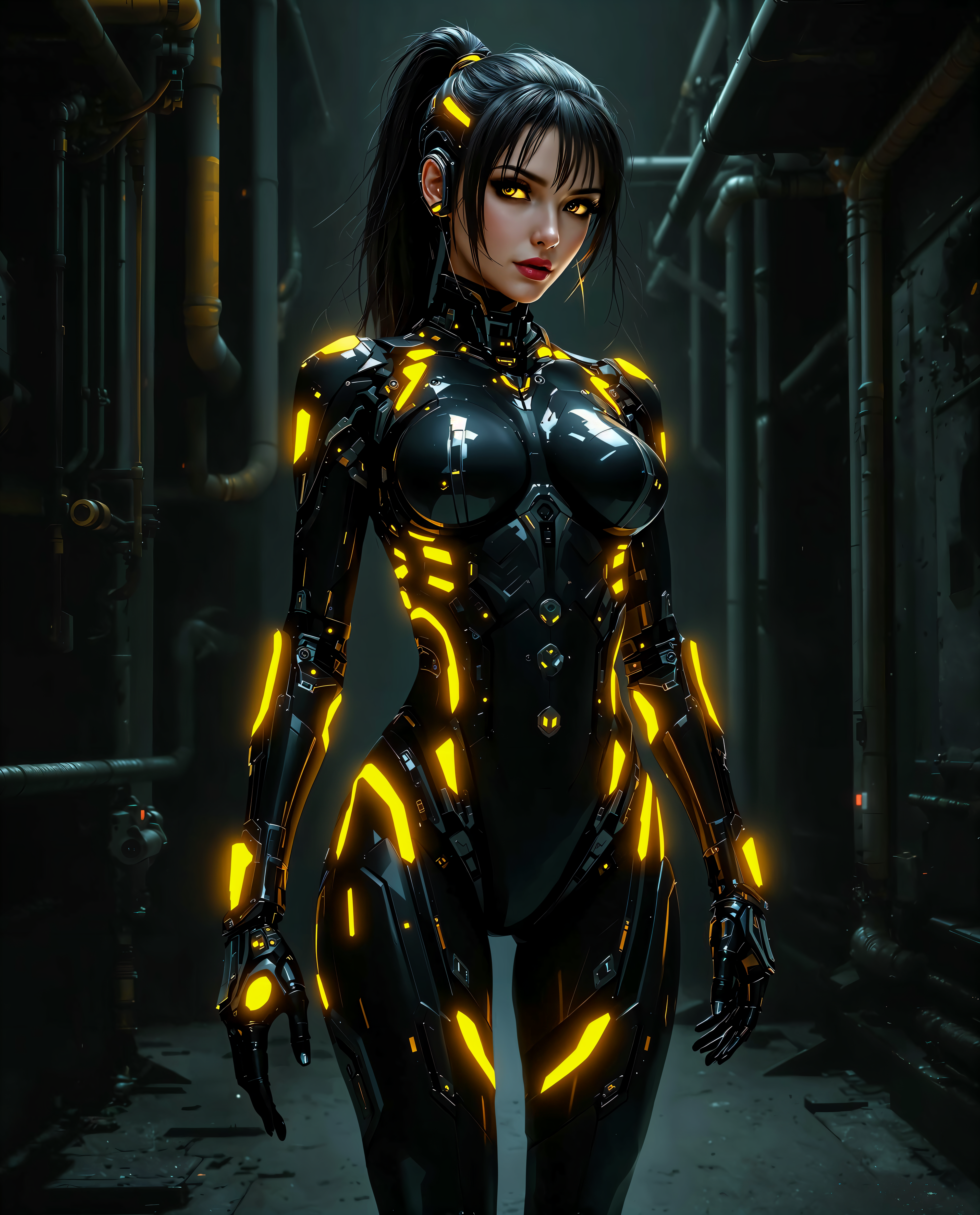
faceswap free on PixelDojo
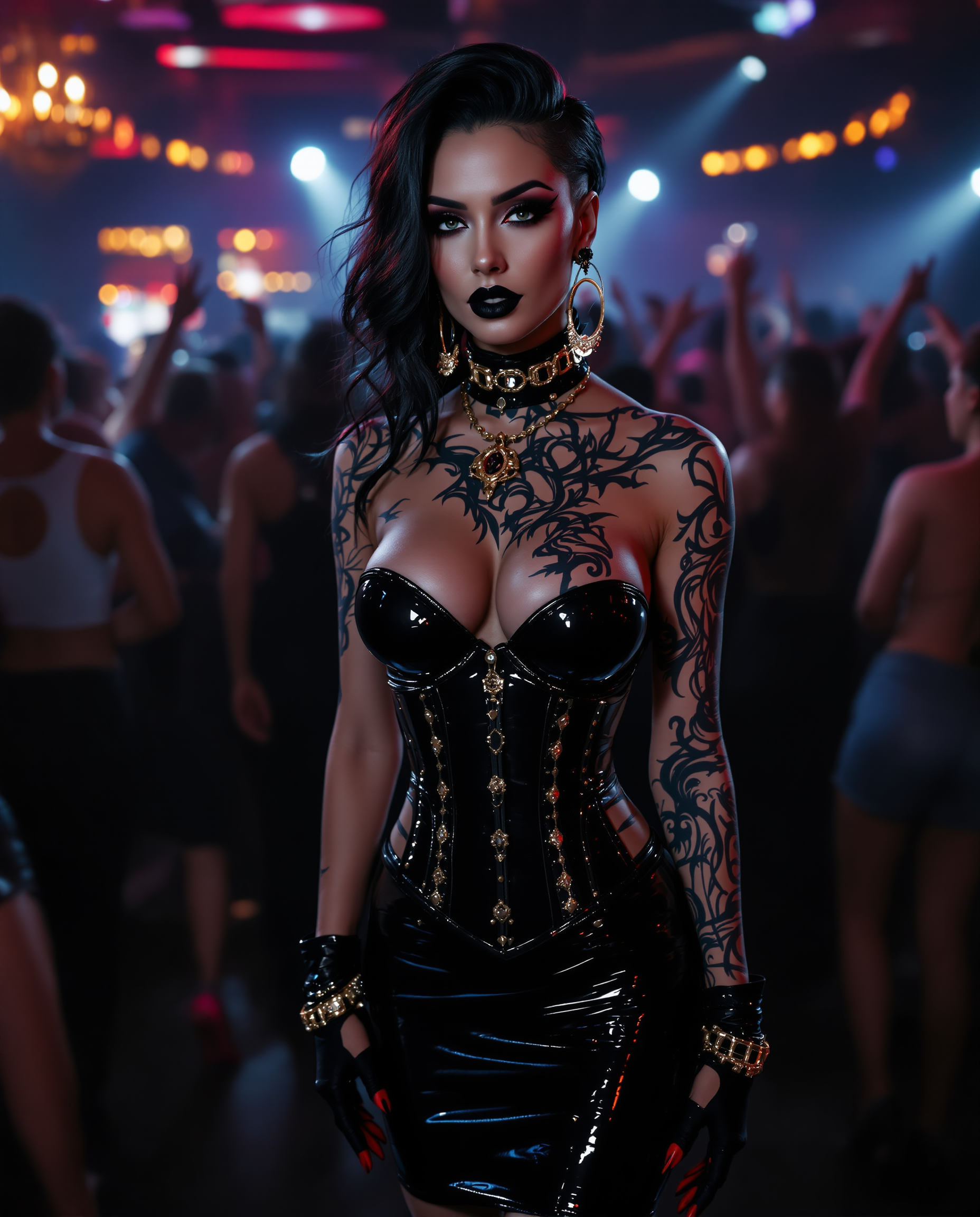
"SHOT COMPOSITION": "Frame a dynamic medium shot of the woman standing confidently at the…
stable-diffusion
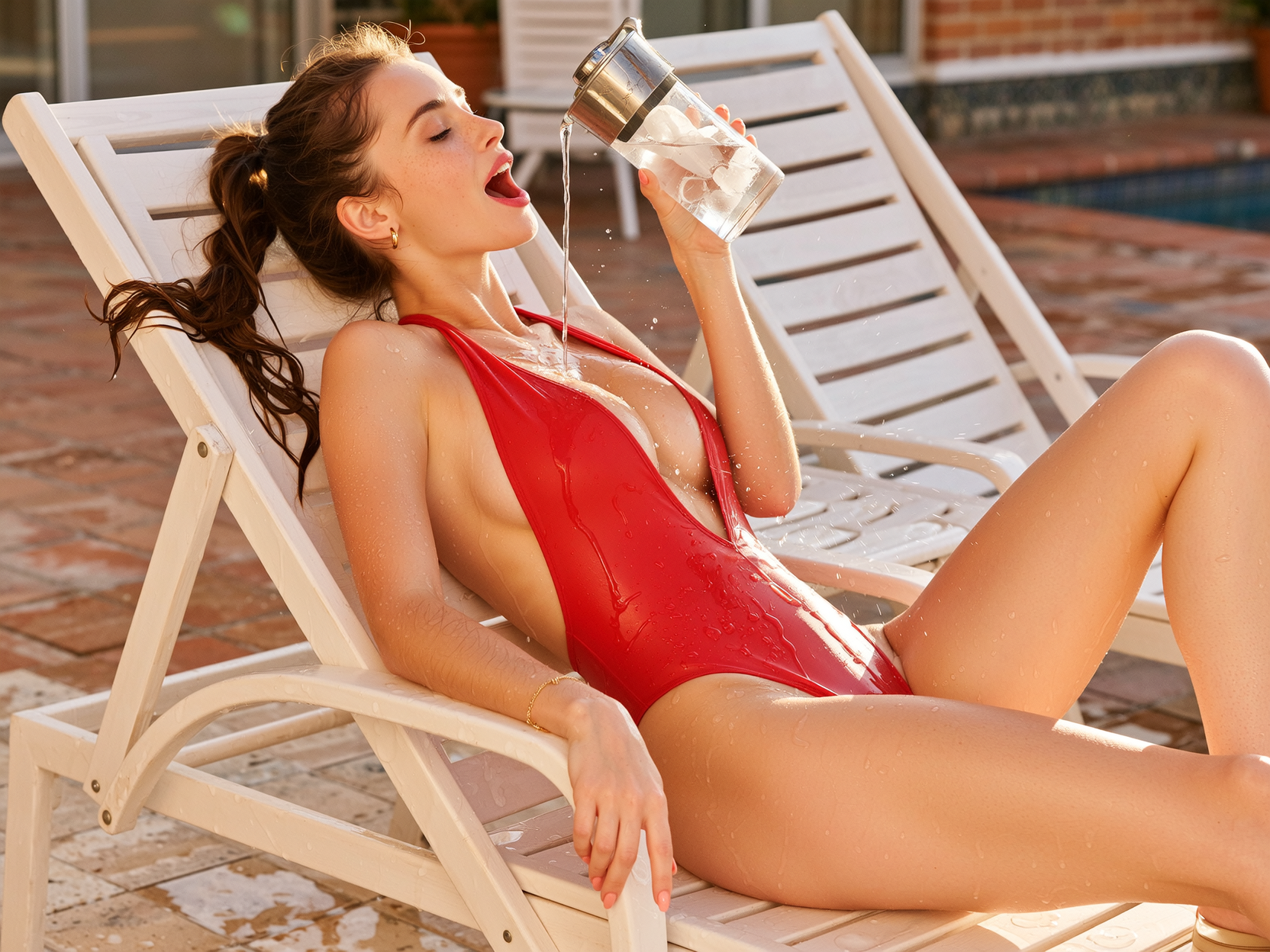
Side profile composition
wan-image

A majestic tarot card illustration of "The Chariot
flux

"SHOT COMPOSITION": "Medium shot framing a confident curvaceous African American standing…
stable-diffusion
Models you can run on PixelDojo for faceswap free
Switch models without switching tools. Each one runs in the same PixelDojo studio.
What you can do with faceswap free on PixelDojo
Upload and Swap Faces
Select source and target images from your device. We apply the face swap to produce a new output image.
Generate Multiple Results
Run the same swap several times with varied settings. Download any of the created images for your projects.
Free Tool Access
Use the face swap functions at no charge. Create images without requiring an account or payment.
Download Processed Images
Save the final face swapped files to your computer. Use them in personal or commercial creative work.
10,000+ Creators • 500,000+ Swapped Images • 4.8★ Ease of Use • No Cost, No Watermark
Why Choose Pixel Dojo for faceswap free
Professional-quality results with cutting-edge AI technology
Instant, Realistic Swaps
Make your face swap look natural and believable in seconds, without awkward edges or mismatched lighting.
Free Without Limitations
Use the face swap tool totally free—no hidden fees, no watermarks, no subscription required to try basic features.
Creativity for Everyone
You don’t need editing skills—swap faces using intuitive tools and explore our 40+ AI models.
How It Works
Here's how you can swap faces for free with PixelDojo in just three simple steps—get professional-looking images using tools like SDXL, FLUX Image, and Image Analyzer.
Step 1: Choose the FaceSwap Tool and Model
Go to 'Characters & Faces' → select the 'Face Swap' tool. Choose from one of the AI models like SDXL or QWEN Image to set style—realism, art, cartoon, etc.
Step 2: Upload Your Two Images
Upload the base/background image and the source face image—make sure both are front-facing and well-lit. Data doesn’t need editing skills—just clear photos.
Step 3: Generate & Download with Enhancements
Click ‘Swap Faces’ and let the AI compute. Optional: use Image Analyzer to clean skin or Magic Lighting to match lighting. Once happy, download your high-quality result.
The Pixel Dojo Advantage
Why PixelDojo outperforms other options for free AI face swapping
| Others | Pixel Dojo |
|---|---|
| Traditional photo editing software | You skip layers, masks, and time—PixelDojo delivers flawless results in seconds with no learning curve. |
| Generic free face-swap tools | Unlike others, PixelDojo gives watermark-free results and consistent realism, not fuzzy edges or blend issues. |
| Manual methods using multiple apps | PixelDojo combines swapping, lighting, style, and enhancement all in one single platform—you don’t have to juggle apps. |
Loved by creators on PixelDojo
Real feedback from people using PixelDojo, pulled from our in-product surveys.
Very eay to use, works well to train SDXL loras.
The amazing tools
Top notch quality and strong prompt adherence.
A well resourced sunscription with attention to updates.
Easy to use and there's lots of options.
super lora download
Explore more AI tools on PixelDojo
Popular AI Models
AI Tools
Compare & Switch
- Best AI Image Generators
- Best AI Video Generators
- Midjourney Alternatives
- Civitai Alternatives
- Runway Alternatives
- Leonardo Alternatives
- Pika Alternatives
- Luma Alternatives
- Magnific Alternatives
- Veo Alternatives
- Flux Alternatives
- Freepik Alternatives
- Seedance Alternatives
- Seedream Alternatives
- Pixverse Alternatives
- GPT Image Alternatives
- Synthesia Alternatives
- Playground Alternatives
- NightCafe Alternatives
- Canva AI Alternatives
- ElevenLabs Alternatives
- ComfyUI Alternatives
- Fal Alternatives
- Replicate Alternatives
Common Questions
Everything you need to know about faceswap free
Is faceswap free at PixelDojo with no watermark?
Yes. PixelDojo’s FaceSwap tool is completely free to use without hidden costs. You’ll get watermark-free downloads and full functionality for basic face swaps. ([pixeldojo.ai](https://pixeldojo.ai/faceswap-ai-free?utm_source=openai))
Can I use free faceswap images from PixelDojo for commercial purposes?
Yes, you can use face-swapped images created with PixelDojo for both personal and commercial projects. Just make sure you have the right to use the source images (like photos you own or have permission for). ([pixeldojo.ai](https://pixeldojo.ai/faceswap?utm_source=openai))
Do I need technical skills to use PixelDojo faceswap free tool?
Absolutely not! The process is designed for beginners—just upload two clear images and click to generate. No editing, no code. ([pixeldojo.ai](https://pixeldojo.ai/faceswap-ai-free?utm_source=openai))
How long does it take to create a free face-swapped image?
Most face swaps are completed within a few seconds after you hit ‘Generate’—rendering is fast and optimized. ([pixeldojo.ai](https://pixeldojo.ai/faceswap-ai-free?utm_source=openai))
Can I swap faces in videos for free on PixelDojo?
Currently, the free FaceSwap tool supports still images only. Video face swapping is in development and may be available later. ([pixeldojo.ai](https://pixeldojo.ai/faceswap-ai-free?utm_source=openai))
Is my data safe when I use faceswap free at PixelDojo?
Yes. PixelDojo processes your uploads securely, doesn’t store your images without consent, and respects your privacy. ([pixeldojo.ai](https://pixeldojo.ai/faceswap-ai-free?utm_source=openai))