PixelDojo 實際生成圖片範例
以下每個範例都是在 PixelDojo 上製作。將滑鼠移到上方即可查看提示詞。
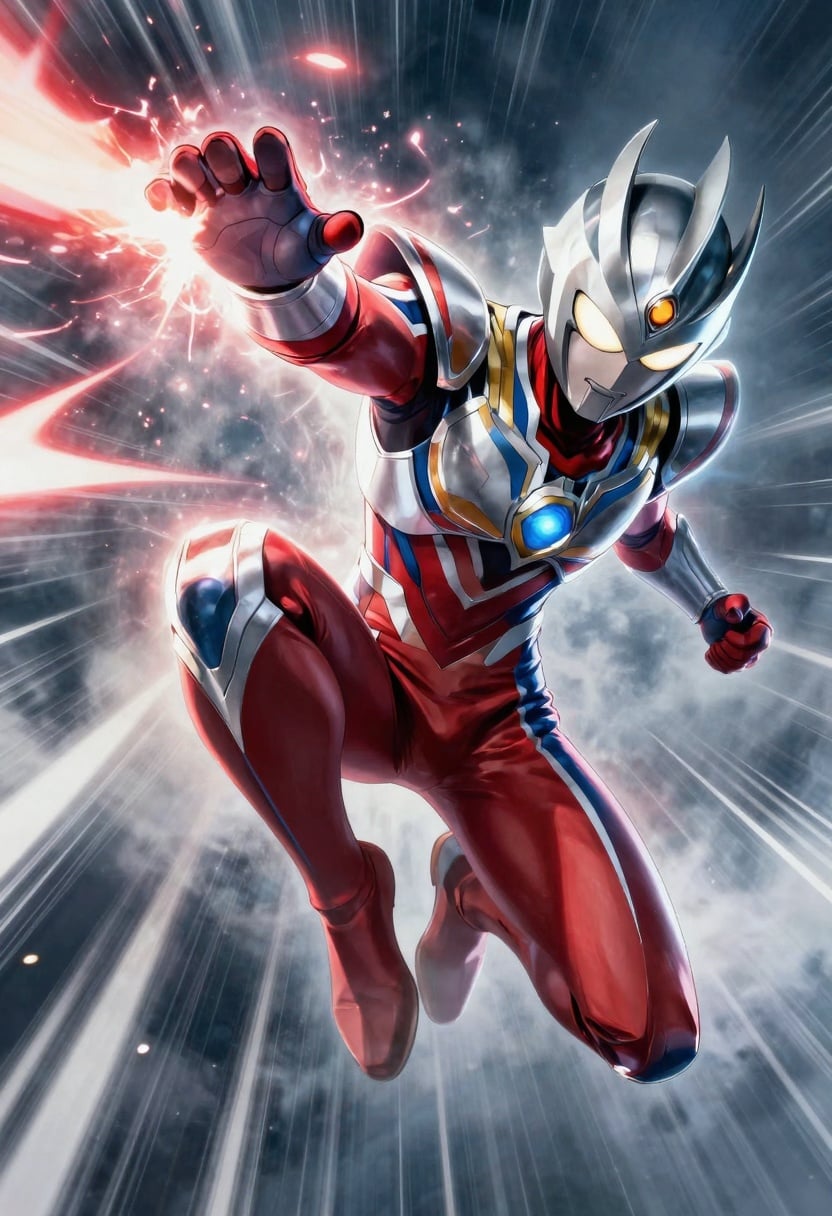
A cinematic 2:3 metal poster of a stylized anime hero mid-action leap with energy trails
p-image
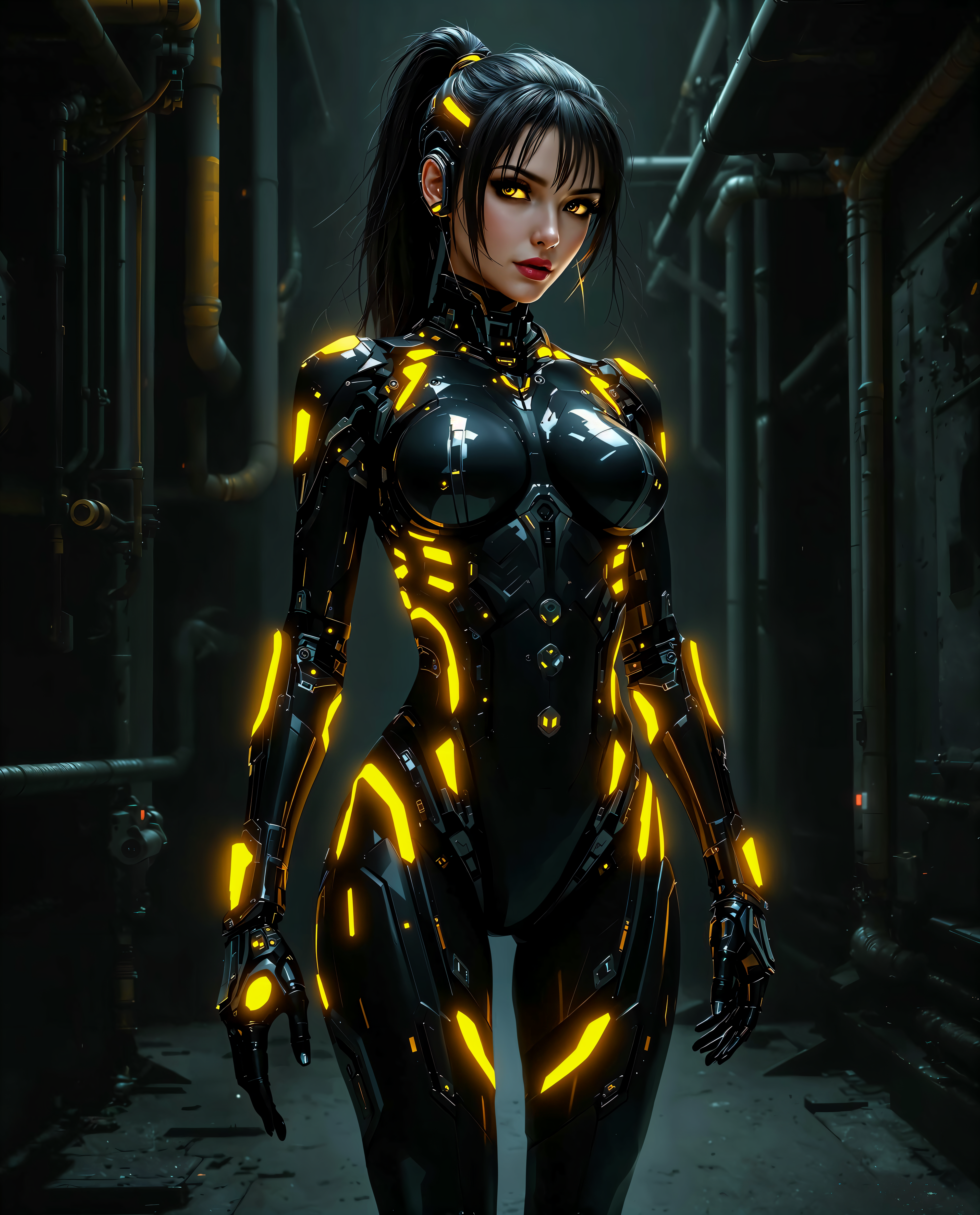
faceswap free on PixelDojo
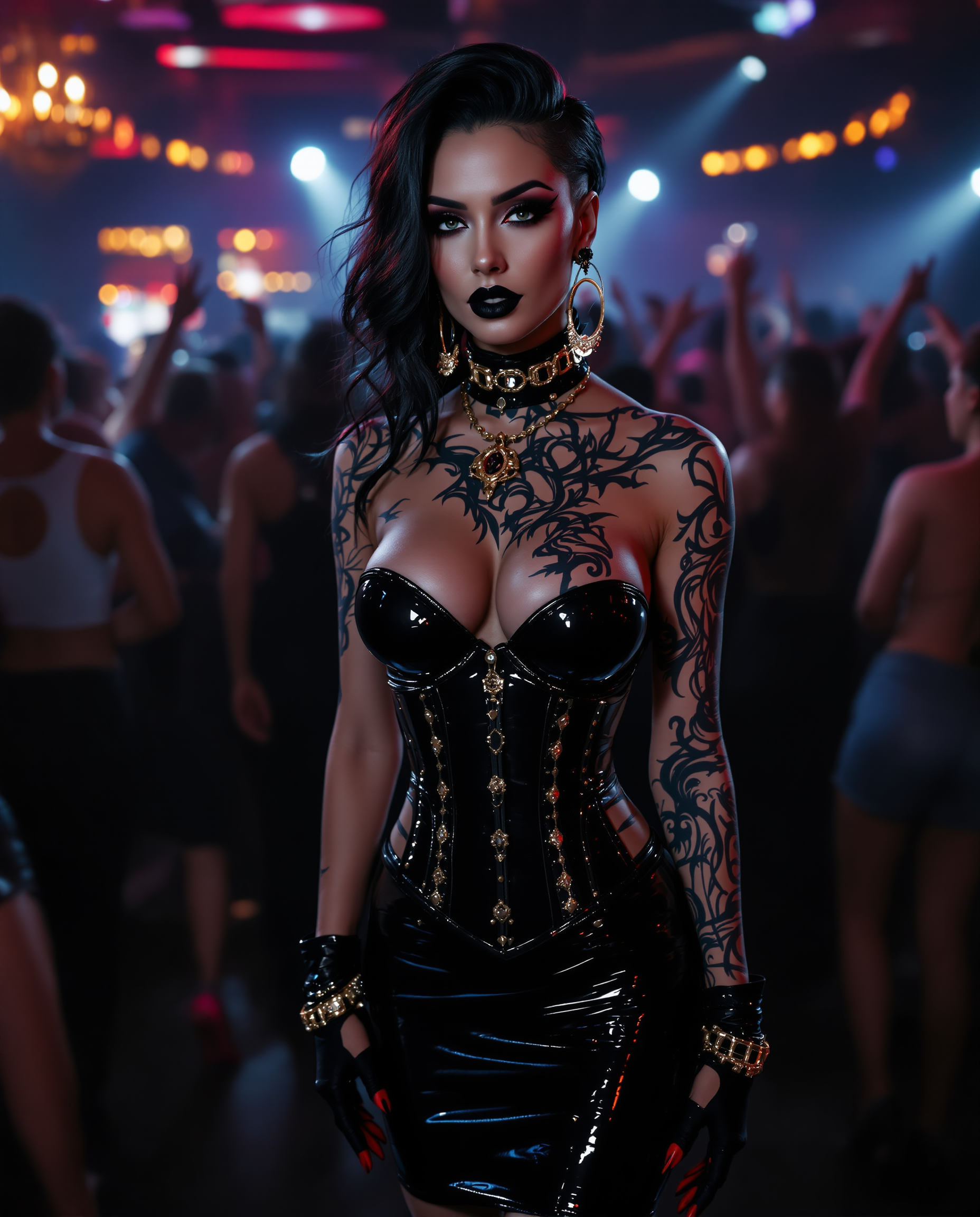
"SHOT COMPOSITION": "Frame a dynamic medium shot of the woman standing confidently at the…
stable-diffusion
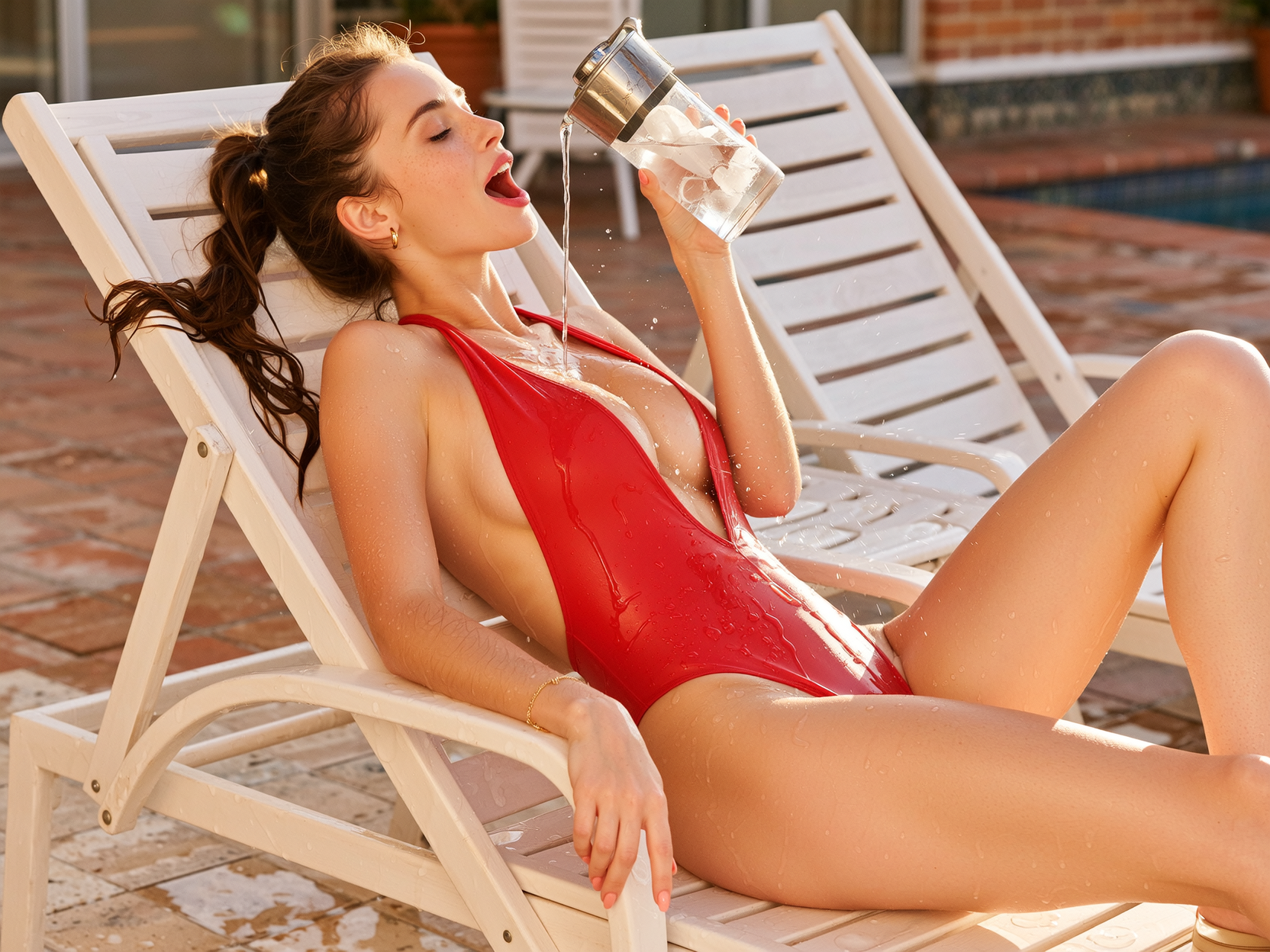
Side profile composition
wan-image
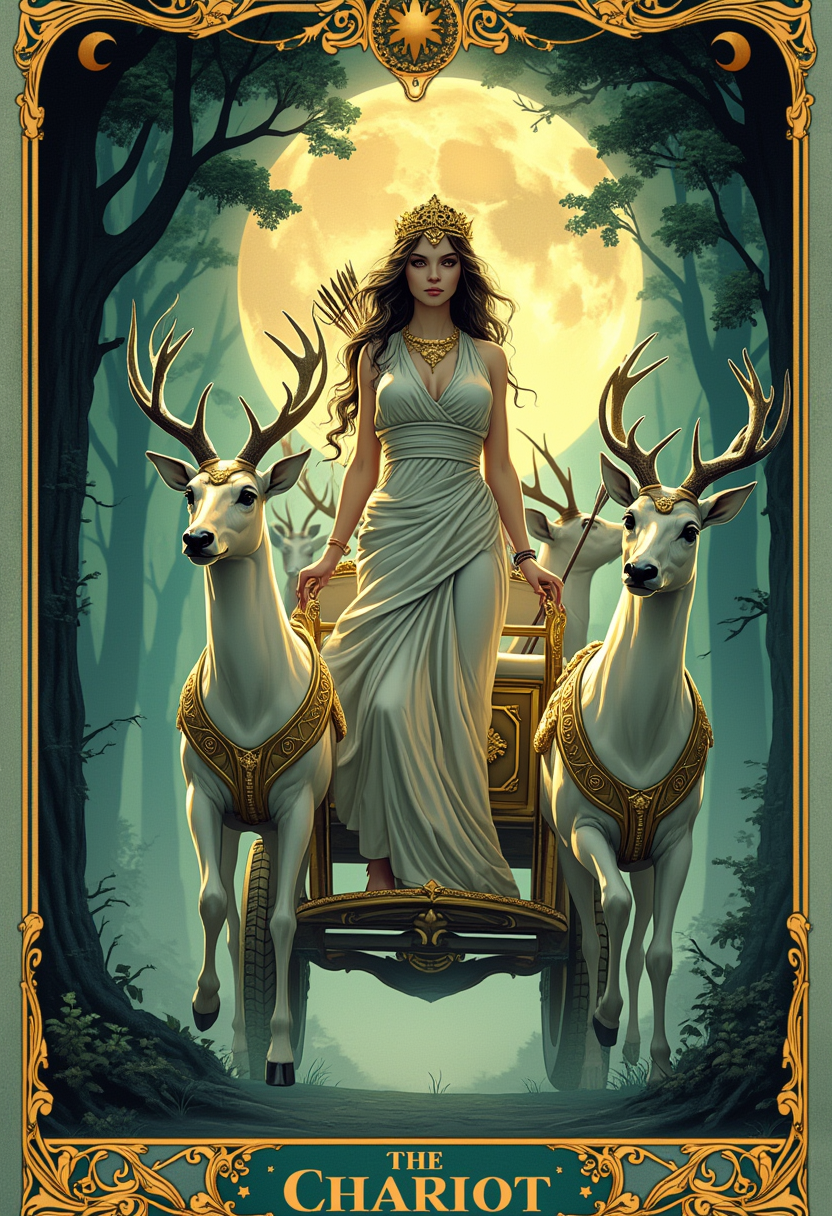
A majestic tarot card illustration of "The Chariot
flux

"SHOT COMPOSITION": "Medium shot framing a confident curvaceous African American standing…
stable-diffusion
PixelDojo 免費換臉可用模型
換模型不必換工具,所有模型都在同一個 PixelDojo 工作室執行。
用 PixelDojo 免費換臉能做什麼
上傳圖片,立即換臉
從裝置選擇來源與目標圖片,我們會進行換臉,產生一張全新圖片。
生成多種結果
使用不同設定,為同一組圖片多次換臉。生成的圖片都能下載,用於你的專案。
免費使用工具
免費使用換臉功能,不必註冊帳號或付款就能創作圖片。
下載換臉成品
將完成的換臉圖片儲存至電腦,用於個人或商業創作。
10,000+ 位創作者 • 500,000+ 張換臉圖片 • 易用度 4.8★ • 零費用、無浮水印
為什麼選擇 Pixel Dojo 製作faceswap free
最先進的 AI 技術,帶來專業級成果
即刻換臉,自然逼真
幾秒內就能換出自然可信的效果,沒有生硬邊緣,也沒有光線不協調的問題。
免費使用,不設限
換臉工具完全免費,無隱藏費用、無浮水印,體驗基本功能不必訂閱。
人人都能發揮創意
不必會修圖,用直覺好上手的工具就能換臉,還能探索 40+ 款 AI 模型。
使用方式
只要三個簡單步驟,就能用 PixelDojo 免費換臉,搭配 SDXL、FLUX Image 和 Image Analyzer 等工具,打造專業質感圖片。
步驟 1:選擇換臉工具與模型
前往「人物與臉部」→ 選擇「換臉」工具。選用 SDXL 或 QWEN Image 等 AI 模型,設定寫實、藝術、卡通等風格。
步驟 2:上傳兩張圖片
上傳底圖或背景圖,以及要換上的臉部圖片,確保兩張照片中的臉部都朝向正面、光線充足。不必會修圖,照片清楚就行。
步驟 3:生成、優化並下載
點擊「開始換臉」,交給 AI 處理。也可用 Image Analyzer 修飾膚質,或用 Magic Lighting 調整光線,讓畫面更協調。滿意後,即可下載高畫質成品。
The Pixel Dojo Advantage
免費 AI 換臉,為什麼 PixelDojo 更出色
| Others | Pixel Dojo |
|---|---|
| 傳統修圖軟體 | 不必處理圖層、遮色片,也不必耗時學習。PixelDojo 幾秒內就能交出完美成品。 |
| 一般免費換臉工具 | PixelDojo 不只提供無浮水印成品,更能穩定呈現逼真效果,告別邊緣模糊與融合不自然的問題。 |
| 多款 App 手動處理 | PixelDojo 將換臉、打光、風格調整與畫質優化整合在同一平台,不必在多款 App 之間切換。 |
PixelDojo 創作者好評推薦
來自 PixelDojo 使用者的真實回饋,取自我們的產品內問卷。
I have already recommended it to friends
All the tools, plus the guidance
Excellent tools. Ease of use. Well thought out interface. Wide variety of AI tools and features which are up to date with more added each month
I really like how the site is kept up to date, and the leaderboard (where I'm currently #11 most popular artist)
This is the best image generator I've used so far. Well done!
es facil de comprender asi uno no sea programador
探索更多 PixelDojo AI 工具
熱門 AI 模型
AI 工具
比較與轉換
- All AI Tool Alternatives
- Pollo AI Alternative
- PixelDojo vs Pollo AI
- Pollo AI Review
- MotionMuse AI Alternative
- MioCreate Alternative
- Dessi AI Alternative
- Runway Alternatives
- CapCut Alternatives
- Leonardo Alternatives
- OpenArt Alternatives
- Midjourney Alternatives
- Canva AI Alternatives
- Pika Alternatives
- InVideo Alternatives
- Higgsfield Alternatives
- Krea Alternatives
- Luma Alternatives
- Magic Hour Alternatives
- HeyGen Alternatives
- PixAI Alternatives
- Vidu Alternatives
- Seedream Alternatives
- Tensor.Art Alternatives
常見問題
關於faceswap free,你需要知道的一切
PixelDojo 換臉真的免費又沒有浮水印嗎?
沒錯。PixelDojo 的換臉工具完全免費,沒有隱藏費用。基本換臉功能完整開放,下載的圖片也不帶浮水印。([pixeldojo.ai](https://pixeldojo.ai/faceswap-ai-free?utm_source=openai))
PixelDojo 免費換臉產生的圖片可以商用嗎?
可以。使用 PixelDojo 製作的換臉圖片,可用於個人與商業專案。只要確保你有權使用原始圖片,例如自己擁有或已獲授權的照片。([pixeldojo.ai](https://pixeldojo.ai/faceswap?utm_source=openai))
使用 PixelDojo 免費換臉工具需要技術背景嗎?
完全不用!操作流程專為新手設計,只要上傳兩張清楚的圖片,點一下就能生成。不必修圖,也不必寫程式。([pixeldojo.ai](https://pixeldojo.ai/faceswap-ai-free?utm_source=openai))
免費生成一張換臉圖片需要多久?
點擊「生成」後,大多數換臉圖片幾秒內就能完成,生成流程經過優化,出圖快速。([pixeldojo.ai](https://pixeldojo.ai/faceswap-ai-free?utm_source=openai))
PixelDojo 可以免費替影片換臉嗎?
目前免費換臉工具僅支援靜態圖片。影片換臉功能正在開發中,未來可能推出。([pixeldojo.ai](https://pixeldojo.ai/faceswap-ai-free?utm_source=openai))
使用 PixelDojo 免費換臉時,我的資料安全嗎?
安全。PixelDojo 會安全處理你上傳的檔案,未經同意不會儲存你的圖片,並尊重你的隱私。([pixeldojo.ai](https://pixeldojo.ai/faceswap-ai-free?utm_source=openai))