live ai image generator

Generated on PixelDojo. Produced by PixelDojo's generation pipeline.
You need visuals right now—not after a long wait. PixelDojo’s live AI image generator delivers professional images the moment you describe them, so you can post, present, or prototype without delay. Type a prompt and watch photorealistic product shots, social graphics, or campaign concepts appear instantly. Iterate live as you add details, switch styles, or refine lighting. Whether you are filling a last-minute content gap, designing for a live event, or testing ideas with your team, you walk away with ready-to-use assets that look like they came from a full production studio. Thousands of creators already rely on this speed to keep their brands visible and their workflows moving. Start creating the images your audience expects, exactly when you need them.
Real image examples generated on PixelDojo
Every example below was produced on PixelDojo. Hover to see the prompt.
Create a YouTube Header for "FLUXPRO" AI image generation
flux

Image of an ai painting a human and a human painting an ai
flux
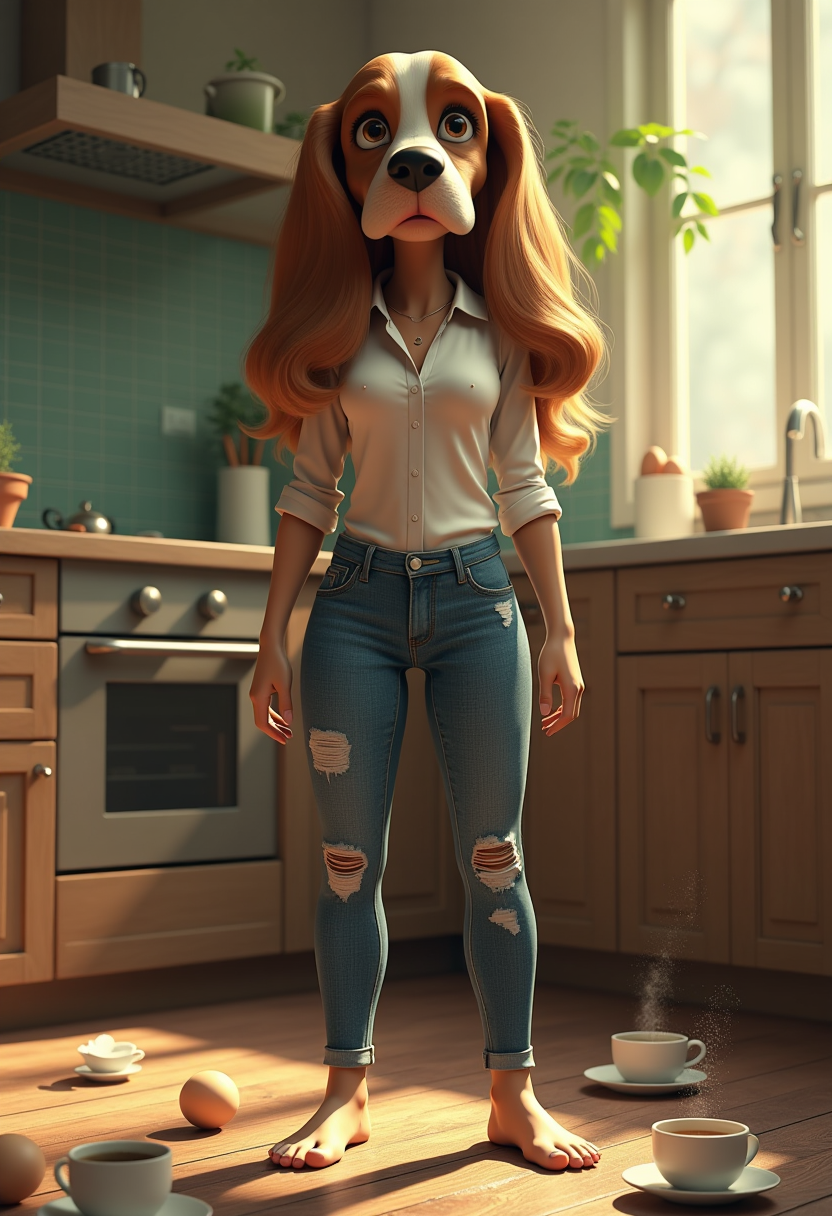
Fantasy storytelling joyful funny sassy view real textures
flux
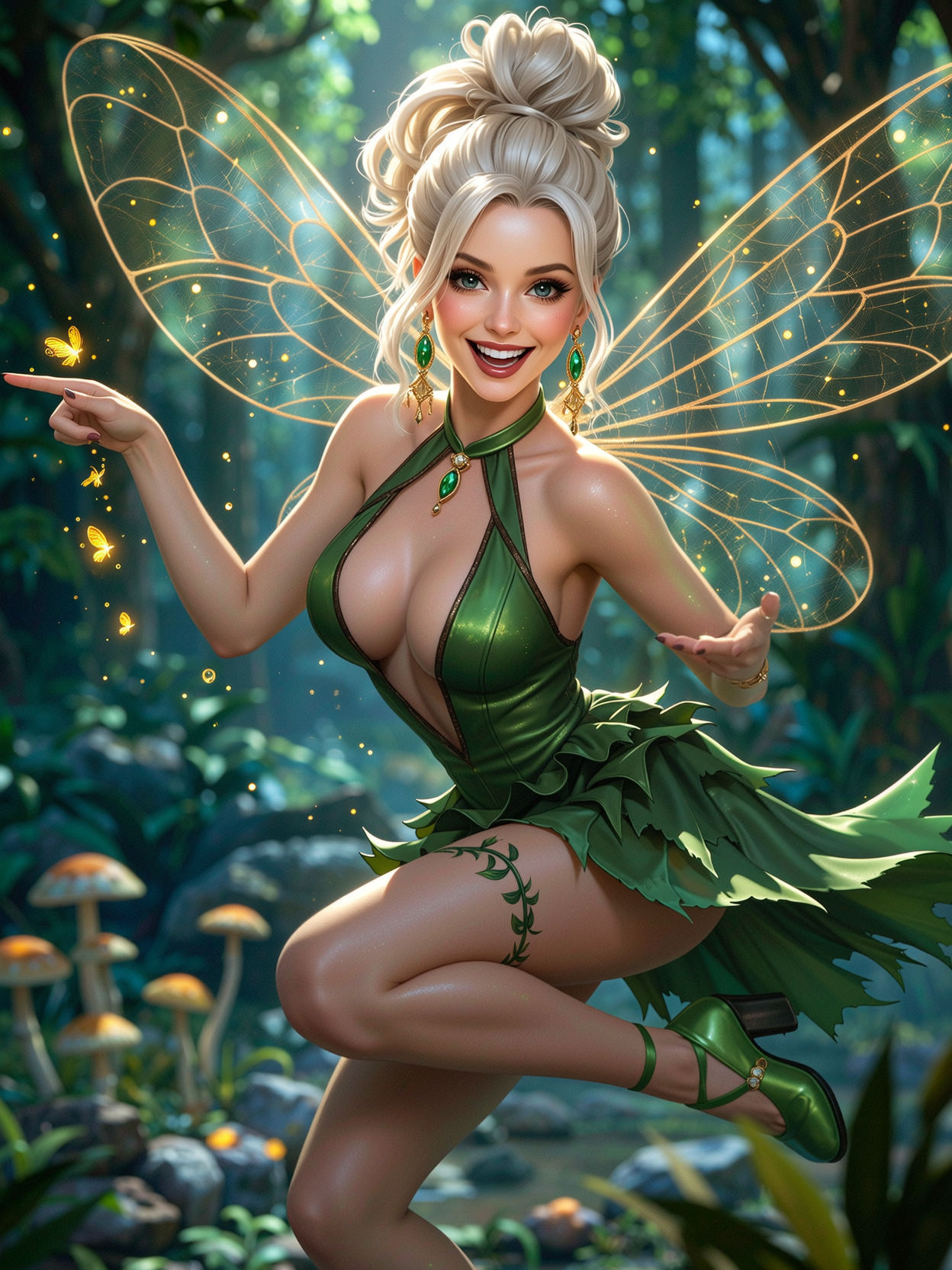
Waist-up portrait
wan-image
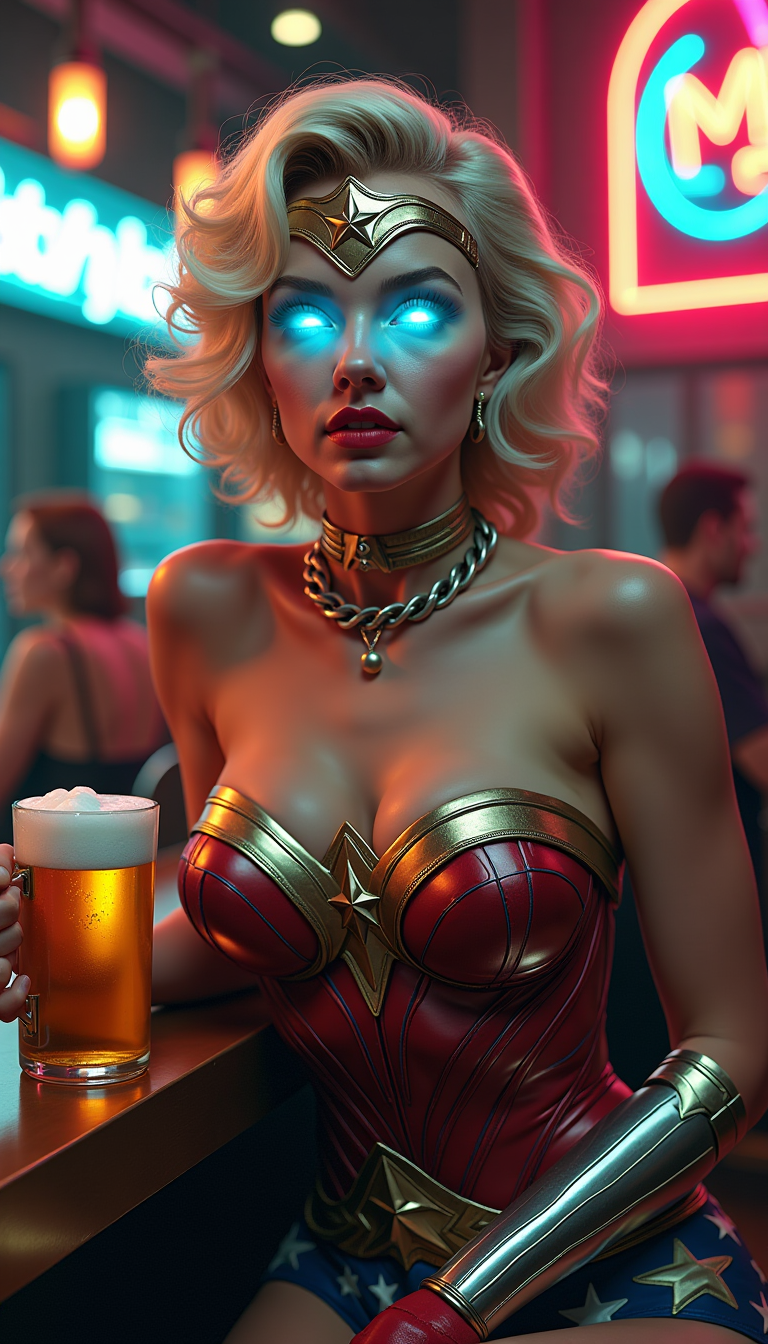
A captivating digital art illustration featuring **Marilyn Monroe as Wonder Woman**
flux
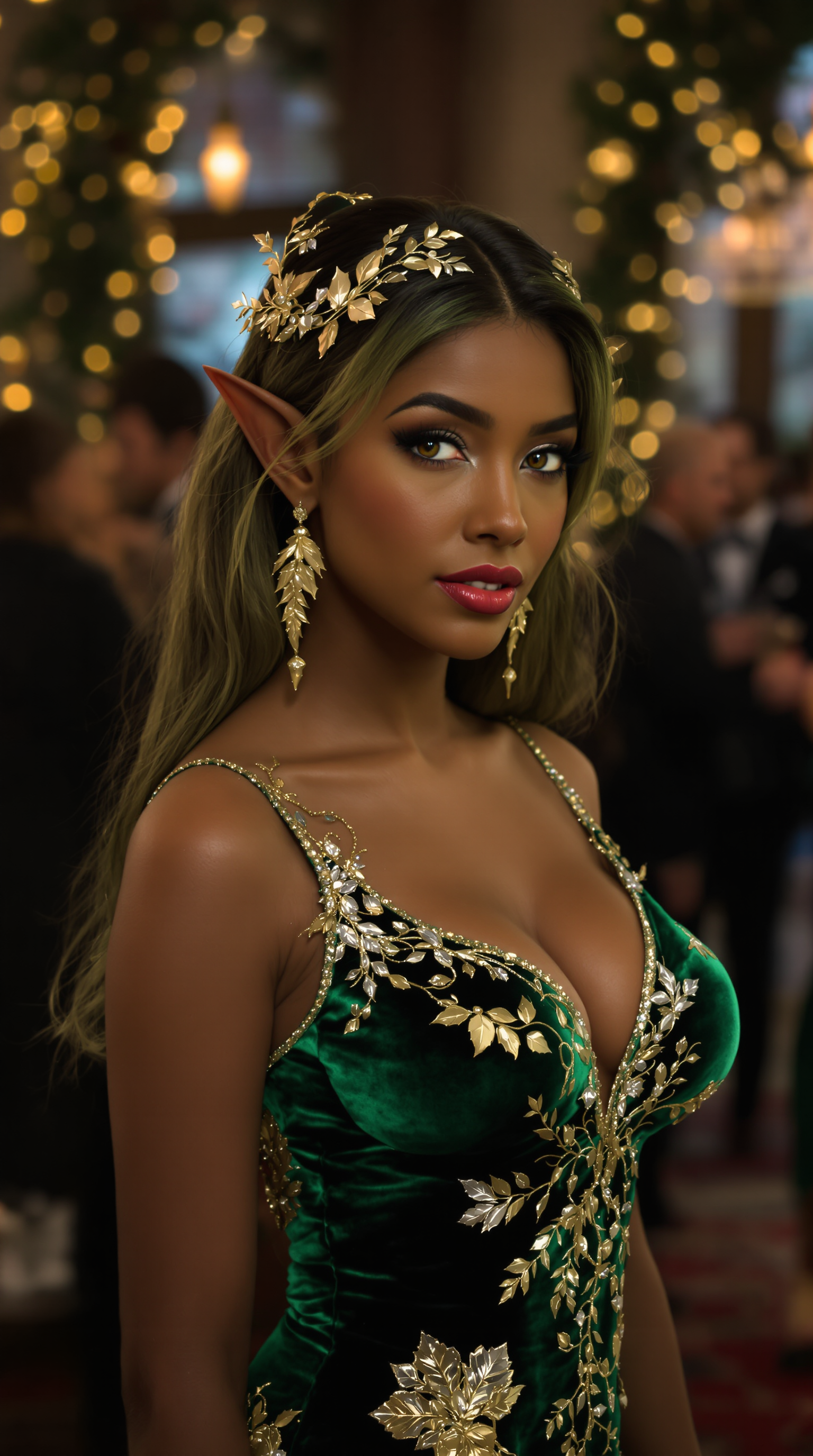
Marilyn Monroe
flux
Models you can run on PixelDojo for live ai image generator
Switch models without switching tools. Each one runs in the same PixelDojo studio.
What you can do with live ai image generator on PixelDojo
Live Prompt to Image
We generate images from your prompt as you type and refine. You see new results without starting over from scratch.
Iterate While You Watch
We keep a live preview so you can tweak wording, aspect ratio, and style in one place. Each change updates the current generation session.
Control Style and Composition
We let you steer lighting, camera framing, and visual style with clear controls. You stay in the loop instead of waiting on a single finished render.
Save and Reuse Outputs
We store generations from the live session so you can download, compare, and continue from a version you like. You keep a simple history of what you already made.
Loved by thousands of creators worldwide who generate millions of images every month. 40+ cutting-edge AI tools power instant results with a 4.9/5 satisfaction rating from users who never wait again.
Why Choose Pixel Dojo for live ai image generator
Professional-quality results with cutting-edge AI technology
Publish Fresh Content in Seconds
Fill your social calendar, ads, and website with unique live images the same day you think of them. Nano Banana 2 and GPT Image 2 give you scroll-stopping visuals that keep your audience engaged without stock-photo delays.
Iterate Live Until It Feels Perfect
Watch every word you type update the image in real time. Flux.2 Studio and Z Image Turbo let you explore dozens of directions in the time other tools take to finish one, so you always land on the exact look you want.
Walk Away With Production-Ready Files
Download high-resolution, commercially usable images immediately. Combine live generation with Background Remover, Magic Lighting, and P-Image Upscale to deliver polished assets your clients or followers will love.
How It Works
Creating live AI images on PixelDojo takes three simple steps. You describe, you see, you download—all in real time so you stay in creative flow.
Step 1: Choose Your Lightning-Fast Tool
Open PixelDojo and pick a speed-focused generator such as Z Image Turbo for near-instant results, Flux.2 Studio for high-fidelity live previews, or Nano Banana 2 for richly detailed real-time output. Each tool is optimized so your first image appears in seconds.
Step 2: Type Your Prompt and Watch It Come Alive
Describe what you want in everyday language—‘a sunlit coffee shop interior with steam rising from a latte, warm wood tones, lifestyle photography.’ As you type, the live generator updates the preview in real time. Add or remove details on the fly until the image matches your vision perfectly.
Step 3: Polish and Download Instantly
Fine-tune with Image to Image, Style Transfer, or Magic Lighting. Remove backgrounds, change camera angles, or upscale with Clarity Pro. Click download and your live AI image is ready for social posts, presentations, or video projects using Marketing Studio or Kling Video.
The Pixel Dojo Advantage
Why PixelDojo outperforms other options for live AI image generation
| Others | Pixel Dojo |
|---|---|
| Traditional photography or stock libraries | You generate custom, on-brand images in seconds instead of waiting days for a shoot or scrolling endlessly through stock sites. Every visual is unique to your campaign and ready the moment inspiration strikes. |
| Generic AI tools | You access 40+ specialized models including GPT Image 2, Nano Banana 2, and Flux.2 Studio in one dashboard with true real-time updates. Generic tools force you to wait and switch platforms; PixelDojo keeps you creating without interruption. |
| Manual photo editing and compositing | You skip hours of layering and retouching. Live generation plus Inpainting, Reality Polisher, and Character Sheets deliver polished, consistent results in minutes so you can focus on strategy instead of pixels. |
Loved by creators on PixelDojo
Real feedback from people using PixelDojo, pulled from our in-product surveys.
Great for all your ideas use it encourage more people to use it
Because it is awesome
exceptional quality and great overall design of platform and interface. very intuative. love the creative freedom.
Qwen image 2 is amazing!!
Creative freedom, range of tools and options.
I love the training feature
Explore more AI tools on PixelDojo
Popular AI Models
AI Tools
Compare & Switch
- Best AI Image Generators
- Best AI Video Generators
- Midjourney Alternatives
- Civitai Alternatives
- Runway Alternatives
- Leonardo Alternatives
- Pika Alternatives
- Luma Alternatives
- Magnific Alternatives
- Veo Alternatives
- Flux Alternatives
- Freepik Alternatives
- Seedance Alternatives
- Seedream Alternatives
- Pixverse Alternatives
- GPT Image Alternatives
- Synthesia Alternatives
- Playground Alternatives
- NightCafe Alternatives
- Canva AI Alternatives
- ElevenLabs Alternatives
- ComfyUI Alternatives
- Fal Alternatives
- Replicate Alternatives
Common Questions
Everything you need to know about live ai image generator
What is a live AI image generator and how does PixelDojo deliver faster results?
A live AI image generator creates visuals in real time as you type or adjust prompts, eliminating the usual wait. PixelDojo combines ultra-fast models like Z Image Turbo and Flux.2 Studio with an interface that updates previews instantly. You see changes the moment you add a word, switch styles, or tweak lighting. This lets you explore more ideas in less time and walk away with production-ready files using the same 40+ tools thousands of creators already trust. Cancel anytime if it is not the perfect fit for your workflow.
How fast can I generate live AI images using PixelDojo tools like Z Image Turbo and Nano Banana 2?
Most images appear in a few seconds. Z Image Turbo is built for near-instant output while Nano Banana 2 and GPT Image 2 deliver high-detail results almost as quickly. You can generate multiple variations side by side, refine live, and download without queues. Combined with editing tools such as Background Remover and P-Image Upscale, you go from idea to finished asset faster than traditional methods ever allowed. Thousands of users already use this speed for daily social content and client work.
Can I use PixelDojo’s live AI image generator for commercial projects and client work?
Yes. All images you create are yours to use commercially. Generate product shots, ad creatives, website heroes, and social assets with models like Flux.2 Studio and Recraft V4.1, then polish them with Reality Polisher or Character Sheets for brand consistency. The platform is designed so you can move from live generation to final delivery in one session. Loved by thousands of professional creators, PixelDojo gives you the freedom to meet tight deadlines without extra licensing worries. Start today and cancel anytime.
What are the latest live AI image generation techniques I can use on PixelDojo?
Current techniques focus on real-time iteration, turbo-speed models, and seamless editing. PixelDojo lets you type and watch the image evolve, use flow-optimized generators for fewer steps, and combine generation with Inpainting or Style Transfer on the fly. Tools such as Grok Image, WAN Image, and Seedream 5 keep you at the forefront of photorealism and artistic styles. You stay productive instead of waiting, producing more variations and higher-quality finals than ever before. Explore these capabilities with 40+ tools that thousands of creators already love.
How do I keep characters and brand elements consistent in live AI images?
Use Consistent Characters, Character Sheets, and Ideogram Character alongside live generation. Start with a reference, generate variations in real time with Flux.2 Studio or PonyXL, then lock the look with LoRA Face Swap or Virtual Try-On. The same character appears across social posts, ads, and videos created with Kling Video or Marketing Studio. This workflow saves hours of manual matching and keeps your brand instantly recognizable. Thousands of creators rely on these tools daily—try them and cancel anytime if they do not fit.
Is there a risk-free way to try PixelDojo’s live AI image generator?
Absolutely. Jump in with 40+ cutting-edge tools including Nano Banana 2, GPT Image 2, and Z Image Turbo. Generate as many live images as you need, edit them with Magic Lighting or Image Outpainting, and download immediately. If it is not the right fit you can cancel anytime—no long-term commitment. Thousands of creators worldwide already use PixelDojo to ship faster, look more professional, and stay ahead of content demands. Your first live image is only a prompt away.