webcam to ai portrait AI Generator
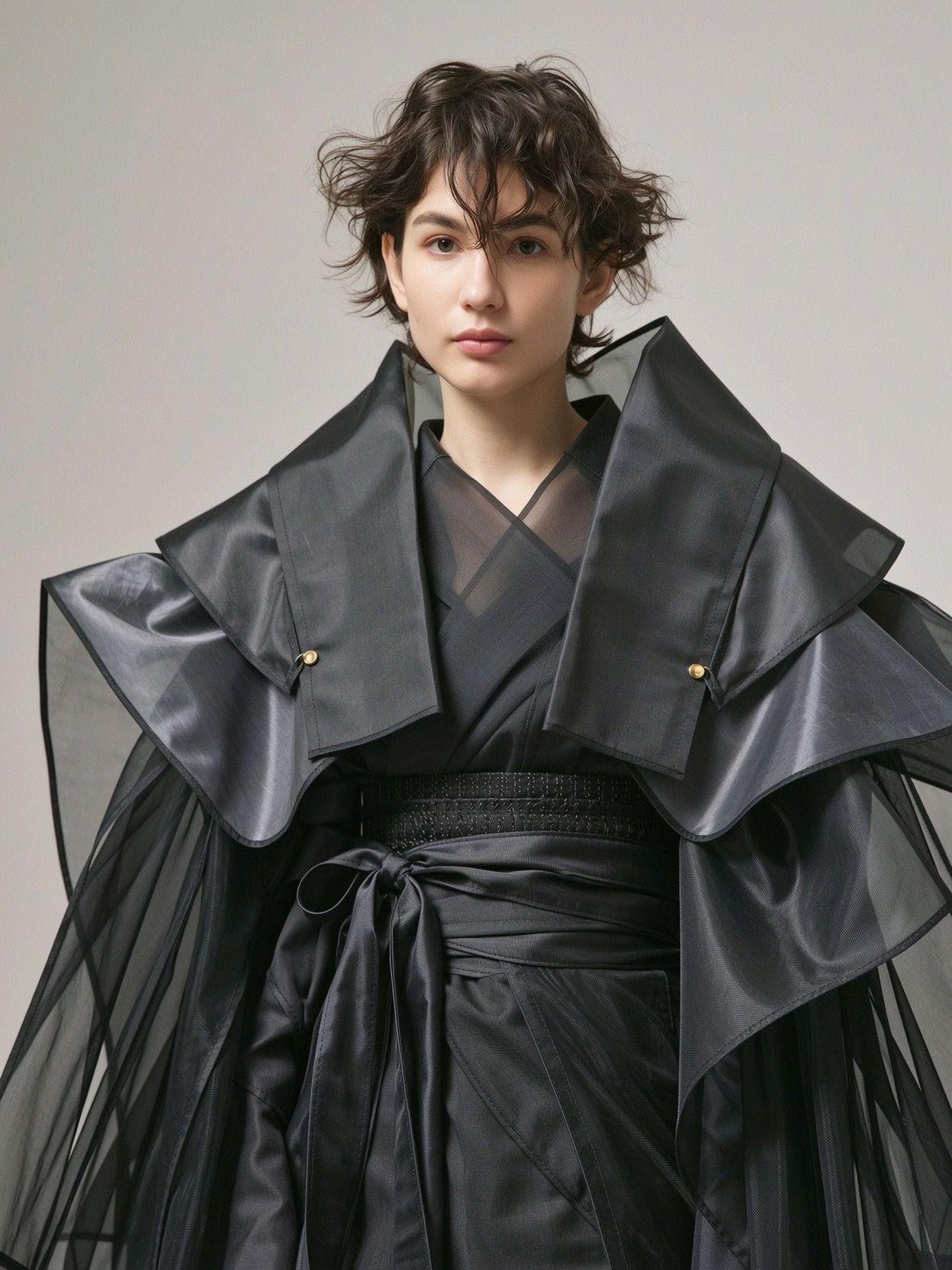
Generated on PixelDojo. Produced by PixelDojo's generation pipeline.
Your everyday webcam photo no longer has to look grainy, poorly lit, or unprofessional. PixelDojo gives you the power to transform any webcam capture into a breathtaking AI portrait that looks like it was created in a high-end photography studio. You can achieve LinkedIn-ready professional headshots, cinematic personal branding images, or unique artistic portraits without ever booking a photographer or leaving your desk. Simply capture a photo with your webcam, upload it, and watch PixelDojo's advanced tools turn it into a high-resolution masterpiece with perfect lighting, custom backgrounds, enhanced details, and styles that match exactly what you need. Whether you are updating your professional profile, building a personal brand, creating content, or just wanting better photos of yourself, you get results that look expensive and polished in minutes. Thousands of professionals, job seekers, creators, and entrepreneurs already use PixelDojo every day to elevate their online presence from simple webcam selfies. You skip the cost, time, and hassle of traditional photoshoots while gaining dozens of variations and complete creative control. With 100+ cutting-edge AI tools loved by 1M+ creators worldwide, you can cancel anytime and start seeing stunning outcomes immediately. Your next professional portrait is just a webcam click away.
Real image examples generated on PixelDojo
Every example below was produced on PixelDojo. Hover to see the prompt.
Wi-portrait
image-to-image
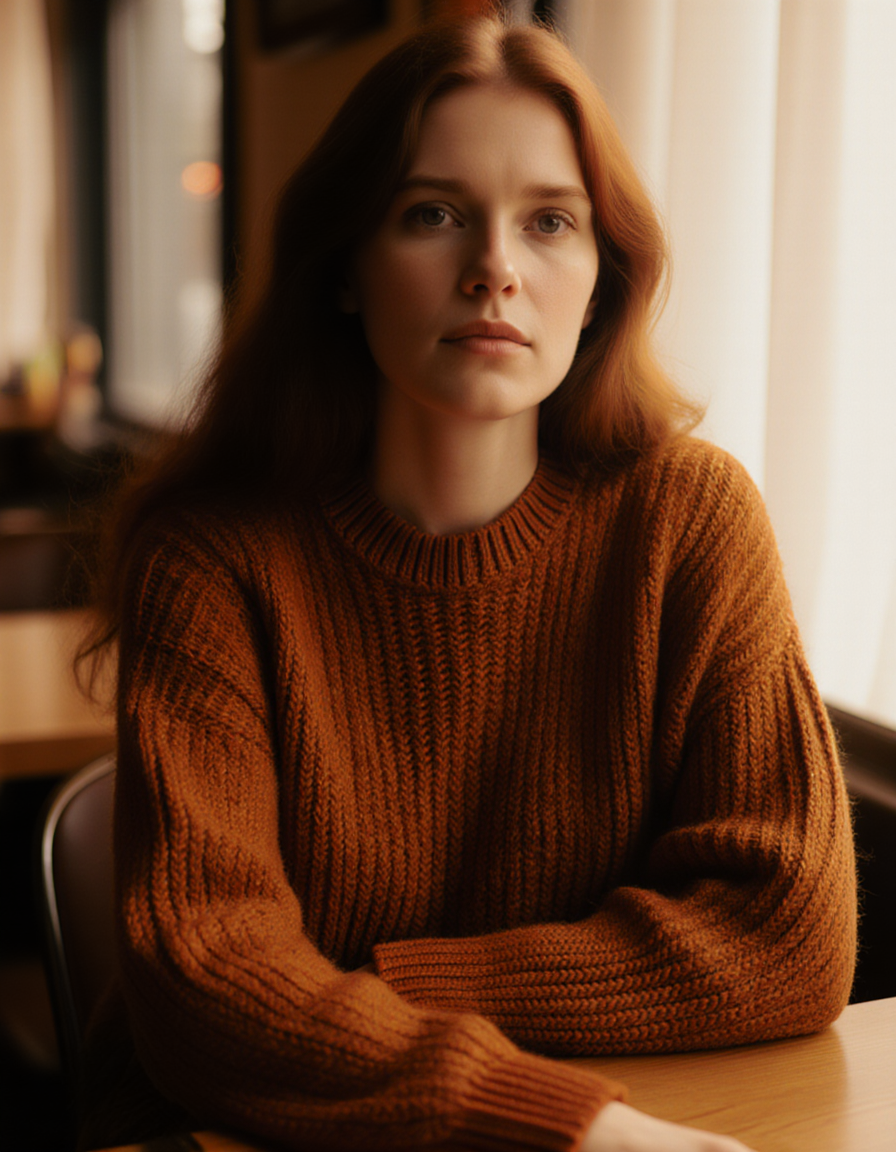
Fs-portrait
image-to-image
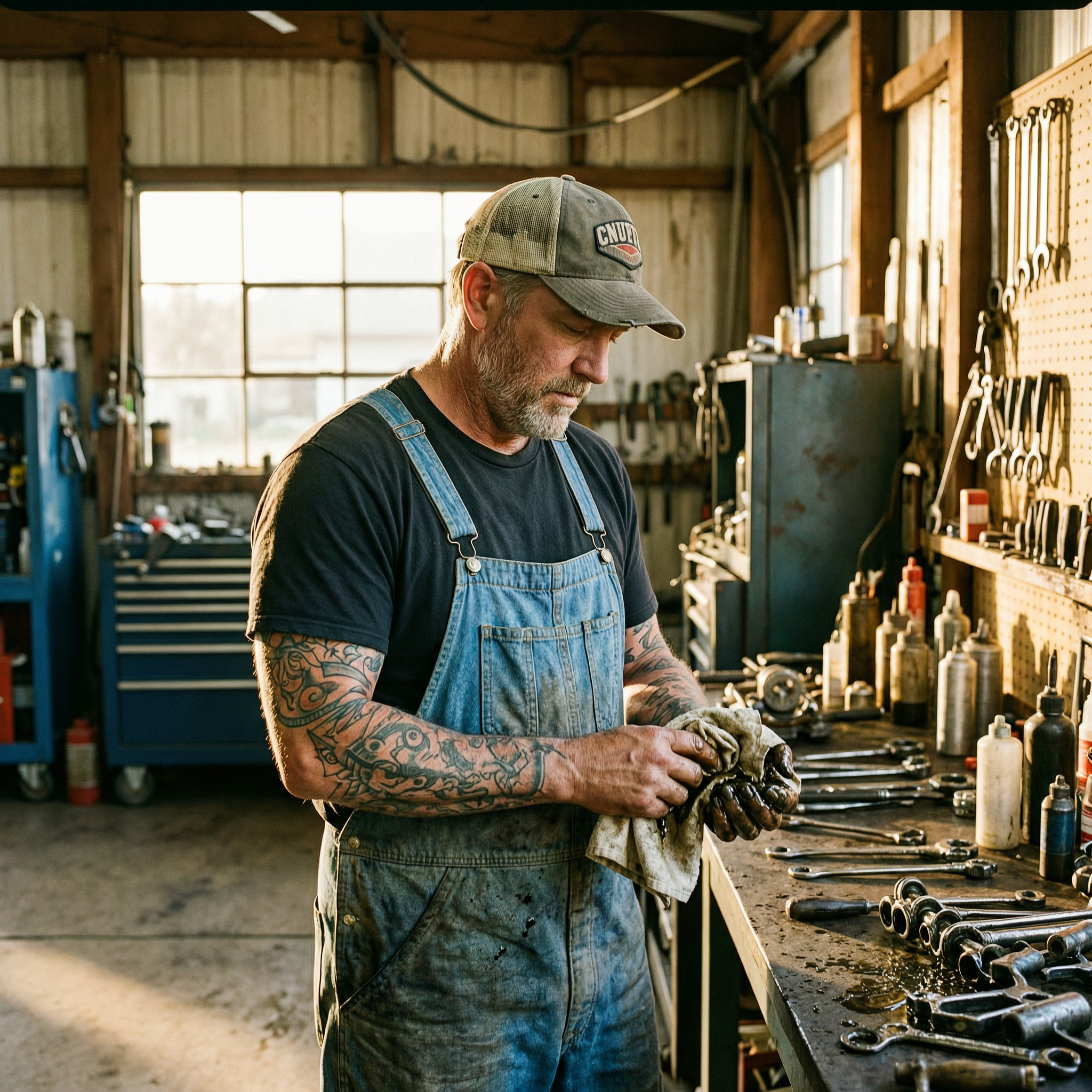
Wan-portrait
image-to-image
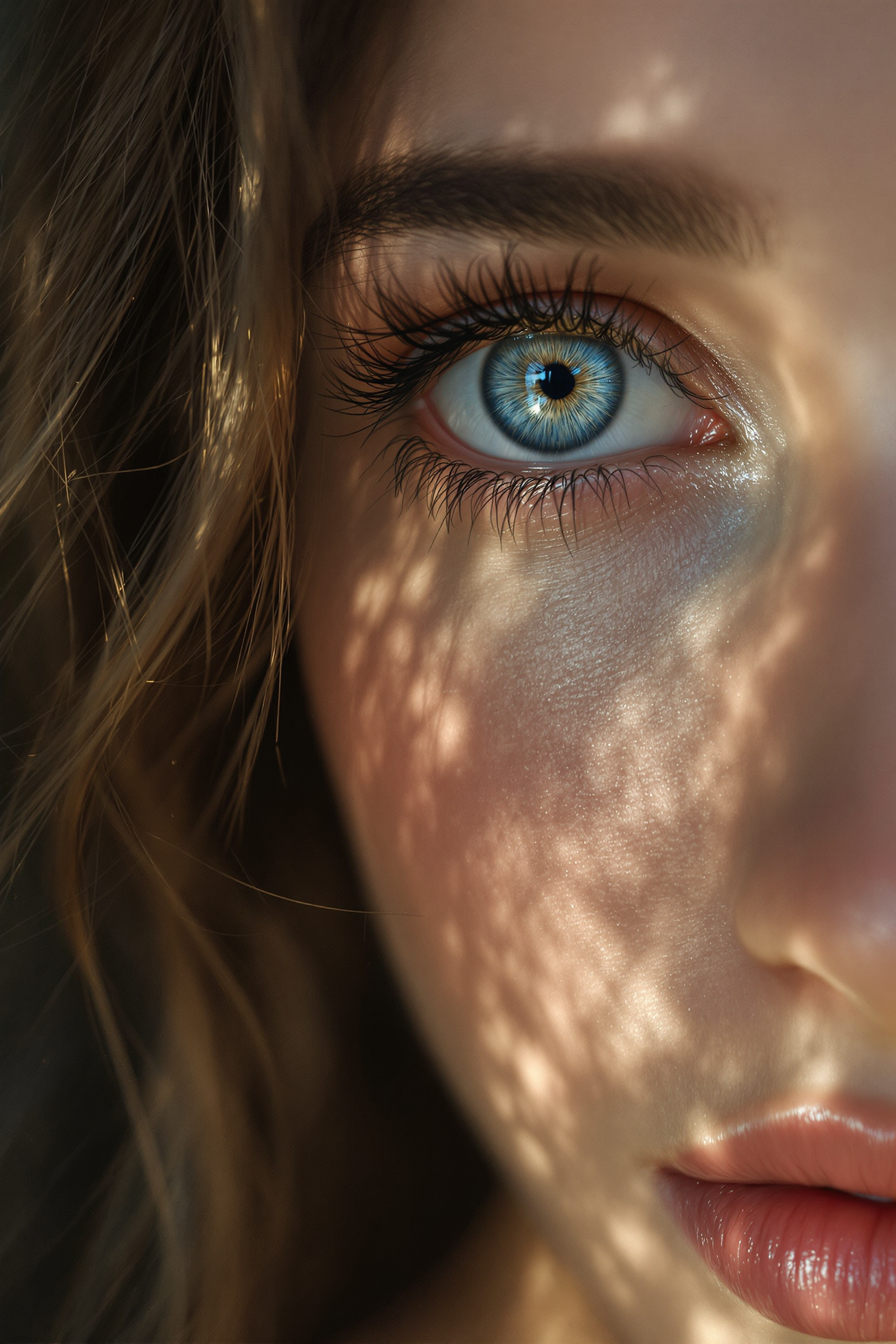
Midjourney ai art specializes in creating stunning zoom out portraits of beautiful woman
flux
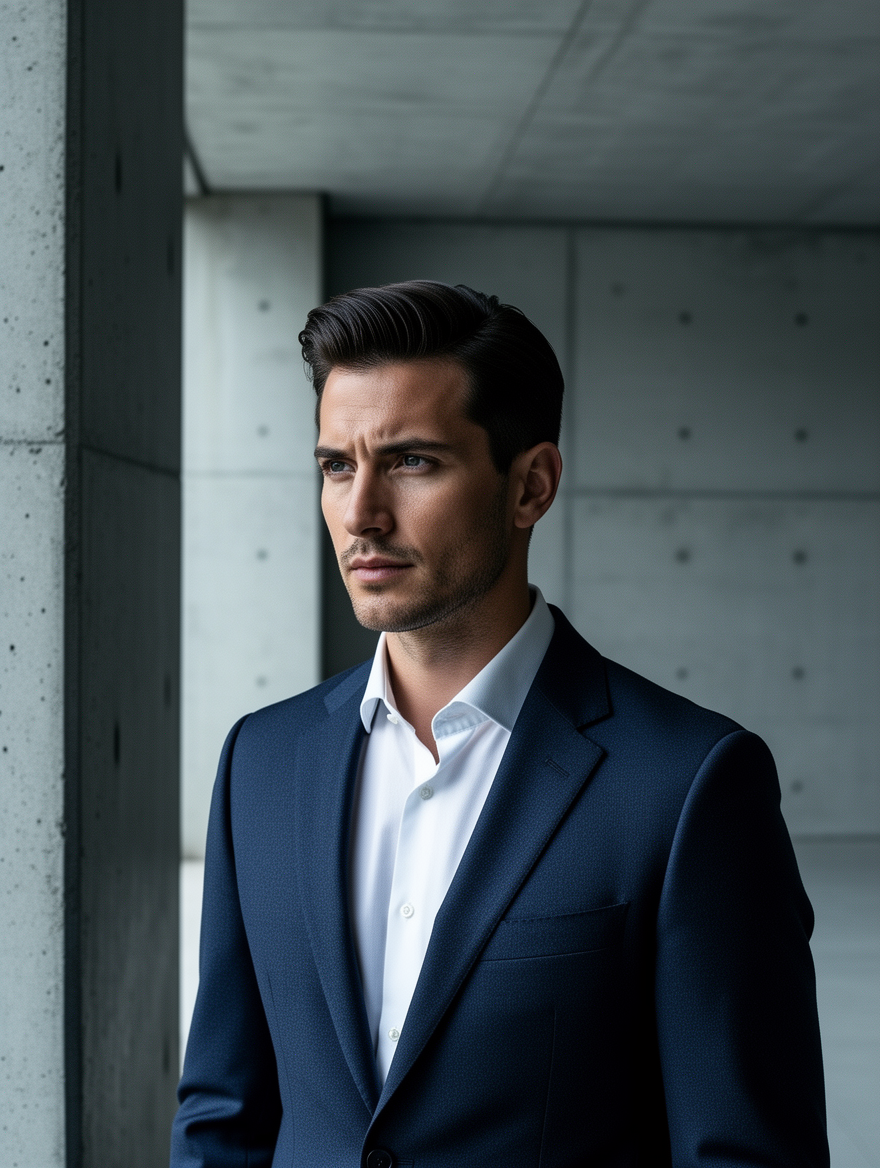
Ff-portrait
image-to-image
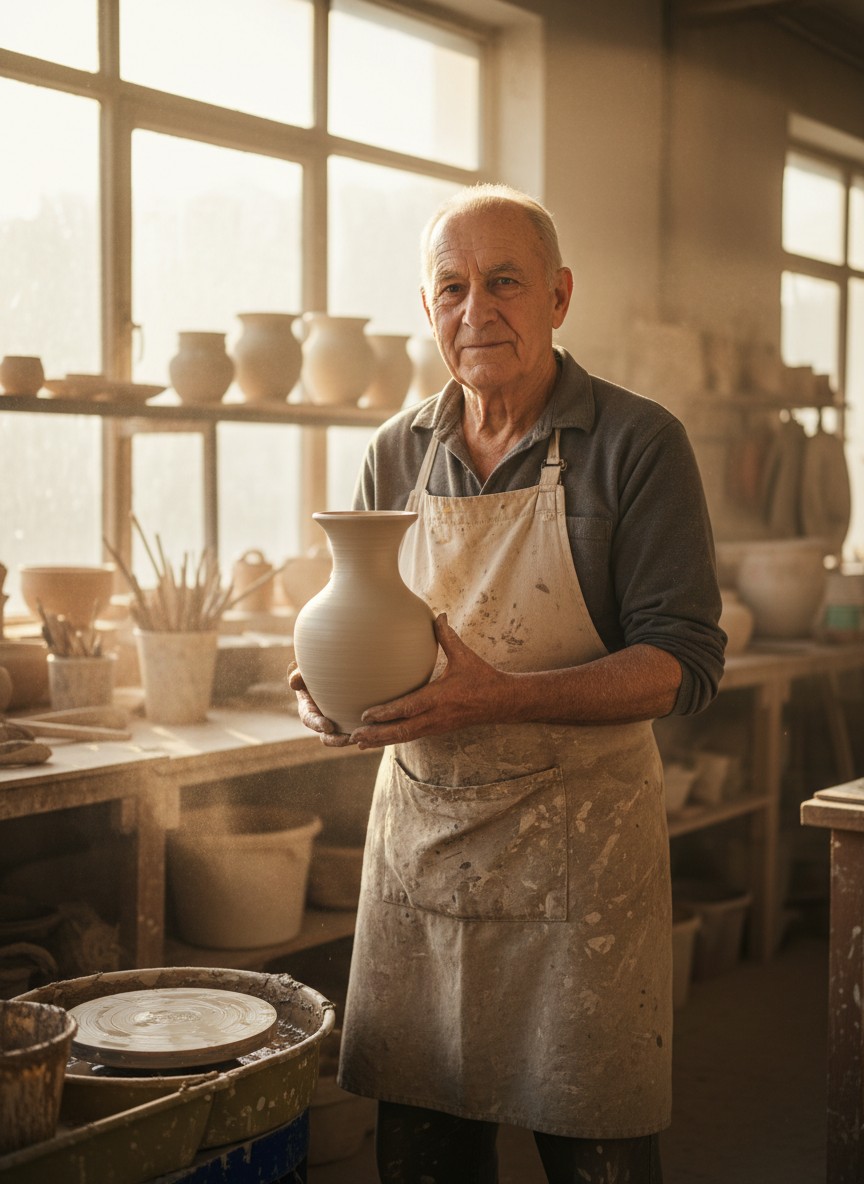
Gg-portrait
image-to-image
Models you can run on PixelDojo for webcam to ai portrait
Switch models without switching tools. Each one runs in the same PixelDojo studio.
What you can do with webcam to ai portrait on PixelDojo
Webcam Snapshot to Portrait
We take a still from your webcam and generate an AI portrait you can restyle, crop, and export for profiles, thumbnails, or character work.
Guided Looks From One Frame
We apply studio, illustrated, and cinematic treatments to the same capture so you can compare directions without recapturing.
Prompt Control After Capture
We let you add wardrobe, lighting, and mood instructions after the webcam still is taken, then regenerate until the portrait fits your brief.
Ready Files For Creators
We output standard image formats at common aspect ratios so you can drop the portrait into social, print, or production workflows.
Loved by 1M+ creators worldwide who have generated millions of portraits. PixelDojo users consistently rate their webcam-to-portrait results 4.9 out of 5 for realism, identity match, and professional quality. Join professionals transforming casual webcam photos into career-changing headshots every single day.
Why Choose Pixel Dojo for webcam to ai portrait
Professional-quality results with cutting-edge AI technology
Studio-Quality Professional Headshots from Any Webcam Photo
You can instantly convert a casual, low-light webcam selfie into a polished professional headshot perfect for LinkedIn, company websites, resumes, and speaking engagements. PixelDojo tools like Flux.2 Studio, Ideogram 4, and Image to Image apply expert studio lighting, clean backgrounds, and natural enhancements while keeping your unique facial features, expression, and identity completely intact. What used to require a $300 photoshoot now happens in seconds from your laptop, giving you multiple outfit and background options so you always look your best.
Unlimited Creative Styles That Match Your Personal Brand
Go far beyond a basic photo. You can generate cinematic AI portraits with dramatic lighting using Magic Lighting and Style Transfer, artistic interpretations with Recraft V4.1 or Hunyuan Image 3, or hyper-realistic looks with Seedream 5 and Nano Banana 2. Starting from your webcam image, you experiment freely with clothing, environments, moods, and aesthetics until you find the exact visual identity you want. This flexibility lets you create a cohesive brand across platforms without ever taking another photo.
Effortless Enhancement of Low-Quality Webcam Images
Webcam photos often suffer from noise, poor lighting, and low resolution, but you no longer have to live with that. PixelDojo's Portrait Upscaler, Reality Polisher, and Clarity Pro dramatically improve sharpness, skin texture, and overall quality while Background Remover and Image Outpainting let you place yourself in any professional or creative setting. Face-aware tools including Face Swap, LoRA Face Swap, and Consistent Characters ensure the final portrait still looks exactly like you, delivering results that feel authentic and high-end.
How It Works
Creating a stunning AI portrait from your webcam photo is simple and fast with PixelDojo. You capture the image, choose the right specialized tool, add a prompt, and refine the output using our editing suite. These three steps take most users less than five minutes and produce professional results every time.
Step 1: Capture Your Webcam Photo and Choose the Right Tool
Sit in decent lighting if possible and take a clear front-facing or three-quarter webcam photo. Log into PixelDojo and go to Generate Images or Edit Images. For the highest-quality webcam to AI portrait results, select Flux.2 Studio, Ideogram 4, Image to Image, or Nano Banana 2. These models excel at using your real photo as a strong reference while generating photorealistic or stylized portraits. You can also start with Seedream 5 or QWEN Image 2 depending on the look you want.
Step 2: Upload Your Photo and Enter a Detailed Prompt
Upload the webcam image as your reference. Write a specific prompt such as 'photorealistic professional headshot of this person wearing a tailored navy blazer, soft studio lighting, clean gray background, 85mm lens, natural skin texture, high resolution'. For cinematic results add 'dramatic side lighting, film grain, shallow depth of field'. PixelDojo's models including GPT Image 2, Kling Image, and WAN Image understand the webcam input and generate accordingly. Use Inpainting if you want to adjust clothing or background elements while keeping the face locked.
Step 3: Refine with Editing Tools and Download Your Final Portrait
After generation, open Edit Images to apply Reality Polisher for extra realism, Portrait Upscaler or Magnific Upscaler for 4K sharpness, Background Remover to swap the scene, and Style Transfer for additional variations. Face tools like Face Swap and Character Stylist keep identity consistent. Create extra versions with P-Image, Riverflow, or ImagineArt if you want more options. Download the high-resolution files ready for LinkedIn, websites, or print. You now have professional webcam to AI portraits that look like they came from a real studio.
The Pixel Dojo Advantage
PixelDojo outperforms every other option for webcam to AI portrait generation by combining the latest specialized models with a complete editing suite built specifically for turning everyday webcam photos into professional, identity-preserving portraits. You get speed, quality, variety, and control that traditional methods and generic tools simply cannot match.
| Others | Pixel Dojo |
|---|---|
| Traditional photography studios | You eliminate the $200–500 cost, weeks of scheduling, travel, and awkward posing. Generate professional portraits from a single webcam photo in minutes, with complete control over lighting, clothing, background, and style using Flux.2 Studio, Background Remover, and Magic Lighting. |
| Generic AI image tools | PixelDojo provides 100+ purpose-built tools including Portrait Upscaler, Reality Polisher, Face Swap, Consistent Characters, and Ideogram Character that preserve your likeness far better and produce more consistent, high-end results from webcam inputs than one-size-fits-all generators. |
| Manual photo editing software | Instead of spending hours learning complex layers, retouching, and lighting corrections, PixelDojo's AI automatically handles professional lighting, natural skin enhancement, composition, and background replacement. Tools like Image Analyzer, Reality Polisher, and Image Outpainting make studio-quality outcomes accessible to anyone in seconds. |
Loved by creators on PixelDojo
Real feedback from people using PixelDojo, pulled from our in-product surveys.
Qwen image 2 is amazing!!
Creative freedom, range of tools and options.
I love the training feature
the quality is the best
All the tools needed in one dashboard
Very fair and very broad in tools.
Explore more AI tools on PixelDojo
Popular AI Models
AI Tools
Compare & Switch
- All AI Tool Alternatives
- Pollo AI Alternative
- PixelDojo vs Pollo AI
- Pollo AI Review
- MotionMuse AI Alternative
- MioCreate Alternative
- Dessi AI Alternative
- Runway Alternatives
- CapCut Alternatives
- Leonardo Alternatives
- OpenArt Alternatives
- Midjourney Alternatives
- Canva AI Alternatives
- Pika Alternatives
- InVideo Alternatives
- Higgsfield Alternatives
- Krea Alternatives
- Luma Alternatives
- Magic Hour Alternatives
- HeyGen Alternatives
- PixAI Alternatives
- Vidu Alternatives
- Seedream Alternatives
- Tensor.Art Alternatives
Common Questions
Everything you need to know about webcam to ai portrait
How do I turn a webcam selfie into a professional AI portrait with PixelDojo?
Capture a reasonably clear photo with your webcam. Upload it to PixelDojo's Image to Image or Flux.2 Studio tool. Add a prompt describing the professional look you want, such as studio lighting, specific attire, and background. The AI generates a high-quality portrait that keeps your identity. Then use Reality Polisher, Portrait Upscaler, and Background Remover to perfect it. Most users complete the entire process in under five minutes and get LinkedIn-ready results immediately.
What PixelDojo tools work best for converting low-quality webcam photos into AI portraits?
Start with Image to Image paired with Flux.2 Studio, Ideogram 4, or Nano Banana 2 for the initial generation. Follow up with Reality Polisher to add photorealism, Portrait Upscaler or Clarity Pro for resolution, and Background Remover plus Image Outpainting for the scene. Face-specific tools including Face Swap, LoRA Face Swap, and Consistent Characters ensure your unique features stay accurate even when the original webcam image is grainy or poorly lit.
Can I create cinematic or artistic AI portraits from a simple webcam capture on PixelDojo?
Yes. Upload your webcam photo and use Style Transfer, Magic Lighting, Recraft V4.1, Hunyuan Image 3, or Seedream 5. Prompt for cinematic lighting, film aesthetics, or any artistic style you like. PixelDojo maintains your facial identity while completely transforming the mood, lighting, and environment, giving you magazine-quality or movie-still portraits from an ordinary webcam image.
How does PixelDojo preserve my identity when generating AI portraits from webcam photos?
PixelDojo's models such as Flux.2 Studio, QWEN Image, and Ideogram 4 are trained to respect facial structure, proportions, and unique features when using Image to Image. Additional tools like Face Swap, LoRA Face Swap, Consistent Characters, and Character Sheets lock in your likeness across multiple generations and styles. The result is portraits that look authentically like you rather than a generic AI face.
Are PixelDojo webcam to AI portraits suitable for LinkedIn and professional use?
Absolutely. 1M+ creators create LinkedIn headshots, company profile photos, and speaker images this way. The combination of Flux.2 Studio, professional lighting tools, Background Remover, and Reality Polisher produces clean, high-resolution, natural-looking portraits that meet professional standards. You can generate multiple variations in different outfits and backgrounds to find the perfect one for your industry.
What makes PixelDojo better than other methods for webcam to AI portrait generation?
You get 100+ specialized tools in one place, including dedicated portrait upscalers, face consistency features, and advanced editors that generic platforms lack. Results are faster, more affordable, more identity-accurate, and higher quality than traditional photography or basic AI generators. Plus you can cancel anytime, experiment endlessly, and even extend into video portraits later using Kling Video or WAN Video tools if you want.