Image to video AI Luma

Imagine transforming your favorite photos into dynamic, engaging videos without any prior video editing experience. With PixelDojo's AI-powered tools, you can breathe life into static images, creating captivating content that resonates with your audience. Whether you're a marketer aiming to enhance your campaigns, a content creator seeking fresh material, or someone looking to add a creative touch to personal projects, PixelDojo makes it simple and accessible.
Join over 10,000 satisfied creators who have generated more than 50,000 videos using PixelDojo's AI technology. Rated 4.8/5 by our users for ease of use and quality results.
Why Choose Pixel Dojo for Image to video AI Luma
Professional-quality results with cutting-edge AI technology
Effortless Video Creation
Convert static images into dynamic videos in minutes, no prior experience required.
High-Quality Outputs
Generate 1080p videos with realistic motion and fluid camera movements.
Time and Cost Efficiency
Save hours of manual editing and reduce production costs with AI automation.
How It Works
Creating engaging videos from your images is straightforward with PixelDojo. Follow these simple steps:
Step 1: Choose Your Tool
Log in to your PixelDojo account and select the 'Image to Video' tool from the dashboard.
Step 2: Upload Your Image
Click on 'Upload Image' to select the static image you wish to animate.
Step 3: Enter Your Prompt
Describe the desired motion or scene transformation in the prompt box to guide the AI.
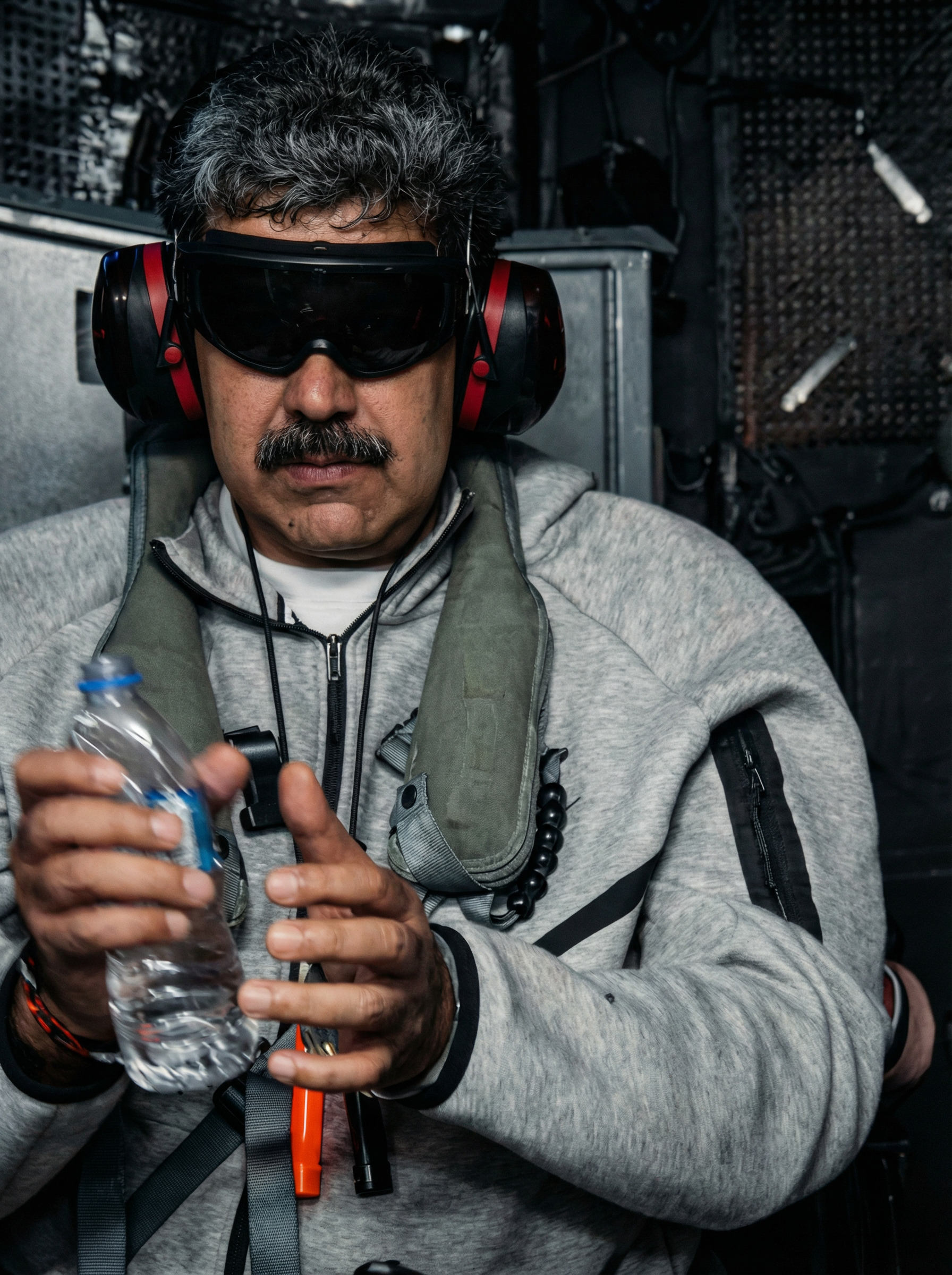
![{
"shot": {
"composition": "Tight selfie-vlog, palm-string lights bokeh",
"camera_motion": "arm-length phone sway, gentle sidestep in sand",
"frame_rate": "30fps",
"camera_model": "iPhone 15 Pro, Cinematic",
"lens": "24 mm equiv f/1.9",
"white_balance": "4800K sunset mix",
"film_grain": "mobile sensor noise 6 %"
},
"subject": {
"role": "Charge Nurse",
"name": "Isha",
"age": 24,
"ethnicity": "Sierra Leonean",
"appearance": "short natural curls, gold nose stud, radiant skin",
"wardrobe": "turquoise off-shoulder top, white linen shorts, beaded anklet",
"emotion": "frank, resilient",
"movement": "turns to show surf line, back to lens with nod"
},
"scene": {
"location": "Lumley Beach, Freetown",
"time_of_day": "19:10 (blue hour)",
"environment": "orange-pink horizon, beach-bar neon, distant Afrobeat, gentle surf"
},
"audio": {
"ambient": "small waves, muffled Afrobeat bass, laughter cluster",
"mix_level_db": -14,
"voice_over": {
"language": "en-SL",
"voice_profile": {
"id": "AfricanFemale_Eng_West_NaturalV2",
"tier": "studio-hd",
"naturalness": 1,
"stability": 0.25,
"accent": "SL-EN",
"speech_speed": "fast_095"
},
"script": [
{
"timestamp": 0.5,
"text": "Dem online talk dey stress me, ya know."
},
{
"timestamp": 3,
"text": "But pausing my vids? That no be me."
},
{
"timestamp": 5.5,
"text": "Use Pixel Dojo dot AI."
}
]
},
"audio_master": {
"target_lufs": -14,
"true_peak_db": -2,
"dialogue_enhance": false
},
"dialogue": {
"character": "woman",
"line": "If making content is stressing you our, try Pixel Dojo dot AI"
}
},
"color_palette": "teal shadows, warm sunset mids, neon pink highlights"
}](https://cdn.pixeldojo.ai/cdn-cgi/image/f=auto,q=90,w=3840/pixeldojo/generated-images/1754073051544-mrac60e95.png)



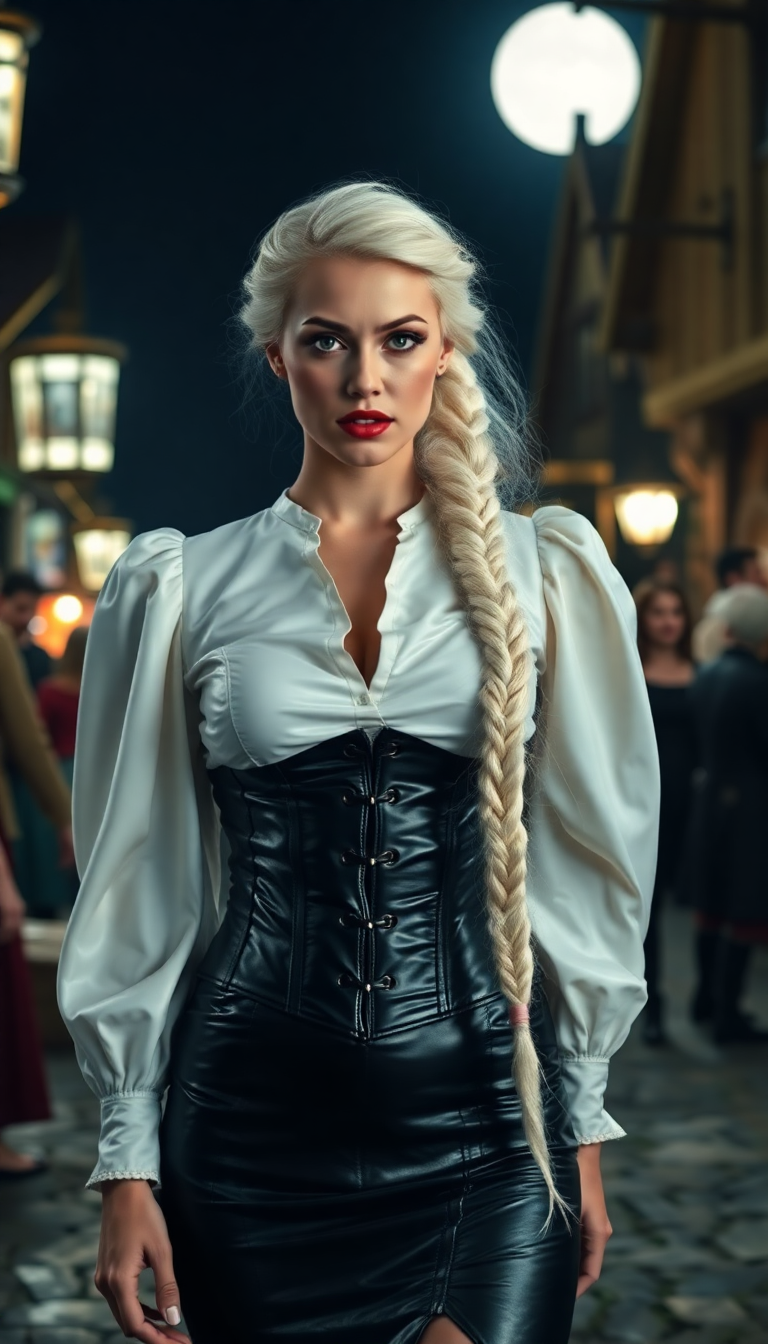
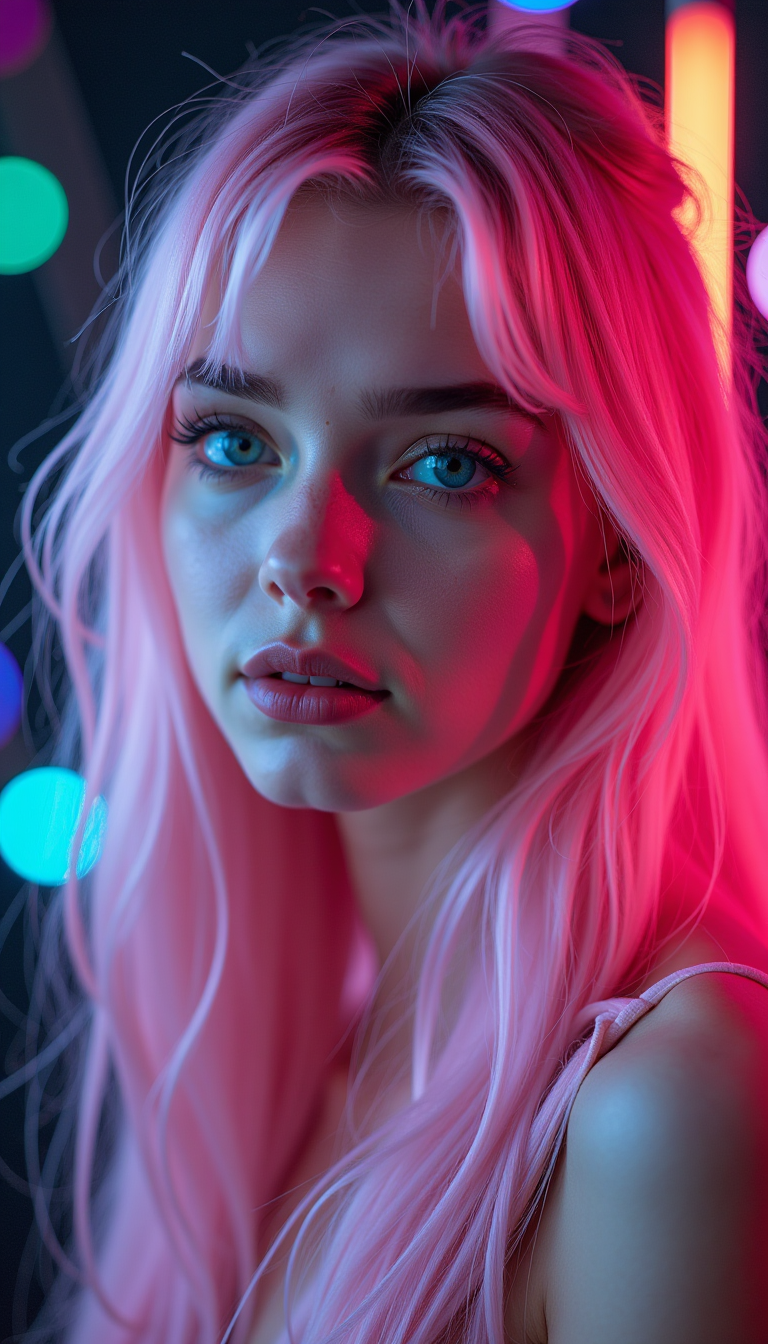
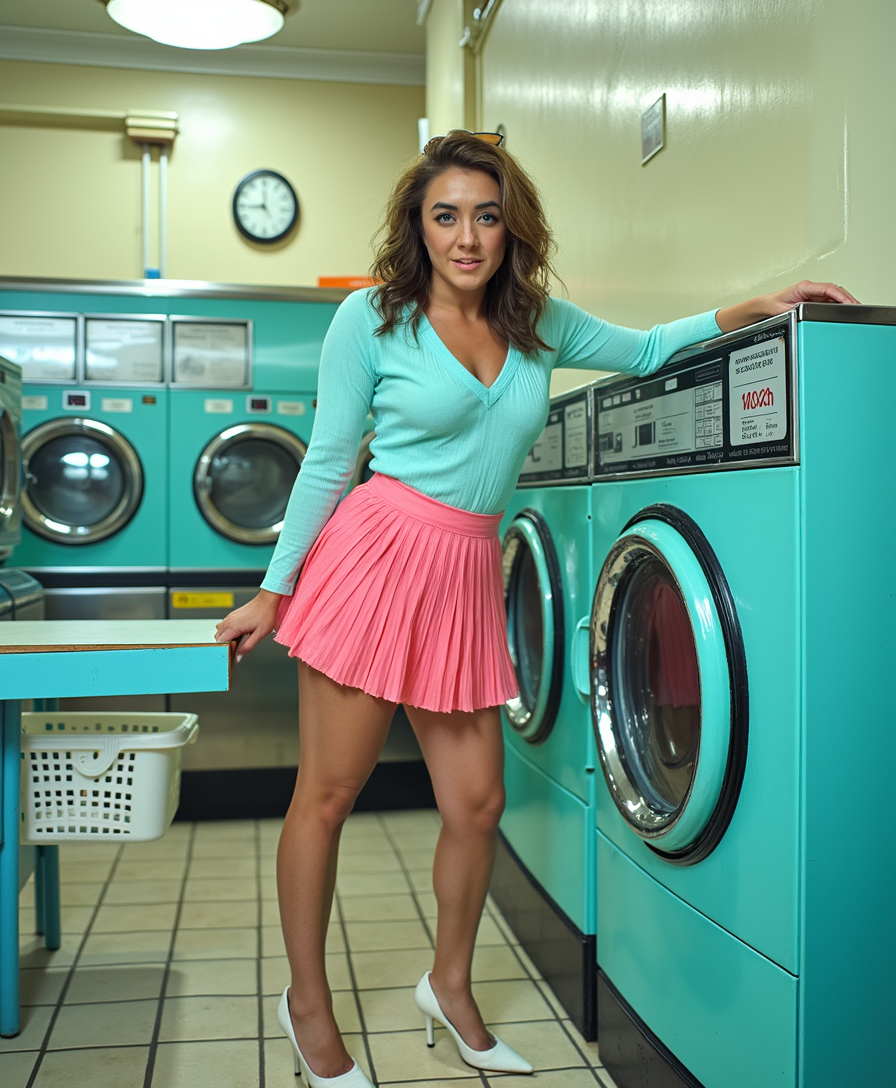
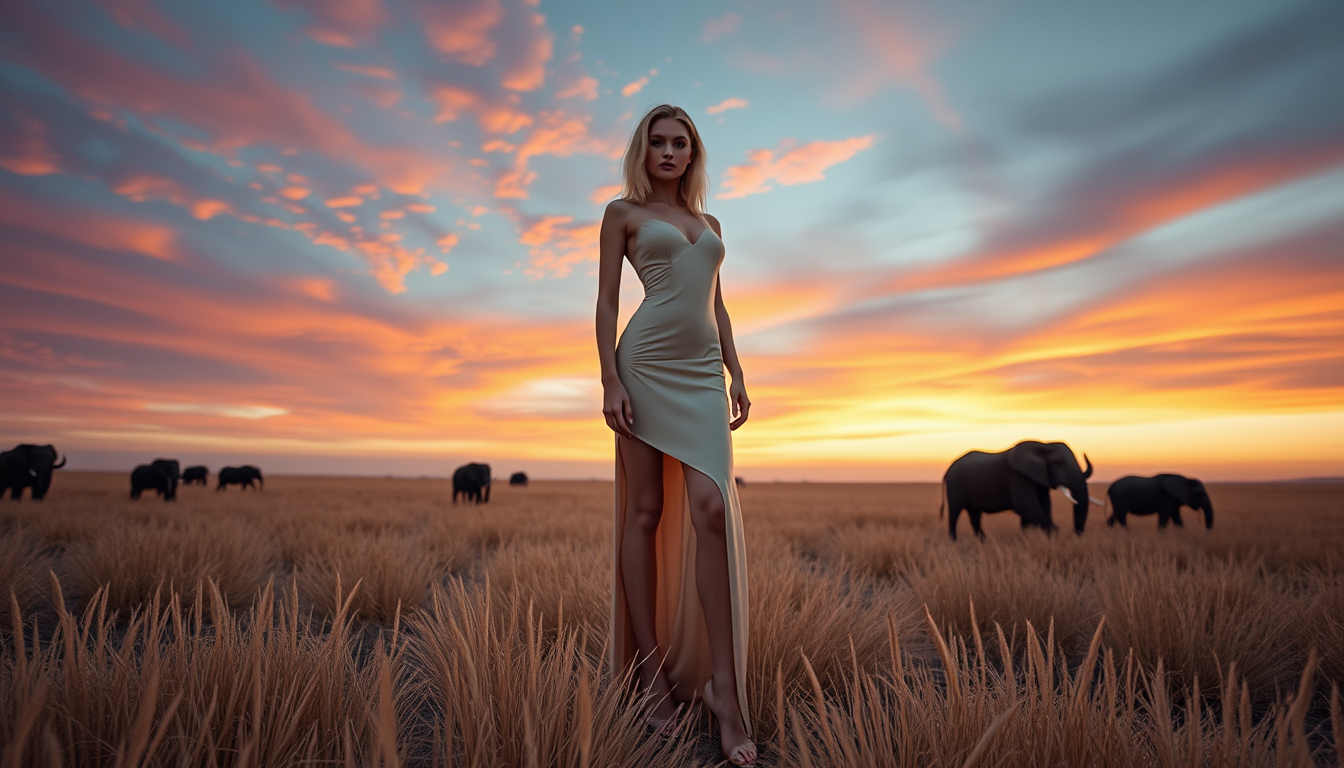
The Pixel Dojo Advantage
Why PixelDojo is the superior choice for image-to-video conversion:
| Others | Pixel Dojo |
|---|---|
| Traditional Video Editing | Eliminates the need for complex software and extensive editing skills. |
| Generic AI Tools | Offers specialized features tailored for high-quality image-to-video transformations. |
| Manual Animation | Significantly reduces time and effort compared to frame-by-frame animation. |
Loved by creators on PixelDojo
Real feedback from people using PixelDojo, pulled from our in-product surveys.
super lora download
Great variety of tools to create and modify images and video.
Lots of Tools, and the one time I needed support I got help right away
Easy to use once you get the hang of it
Love it make anything I can think of so far
Great for all your ideas use it encourage more people to use it
Explore more AI tools on PixelDojo
Popular AI Models
AI Tools
Compare & Switch
- Best AI Image Generators
- Best AI Video Generators
- Midjourney Alternatives
- Civitai Alternatives
- Runway Alternatives
- Leonardo Alternatives
- Pika Alternatives
- Luma Alternatives
- Magnific Alternatives
- Veo Alternatives
- Flux Alternatives
- Freepik Alternatives
- Seedance Alternatives
- Seedream Alternatives
- Pixverse Alternatives
- GPT Image Alternatives
- Synthesia Alternatives
- Playground Alternatives
- NightCafe Alternatives
- Canva AI Alternatives
- ElevenLabs Alternatives
- ComfyUI Alternatives
- Fal Alternatives
- Replicate Alternatives
Common Questions
Everything you need to know about Image to video AI Luma
How does PixelDojo's AI convert images to videos?
PixelDojo utilizes advanced AI algorithms to analyze your static images and generate dynamic videos by adding realistic motion and transitions based on your prompts.
Do I need prior video editing experience to use PixelDojo?
No, PixelDojo is designed for users of all skill levels. Its intuitive interface allows you to create professional-quality videos without any prior experience.
Can I customize the generated videos?
Yes, you can adjust various settings such as video length, resolution, aspect ratio, and even guide the motion through descriptive prompts.
What formats are the videos exported in?
The generated videos are exported in standard MP4 format, compatible with most platforms and devices.
Is there a limit to the number of videos I can create?
PixelDojo offers credit-based plans starting at $10 a month, with no daily caps on video generation.
Can I use the generated videos for commercial purposes?
Yes, videos created with PixelDojo can be used for commercial purposes, subject to the terms of your subscription plan.