ai remaker AI Generator
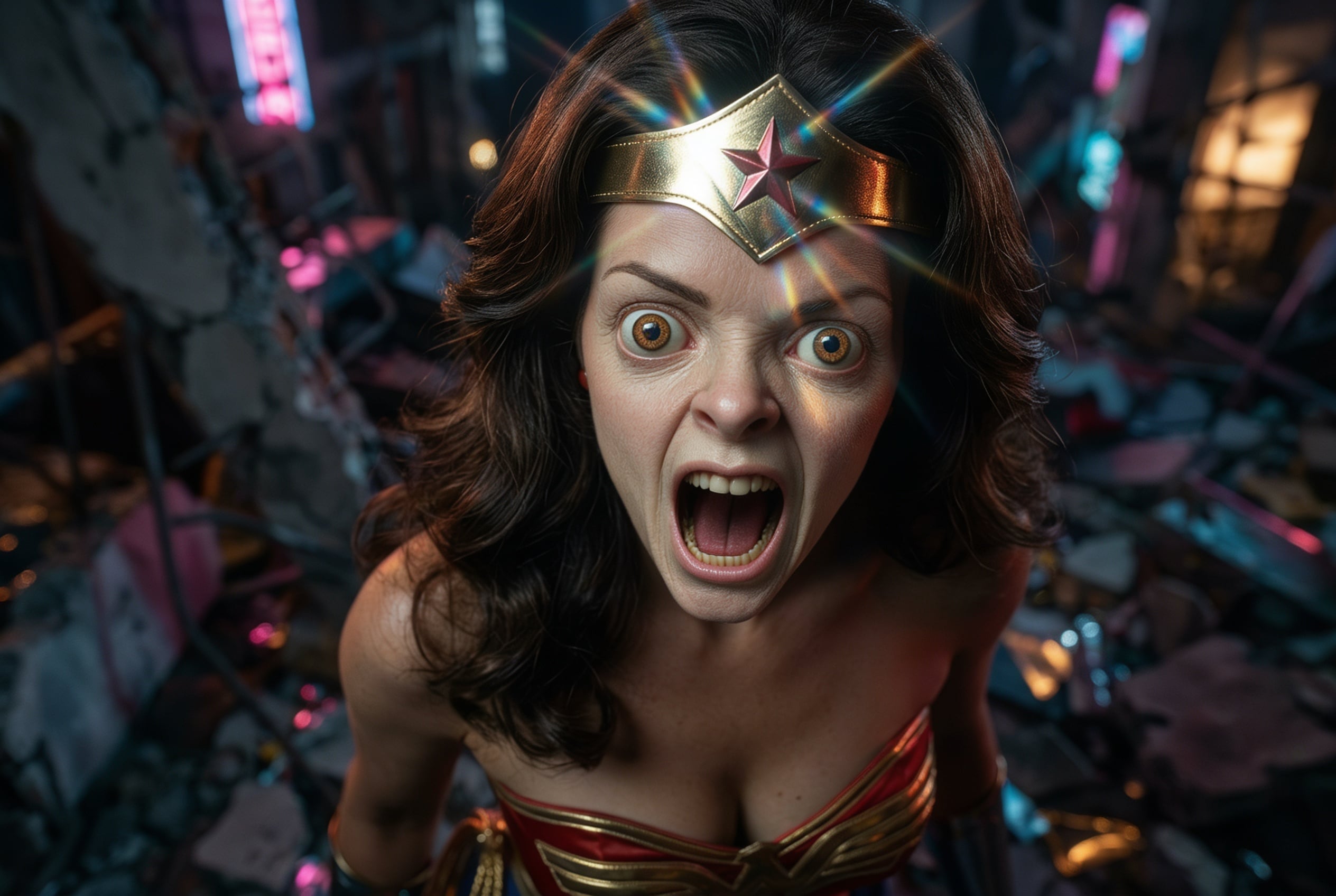
Imagine turning an ordinary snapshot into a cinematic masterpiece, refreshing an old family photo, or instantly adapting your product shots for different campaigns—all without hiring designers or spending hours in editing software. PixelDojo's AI Remaker category empowers you to achieve exactly that: professional-grade image transformations that deliver stunning results in minutes. Whether you want to change the style, fix imperfections, swap backgrounds, or generate endless creative variations from a single photo, our suite of specialized tools makes it effortless. You focus on your vision; our AI handles the heavy lifting, helping you produce share-worthy visuals that captivate audiences and elevate your projects faster than ever before.
Join over 85,000 creators who have remade more than 2.3 million images this year. Rated 4.9/5 by users for quality and ease. Trusted by marketers, photographers, and content creators worldwide for consistent, high-impact results.
Why Choose Pixel Dojo for ai remaker
Professional-quality results with cutting-edge AI technology
Instantly Refresh and Revitalize Any Photo
Breathe new life into old, low-quality, or dated images. PixelDojo's Reality Polisher and Clarity Pro tools enhance details, correct lighting, and restore clarity so your remade photos look professionally shot and ready for social media, portfolios, or print.
Create Endless Style Variations from One Image
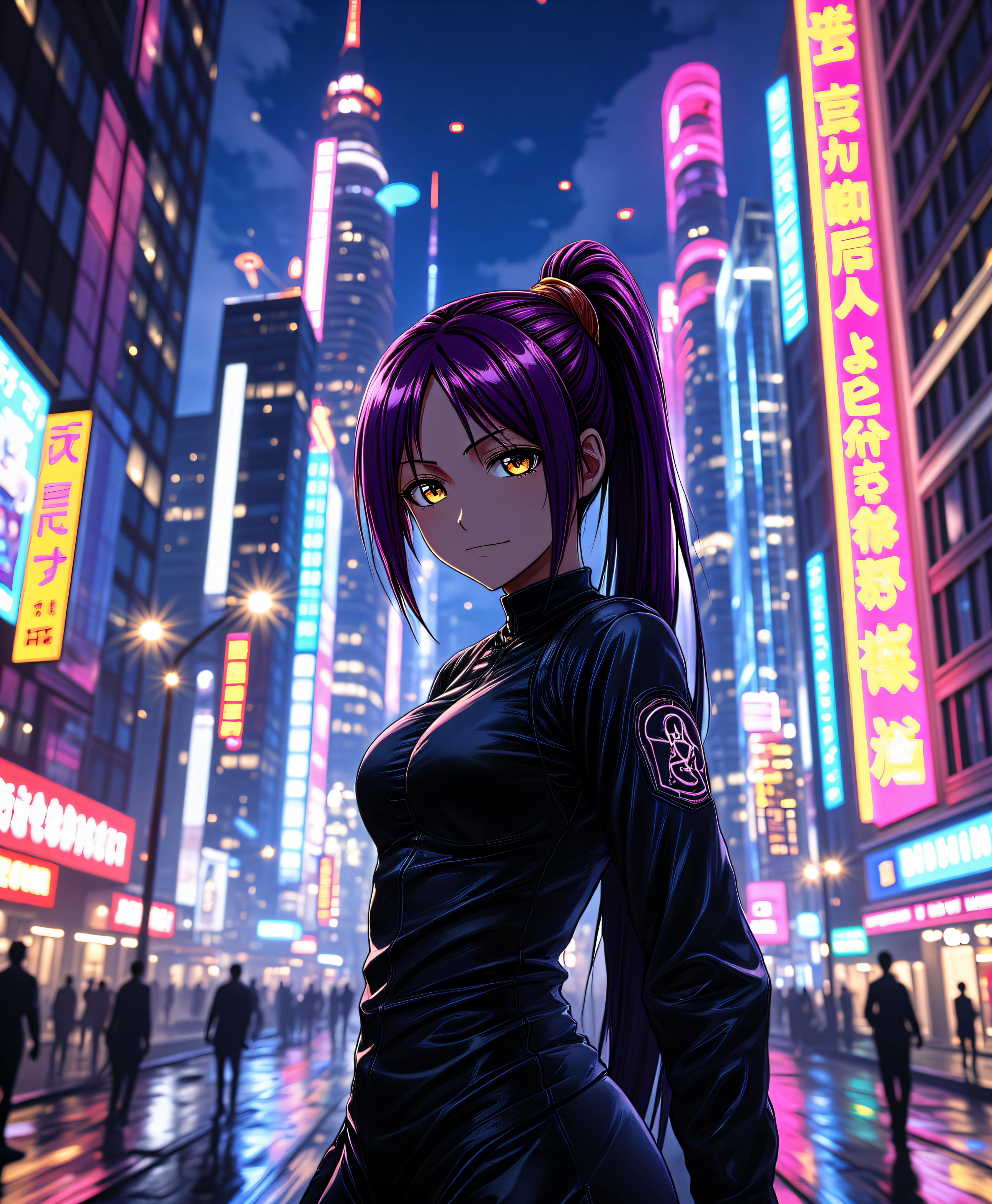
Upload a single photo and generate dozens of stylistic interpretations—turn a casual portrait into anime, oil painting, cyberpunk, or vintage film looks. Style Transfer and Image to Image tools deliver consistent, high-fidelity results tailored to your brand or creative needs.
Make Precise Edits and Seamless Transformations
Remove unwanted objects, change backgrounds, adjust camera angles, or add new elements with Inpainting, Background Remover, Change Camera Angle, and Image Outpainting. Achieve natural-looking results that maintain original details while perfectly matching your vision.
How It Works
Remaking images with PixelDojo is simple and intuitive. Follow these three steps to transform any photo into something extraordinary using our dedicated AI remaker tools.
Step 1: Choose Your Tool
Select from PixelDojo's powerful Edit Images suite tailored for remaking: start with Image to Image for guided transformations, Style Transfer for artistic makeovers, Inpainting for targeted fixes, or Reality Polisher for overall enhancement. Tools like Magic Lighting and Smart Resize are perfect for quick refinements.
Step 2: Enter Your Prompt
Upload your original image and describe the desired changes in natural language. For example: 'Transform this portrait into a vibrant cyberpunk style with neon lights' or 'Remove the background and replace with a serene mountain landscape at sunset.' Combine with tools like Change Camera Angle or Background Remover for precise control.
Step 3: Customize & Download
Review the AI-generated results, fine-tune with additional passes using Inpainting or Magic Lighting if needed, then upscale with Creative Upscaler or Portrait Upscaler for print-ready quality. Download in multiple formats or continue iterating for perfect variations.
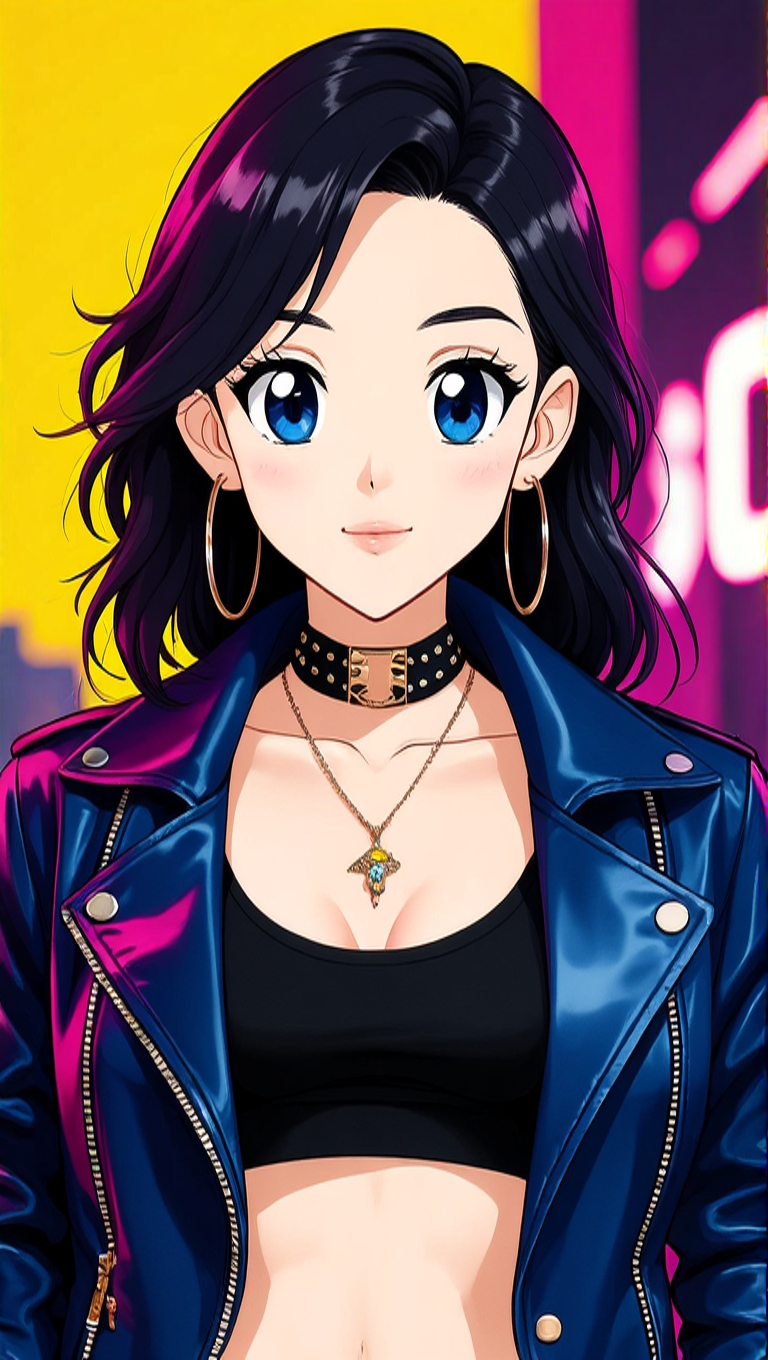
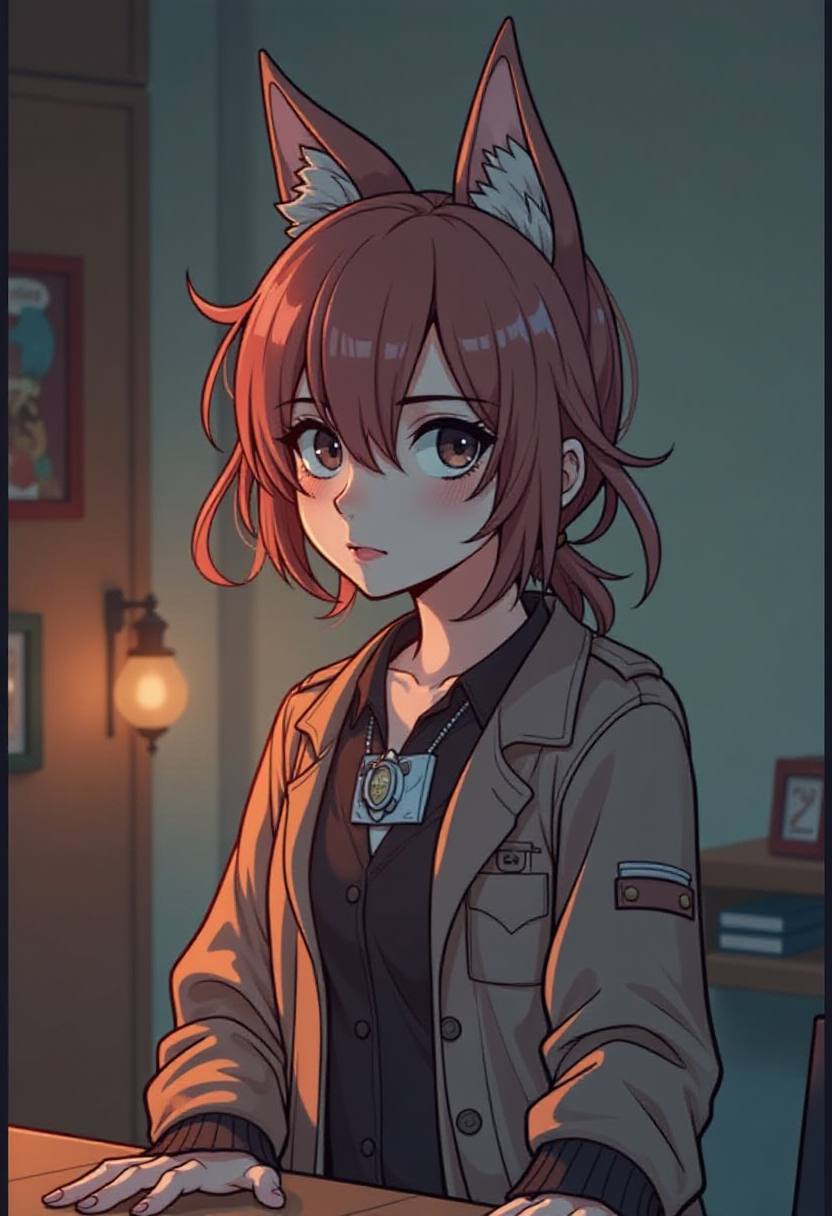
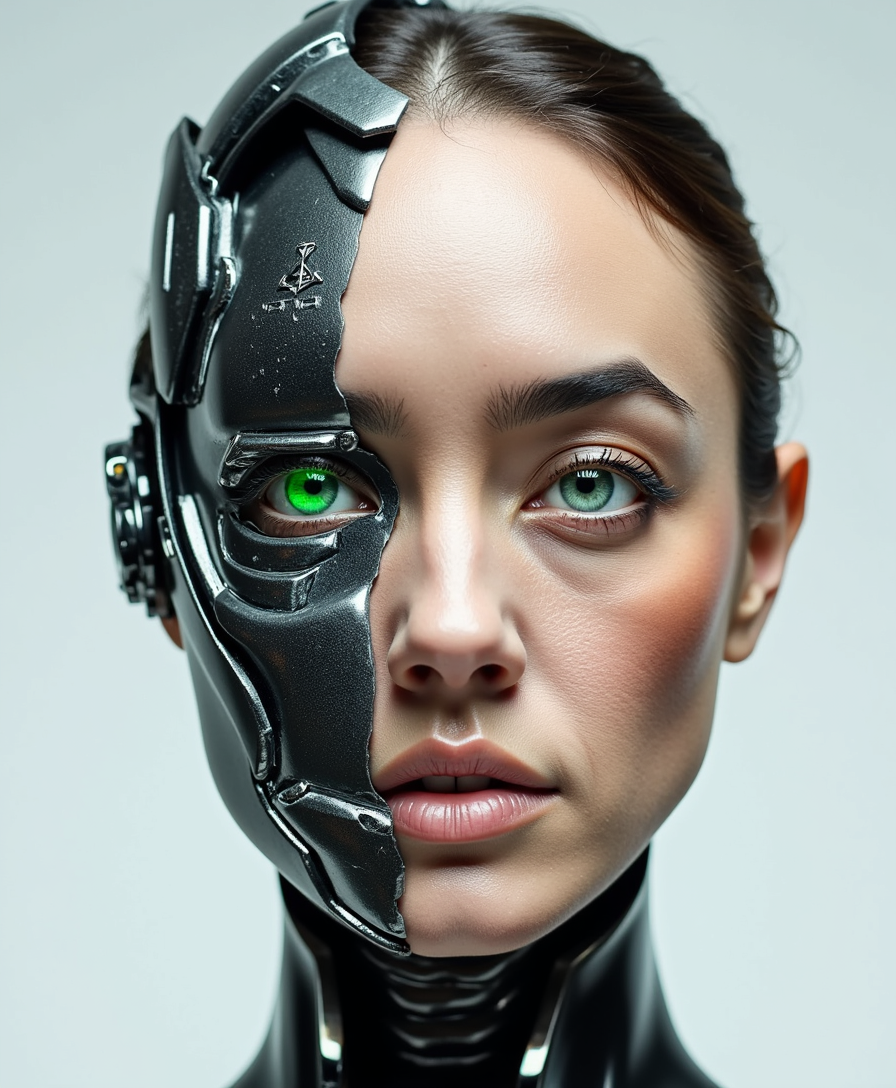
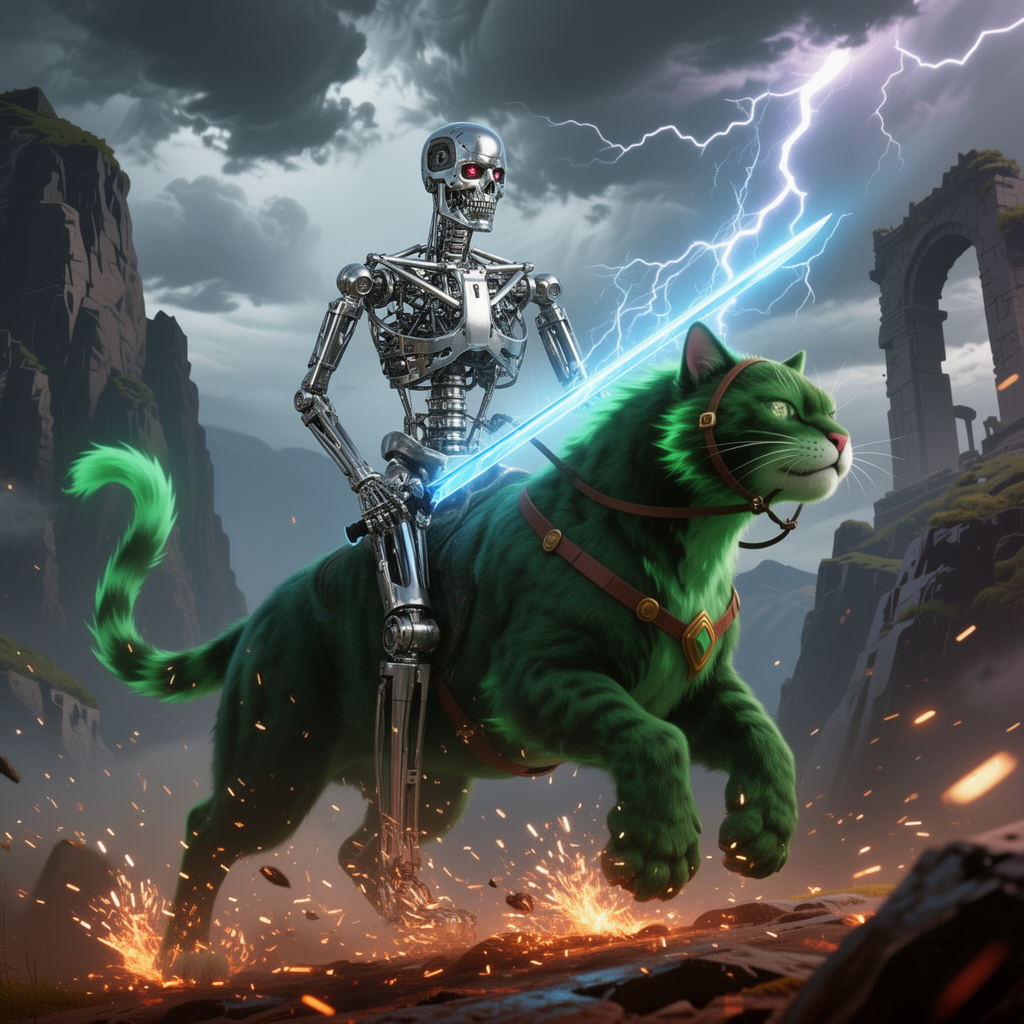
The Pixel Dojo Advantage
Why PixelDojo outperforms other options for AI remaker image generation
| Others | Pixel Dojo |
|---|---|
| Traditional photo editing | Skip hours of manual work—remake images in seconds with intelligent AI that understands context and preserves details automatically |
| Generic AI tools | Access 40+ specialized remaker tools in one place with consistent character preservation, advanced inpainting, and seamless style transfers not available elsewhere |
| Manual photo editing | Achieve professional results without expertise—AI handles complex blending, lighting adjustments, and outpainting while you simply describe what you want |
Loved by creators on PixelDojo
Real feedback from people using PixelDojo, pulled from our in-product surveys.
Lots of different tools. It's easy to purchase more credits.
Amazing performance!
Excellent website for creating all types of media
Very eay to use, works well to train SDXL loras.
The amazing tools
Top notch quality and strong prompt adherence.
Explore more AI tools on PixelDojo
Popular AI Models
AI Tools
Compare & Switch
- Best AI Image Generators
- Best AI Video Generators
- Midjourney Alternatives
- Civitai Alternatives
- Runway Alternatives
- Leonardo Alternatives
- Pika Alternatives
- Luma Alternatives
- Magnific Alternatives
- Veo Alternatives
- Flux Alternatives
- Freepik Alternatives
- Seedance Alternatives
- Seedream Alternatives
- Pixverse Alternatives
- GPT Image Alternatives
- Synthesia Alternatives
- Playground Alternatives
- NightCafe Alternatives
- Canva AI Alternatives
- ElevenLabs Alternatives
- ComfyUI Alternatives
- Fal Alternatives
- Replicate Alternatives
Common Questions
Everything you need to know about ai remaker
How does PixelDojo's AI remaker work for transforming photos?
PixelDojo's AI remaker uses advanced image-to-image models like Image to Image and Style Transfer to analyze your uploaded photo and apply your text instructions. Tools such as Inpainting intelligently fill or replace areas, while Reality Polisher enhances overall quality. You get natural, high-fidelity results in seconds without technical skills.
Can I use PixelDojo AI remaker to change the style of my existing images?
Absolutely. Upload any photo and use Style Transfer or Image to Image to instantly apply new artistic styles—whether it's turning a selfie into a Renaissance painting, a product shot into a minimalist illustration, or a landscape into a surreal dreamscape. Results maintain your original composition while delivering stunning new aesthetics.
What are the best PixelDojo tools for AI image remaking and editing?
For remaking images, start with Image to Image and Style Transfer for creative transformations. Use Inpainting and Background Remover for precise edits, Change Camera Angle for dynamic perspectives, Magic Lighting for mood adjustments, and Reality Polisher or Creative Upscaler for final enhancements. These tools work together seamlessly in one platform.
Is PixelDojo's AI remaker suitable for professional photo restoration?
Yes. Tools like Reality Polisher, Clarity Pro, and Inpainting excel at restoring old or damaged photos by removing scratches, improving clarity, correcting colors, and filling missing details naturally. Many users successfully restore vintage family portraits and historical images to pristine condition.
How many variations can I create with PixelDojo's AI image remaker?
As many as your credits allow. Generate as many remakes as you like from a single source image by varying prompts, combining tools like Style Transfer with Inpainting, or iterating on results. Creators often produce dozens of unique versions for A/B testing, campaigns, or creative exploration—all while keeping characters consistent.
Does PixelDojo AI remaker preserve faces and details when transforming images?
PixelDojo prioritizes consistency with tools like Consistent Characters, Face Swap options, and advanced diffusion models in Image to Image. Your original facial features, poses, and key details are intelligently preserved while styles and elements are updated, delivering realistic and recognizable results every time.