ai video 20 seconds
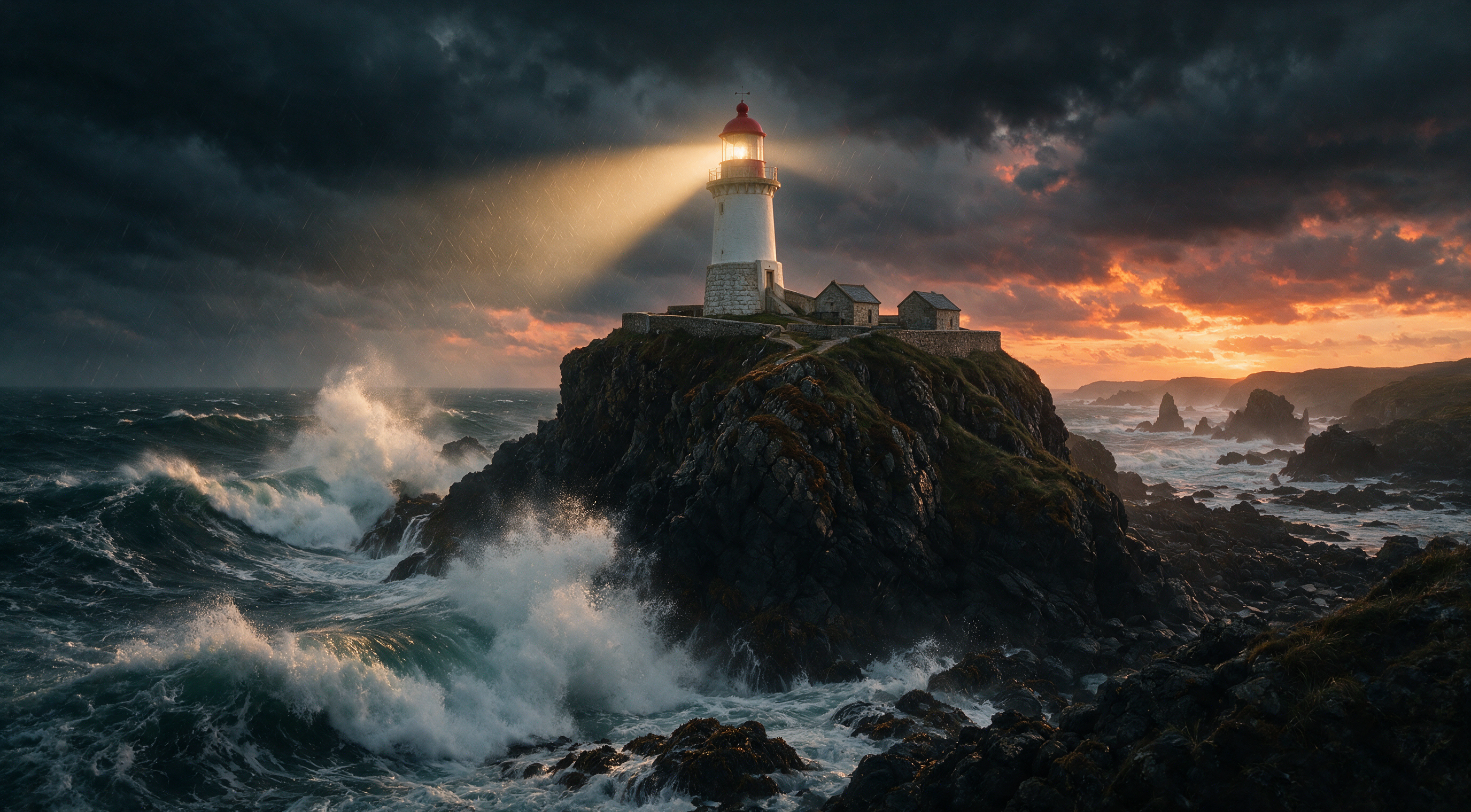
Imagine turning a simple idea or photo into a polished, ready-to-post 20-second video that captivates audiences on TikTok, Instagram Reels, YouTube Shorts, or in your next ad campaign—all in minutes, without cameras, actors, or editing software. With PixelDojo's AI video tools, you achieve exactly that. Generate cinematic 20-second clips packed with smooth motion, native audio, and professional quality using models like VEO 3.1, Kling Video, LTX-2 Video, Seedance 2, WAN 2.7 Video, and Grok Video. Whether you need product demos that convert, social hooks that stop the scroll, explainer clips, or music video snippets, you create high-impact short-form content that drives engagement and results. Focus on your vision while PixelDojo handles the heavy lifting, delivering commercial-ready videos you own outright.
Trusted by 1M+ creators worldwide who've generated over 1 million videos. 100+ cutting-edge AI tools in one place, 100% commercial rights, loved for ease and quality. Cancel anytime—join the community shipping scroll-stopping content daily.
Why Choose Pixel Dojo for ai video 20 seconds
Professional-quality results with cutting-edge AI technology
Launch Scroll-Stopping Social Content Fast
Produce perfect 20-second Reels, TikToks, and Shorts that grab attention in the first seconds and keep viewers watching. Achieve higher engagement and shares without spending hours filming or editing—your brand or personal content goes live same day.
Create High-Converting Ads and Demos Effortlessly
Build professional 20-second product showcases, service explainers, and marketing spots that highlight benefits and drive clicks or sales. Skip expensive production crews and studios; iterate quickly on concepts until you nail the perfect conversion-focused video.
Unlock Consistent Quality with Full Creative Control
Generate coherent, high-fidelity 20-second videos with natural motion, synced audio, and style consistency from text, images, or references. Extend clips, swap characters, upscale, and refine using integrated tools so every output matches your brand vision and looks pro.
How It Works
Creating professional 20-second AI videos on PixelDojo is simple and fast. Start from text, an image, or existing footage and let powerful models bring your vision to life with precise control over motion, style, and duration.
Step 1: Choose Your Tool and Starting Point
Select from PixelDojo's video suite: VEO 3.1 or Kling Video for cinematic realism and audio, LTX-2 Video for up to 20-second continuous clips with native sound, Seedance 2 or WAN 2.7 Video for dynamic action, Grok Video for creative flair, or Marketing Studio and Film Studio for guided workflows. Upload a reference image for image-to-video (using tools like Kling Reference to Video, WAN Reference to Video, or Happy Horse Reference), start with text-to-video, or use an existing clip to extend. Pick aspect ratios optimized for social platforms.
Step 2: Craft Your Prompt and Customize
Describe your 20-second scene in detail: subject, action, camera movement (slow dolly, locked-off shot, dynamic pan), lighting, mood, pacing, and any on-screen text or audio cues. Specify '20-second continuous take, smooth motion, professional commercial style' for coherence. Use consistent characters via Character Sheets or Ideogram Character, apply style transfer, or add references. For ads, structure as hook-problem-solution-CTA. Leverage prompt guides and tools like Image Analyzer for better results.
Step 3: Generate, Enhance, and Download
Hit generate and receive your high-quality 20-second video in moments, often with native audio. Refine using Edit Videos tools like Grok Video Edit, Kling Video Edit, WAN 2.7 Video Edit, Video Autocaption, Video Reframe, or Merge Videos. Upscale with Video Upscaler or Clarity Pro for crisp 4K delivery. Extract frames, add effects, or extend further if needed. Download watermark-free with full commercial rights and post directly to your channels or campaigns.







The Pixel Dojo Advantage
Why PixelDojo outperforms other options for 20-second AI video generation
| Others | Pixel Dojo |
|---|---|
| Traditional video production | Skip weeks of planning, hiring crews, locations, and post-production costs. Generate multiple polished 20-second variants in minutes for a fraction of the price, with instant iterations based on feedback. |
| Generic AI tools | Access specialized models like VEO 3.1, LTX-2 Video, Kling Video, Seedance 2, and WAN series all in one subscription, plus integrated editing, upscaling, character consistency, and studios—avoid juggling multiple platforms and inconsistent quality. |
| Manual video editing and stock footage | Create original, custom motion and scenes tailored exactly to your brand instead of hunting clips and wrestling timelines. Achieve unique, high-engagement results faster with AI that handles coherence, audio, and effects automatically. |
Loved by creators on PixelDojo
Real feedback from people using PixelDojo, pulled from our in-product surveys.
the amount you can do on this site
all in one place
It is a lot of fun to uae and easy too.
So many different models to try out
You keep adding to it to stay up to date and that is GOLD.
very easy to use and good support
Explore more AI tools on PixelDojo
Popular AI Models
AI Tools
Compare & Switch
- All AI Tool Alternatives
- Pollo AI Alternative
- PixelDojo vs Pollo AI
- Pollo AI Review
- MotionMuse AI Alternative
- MioCreate Alternative
- Dessi AI Alternative
- Runway Alternatives
- CapCut Alternatives
- Leonardo Alternatives
- OpenArt Alternatives
- Midjourney Alternatives
- Canva AI Alternatives
- Pika Alternatives
- InVideo Alternatives
- Higgsfield Alternatives
- Krea Alternatives
- Luma Alternatives
- Magic Hour Alternatives
- HeyGen Alternatives
- PixAI Alternatives
- Vidu Alternatives
- Seedream Alternatives
- Tensor.Art Alternatives
Common Questions
Everything you need to know about ai video 20 seconds
How do I create a high-quality 20-second AI video with PixelDojo?
Choose a model like LTX-2 Video, VEO 3.1, or Kling Video optimized for longer coherent clips. Start with a detailed prompt specifying duration, camera work, and action, or upload an image for image-to-video. Generate, then enhance with Video Upscaler, Autocaption, or Edit tools. Most users go from idea to downloadable 20-second video in under 10 minutes, ready for commercial use.
What are the best PixelDojo tools for 20-second AI videos for social media and ads?
For social Reels and TikToks, use Seedance 2, PixVerse V6, or Happy Horse for energetic styles. For polished ads and demos, VEO 3.1, Kling Video, and Marketing Studio excel with realism and audio. LTX-2 Video shines for continuous 20-second takes with sound. Combine with Consistent Characters, Face Swap, or Virtual Try-On for branded consistency, then refine in Film Studio.
Can I generate 20-second AI videos from a single image or text prompt?
Yes. Text-to-video with models like Grok Video, WAN 2.7 Video, or VEO 3.1 turns descriptions into full clips. Image-to-video via Kling Reference to Video, WAN Reference to Video, P Video Animate, or Seedance 2 Reference animates your photo with natural motion while preserving details. Add prompts for specific movements and extend if needed for full 20 seconds of engaging content.
Do PixelDojo 20-second AI videos include audio and support commercial use?
Many models including VEO 3.1, Kling Video, LTX-2 Video, WAN series, and MiniMax H3 generate native synced audio. All outputs come with full commercial rights—no watermarks—so you can use them in ads, client work, social posts, and monetized content. Pair with Text to Speech or Text to Music for custom soundtracks.
How can I ensure coherence and quality in longer 20-second AI video generations?
Use detailed prompts with shot type, locked camera or specific movements, modest action, and style anchors. Start from strong reference images or keyframes. Leverage extend features in Grok Imagine Video Extend or model-specific tools, consistent character tools, and post-generation edits like Reality Polisher equivalents or Video Analyzer. Upscale and reframe for final polish. PixelDojo's multi-model access lets you pick the best for temporal stability.
Is there a free way to try creating 20-second AI videos on PixelDojo and what's the pricing?
Explore with available credits or plans starting accessibly. Every subscription unlocks 100+ image and video tools including all mentioned models, studios, editing, upscaling, and training. Plans are flexible with cancel anytime, full commercial licenses, and new models added regularly. 1M+ creators rely on it for reliable, high-volume short-form video production without hidden fees or hardware needs.