ai realistic image generator
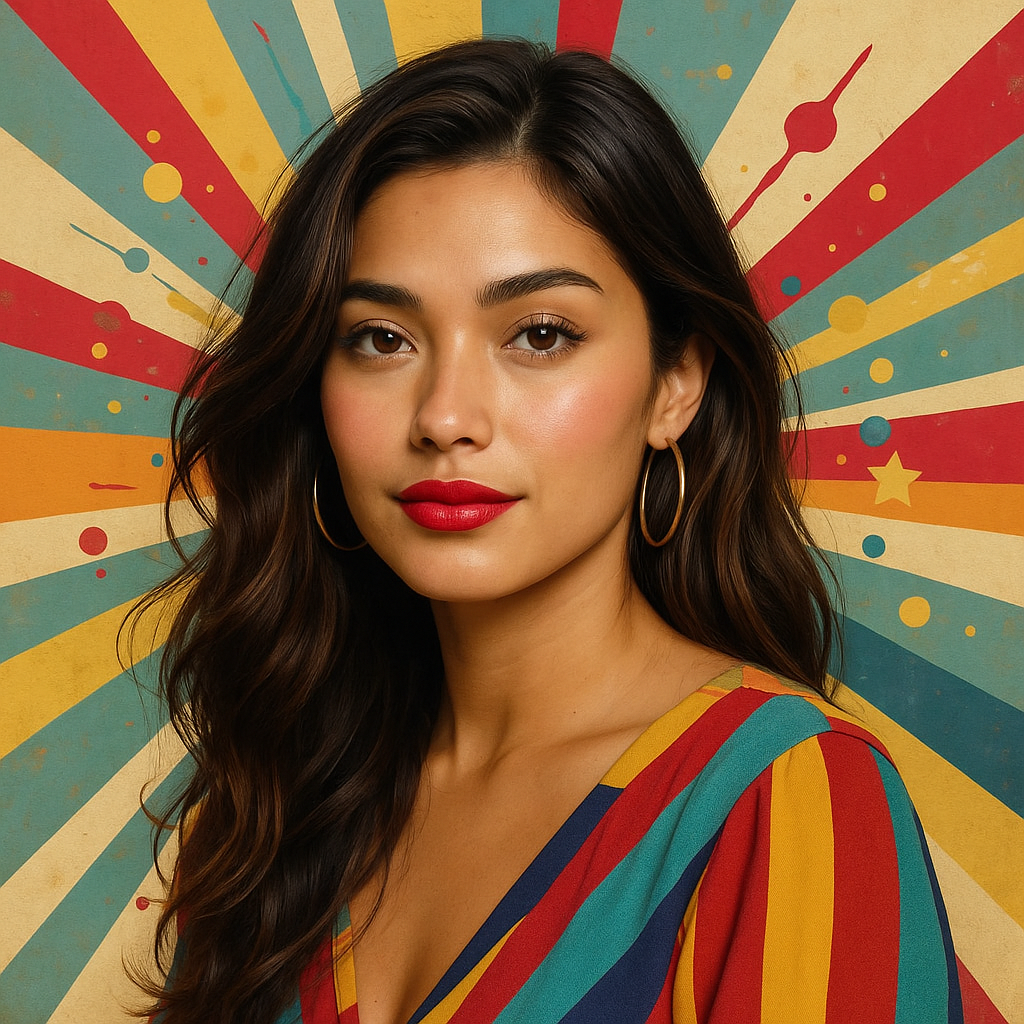
Imagine bringing your wildest ideas to life with images so realistic, they could pass for professional photographs. With PixelDojo's AI realistic image generator, you can create stunning, photorealistic visuals in seconds—perfect for marketers, designers, and creators who need high-quality assets without the hassle of traditional photography or editing. Whether you're crafting lifelike portraits, immersive landscapes, or detailed product mockups, our tools deliver outcomes that captivate audiences, boost engagement, and save you hours of work. Experience the power of AI to achieve professional-grade realism effortlessly.
Join over 50,000 creators who've generated millions of realistic images. Rated 4.9/5 on Trustpilot with testimonials praising our speed and quality. Featured in top design blogs for revolutionizing visual content creation.
Why Choose Pixel Dojo for ai realistic image generator
Professional-quality results with cutting-edge AI technology
Achieve Stunning Photorealism Instantly
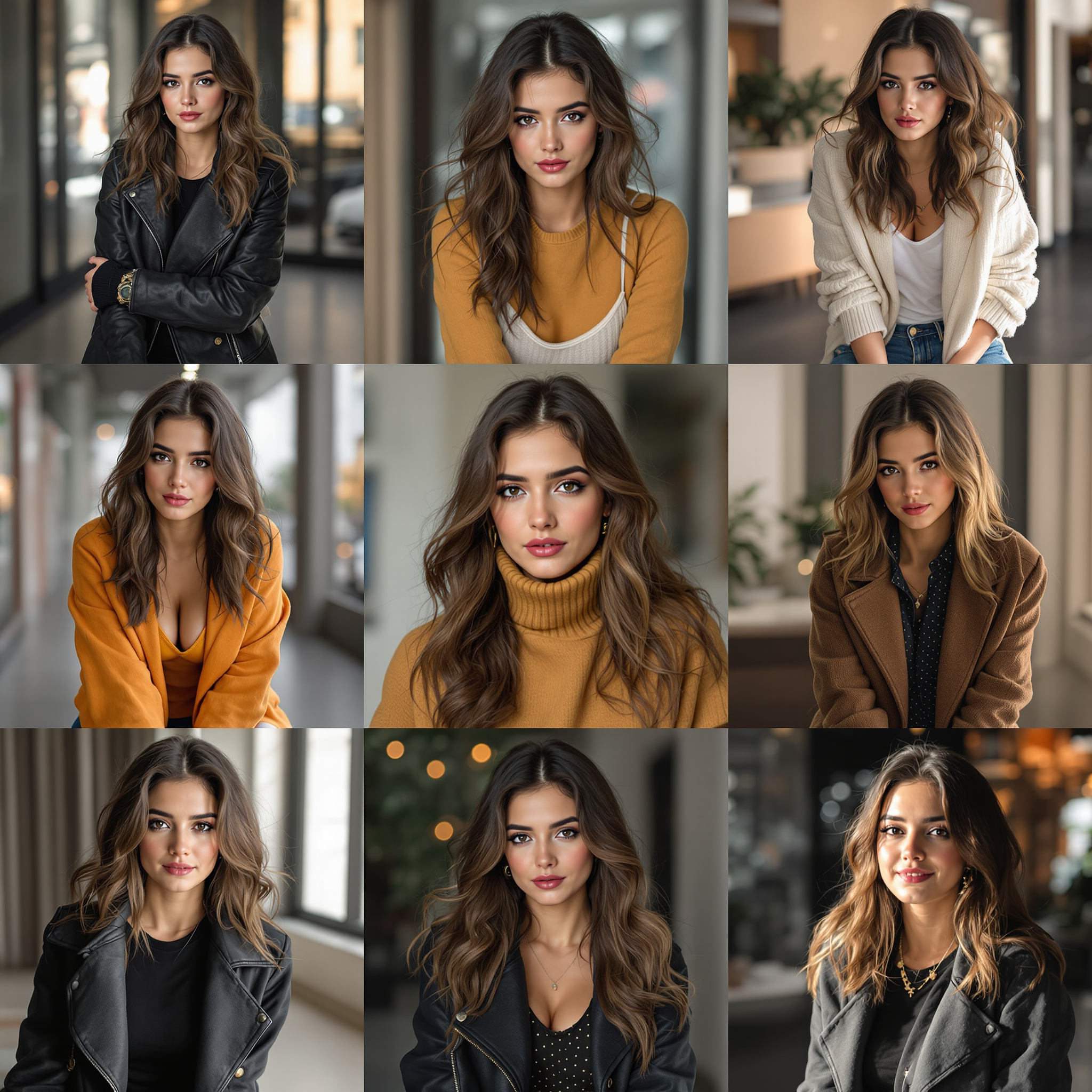
Produce images that look like they were captured by a high-end camera, helping you create compelling visuals for marketing campaigns, social media, or personal projects without needing expensive equipment or software.
Save Time and Effort on Complex Creations
Skip the lengthy photoshoots and editing sessions—generate hyper-realistic scenes tailored to your vision, allowing you to focus on your creative ideas and deliver projects faster than ever.
Customize for Professional Results
Fine-tune every detail to match your exact needs, resulting in polished, ready-to-use images that elevate your brand, impress clients, and stand out in a crowded digital space.
How It Works
Creating realistic images with PixelDojo is simple and intuitive. Our AI tools handle the heavy lifting, so you can focus on your vision and get amazing results quickly.
Step 1: Choose Your Tool
Start by selecting from our advanced AI models like Flux or SDXL, designed for photorealistic outputs. These tools ensure your images have lifelike details, textures, and lighting right from the start.
Step 2: Enter Your Prompt
Describe your scene in detail—include elements like lighting, angles, and subjects. Our system uses this to generate a base image with incredible realism, incorporating trends like hyper-detailed environments from recent AI advancements.
Step 3: Customize & Download
Refine with editing tools like Inpainting for precise adjustments or Creative Upscaler for enhanced detail. Once perfect, download your high-resolution realistic image ready for any use.
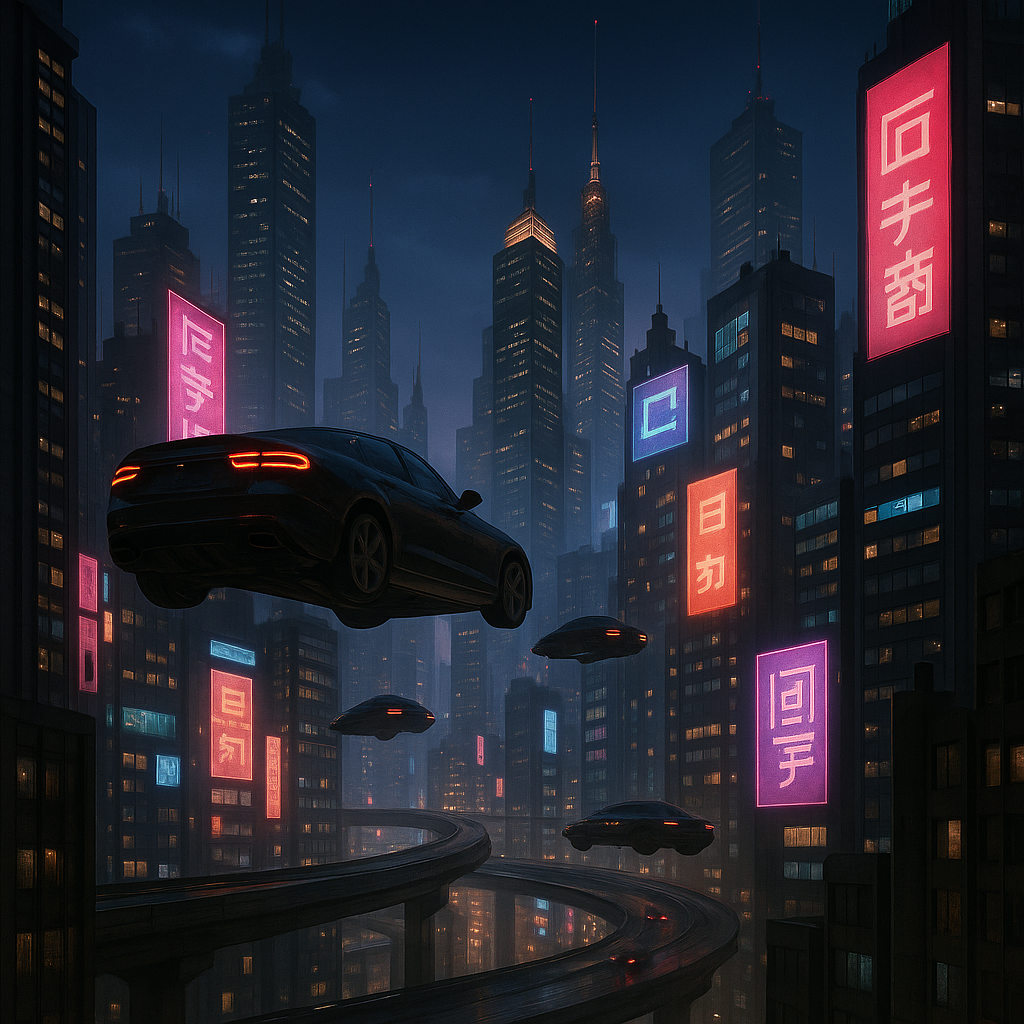
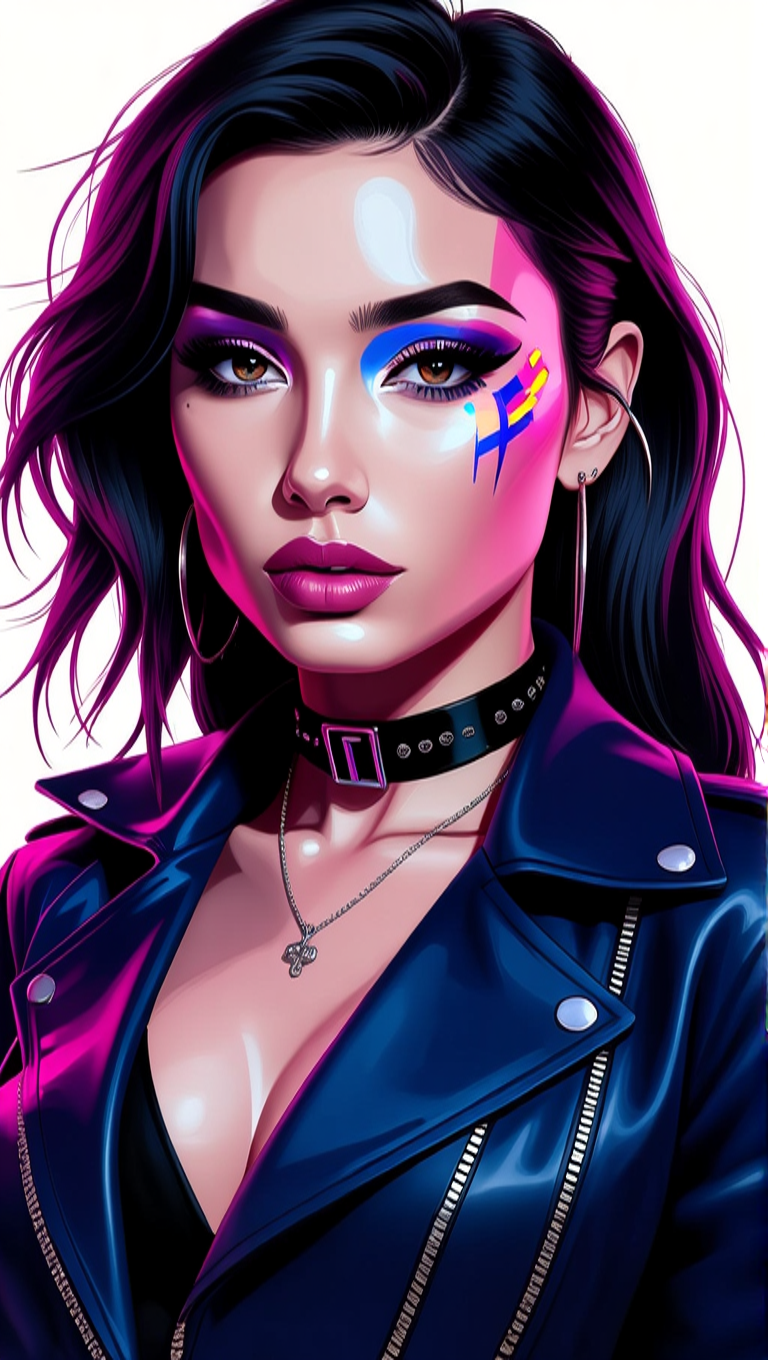
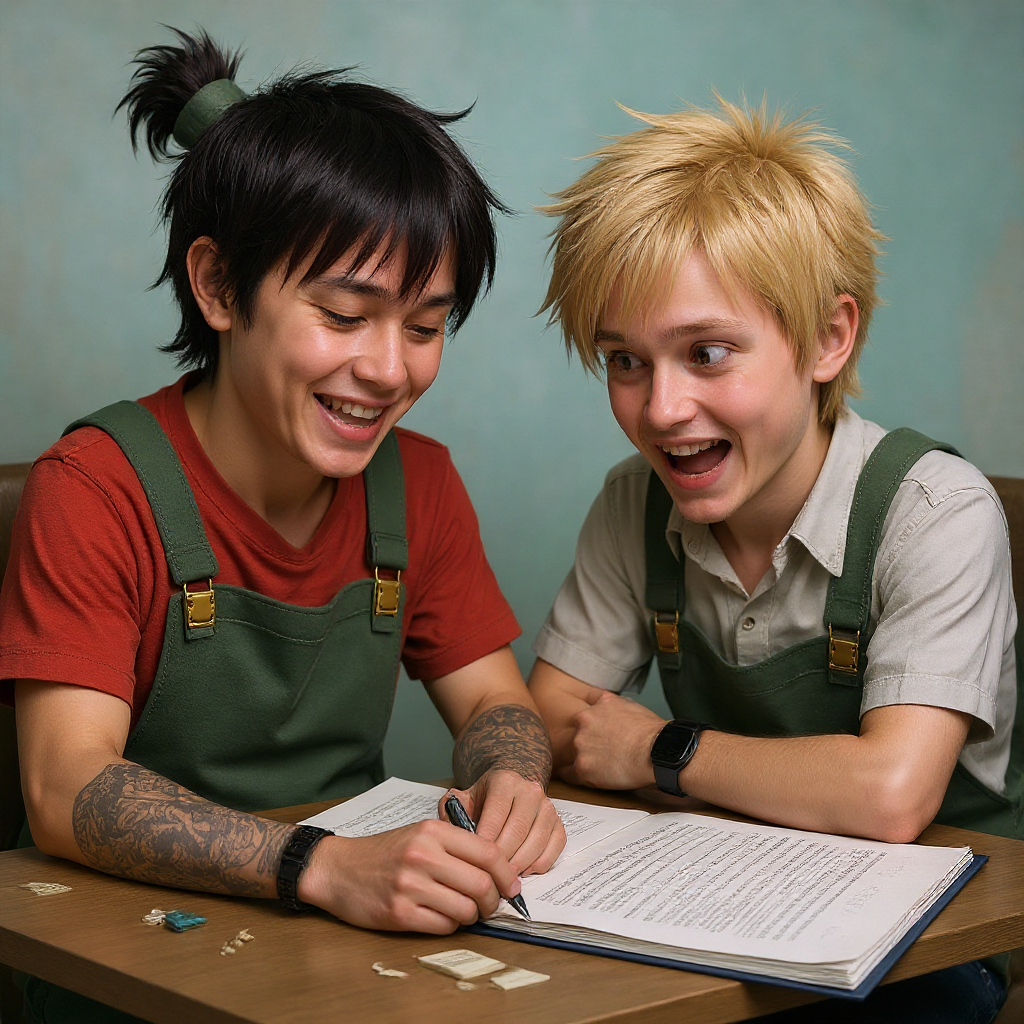

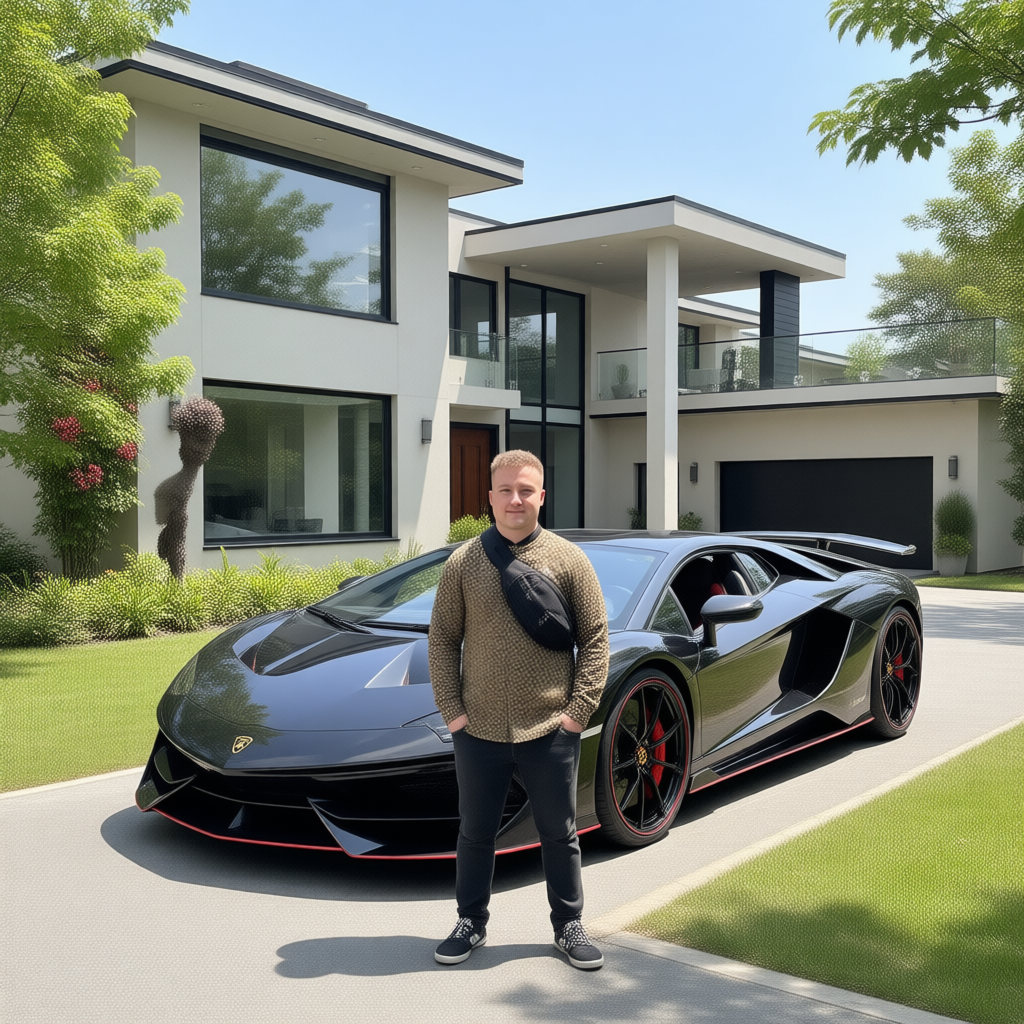
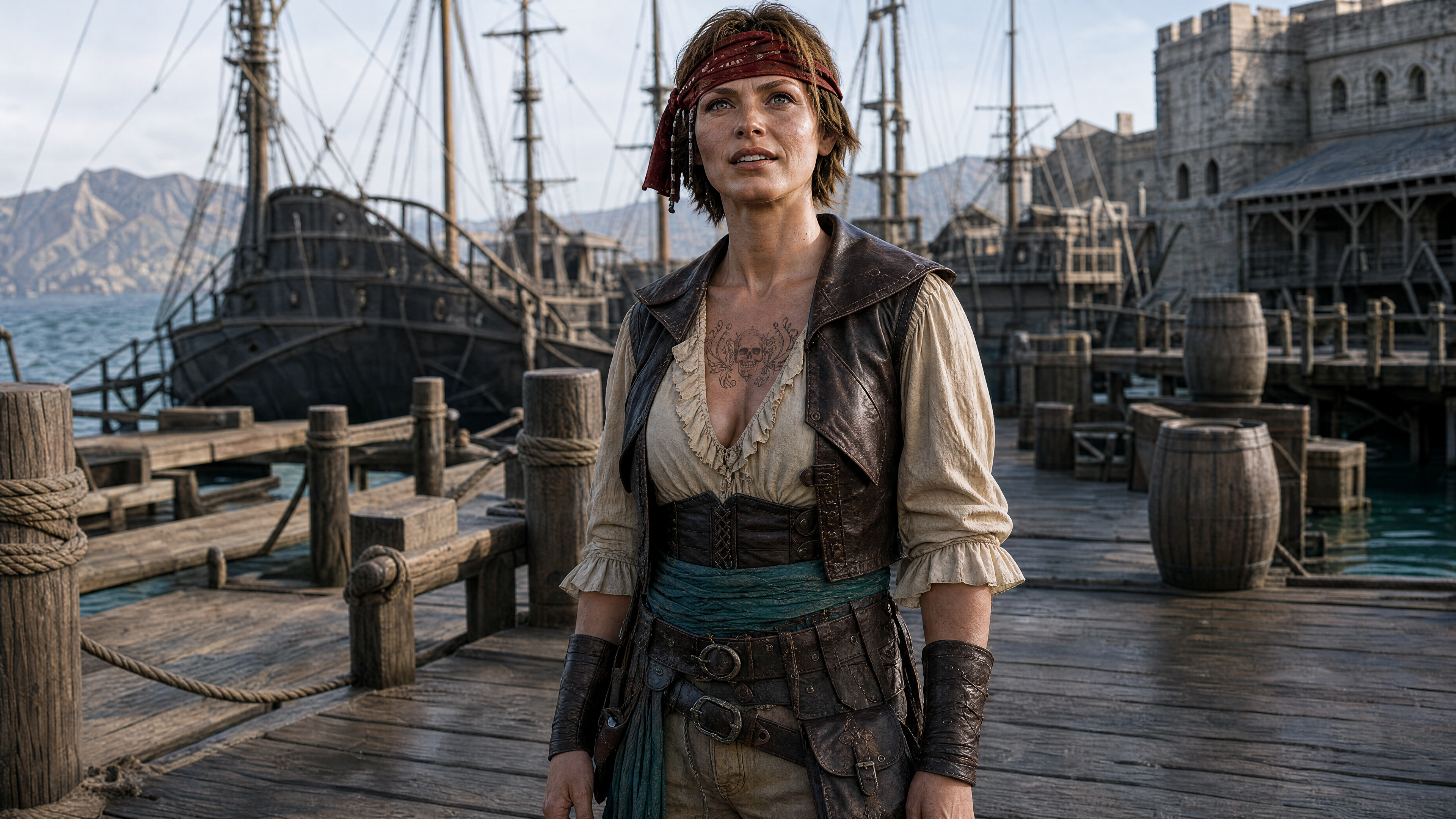
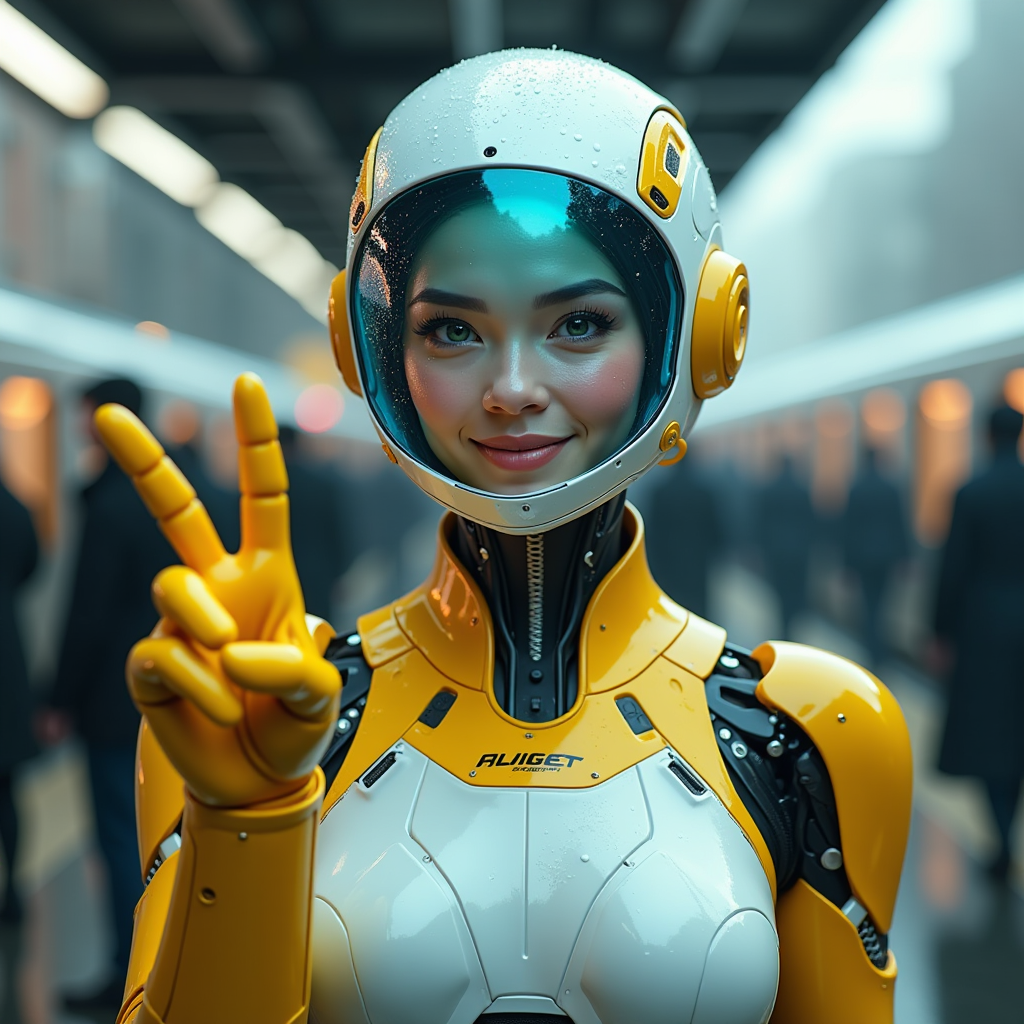
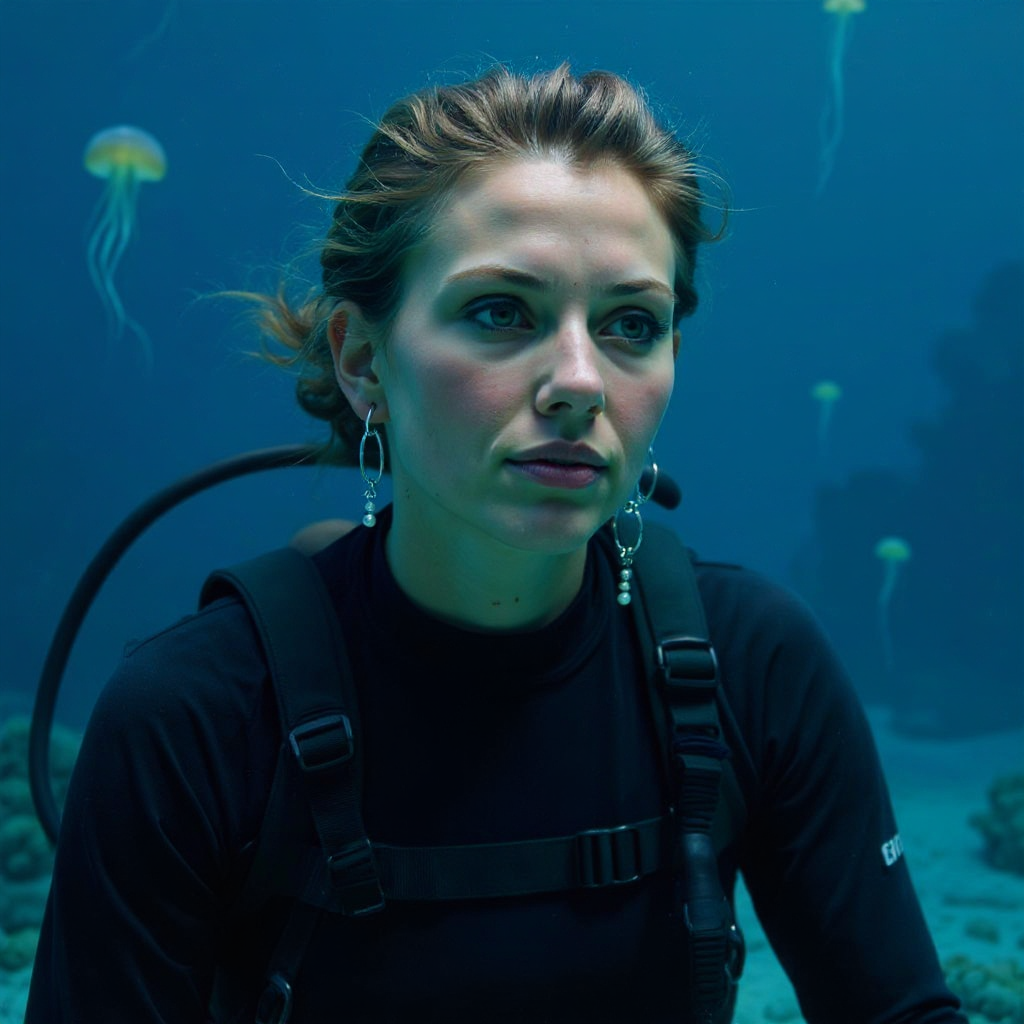
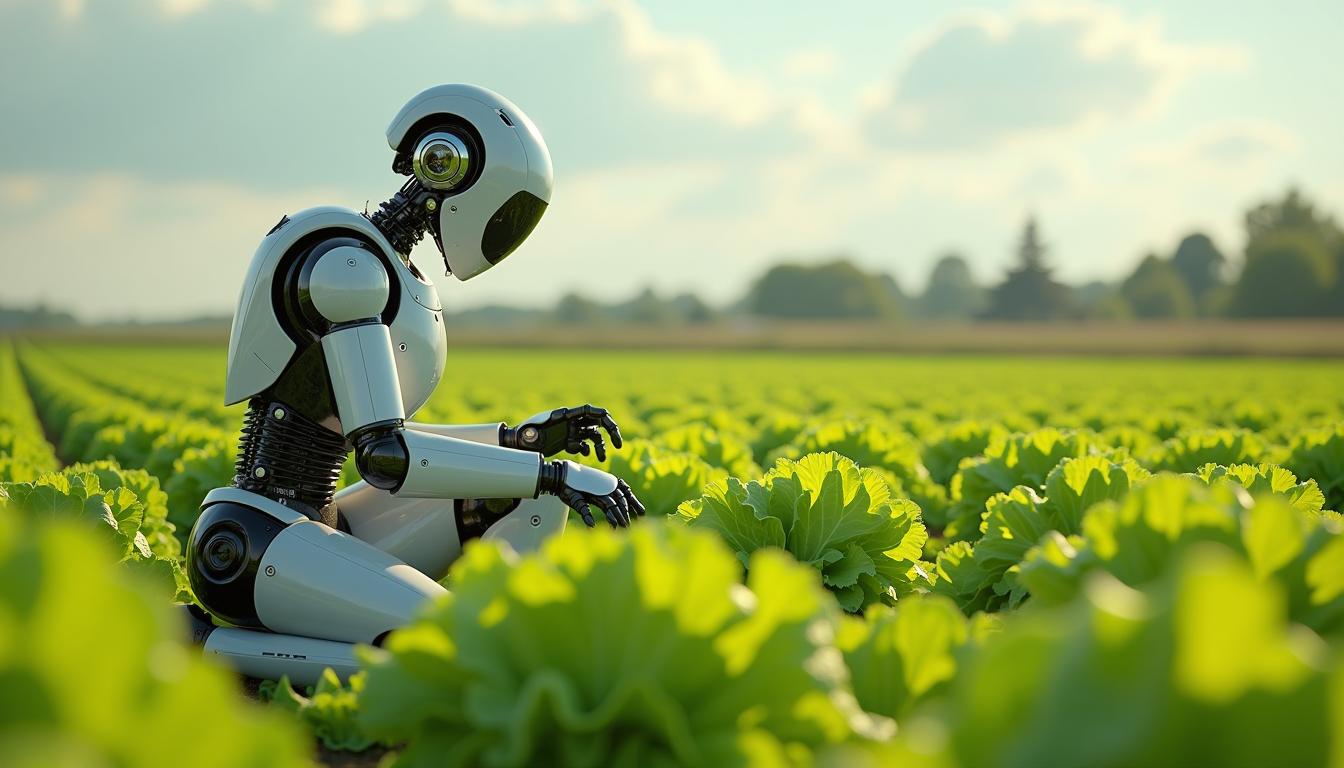
![[realistic lighting],[photo],[photorealistic], woman, 21 yo, black mage, mage staff, skulls, smoke, native american, dark makeup, dark theme, lazypos, Photo realistic, hyper detail, hyper realistic](https://cdn.pixeldojo.ai/cdn-cgi/image/f=auto,q=90,w=3840/pixeldojo/generated-images/1753268910243-jp1a44vsp.png)
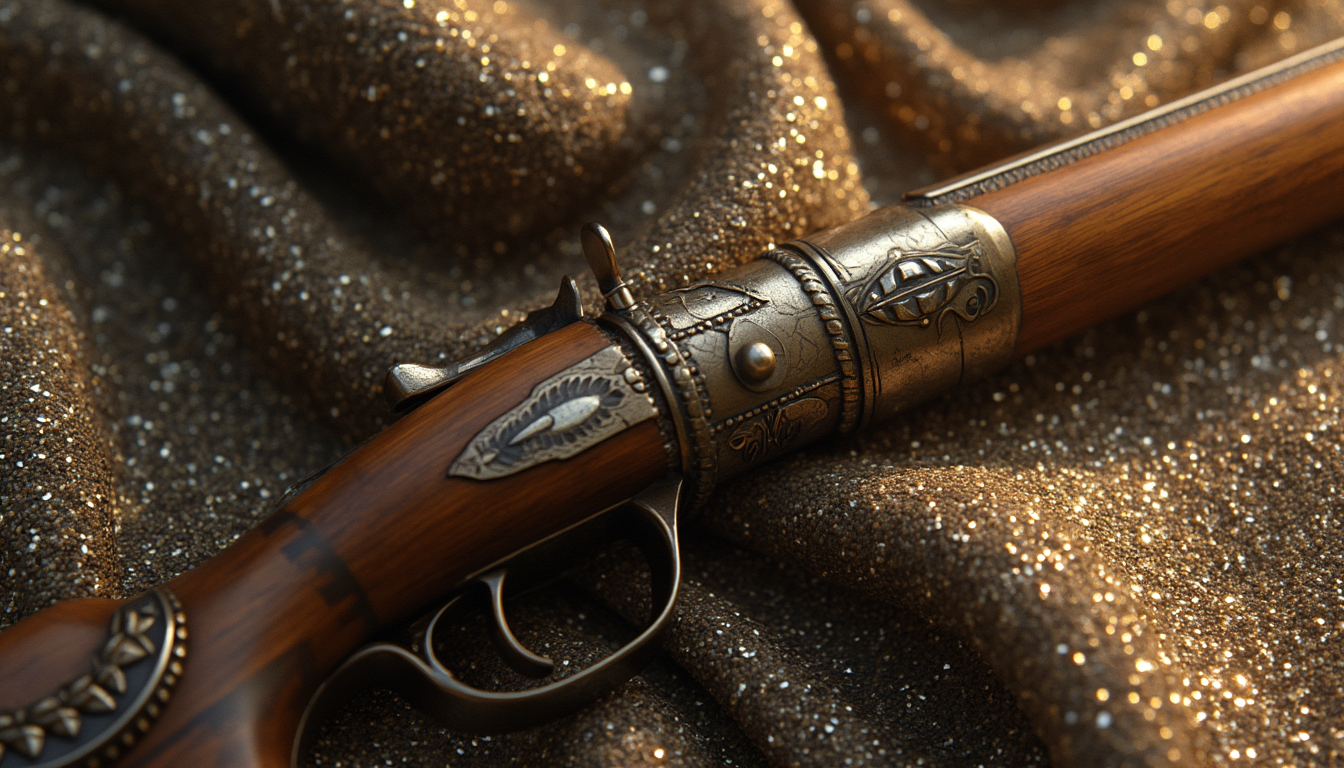
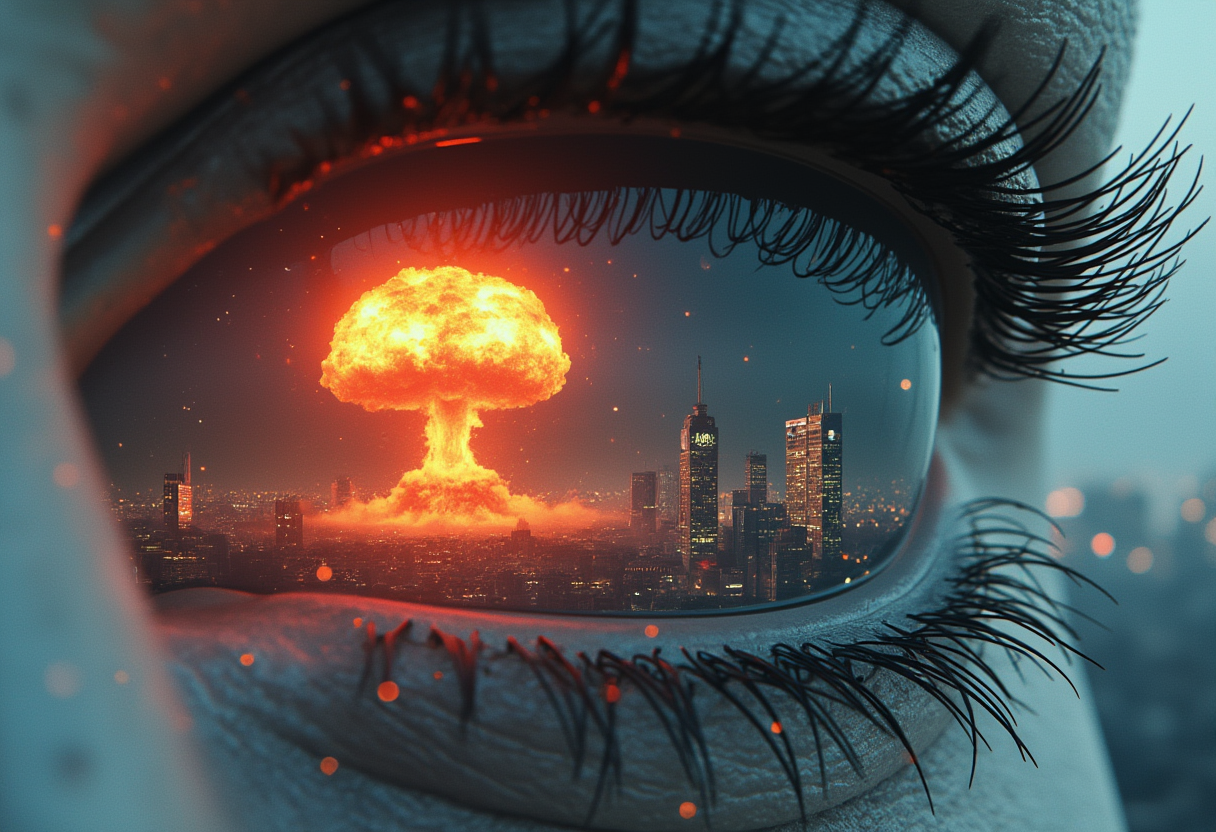
The Pixel Dojo Advantage
Why PixelDojo outperforms other options for realistic image generation
| Others | Pixel Dojo |
|---|---|
| Traditional photography | Eliminate the need for costly setups, models, and locations: generate as many variations as your credits allow, with perfect control over every element. |
| Generic AI tools | Access specialized models like Flux and SDXL for superior realism, plus integrated editing suites that ensure professional-quality results without switching platforms. |
| Manual photo editing | Bypass hours of tedious adjustments; our AI delivers ready-to-use photorealistic images with automated enhancements, saving you time and reducing skill barriers. |
Loved by creators on PixelDojo
Real feedback from people using PixelDojo, pulled from our in-product surveys.
versatile menu of tools
Best AI tool availble the suite is rad
Versatility quality, value, ROI, innovation
variety of tools available and prompt tools
A "one-stop-shop" for creators! Thanks!!
Lots of different tools. It's easy to purchase more credits.
Explore more AI tools on PixelDojo
Popular AI Models
AI Tools
Compare & Switch
- Best AI Image Generators
- Best AI Video Generators
- Midjourney Alternatives
- Civitai Alternatives
- Runway Alternatives
- Leonardo Alternatives
- Pika Alternatives
- Luma Alternatives
- Magnific Alternatives
- Veo Alternatives
- Flux Alternatives
- Freepik Alternatives
- Seedance Alternatives
- Seedream Alternatives
- Pixverse Alternatives
- GPT Image Alternatives
- Synthesia Alternatives
- Playground Alternatives
- NightCafe Alternatives
- Canva AI Alternatives
- ElevenLabs Alternatives
- ComfyUI Alternatives
- Fal Alternatives
- Replicate Alternatives
Common Questions
Everything you need to know about ai realistic image generator
What is the best AI realistic image generator for creating photorealistic portraits?
PixelDojo stands out as the best AI realistic image generator for photorealistic portraits, using models like Flux and SDXL to produce lifelike details such as skin textures, facial expressions, and lighting. You can achieve professional results by entering detailed prompts and refining with tools like Inpainting, helping you create portraits that engage viewers and enhance your projects.
How can I use an AI image generator for realistic landscapes?
With PixelDojo's AI image generator for realistic landscapes, select tools like PonyXL or SDXL to craft immersive scenes with natural elements like weather effects and terrain. Customize further using Outpainting to expand views or Magic Lighting for dynamic atmospheres, allowing you to produce breathtaking visuals for art, games, or marketing without real-world limitations.
Is there a free AI realistic image generator online?
PixelDojo has no free tier for its AI realistic image generator online, but credit-based plans from $10/mo let you experiment with models like ImagineArt 1.0 or Grok 2 Image and unlock advanced features, ensuring you can create high-quality, photorealistic images that meet your needs, with the freedom to cancel anytime.
How to generate hyper-realistic AI images with text prompts?
To generate hyper-realistic AI images with text prompts on PixelDojo, start with descriptive inputs in tools like Flux or REVE Image, incorporating latest trends like detailed material rendering. Enhance with editing options such as Style Transfer or Creative Upscaler, resulting in images so real they boost your creative output and professional appeal.
What are the latest trends in AI realistic image generation techniques?
Latest trends in AI realistic image generation techniques include improved coherence in models like those in PixelDojo's Flux and SDXL, focusing on photorealistic textures and lighting. You can leverage these for outcomes like seamless scene composition, helping you stay ahead in content creation with tools that adapt to evolving AI advancements.
Can I edit AI-generated realistic images for better results?
Yes, PixelDojo allows you to edit AI-generated realistic images using features like Image to Image, Background Remover, and Multidiffusion Upscaler. This enables precise refinements, turning good images into exceptional ones that perfectly fit your vision and drive better engagement in your work.