change camera angle video
Generated on PixelDojo. Produced by PixelDojo's generation pipeline.
You no longer need multiple cameras, extra locations, or expensive reshoots to capture the perfect cinematic moment. With PixelDojo you can take a single photo or existing clip and instantly generate low-angle hero shots that make your subject look powerful, sweeping high-angle views that reveal entire environments, intimate over-the-shoulder conversations, or dramatic Dutch angles that add tension. Start with the Change Camera Angle tool to lock in the exact perspective you want, then bring it to life using Kling Video, Seedance 2.5, Hailuo 2.3, VEO 3.1, PixVerse V6, or WAN 2.7 Video. The result is professional footage that feels directed, consistent, and ready for social media, ads, films, or product videos. You save hours of production time, experiment freely with every possible viewpoint, and deliver content that captivates viewers from the first frame.
Real video examples generated on PixelDojo
Every example below was produced on PixelDojo. Hover to see the prompt.
Restyle the video
image-to-video
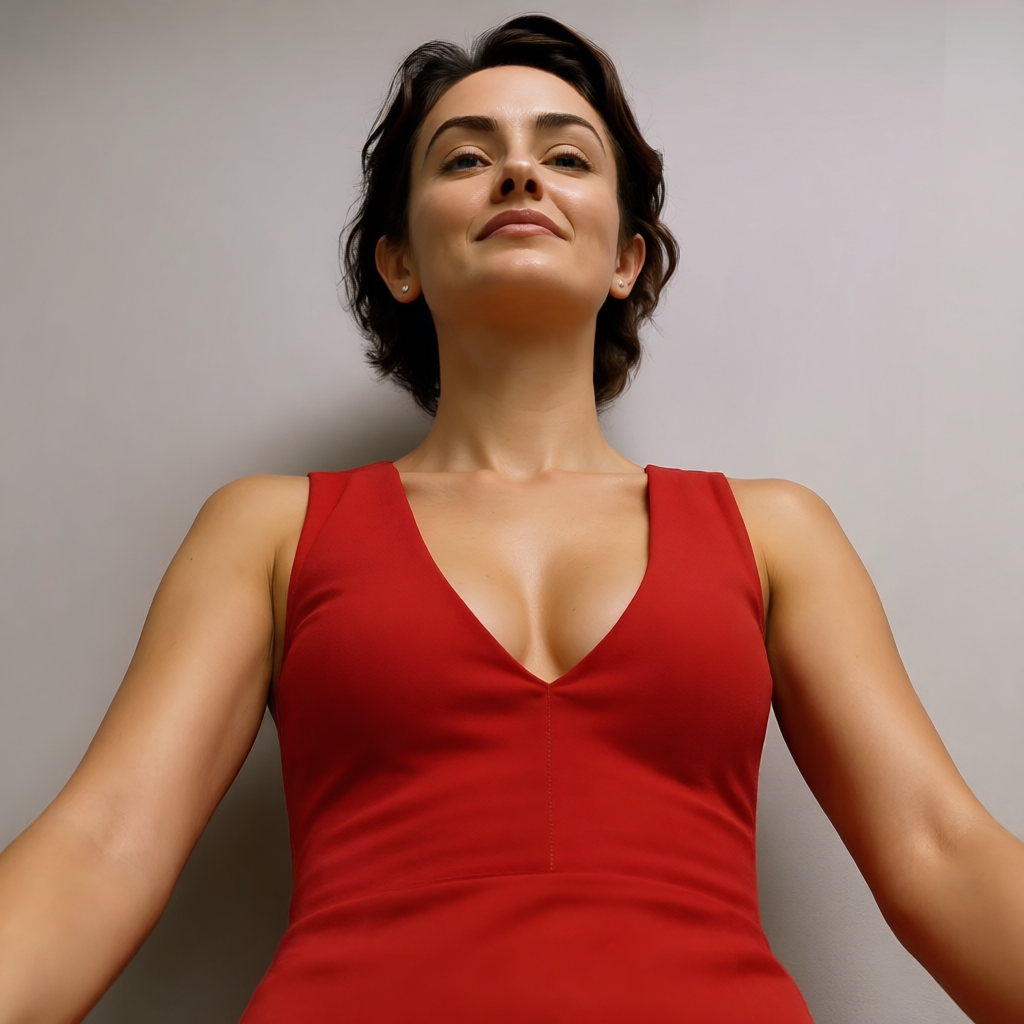
Camera angle: H5° V15° Zoom4
change-camera-angle
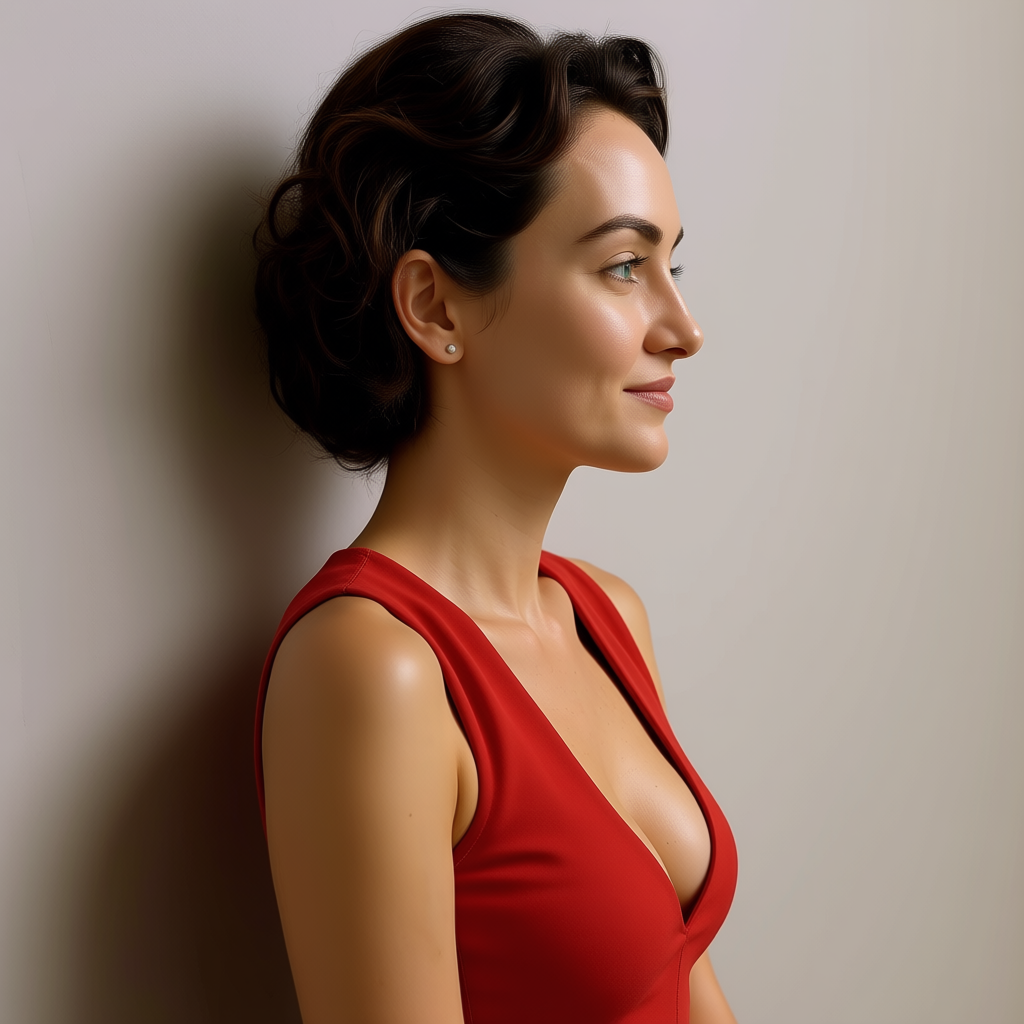
Camera angle: H5° V15° Zoom4
change-camera-angle
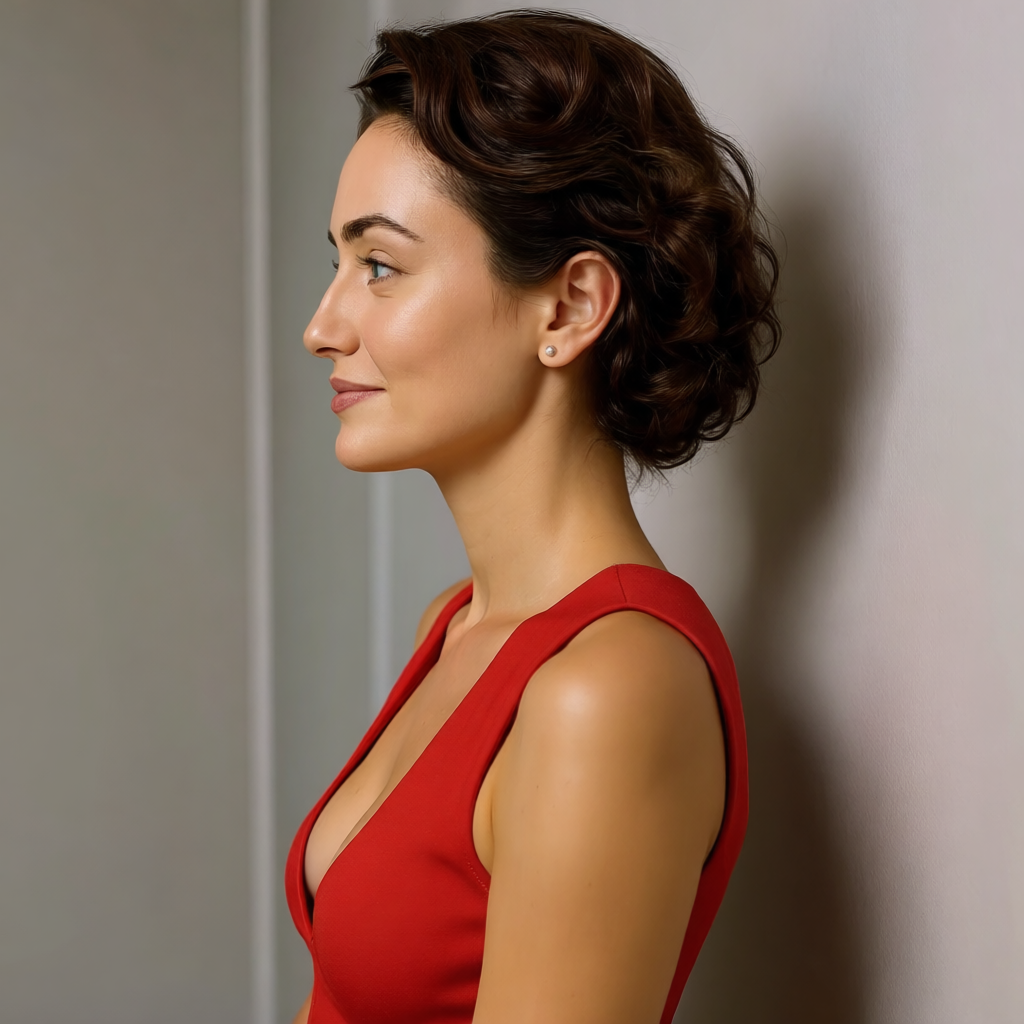
Camera angle: H5° V15° Zoom4
change-camera-angle
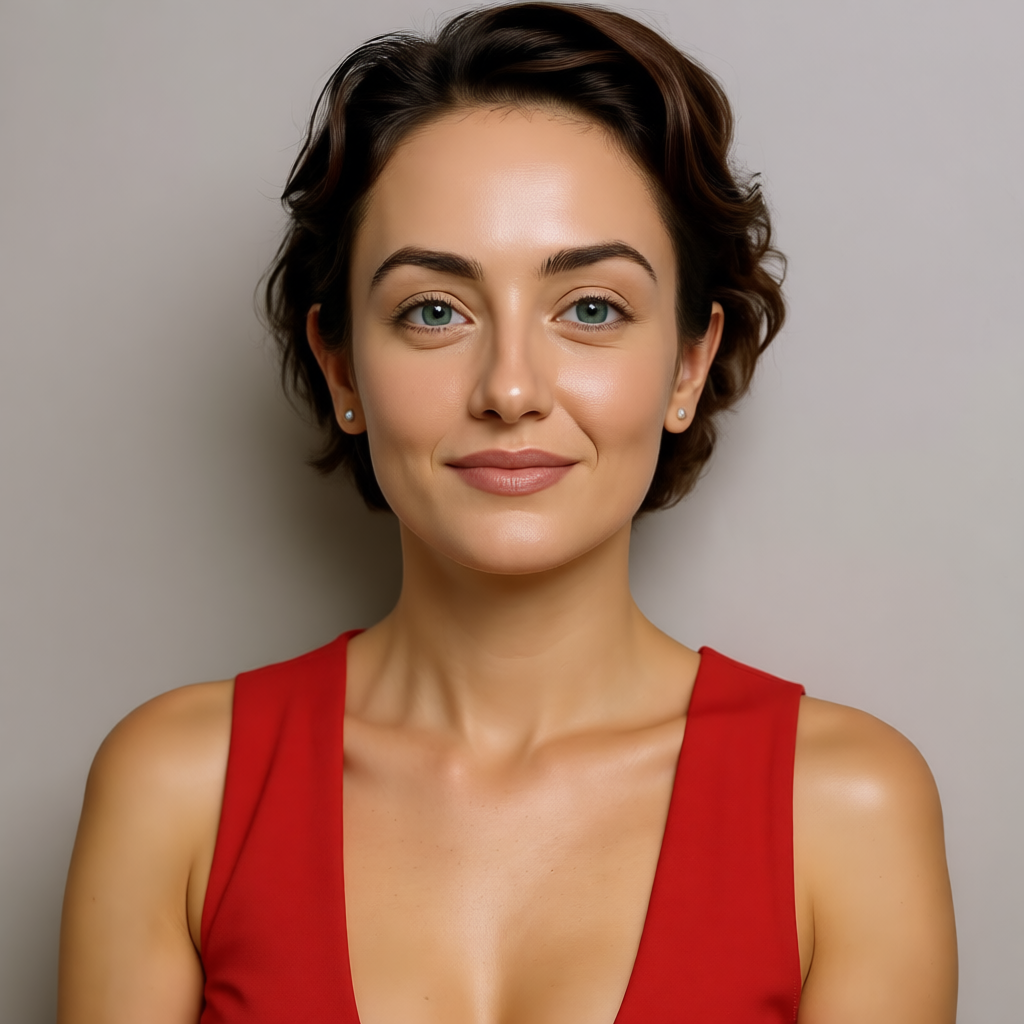
Camera angle: H5° V15° Zoom4
change-camera-angle
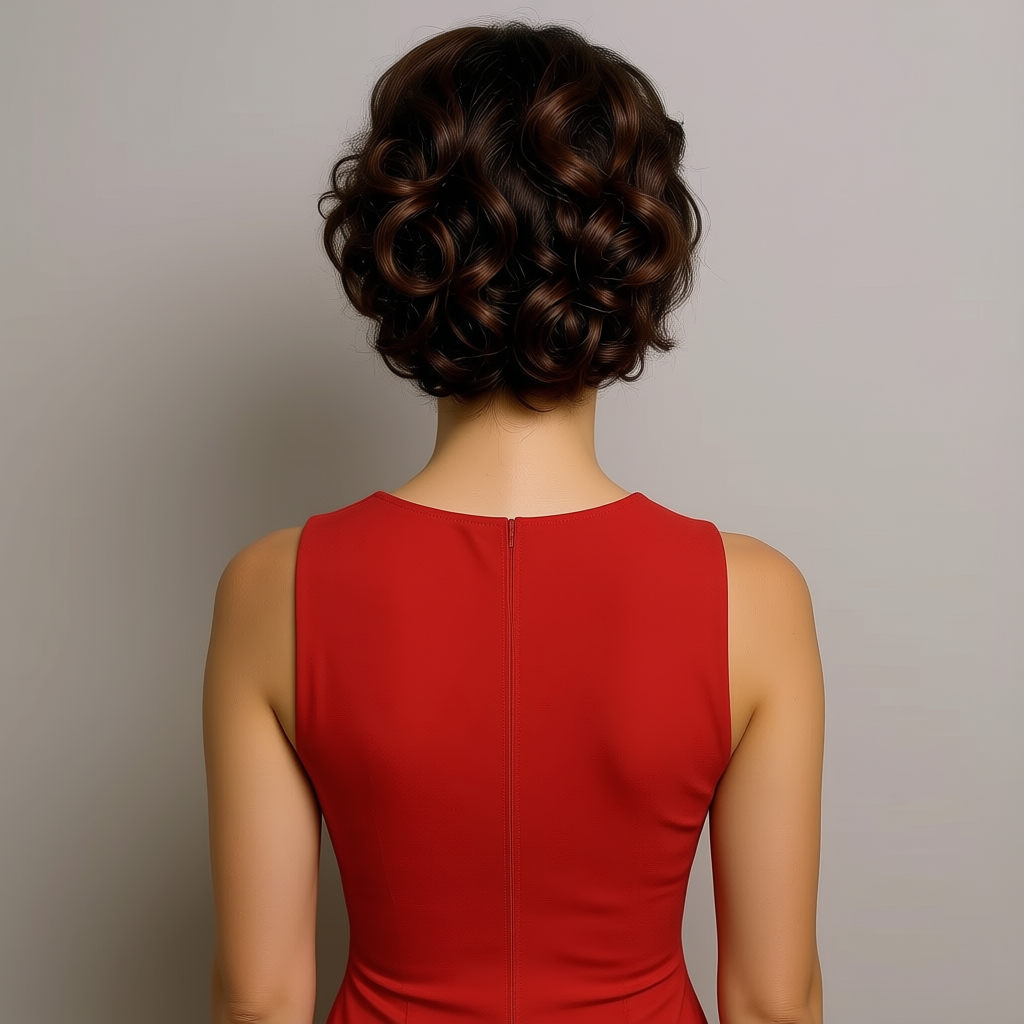
Camera angle: H5° V15° Zoom4
change-camera-angle
Models you can run on PixelDojo for change camera angle video
Switch models without switching tools. Each one runs in the same PixelDojo studio.
What you can do with change camera angle video on PixelDojo
New Viewpoint From One Clip
We generate a new take of your video from a different camera angle while keeping the same scene, subject, and timing. You pick the viewpoint and we produce a matching shot you can drop into an edit.
Orbit Pan And Tilt Control
We let you set orbit, pan, tilt, and distance so the camera moves around the action instead of staying locked to the original frame. You get extra coverage without reshooting.
Subject Consistency Across Angles
We keep faces, outfits, and scene details aligned when we rebuild the shot from another angle. That helps cuts between wide, medium, and close views stay coherent.
Angle Variants For The Same Beat
We output several camera-angle versions of the same moment so you can choose coverage for dialogue, product shots, or B-roll. Each variant follows the original beat rather than a new story.
Loved by 1M+ creators worldwide, PixelDojo's 100+ cutting-edge AI tools consistently deliver high-quality, commercially ready results that filmmakers, marketers, and storytellers rely on every day. Cancel anytime.
Why Choose Pixel Dojo for change camera angle video
Professional-quality results with cutting-edge AI technology
Turn One Shot into a Full Cinematic Sequence
Upload a single image or video and generate an entire range of professional camera angles including bird's-eye views, worm's-eye shots, tracking orbits, and slow push-ins. Combine Change Camera Angle with image-to-video tools like P Video Animate, Kling Video, or Seedance 2 Reference so every new perspective stays perfectly consistent in lighting, character identity, and motion.
Eliminate Reshoots and Production Costs
Stop booking extra days on set or hiring additional camera operators. PixelDojo lets you reframe existing footage or create brand-new angles in seconds using Video Reframe, Kling Video Edit, WAN 2.7 Video Edit, or Seedance 2.5 Video Edit while preserving original motion, lighting, and spatial relationships.
Lock Perfect Composition Before Adding Motion
Generate the exact still frame you need first with Change Camera Angle, then animate it using Hailuo 2.3, MiniMax H3, Film Studio, or Marketing Studio. This image-first workflow prevents unwanted morphing and keeps your characters, products, and environments looking identical across every camera move.
How It Works
Creating videos with custom camera angles is simple and fast on PixelDojo. You can start from a still image, reframe it, then animate, or prompt video models directly for director-level camera control.
Step 1: Choose Your Tool
Go to Edit Images and select Change Camera Angle to reframe any photo with precise 360-degree orbit, tilt, and zoom. For existing videos choose Video Reframe, Grok Video Edit, or Kling Video Edit. To generate new footage from scratch pick Kling Video, Seedance 2.5, Hailuo 2.3, VEO 3.1, PixVerse V6, WAN 3.0, or Film Studio. All tools are available in one dashboard so you can move seamlessly between image and video workflows.
Step 2: Enter Your Prompt
Describe the exact camera you want using professional terms. For stills write 'low angle looking up at the subject, dramatic side lighting, 35mm lens'. For video add movement: 'slow dolly in from high angle, tracking the character walking left to right, cinematic shallow depth of field, stable camera'. PixelDojo's models understand pan, tilt, push-in, pull-back, orbit, crane, and bird's-eye instructions so you get the shot you envisioned.
Step 3: Customize & Download
Preview multiple variations, refine lighting with Magic Lighting, transfer styles, or upscale with P-Image Upscale, Magnific Upscaler, or FLUX Video Upscale. Combine several angle clips using Merge Videos, add captions with Video Autocaption, then download in high resolution ready for commercial use. Everything stays consistent and professional.
The Pixel Dojo Advantage
Why PixelDojo outperforms other options for change camera angle video generation
| Others | Pixel Dojo |
|---|---|
| Traditional camera angle creation | You avoid days of setup, extra camera crews, and location fees. PixelDojo generates any perspective from one source image or clip in seconds while keeping characters and environments identical. |
| Generic AI tools | You get specialized Change Camera Angle controls plus dedicated video models like Kling Video, Seedance 2.5, Hailuo 2.3, and WAN 2.7 that deliver stable, morph-free results instead of unpredictable drifting. |
| Manual photo and video editing | You skip hours of 3D reconstruction and complex software. PixelDojo's intuitive tools plus 100+ models let anyone produce cinematic multi-angle sequences instantly, with commercial rights and the freedom to cancel anytime. |
Loved by creators on PixelDojo
Real feedback from people using PixelDojo, pulled from our in-product surveys.
Love how I can almost create anything
The Flux Pro Ultra is just amazing!
Very easy to use, and they have fast wan 2.2 video generation with custom loras available.
The overall quality of the site and it's amazing variety of tools. The continued updates of the UI. The unbelievable level of tech support.
THIS IS SO DOPE !
I have already recommended it to friends
Explore more AI tools on PixelDojo
Popular AI Models
AI Tools
Compare & Switch
- All AI Tool Alternatives
- Pollo AI Alternative
- PixelDojo vs Pollo AI
- Pollo AI Review
- MotionMuse AI Alternative
- MioCreate Alternative
- Dessi AI Alternative
- Runway Alternatives
- CapCut Alternatives
- Leonardo Alternatives
- OpenArt Alternatives
- Midjourney Alternatives
- Canva AI Alternatives
- Pika Alternatives
- InVideo Alternatives
- Higgsfield Alternatives
- Krea Alternatives
- Luma Alternatives
- Magic Hour Alternatives
- HeyGen Alternatives
- PixAI Alternatives
- Vidu Alternatives
- Seedream Alternatives
- Tensor.Art Alternatives
Common Questions
Everything you need to know about change camera angle video
How do I change the camera angle in an AI-generated video using PixelDojo?
Start by uploading your source image to the Change Camera Angle tool in Edit Images and set the exact horizontal orbit, vertical tilt, and zoom you want. Once you have the perfect still, send it to Kling Video, Seedance 2.5, Hailuo 2.3, or P Video Animate and add a camera-movement prompt such as 'slow push-in from the new low angle'. For existing videos use Video Reframe or Kling Video Edit. The combination keeps identity, lighting, and motion locked while giving you complete control over perspective.
What is the best way to generate videos with specific camera angles like low angle or aerial views?
The most reliable method is an image-first workflow. Use Change Camera Angle to create a high-quality still from the desired viewpoint, then animate it with Seedance 2 Reference, VEO 3.1, PixVerse V6, or Film Studio. You can also prompt video models directly with terms like 'low-angle heroic shot looking up', 'bird's-eye aerial tracking', or 'over-the-shoulder dialogue'. PixelDojo's models understand cinematic language so your videos look professionally directed from the first generation.
Can I change camera angles on existing videos without losing quality or causing morphing?
Yes. PixelDojo's Video Reframe, Grok Video Edit, WAN 2.7 Video Edit, Seedance 2.5 Video Edit, and Kling Video Edit reconstruct the scene with depth-aware generation. Unlike simple crops or zooms, these tools maintain spatial consistency, lighting, and character details across every frame. You describe the new angle in plain language or upload a reference image and receive a stable, high-quality result ready for professional use.
How can I turn one image into multiple camera angle videos for a complete sequence?
Upload your image to Change Camera Angle and generate several variations: eye-level, low angle, high angle, side view, and overhead. Then feed each still into image-to-video tools such as P Video Animate, Kling Video, Hailuo 2.3, or MiniMax H3 Turbo. Use Merge Videos to combine the clips into a seamless multi-shot sequence. Consistent Characters and Character Sheets keep the same person or product looking identical across every new camera position.
Does PixelDojo support cinematic camera movements like dolly, pan, tilt, and orbit in generated videos?
Absolutely. When you generate with Kling Video, Seedance 2.5, WAN 3.0, Hailuo 2.3, PixVerse V6, or VEO 3.1 you can include precise movement instructions such as 'slow dolly in', 'pan left following the subject', 'tilt up revealing the skyline', 'orbit 180 degrees around the product', or 'crane down from aerial'. Pair these with the Change Camera Angle tool for stills and you achieve director-level control without any extra equipment.
Is there an easy way to try changing camera angles for videos on PixelDojo without a long commitment?
Yes. PixelDojo gives you immediate access to all 100+ cutting-edge AI tools including Change Camera Angle, every video generator, and all editing features. You can start creating right away, see professional results in seconds, and cancel anytime. 1M+ creators already use the platform daily because it removes friction, delivers commercial-ready files, and lets you experiment freely with every possible camera perspective.