character sheet to video
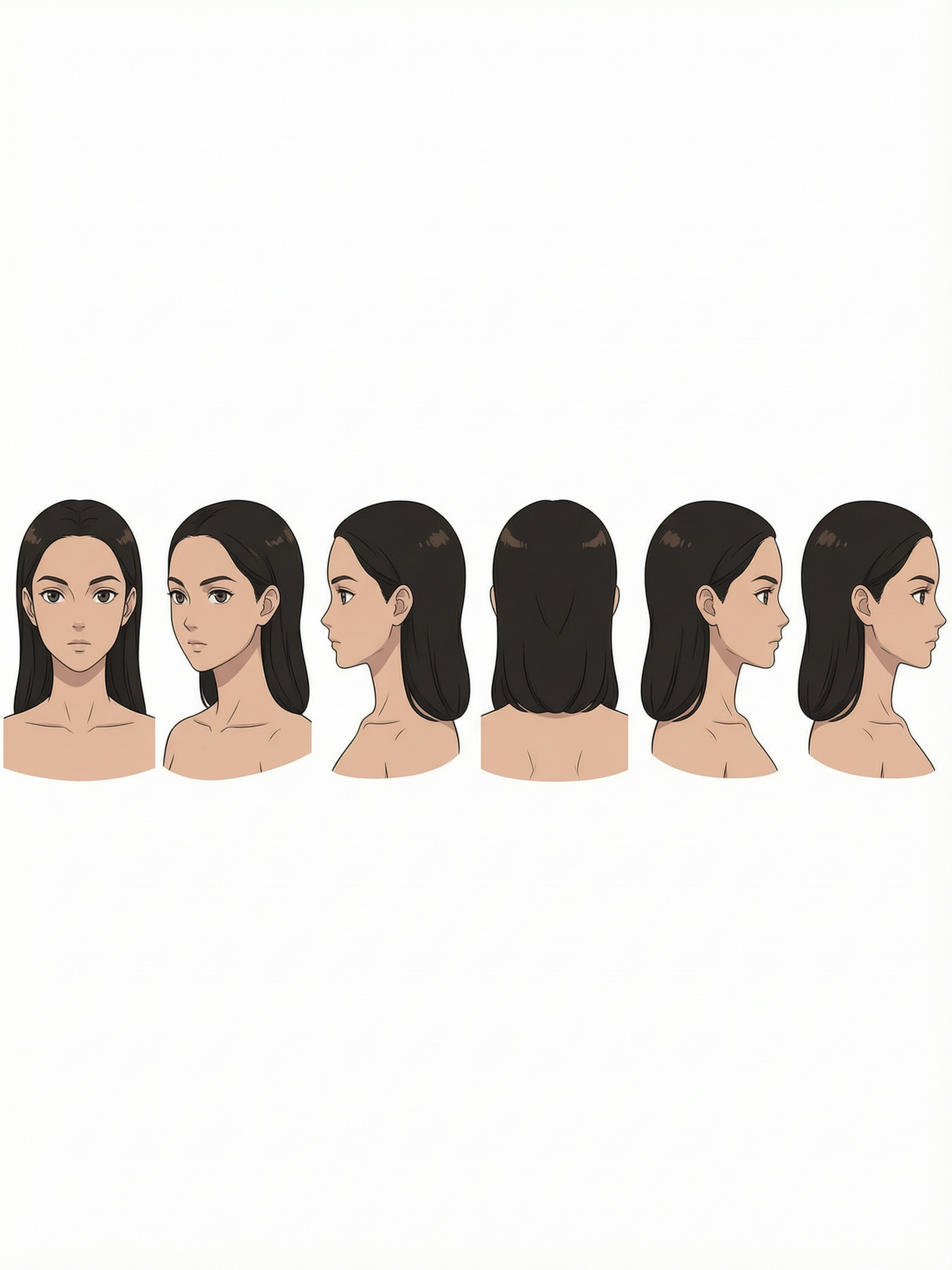
Generated on PixelDojo. Produced by PixelDojo's generation pipeline.
You can transform a single character sheet into a full library of consistent, cinematic videos that keep your hero looking identical from every angle and every scene. Whether you are building animated shorts, social series, brand stories, or game trailers, PixelDojo lets you lock identity first and then generate motion that never drifts. Creators now produce professional character videos in minutes instead of weeks, using dedicated Character Sheets, Consistent Characters, Kling Video, Seedance 2.5, WAN Reference to Video, and WAN Video Character Swap. The result is stories that feel cohesive, characters audiences instantly recognize, and content you can scale without re-drawing or re-prompting every shot. Start with your existing design or generate a fresh multi-angle turnaround, then watch it come alive across lighting, poses, and camera moves while staying true to the original sheet.
Real video examples generated on PixelDojo
Every example below was produced on PixelDojo. Hover to see the prompt.
Anime portrait character sheet
character-sheets
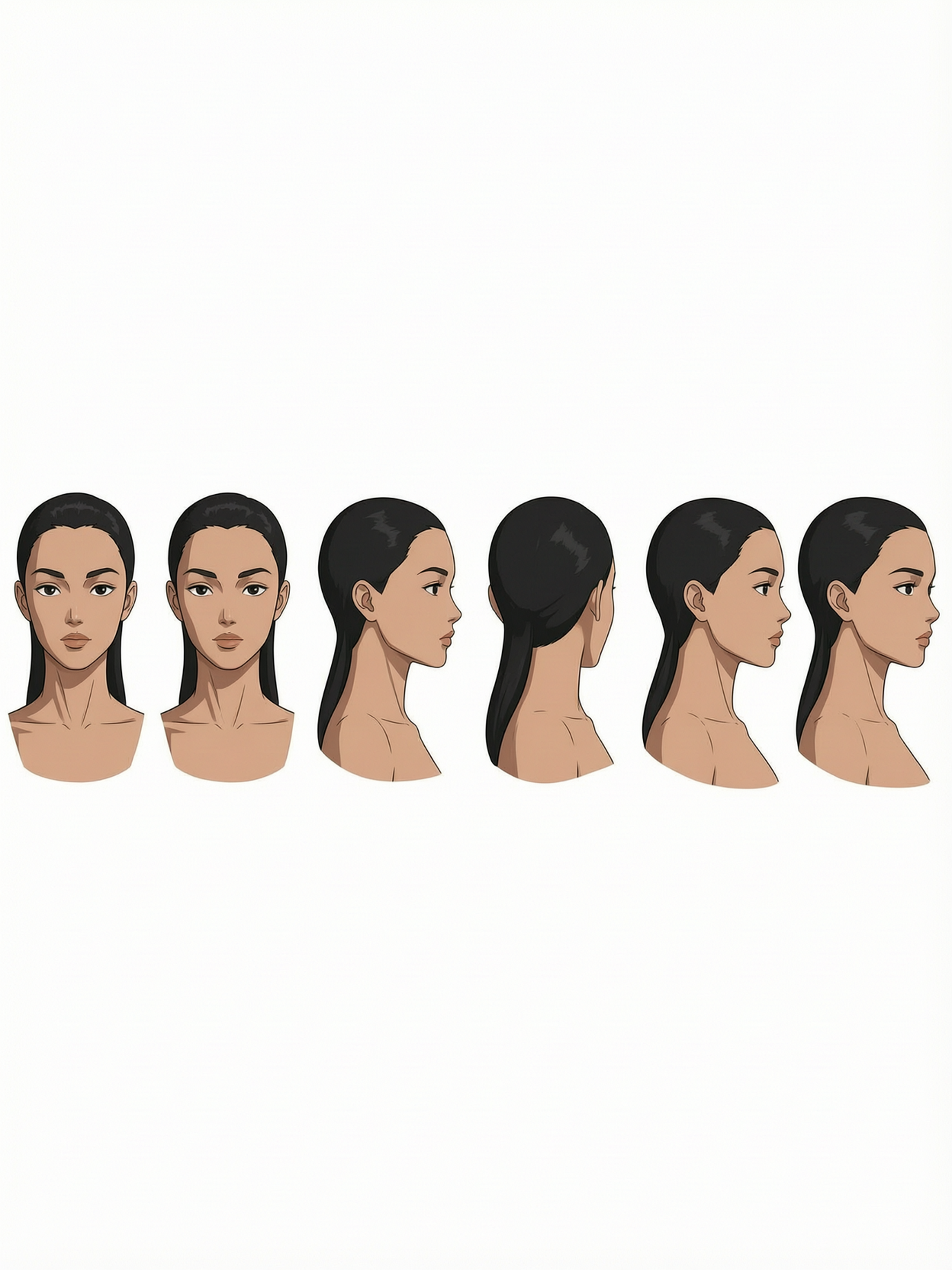
Anime portrait character sheet
character-sheets
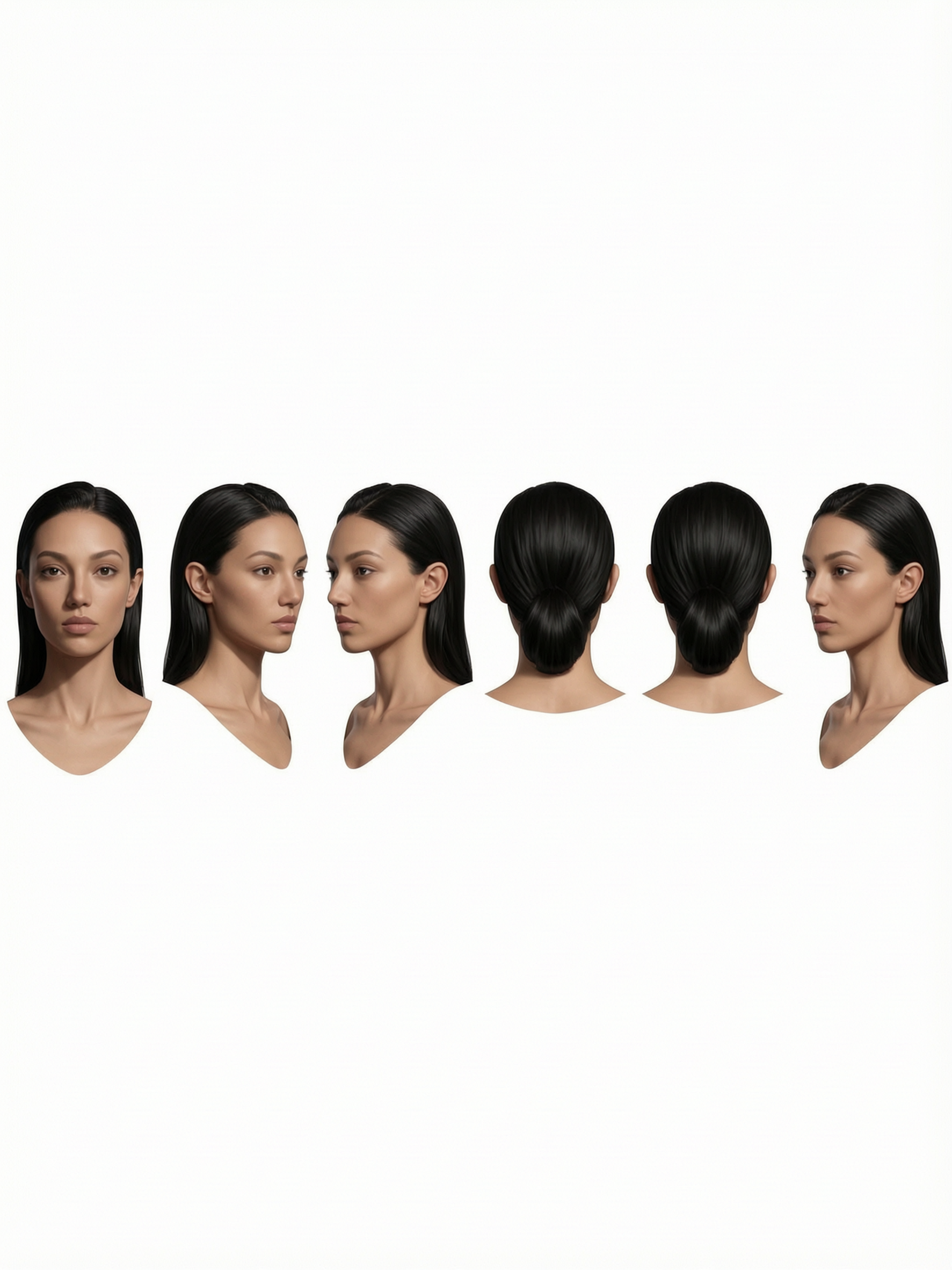
Anime portrait character sheet
character-sheets

Anime portrait character sheet
character-sheets
character sheet to video on PixelDojo
image-to-video
character sheet to video on PixelDojo
image-to-video
Models you can run on PixelDojo for character sheet to video
Switch models without switching tools. Each one runs in the same PixelDojo studio.
What you can do with character sheet to video on PixelDojo
Sheet-locked character clips
We generate short videos from your character sheets while keeping outfit, proportions, and face details aligned with the source art.
Pose and camera control
You specify poses, angles, and simple camera moves. We produce shots that still match the uploaded sheet.
Several shots from one sheet
We create multiple clips from a single sheet so you can cover idle, action, and dialogue setups without redrawing the character.
Iterate motion on the same design
You refine prompts and regenerations on the same sheet. We keep the character design locked while you adjust motion and lighting.
Loved by 1M+ creators worldwide who have generated millions of consistent character videos. PixelDojo's 100+ cutting-edge AI tools deliver reliable results with cancel-anytime flexibility.
Why Choose Pixel Dojo for character sheet to video
Professional-quality results with cutting-edge AI technology
Lock Identity Once, Reuse Forever
Your character stays visually identical across every video clip, episode, and campaign. Multi-angle sheets created with Character Sheets, Ideogram Character, Recraft V4.1, Nano Banana 2, and GPT Image 2 become the unbreakable reference that Kling Video, Seedance 2.5, and WAN 3.0 follow automatically.
From Still Sheet to Moving Story in Minutes
Skip months of traditional animation. Upload or generate your character sheet, describe the action, and receive ready-to-use video with WAN Reference to Video, Kling Video Character Swap, P Video Animate, and Seedance 2. You keep creative control while PixelDojo handles consistency and motion.
Professional Output Without Animation Skills
Produce cinematic shorts, marketing videos, and series-ready clips that look studio-quality. Combine Character Stylist, Face Swap, video edits like Kling Video Edit and Seedance 2.5 Video Edit, plus upscalers such as P-Image Upscale and FLUX Video Upscale for polished, shareable results every time.
How It Works
PixelDojo turns your character sheet into consistent video through a simple three-step workflow that uses the exact tools built for identity lock and motion.
Step 1: Build or Upload Your Character Sheet
Open Character Sheets or Consistent Characters. Generate a multi-angle turnaround (front, side, back, three-quarter, face close-up, and head-to-toe) using Nano Banana 2, GPT Image 2, Recraft V4.1, Ideogram 4, or Flux.2 Studio. Keep hands empty and lock the best version. This sheet becomes the visual DNA for every later generation.
Step 2: Animate with Reference-to-Video Tools
Upload the locked sheet as reference into Kling Video, Seedance 2.5, Seedance 2 Reference, WAN Reference to Video, WAN 3.0, or P Video Animate. Write a short action prompt describing movement, camera, and mood. The models inherit identity, proportions, and details automatically so the character never changes between clips.
Step 3: Refine, Swap, and Export
Use Kling Video Character Swap, WAN Video Character Swap, Face Swap, or Kling Avatar to place the same character into new scenes. Polish with Kling Video Edit, Seedance 2.5 Video Edit, Video Autocaption, and upscale via P-Image Upscale or FLUX Video Upscale. Download high-resolution video ready for social, ads, or longer productions.
The Pixel Dojo Advantage
Why PixelDojo outperforms other options for character sheet to video generation
| Others | Pixel Dojo |
|---|---|
| Traditional character animation pipelines | You go from sheet to finished video in minutes instead of weeks of drawing, rigging, and rendering, while keeping the same professional consistency. |
| Generic AI tools | Dedicated Character Sheets, Consistent Characters, and reference-aware video models like Kling Video and Seedance 2.5 prevent the identity drift that generic generators produce after the first few clips. |
| Manual photo and video editing | You avoid hours of frame-by-frame matching. PixelDojo's integrated swap, edit, and upscale tools (WAN Video Character Swap, Kling Video Edit, P-Image Upscale) keep everything aligned automatically. |
Loved by creators on PixelDojo
Real feedback from people using PixelDojo, pulled from our in-product surveys.
A "one-stop-shop" for creators! Thanks!!
Lots of different tools. It's easy to purchase more credits.
Amazing performance!
Excellent website for creating all types of media
Very eay to use, works well to train SDXL loras.
The amazing tools
Explore more AI tools on PixelDojo
Popular AI Models
AI Tools
Compare & Switch
- All AI Tool Alternatives
- Pollo AI Alternative
- PixelDojo vs Pollo AI
- Pollo AI Review
- MotionMuse AI Alternative
- MioCreate Alternative
- Dessi AI Alternative
- Runway Alternatives
- CapCut Alternatives
- Leonardo Alternatives
- OpenArt Alternatives
- Midjourney Alternatives
- Canva AI Alternatives
- Pika Alternatives
- InVideo Alternatives
- Higgsfield Alternatives
- Krea Alternatives
- Luma Alternatives
- Magic Hour Alternatives
- HeyGen Alternatives
- PixAI Alternatives
- Vidu Alternatives
- Seedream Alternatives
- Tensor.Art Alternatives
Common Questions
Everything you need to know about character sheet to video
How do I turn a character sheet into a consistent AI video?
Create or upload a multi-angle character sheet using PixelDojo Character Sheets, Nano Banana 2, GPT Image 2, or Recraft V4.1. Then feed that sheet as reference into Kling Video, Seedance 2.5, or WAN Reference to Video. The video models lock onto the sheet's identity so every generated clip matches perfectly.
What should a character sheet include for the best AI video results?
Include front, side, back, and three-quarter views plus a face close-up and full-body reference, all at high resolution with empty hands. PixelDojo's Character Sheets and Ideogram Character tools generate these panels automatically so small details like clothing, hair, and accessories stay accurate across every video.
Can I keep the same character across an entire video series?
Yes. Once you lock the sheet in Consistent Characters, PixelDojo attaches it to every generation. Use WAN Video Character Swap, Kling Video Character Swap, and Seedance 2 Reference to place the identical character into new scenes, outfits, or episodes without starting over.
Which PixelDojo tools work best for character sheet to video?
Start with Character Sheets, Consistent Characters, Recraft V4.1, Nano Banana 2, and GPT Image 2 for the stills. Then animate with Kling Video, Seedance 2.5, WAN 3.0, WAN Reference to Video, and P Video Animate. Finish with Kling Video Edit, Seedance 2.5 Video Edit, and P-Image Upscale.
Do I need animation experience to create character videos from sheets?
No. PixelDojo is built for creators who want results, not technical pipelines. Describe the motion you want, attach your sheet, and the tools handle consistency, camera, and timing. 1M+ creators produce professional shorts and marketing videos this way.
How does PixelDojo prevent character drift in longer videos?
By treating the character sheet as a persistent reference rather than relying on text alone. Combined with dedicated swap tools (Kling Video Character Swap, WAN Video Character Swap) and edit models, identity, proportions, and details remain locked even when you generate dozens of clips or change scenes.