LoRA Trainer
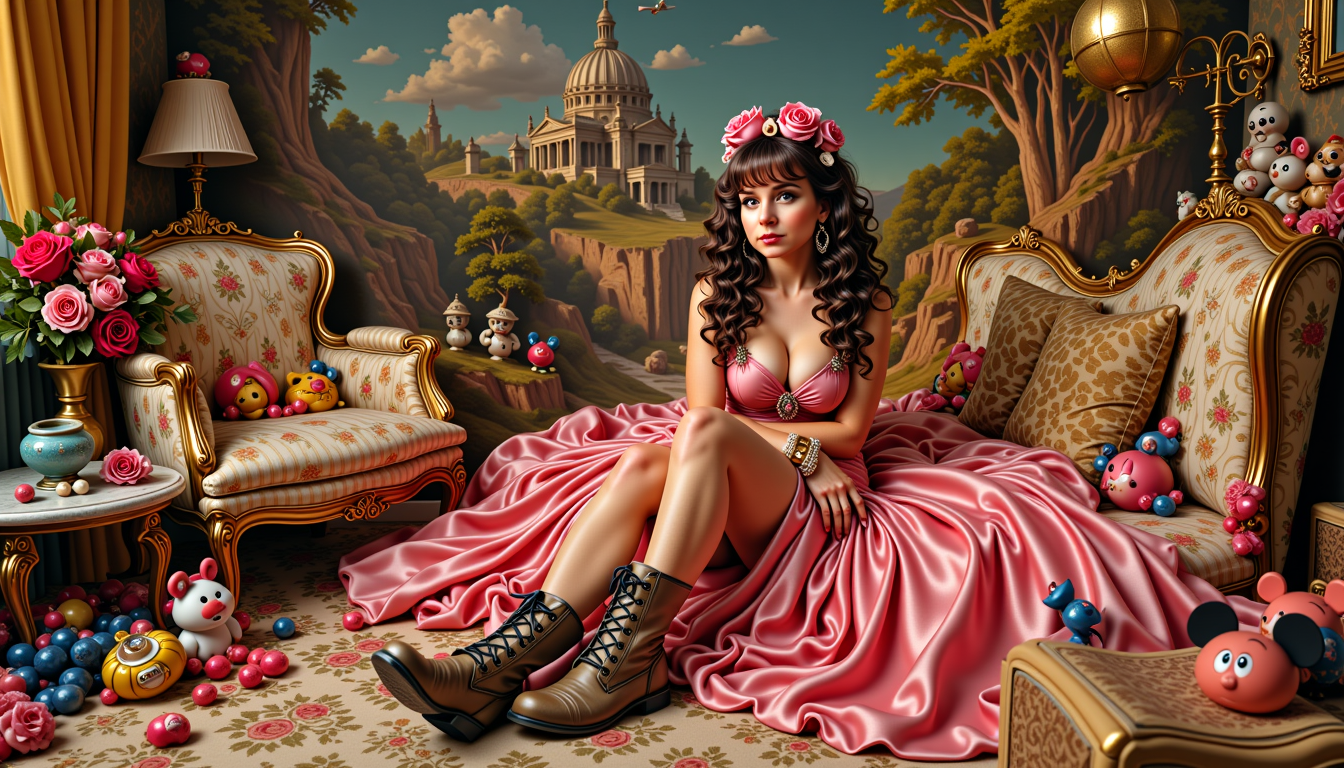
Generated on PixelDojo. Produced by PixelDojo's generation pipeline.
Imagine turning your creative vision into a powerful AI tool that generates images exactly how you want them – every time. With PixelDojo's LoRA Trainer, you can train custom models to produce consistent characters, unique art styles, or branded visuals tailored to your needs. Whether you're a digital artist, marketer, or hobbyist, our intuitive trainers let you fine-tune AI without the hassle of complex setups. Achieve professional-grade results that save you hours of manual work, boost your productivity, and bring your ideas to life faster than ever. Start training your custom LoRA models today and elevate your image generation game.
Real image examples generated on PixelDojo
Every example below was produced on PixelDojo. Hover to see the prompt.
MO-LoRa-Multi as Lara Lovegood depicted as a seductress
stable-diffusion
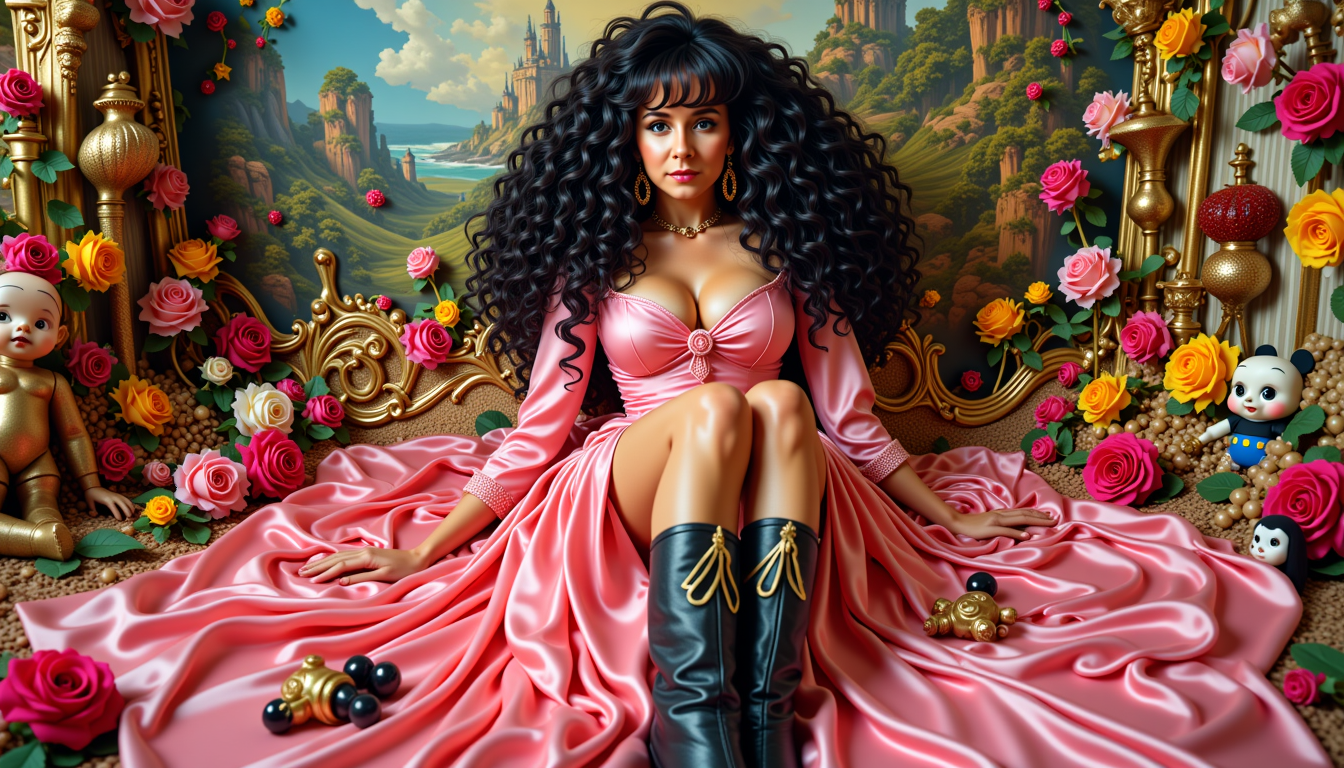
MO-LoRa-Multi
stable-diffusion
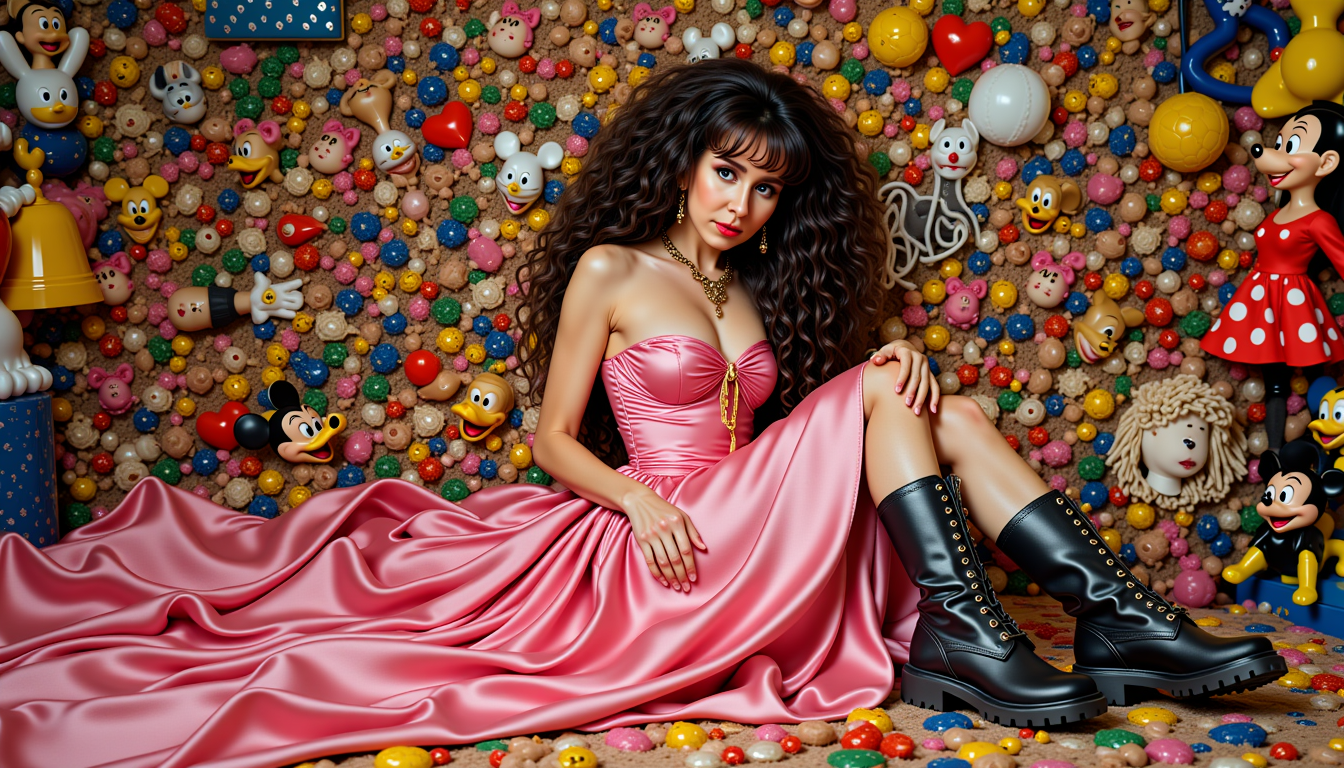
MO-LoRa-Multi
stable-diffusion
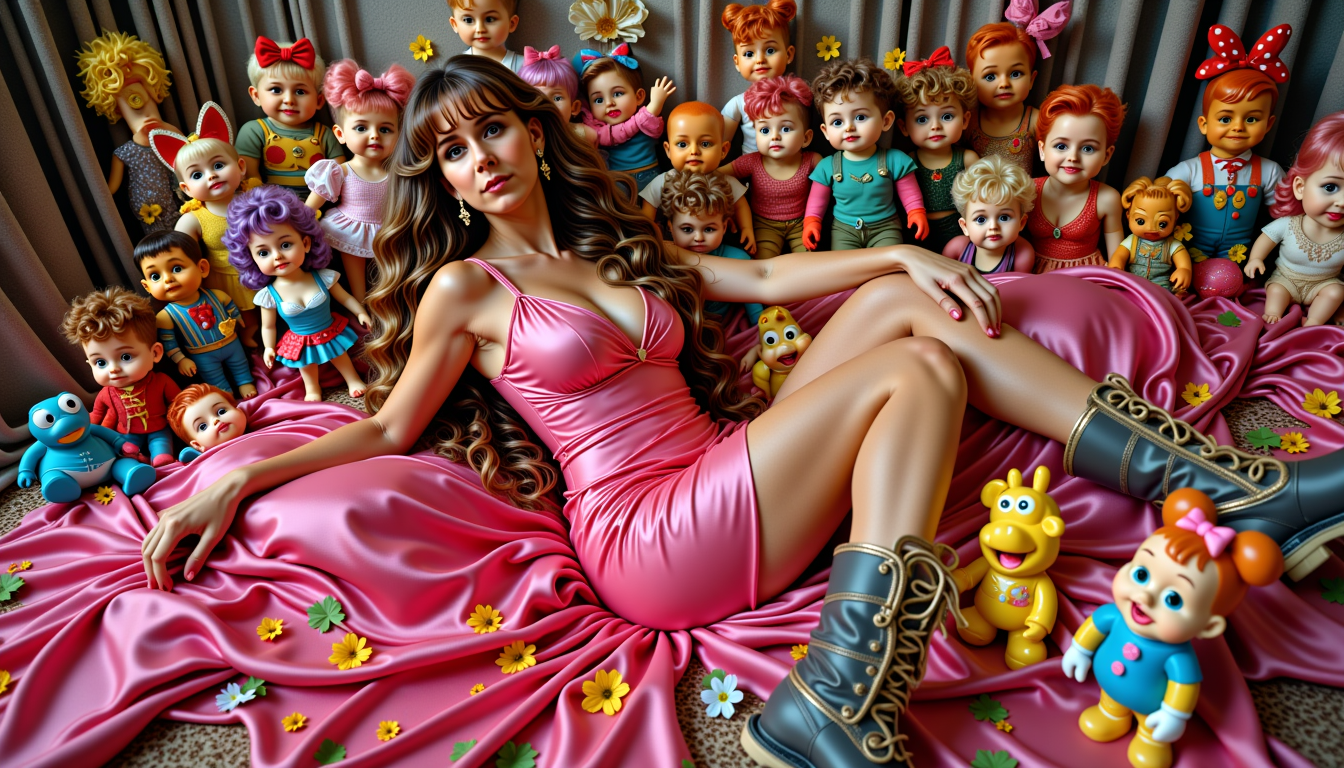
MO-LoRa-Multi
stable-diffusion

MO-LoRa-Multi
stable-diffusion
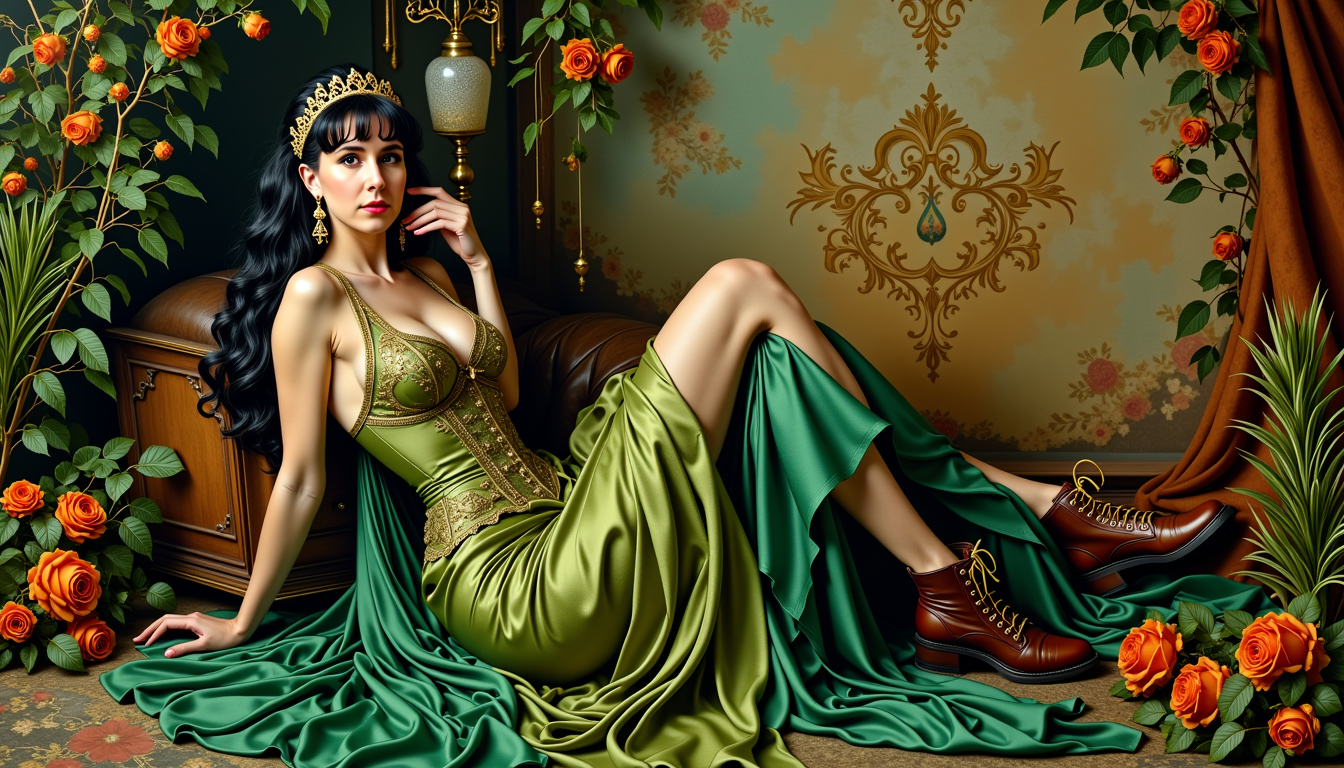
MO-LoRa-Multi
stable-diffusion
Models you can run on PixelDojo for lora trainer
Switch models without switching tools. Each one runs in the same PixelDojo studio.
What you can do with lora trainer on PixelDojo
Train LoRAs From Images
We enable training of LoRA adapters on collections of your images.
Control Training Settings
We allow configuration of training options including batch size and steps.
Apply LoRAs In Generation
We support using your LoRAs when creating new images.
Export Your LoRA Models
We let you download the resulting LoRA files after training completes.
Join over 50,000 creators who've trained custom models with PixelDojo. Rated 4.9/5 stars on Trustpilot from 2,500+ reviews. 'PixelDojo made LoRA training accessible and fast – transformed my workflow!' – Verified User.
Why Choose Pixel Dojo for LoRA Trainer
Professional-quality results with cutting-edge AI technology
Create Personalized Image Styles
Train LoRA models to generate images in your signature style, ensuring every output matches your artistic vision and saves you time on revisions.
Achieve Consistent Characters Across Projects
Build models that produce reliable, repeatable characters for stories, games, or marketing, eliminating inconsistencies and streamlining your creative process.
Boost Efficiency with Custom AI Tools
Fine-tune models to automate repetitive tasks, allowing you to focus on innovation while generating high-quality images tailored to your specific needs.
How It Works
Getting started with LoRA training on PixelDojo is simple and user-friendly. Upload your images, select a trainer, and let our AI do the heavy lifting to create a model ready for generating stunning results.
Step 1: Choose Your Trainer Tool
Select from PixelDojo's powerful options like FLUX Model Trainer, QWEN Model Trainer, or SDXL Model Trainer based on your project needs. Upload a dataset of 10-50 images representing your desired style or subject for optimal training.
Step 2: Configure Training Parameters
Input your prompt descriptions, adjust settings like epochs and learning rate for fine control, and start the training process. Our system handles the computation, typically completing in minutes to hours depending on complexity.
Step 3: Test, Refine, and Integrate
Once trained, test your LoRA model with sample prompts in our image generators. Refine as needed, then download or integrate it directly into tools like Consistent Characters or Inpainting with LoRAs for seamless use.
The Pixel Dojo Advantage
Why PixelDojo outperforms other options for LoRA trainer image generation
| Others | Pixel Dojo |
|---|---|
| Traditional model training methods | Skip complex coding and hardware setups – our cloud-based trainers deliver fast results without needing powerful GPUs, saving you time and costs. |
| Generic AI tools | Get specialized LoRA training integrated with the full Pixel Dojo toolset for immediate application, ensuring your custom models work seamlessly in image and video generation workflows. |
| Manual photo editing | Automate style consistency and character creation, producing dozens of variations in seconds instead of hours of tedious edits. |
Loved by creators on PixelDojo
Real feedback from people using PixelDojo, pulled from our in-product surveys.
super lora download
Great variety of tools to create and modify images and video.
Lots of Tools, and the one time I needed support I got help right away
Easy to use once you get the hang of it
Love it make anything I can think of so far
Great for all your ideas use it encourage more people to use it
Explore more AI tools on PixelDojo
Popular AI Models
AI Tools
Compare & Switch
- Best AI Image Generators
- Best AI Video Generators
- Midjourney Alternatives
- Civitai Alternatives
- Runway Alternatives
- Leonardo Alternatives
- Pika Alternatives
- Luma Alternatives
- Magnific Alternatives
- Veo Alternatives
- Flux Alternatives
- Freepik Alternatives
- Seedance Alternatives
- Seedream Alternatives
- Pixverse Alternatives
- GPT Image Alternatives
- Synthesia Alternatives
- Playground Alternatives
- NightCafe Alternatives
- Canva AI Alternatives
- ElevenLabs Alternatives
- ComfyUI Alternatives
- Fal Alternatives
- Replicate Alternatives
Common Questions
Everything you need to know about LoRA Trainer
What is a LoRA trainer and how can I use it for custom AI image generation?
A LoRA trainer allows you to fine-tune AI models with your own data for personalized outputs. With PixelDojo, use tools like FLUX Model Trainer to create models that generate images in your unique style, perfect for artists and brands seeking consistency. Upload images, train, and integrate into our suite of generators for endless creative possibilities.
How to train a custom LoRA model for consistent characters using AI?
Start by selecting SDXL Model Trainer in PixelDojo, upload character reference images, set prompts, and train. The result is a model that produces consistent characters across poses and scenes, ideal for storytelling or game design. Test and refine in our Consistent Characters tool for optimal results.
What are the latest techniques in LoRA trainer for image generation trends?
Recent trends include efficient training with smaller datasets and integration with models like Flux for faster, high-quality outputs. PixelDojo incorporates these by offering QWEN Model Trainer, which supports advanced techniques like adaptive learning rates, helping you stay ahead in creating trending styles like hyper-realistic portraits or abstract art.
Can beginners use a LoRA trainer to create personalized AI models?
Absolutely! PixelDojo's intuitive interface makes it easy for beginners. Choose FLUX Model Trainer, follow simple steps to upload and train, and achieve professional results without coding knowledge. Our guides and presets ensure you get started quickly and see impressive outcomes right away.
How does LoRA trainer improve AI video generation workflows?
By training custom models with PixelDojo's SDXL Trainer, you can apply consistent styles to videos via tools like Runway Gen-4 Video or Kling v2.5 Turbo Pro. This enhances workflows by ensuring thematic unity in animations or marketing videos, saving time and elevating production quality.
What examples of LoRA trainer applications are there for business branding?
Businesses use LoRA trainers to create branded models for logos, product visuals, or ads. With PixelDojo's QWEN Model Trainer, train on your brand assets to generate on-brand images instantly, integrated with Style Transfer or Creative Upscaler for polished, professional outputs that drive engagement.