qwen image 2.0 ppt slides ai

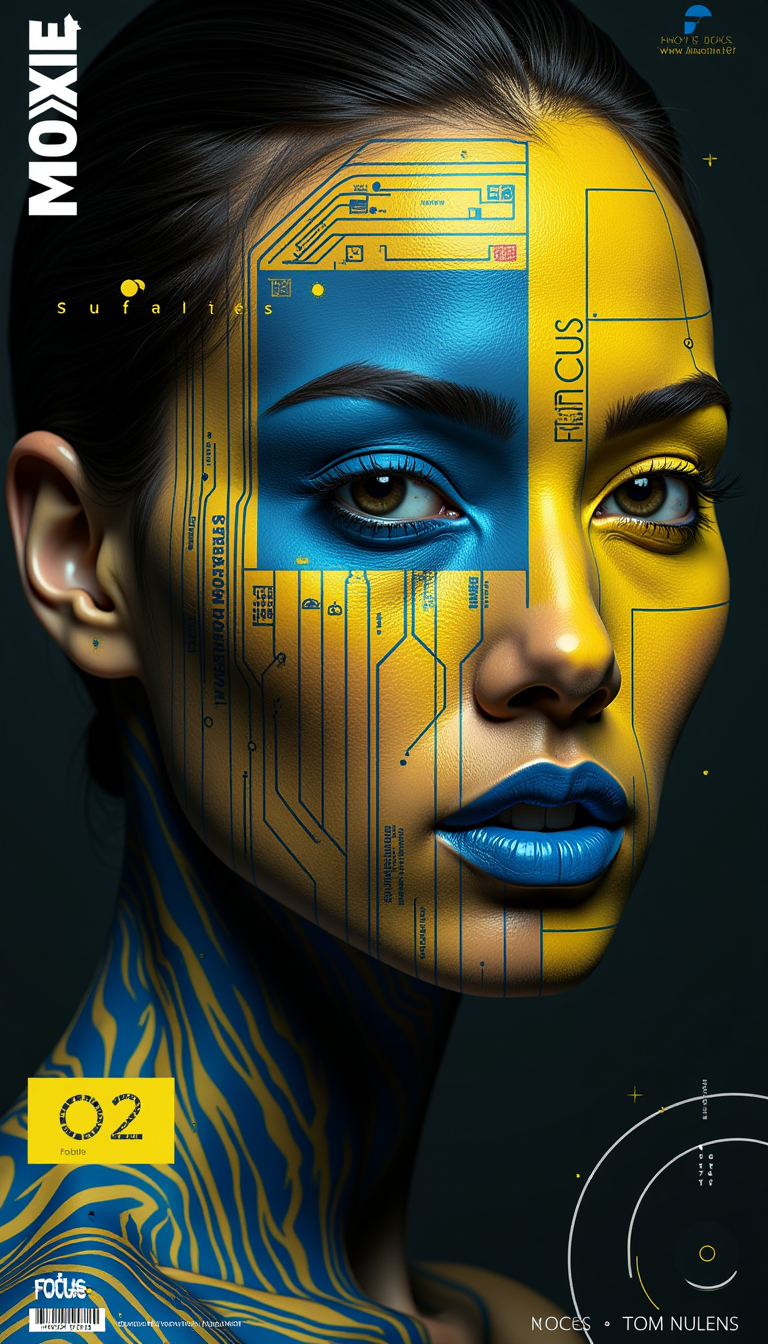
Elevate your presentations with Qwen Image 2.0 AI, the cutting-edge tool that enables you to create professional, text-rich PPT slides effortlessly. Say goodbye to tedious design processes and hello to stunning, photorealistic 2K visuals with precise typography, all generated in minutes.
Join over 50,000 creators who have transformed their presentations using Qwen Image 2.0 AI. Rated 4.8/5 by professionals worldwide.
Why Choose Pixel Dojo for qwen image 2.0 ppt slides ai
Professional-quality results with cutting-edge AI technology
Effortless Professional Design
Generate high-quality PPT slides with complex layouts and accurate text rendering without any design skills.
Photorealistic 2K Resolution
Achieve stunning visuals with native 2048×2048 resolution, capturing intricate details for a polished look.
Seamless Text Integration
Incorporate multi-line, bilingual text seamlessly into your slides, ensuring readability and aesthetic appeal.
How It Works
Creating professional PPT slides with Qwen Image 2.0 AI is simple and intuitive. Follow these steps to bring your ideas to life:
Step 1: Choose Your Tool
Select the 'Qwen Image 2.0' tool from the PixelDojo platform to begin your slide creation process.
Step 2: Enter Your Prompt
Describe your desired slide layout, content, and design elements in detail. For example: 'A dark blue gradient background slide titled "Project Timeline" with a glowing timeline and labeled nodes.'
Step 3: Customize & Download
Review the generated slide, make any necessary adjustments, and download the final high-resolution image ready for your presentation.


![Full image view", highly detailed 3d digital clipart caricature of an anthropomorphic [female eagle] wearing [violet and gold sparkling] fur coat, high heeled boots, with framed sunglasses and looped earings. In her colored pursed lips there is a cigarette. She is holding the leash of a small [bear]](https://cdn.pixeldojo.ai/cdn-cgi/image/f=auto,q=90,w=3840/pixeldojo/generated-images/1734091713672-zyrmpikv4.png)
![create an image of close up [paty of city] falling down under an ice age, buildings falling down, windows broken, dirty, a dystopian frozen landscape. Background a flozen wind motion. 8k hd](https://cdn.pixeldojo.ai/cdn-cgi/image/f=auto,q=90,w=3840/pixeldojo/generated-images/1739811748440-z5b0hnhao.png)

![Modern Robot 7 years old girl , computer wallpapers, in the style of futurist mechanical precision, xiaofei yue, [dark silver and light gold], unreal engine 5, close-up, metallic rotation, sunrays shine upon it](https://cdn.pixeldojo.ai/cdn-cgi/image/f=auto,q=90,w=3840/pixeldojo/generated-images/1749429437223-sy24ui4nu.png)

The Pixel Dojo Advantage
Why Qwen Image 2.0 AI is the superior choice for PPT slide creation:
| Others | Pixel Dojo |
|---|---|
| Traditional Slide Design | Eliminates the need for manual design skills, saving time and effort. |
| Generic AI Tools | Offers precise text rendering and complex layout capabilities tailored for professional presentations. |
| Manual Photo Editing | Provides a unified generation and editing workflow, streamlining the creation process. |
Loved by creators on PixelDojo
Real feedback from people using PixelDojo, pulled from our in-product surveys.
Awesome site with so many features
Love how I can almost create anything
The Flux Pro Ultra is just amazing!
Very easy to use, and they have fast wan 2.2 video generation with custom loras available.
The overall quality of the site and it's amazing variety of tools. The continued updates of the UI. The unbelievable level of tech support.
THIS IS SO DOPE !
Explore more AI tools on PixelDojo
Popular AI Models
AI Tools
Compare & Switch
- Best AI Image Generators
- Best AI Video Generators
- Midjourney Alternatives
- Civitai Alternatives
- Runway Alternatives
- Leonardo Alternatives
- Pika Alternatives
- Luma Alternatives
- Magnific Alternatives
- Veo Alternatives
- Flux Alternatives
- Freepik Alternatives
- Seedance Alternatives
- Seedream Alternatives
- Pixverse Alternatives
- GPT Image Alternatives
- Synthesia Alternatives
- Playground Alternatives
- NightCafe Alternatives
- Canva AI Alternatives
- ElevenLabs Alternatives
- ComfyUI Alternatives
- Fal Alternatives
- Replicate Alternatives
Common Questions
Everything you need to know about qwen image 2.0 ppt slides ai
How does Qwen Image 2.0 AI handle complex slide layouts?
Qwen Image 2.0 AI supports prompts up to 1,000 tokens, allowing for detailed descriptions of complex layouts, including multi-column structures and precise text placements.
Can I use Qwen Image 2.0 AI for bilingual presentations?
Yes, Qwen Image 2.0 AI excels at rendering both Chinese and English text accurately, making it ideal for bilingual slides.
What is the resolution of the generated slides?
The slides are generated at a native 2048×2048 (2K) resolution, ensuring high-quality visuals suitable for professional use.
Do I need design experience to use Qwen Image 2.0 AI?
No design experience is required. Simply describe your desired slide, and Qwen Image 2.0 AI will generate it for you.
Is there a limit to the number of slides I can create?
There are no limits; you can create as many slides as needed to complete your presentation.
Can I edit the generated slides?
Yes, Qwen Image 2.0 AI offers editing capabilities, allowing you to refine and adjust your slides as necessary.