ai fat filter AI Generator

Generated on PixelDojo. Produced by PixelDojo's generation pipeline.
Ever wondered how you'd look with a few extra pounds? With PixelDojo's AI Fat Filter, you can effortlessly transform your photos to create realistic fat face and body images. Whether you're looking to prank your friends, create hilarious memes, or explore creative projects, our AI-powered tool makes it simple and fun.
Real image examples generated on PixelDojo
Every example below was produced on PixelDojo. Hover to see the prompt.
Hyper realistic photorealism image of a 50 year old man sitting with his back against a tr…
flux
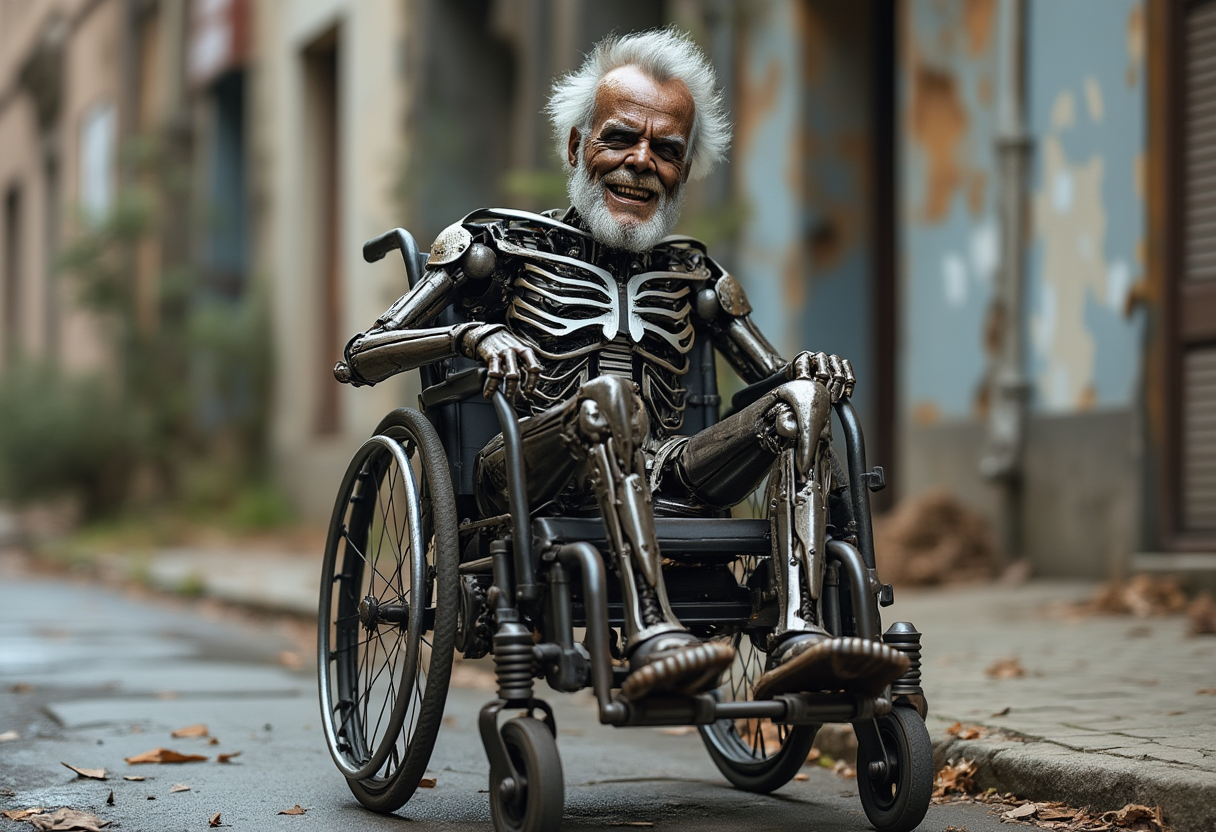
Create image of a metal
flux
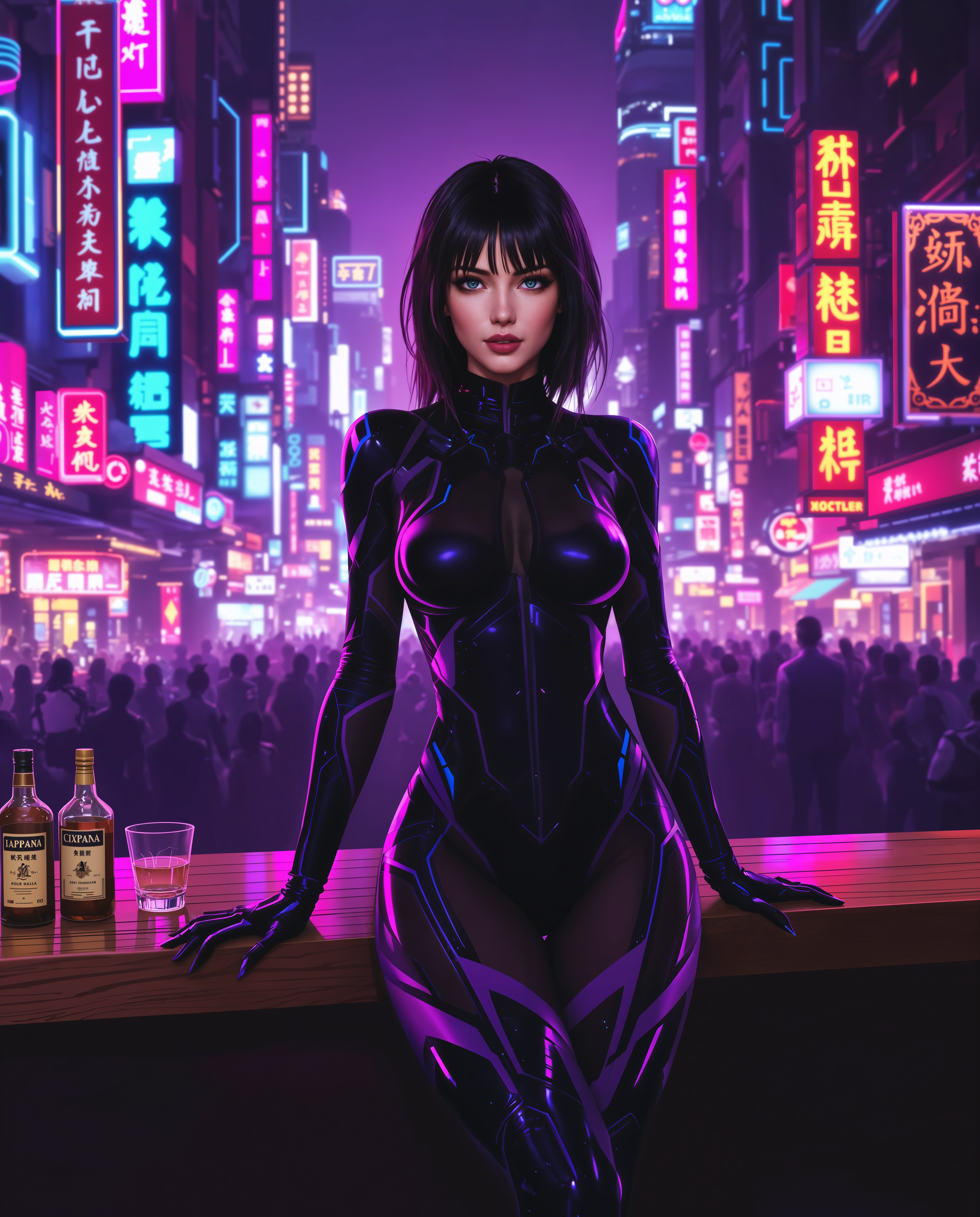
ai fat filter on PixelDojo

A dramatic
flux

W26-stylized
image-to-image

ai fat filter on PixelDojo
Models you can run on PixelDojo for ai fat filter
Switch models without switching tools. Each one runs in the same PixelDojo studio.
What you can do with ai fat filter on PixelDojo
Apply AI Fat Filters
We enable creators to add fat simulation to generated images using text prompts.
Adjust Fat Distribution Levels
Creators set specific fat amounts and placement in each image output.
Generate Body Type Variations
We produce multiple image versions with different fat filter intensities from one prompt.
Combine Filters with Models
Creators apply the fat filter on top of selected base image generation models.
Join over 2 million users who have generated more than 5 million images using PixelDojo's AI tools. Rated 4.8/5 by our satisfied customers.
Why Choose Pixel Dojo for ai fat filter
Professional-quality results with cutting-edge AI technology
Instant Realistic Transformations
Generate lifelike fat face and body images in seconds without any photo editing skills.
User-Friendly Interface
Our intuitive platform ensures a seamless experience for users of all levels.
Versatile Applications
Perfect for pranks, memes, social media content, and creative projects.
How It Works
Creating fun and realistic fat face images is easy with PixelDojo's AI Fat Filter. Follow these simple steps:
Step 1: Choose Your Tool
Navigate to the 'Edit Images' section and select the 'Image to Image' tool.
Step 2: Upload Your Photo
Click 'Upload' to select a clear, front-facing photo from your device.
Step 3: Apply the Fat Filter
In the prompt box, enter 'make the face look fat and chubby with exaggerated plump features' and click 'Generate'.
The Pixel Dojo Advantage
Why PixelDojo's AI Fat Filter stands out:
| Others | Pixel Dojo |
|---|---|
| Traditional Photo Editing | No need for complex software or skills; achieve transformations instantly. |
| Generic AI Tools | Specifically designed for realistic fat face and body transformations with high accuracy. |
| Manual Editing | Save time and effort with our automated, user-friendly process. |
Loved by creators on PixelDojo
Real feedback from people using PixelDojo, pulled from our in-product surveys.
Prompt updates, strong features, and a community that is always willing to help and hear/act on professional feedback. I've never had a better experience.
user friendly all in one thing
I really like the schedule of AI work performed!
The best tools for IA on the web !
The guy that operates the website is constantly updating it
I’ve been using PixelDojo for around 8 months now and it’s always worked wonderfully while constantly adding features.
Explore more AI tools on PixelDojo
Popular AI Models
AI Tools
Compare & Switch
- Best AI Image Generators
- Best AI Video Generators
- Midjourney Alternatives
- Civitai Alternatives
- Runway Alternatives
- Leonardo Alternatives
- Pika Alternatives
- Luma Alternatives
- Magnific Alternatives
- Veo Alternatives
- Flux Alternatives
- Freepik Alternatives
- Seedance Alternatives
- Seedream Alternatives
- Pixverse Alternatives
- GPT Image Alternatives
- Synthesia Alternatives
- Playground Alternatives
- NightCafe Alternatives
- Canva AI Alternatives
- ElevenLabs Alternatives
- ComfyUI Alternatives
- Fal Alternatives
- Replicate Alternatives
Common Questions
Everything you need to know about ai fat filter
How does PixelDojo's AI Fat Filter work?
Our AI Fat Filter uses advanced algorithms to analyze your photo and apply realistic fat face and body transformations, maintaining natural facial expressions and proportions.
Is the AI Fat Filter free to use?
Yes, PixelDojo offers a free trial with access to the AI Fat Filter. For continued use, consider our subscription plans with additional features.
What types of photos work best with the AI Fat Filter?
Clear, high-resolution, front-facing photos with good lighting yield the most realistic transformations.
Can I use the AI Fat Filter on my mobile device?
Absolutely! PixelDojo's platform is mobile-friendly, allowing you to create transformations on the go.
Will my photos be saved or shared?
Your privacy is important to us. Photos are processed securely and are not saved or shared without your consent.
Can I adjust the intensity of the fat effect?
Yes, after generating the initial transformation, you can adjust the effect strength to achieve your desired look.