gpt image 2 batch generation
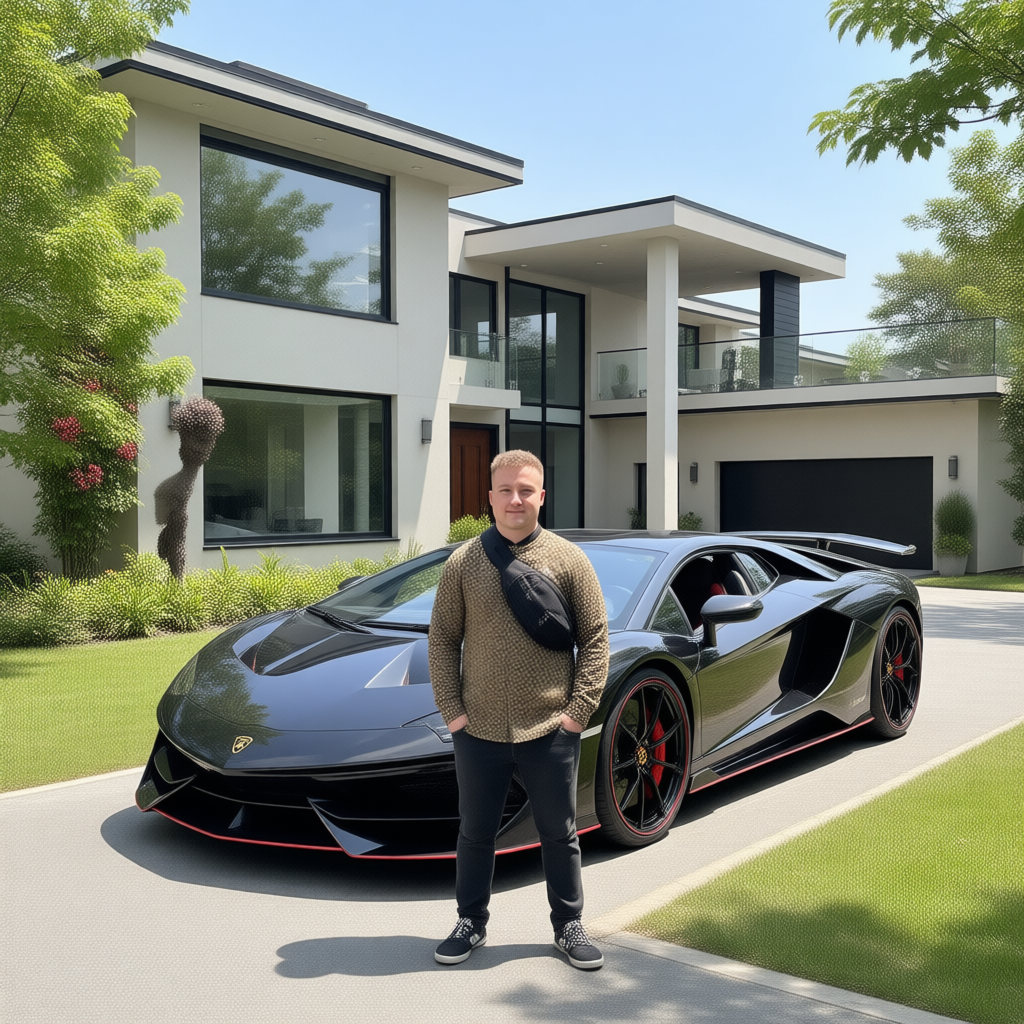
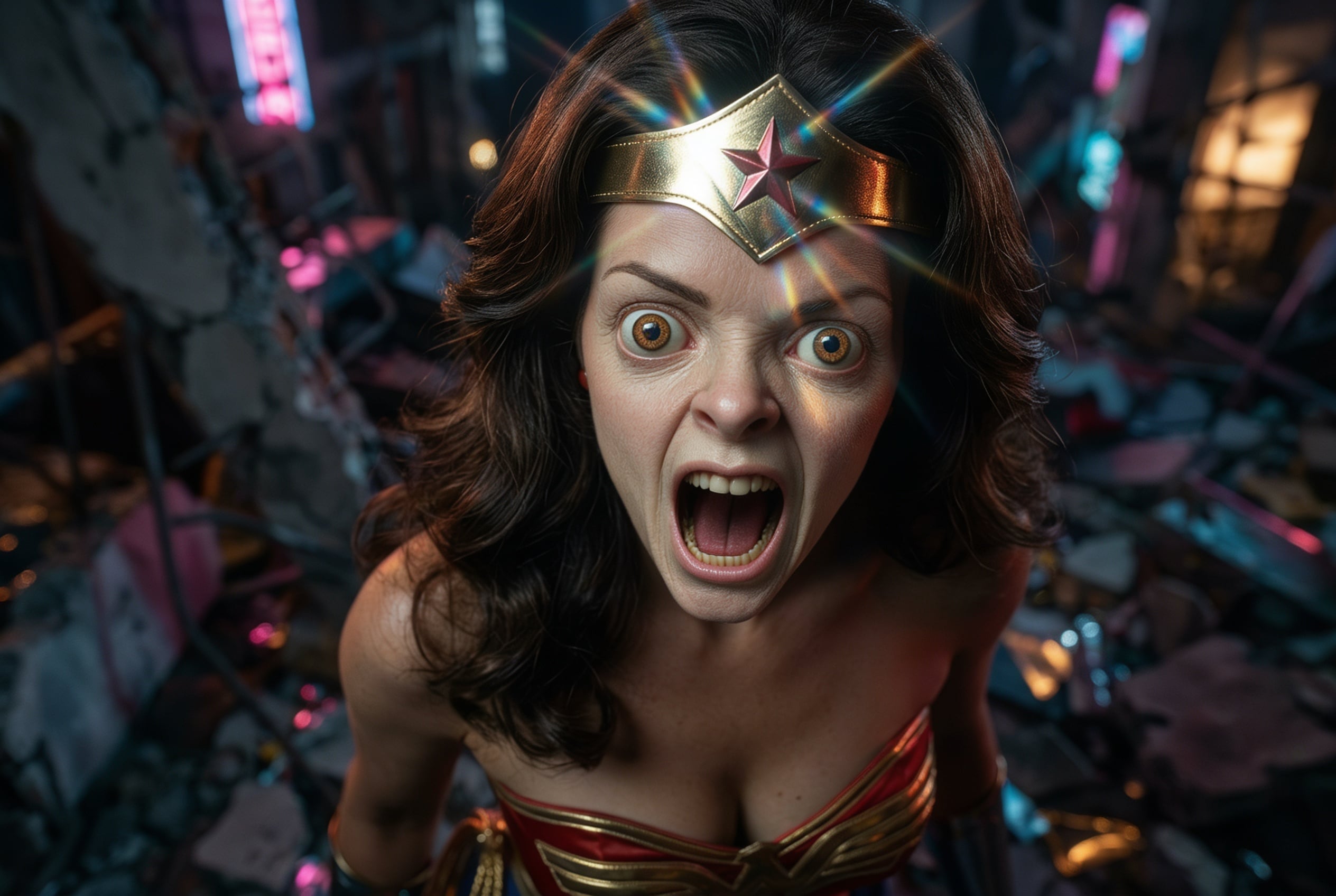
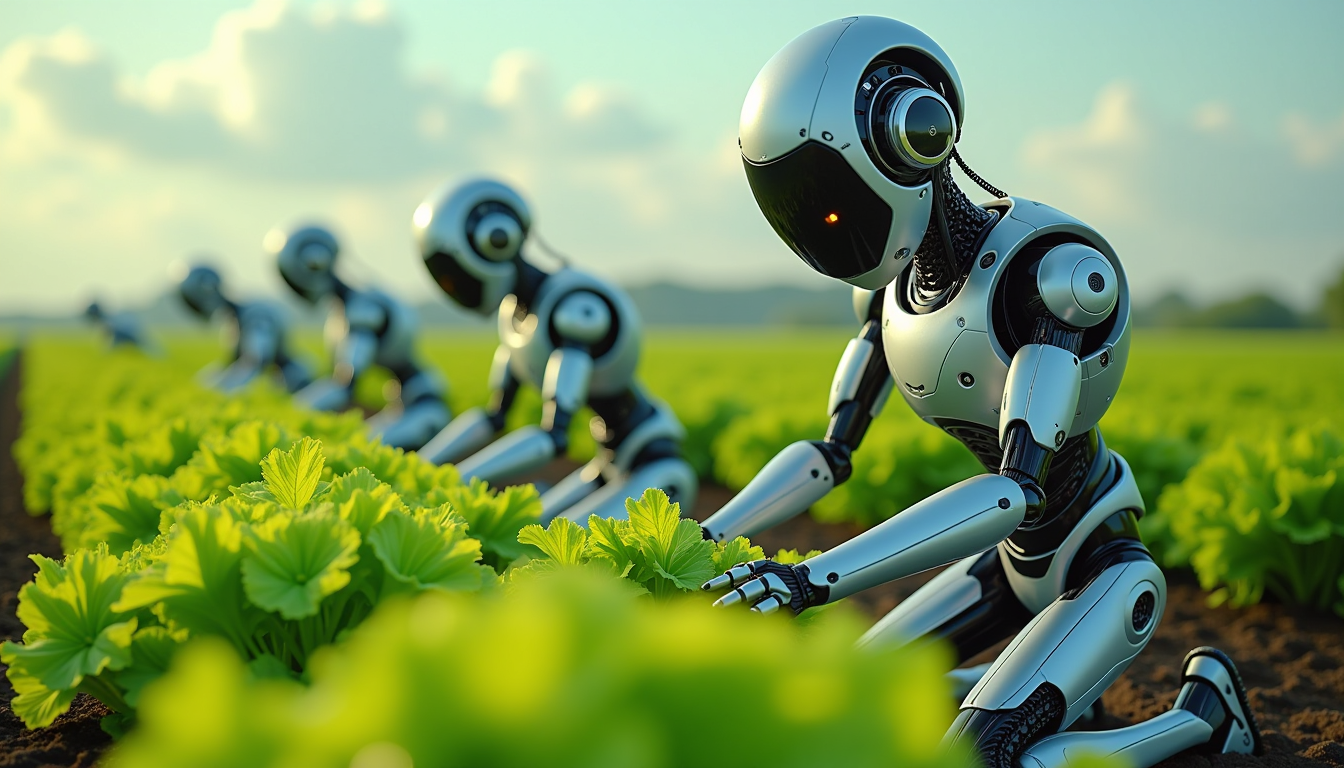
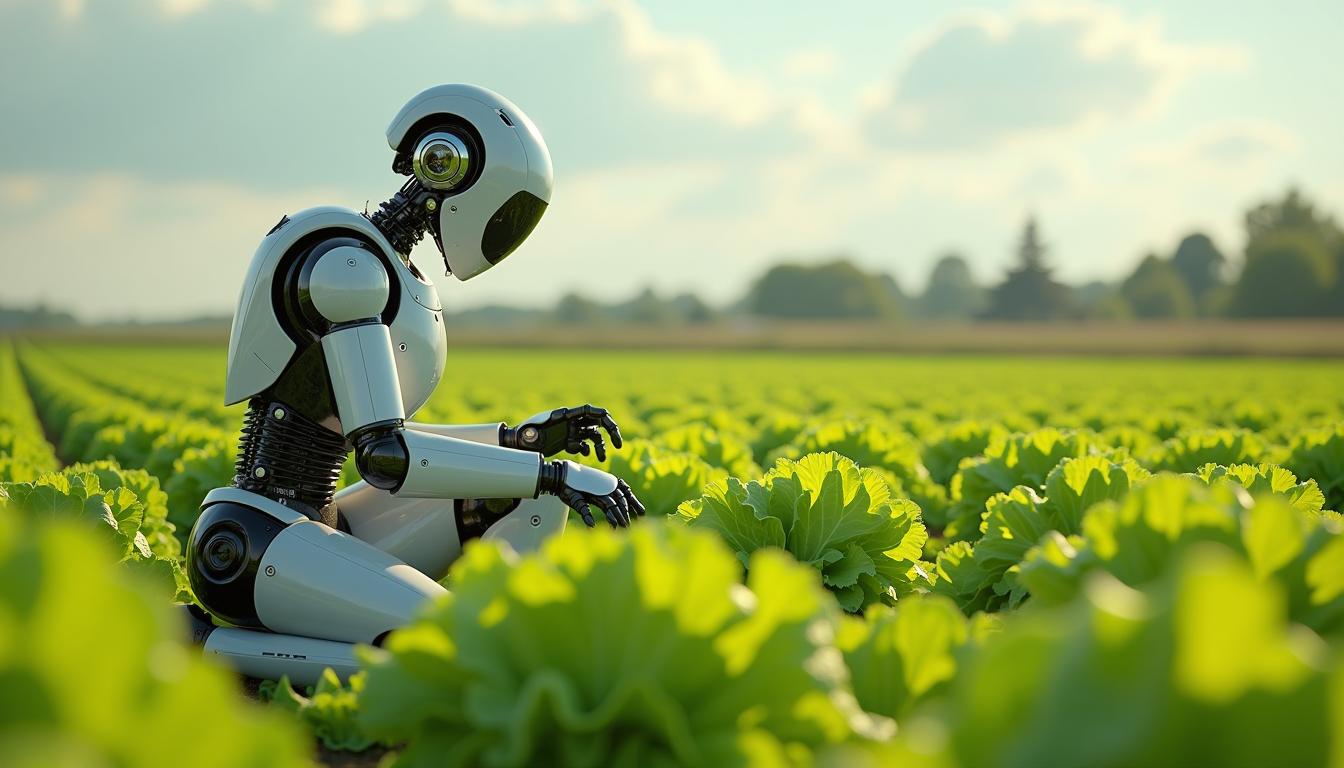
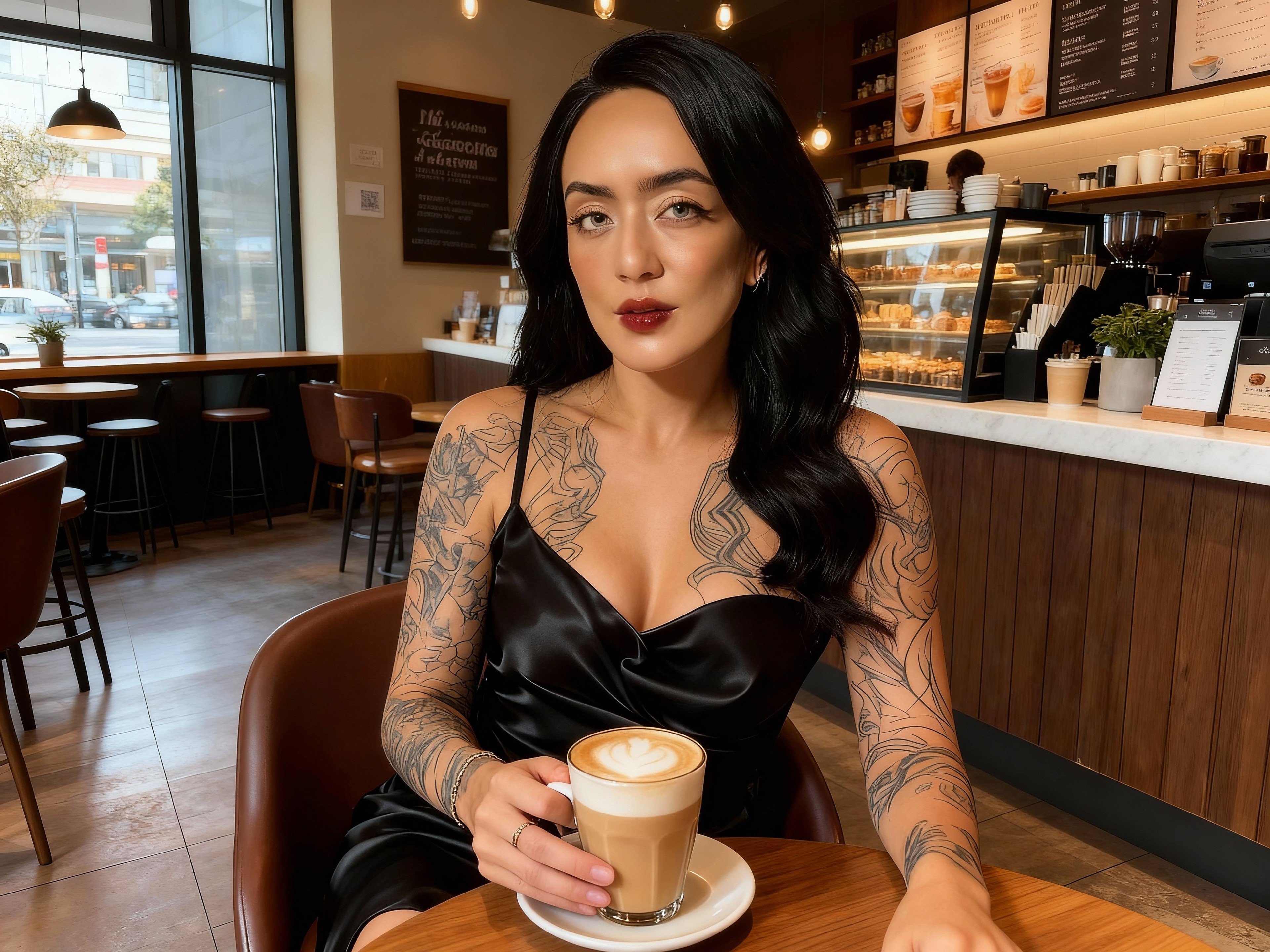
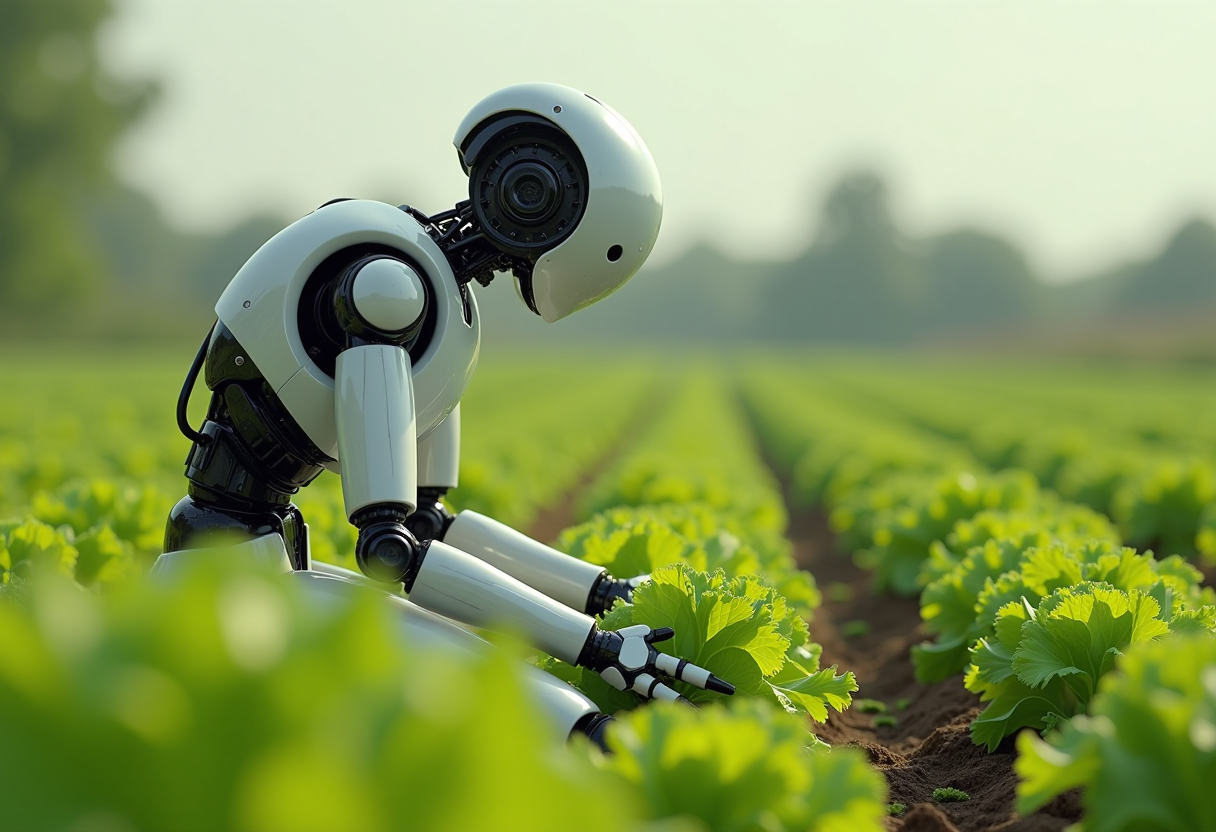
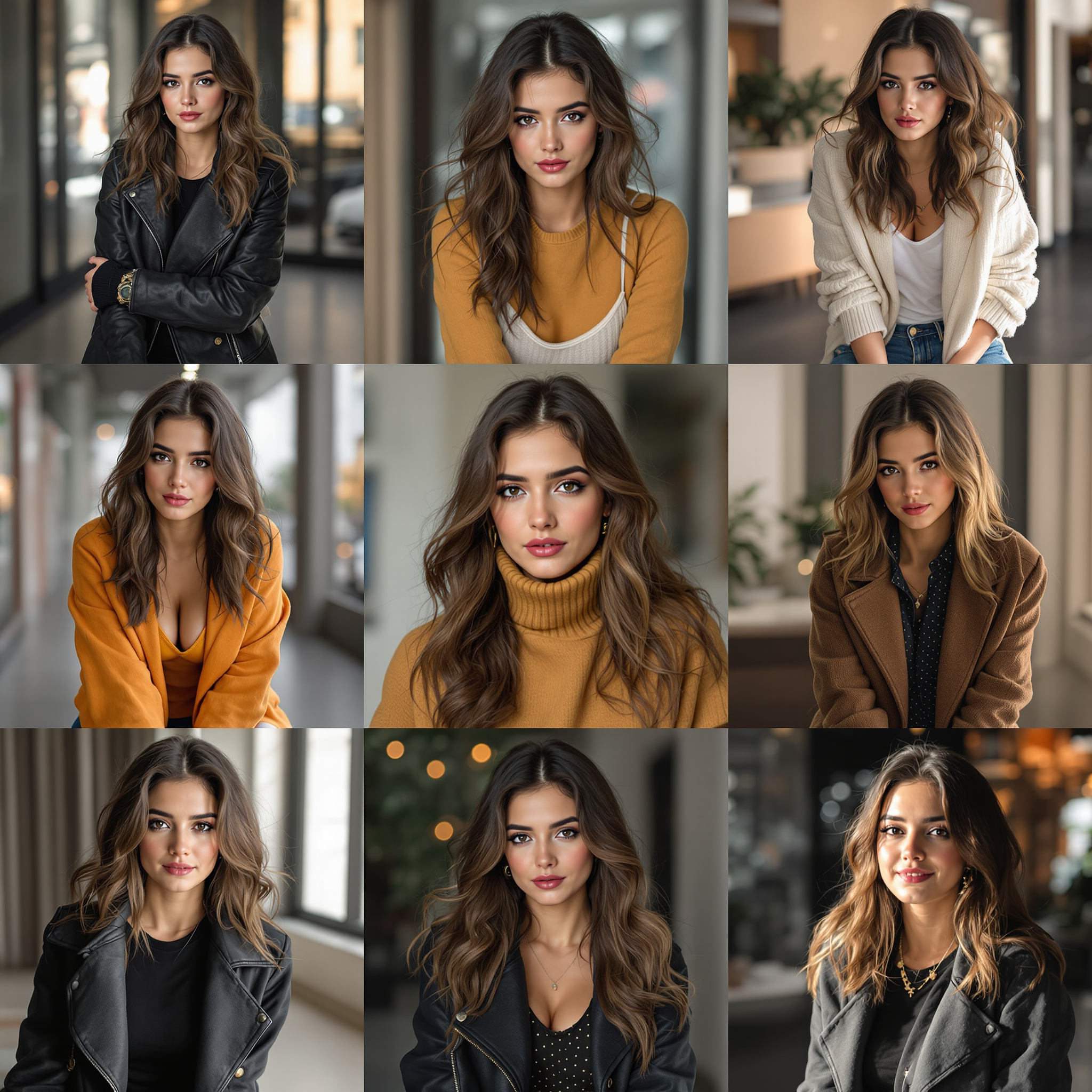
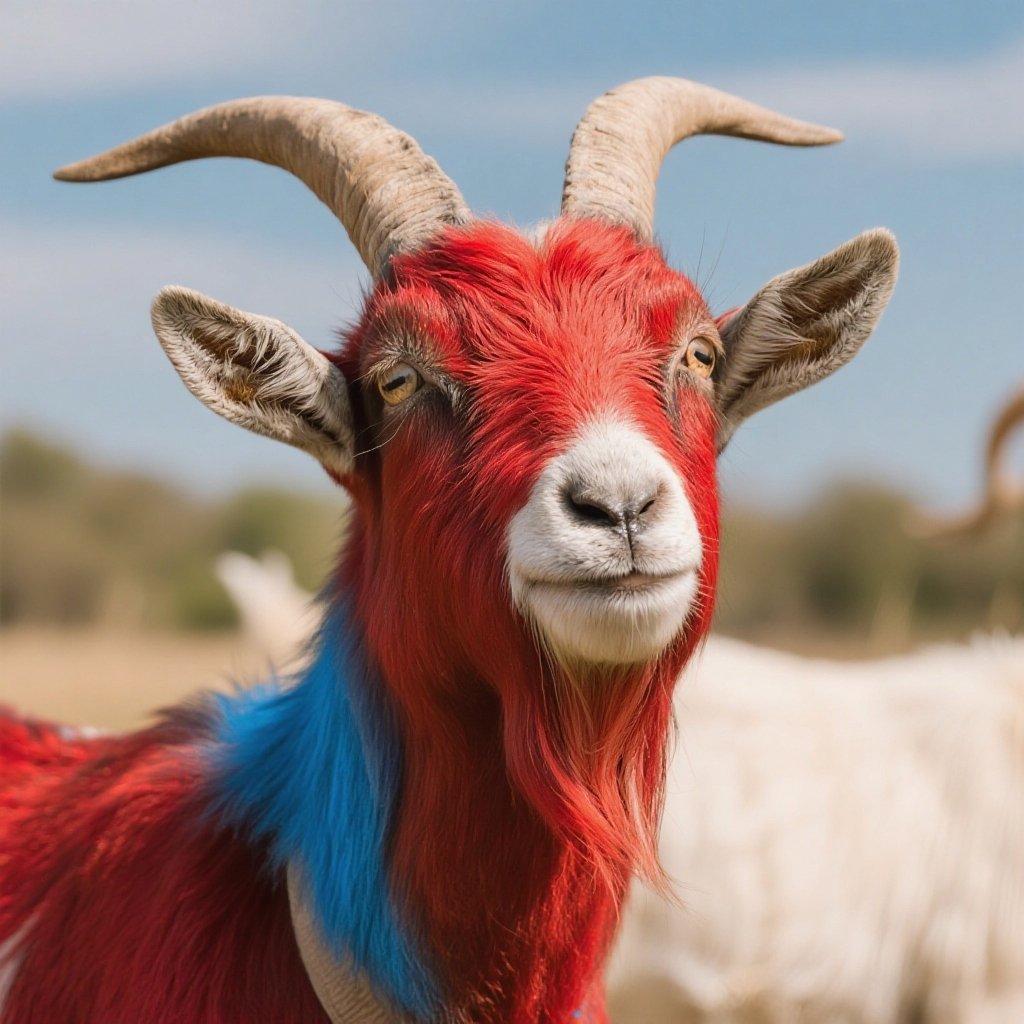
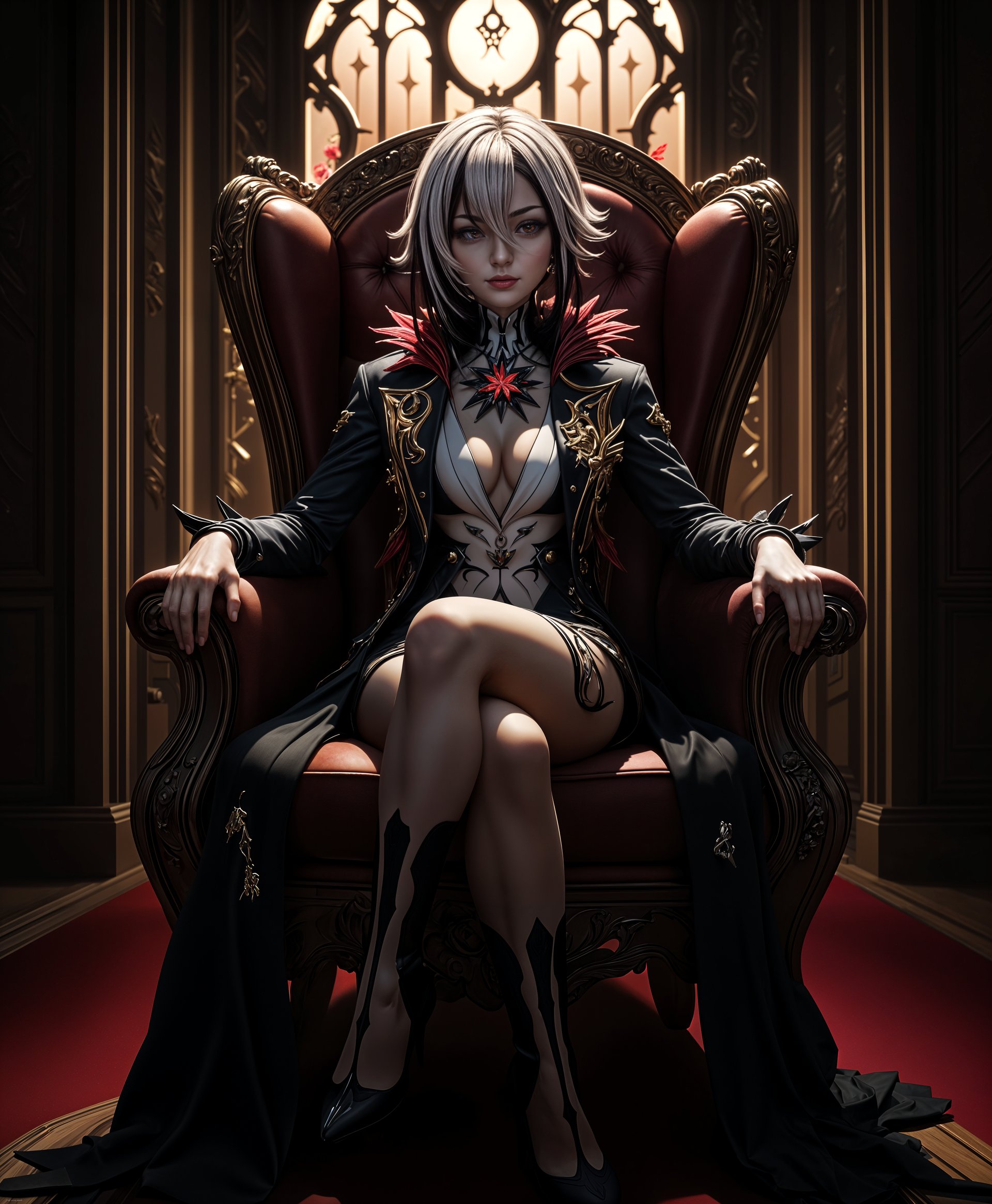
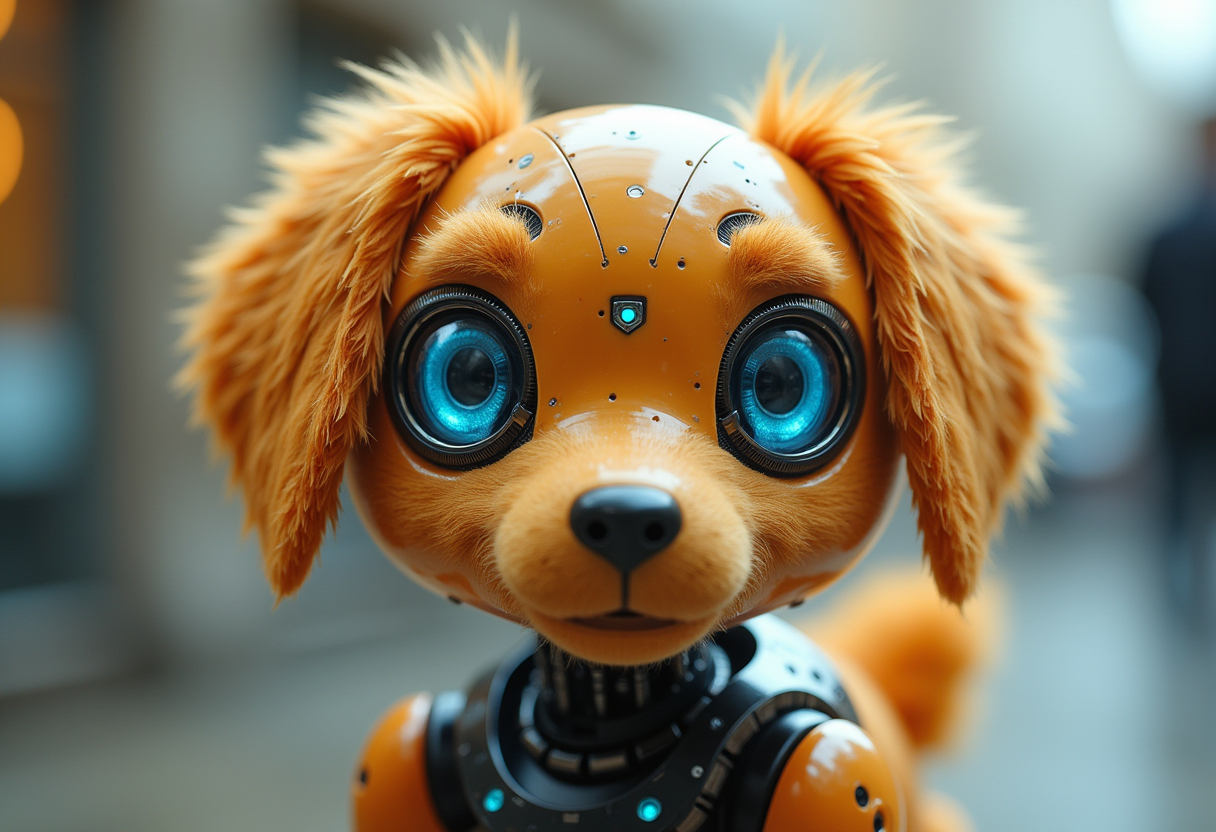
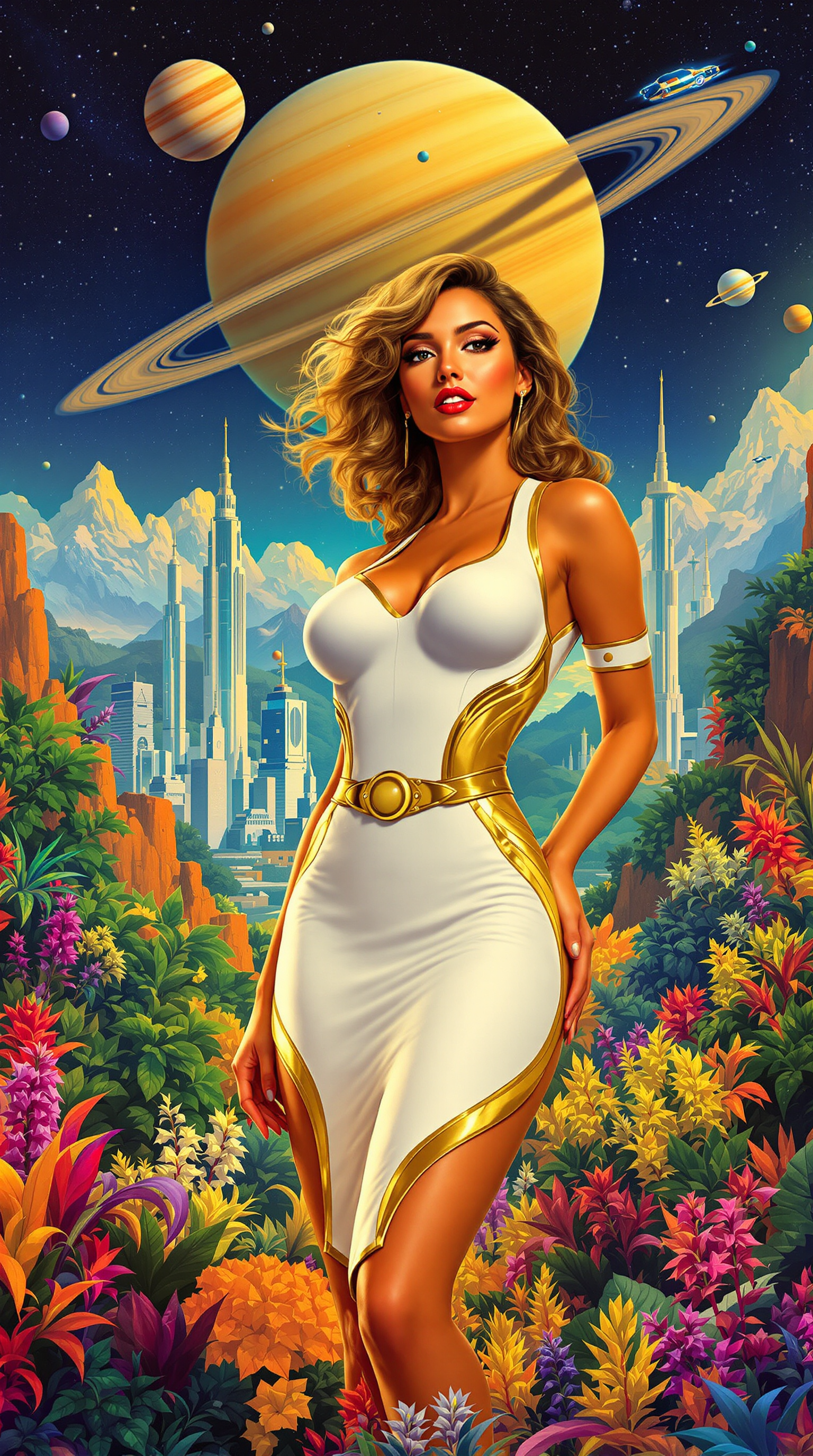
Imagine turning a single idea into dozens of breathtaking images in minutes, without repetitive prompting or endless waits. With GPT Image 2 batch generation on PixelDojo.ai, you achieve exactly that – rapid, high-volume image creation that supercharges your projects. Whether you're a marketer needing product visuals, a designer prototyping concepts, or a content creator scaling social media assets, this feature lets you generate 10, 20, or up to 50 variations at once. Say goodbye to one-off generations and hello to efficient, outcome-driven creativity that delivers professional results every time, ready for print, web, or ads.
Trusted by 50K+ creators worldwide | 4.9/5 stars from 12K reviews | Over 5M GPT Image 2 batch images generated | Featured in top design communities
Why Choose Pixel Dojo for gpt image 2 batch generation
Professional-quality results with cutting-edge AI technology
Save Hours with Bulk Creation
Instead of generating images one by one, produce entire sets instantly – perfect for e-commerce catalogs, mood boards, or campaign visuals, freeing you to focus on strategy and refinement.
Unlock Endless Variations Effortlessly
Explore diverse angles, styles, and compositions from one prompt, helping you discover the perfect image faster and iterate ideas like a pro without starting over.
Scale Projects with Pro-Quality Outputs
Get consistent, high-resolution batches ready for commercial use, then enhance with PixelDojo's Magnific Upscaler or edit via Inpainting – turning concepts into market-ready assets overnight.
How It Works
Creating GPT Image 2 batch generations on PixelDojo is straightforward and powerful. You'll produce multiple images from a single prompt, with options to control variations, seeds for consistency, and aspect ratios for any use case.
Step 1: Select GPT Image 2 Tool
Head to the Generate Images section on PixelDojo.ai, choose GPT Image 2 from the list (alongside Flux.2 Studio or WAN 2.7 for comparison), and enable batch mode to set your desired quantity – up to 50 images per run.
Step 2: Craft Your Prompt & Settings
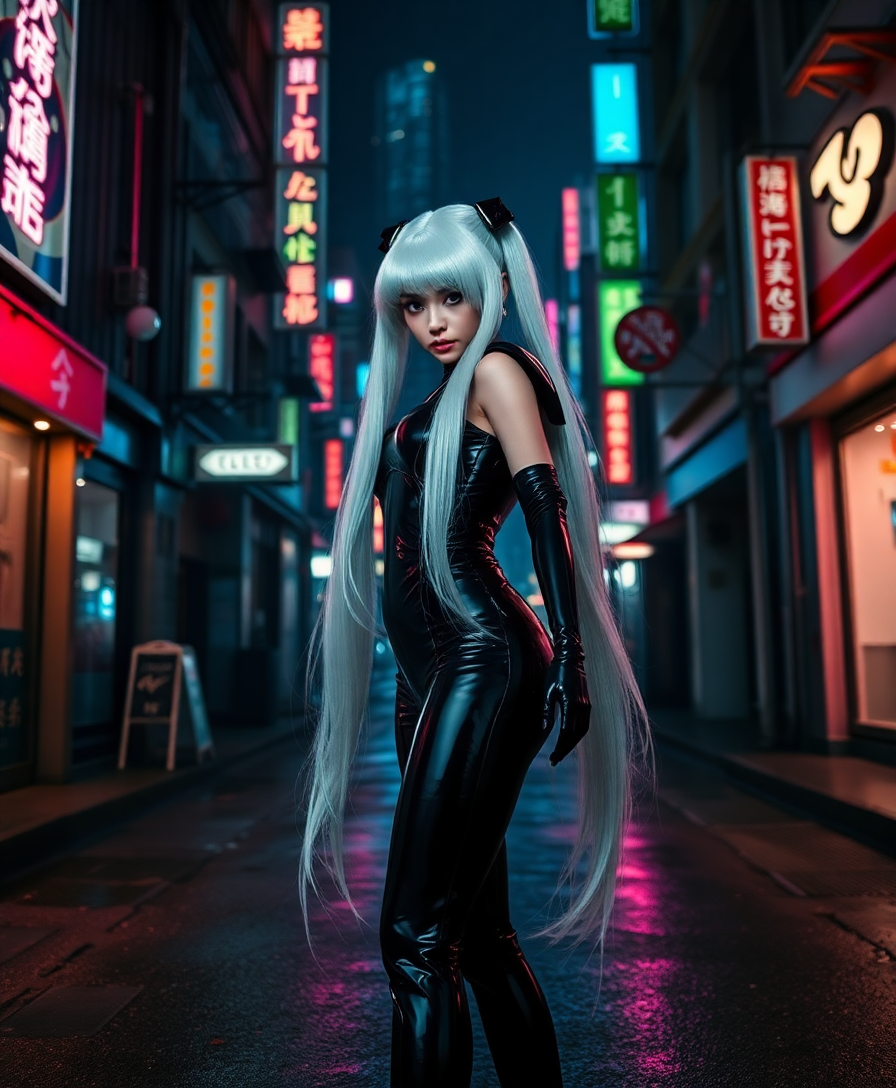
Enter a detailed prompt like 'vibrant cyberpunk cityscape at dusk, neon lights, flying cars, highly detailed' – add negative prompts for refinements, select seeds for repeatable batches, and tweak styles or aspect ratios to match your vision.
Step 3: Generate, Review & Download
Hit generate to create your batch in seconds per image. Preview the grid of outputs, select favorites, upscale with Magnific Upscaler if needed, then download all as ZIP or individually – ready for your workflow.
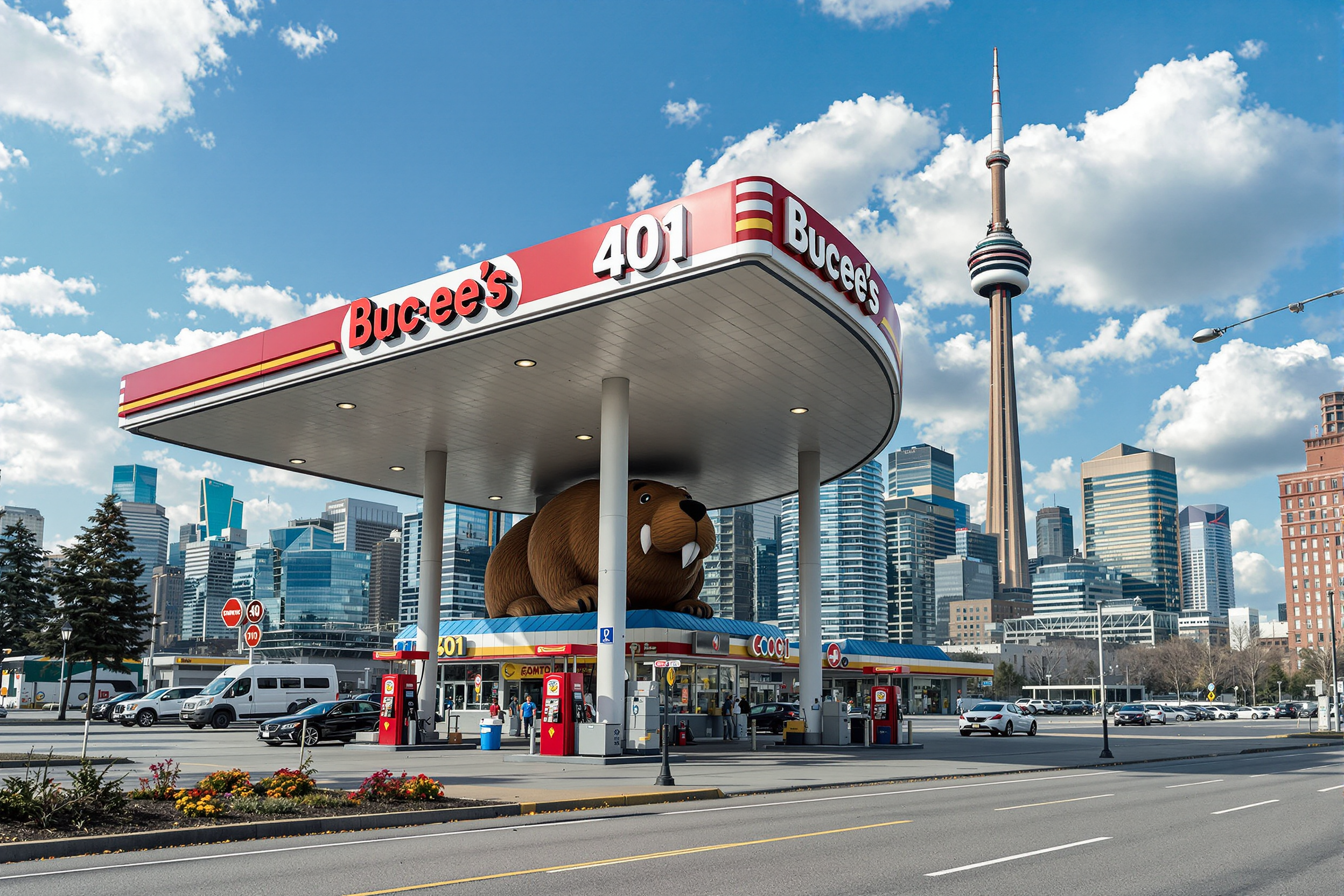
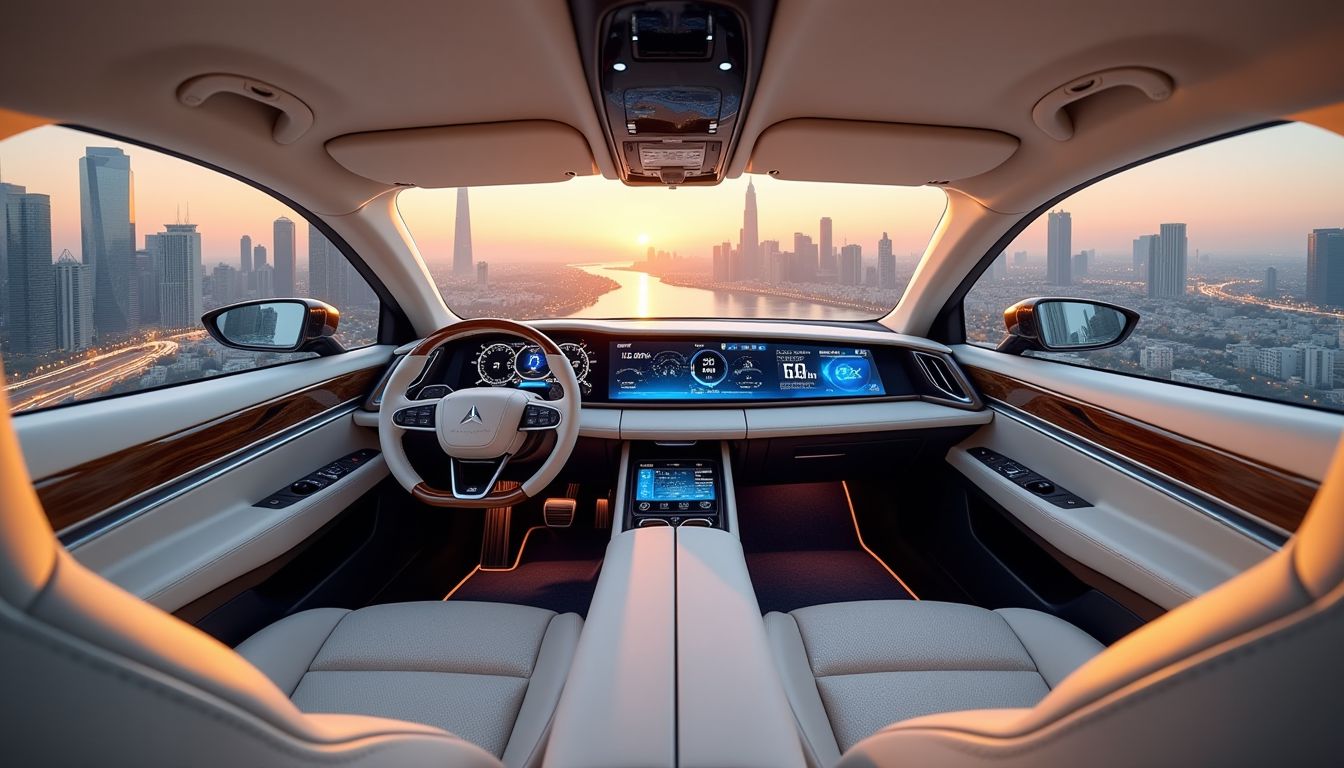
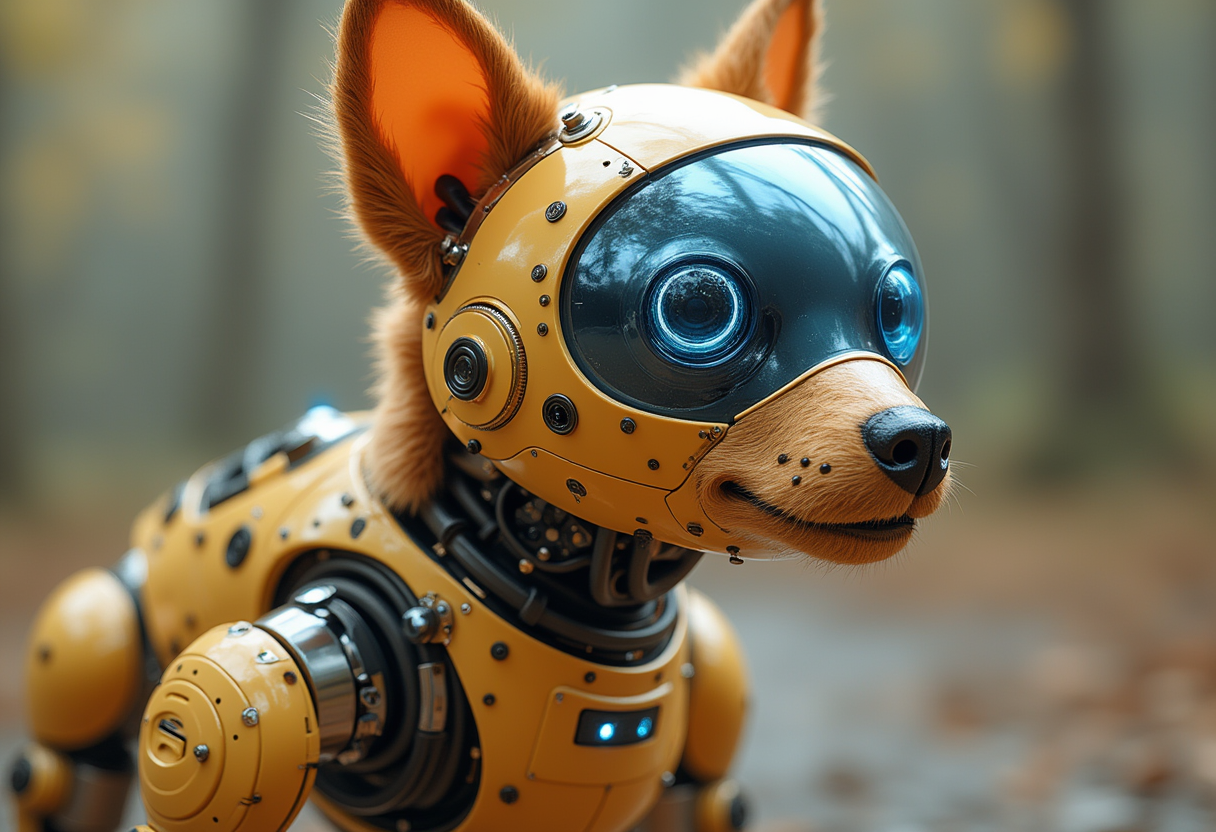
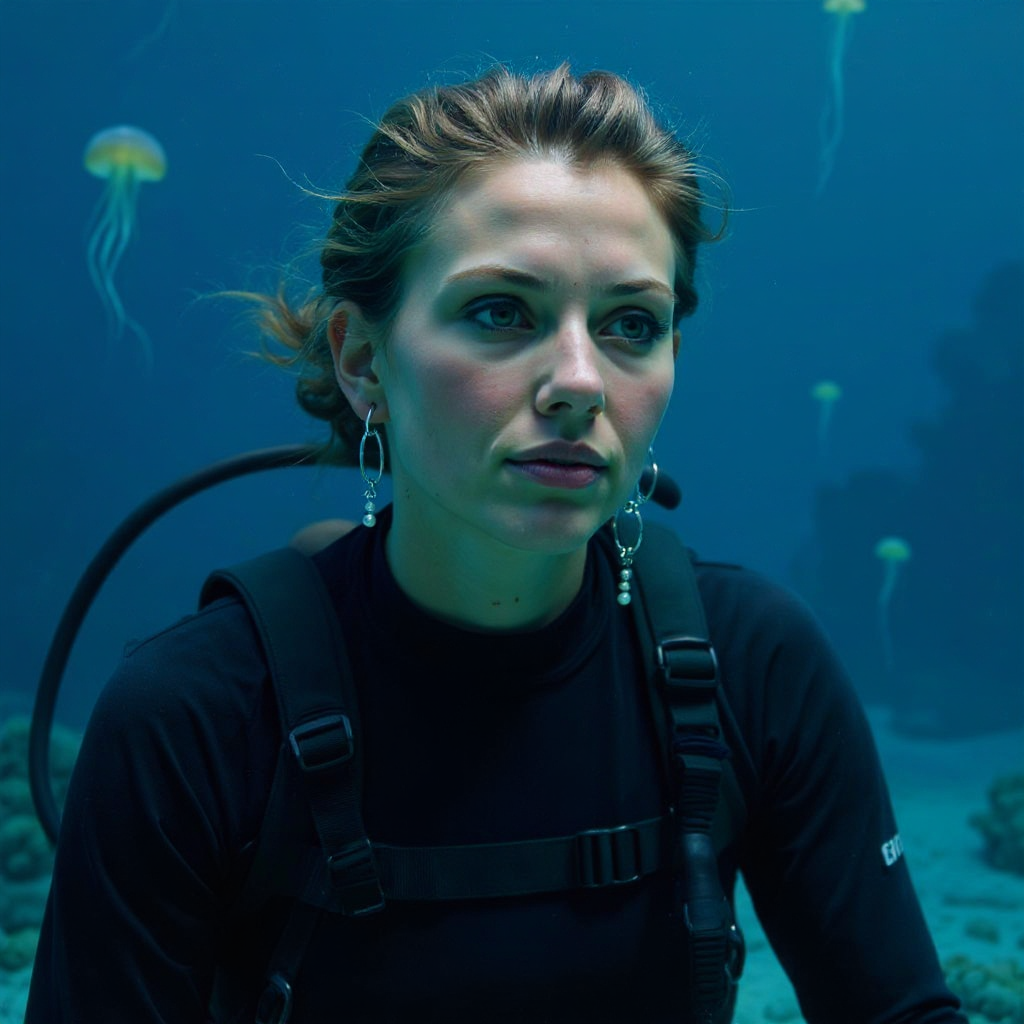
The Pixel Dojo Advantage
Why PixelDojo outperforms other options for GPT Image 2 batch image generation
| Others | Pixel Dojo |
|---|---|
| Traditional image creation | Skip days of sketching or photography – get hundreds of polished variations in minutes, at a fraction of the cost. |
| Generic AI tools | Deeper batch controls, seamless integration with editors like Image to Image or Kling Image, and no daily caps, with every credit cost shown up front. |
| Manual photo editing | No software learning curve or hardware needs – instant batches with pro consistency, editable further via Style Transfer or Background Remover. |
Loved by creators on PixelDojo
Real feedback from people using PixelDojo, pulled from our in-product surveys.
user friendly all in one thing
I really like the schedule of AI work performed!
The best tools for IA on the web !
The guy that operates the website is constantly updating it
I’ve been using PixelDojo for around 8 months now and it’s always worked wonderfully while constantly adding features.
The site is easy to navigate and use.
Explore more AI tools on PixelDojo
Popular AI Models
AI Tools
Compare & Switch
- Best AI Image Generators
- Best AI Video Generators
- Midjourney Alternatives
- Civitai Alternatives
- Runway Alternatives
- Leonardo Alternatives
- Pika Alternatives
- Luma Alternatives
- Magnific Alternatives
- Veo Alternatives
- Flux Alternatives
- Freepik Alternatives
- Seedance Alternatives
- Seedream Alternatives
- Pixverse Alternatives
- GPT Image Alternatives
- Synthesia Alternatives
- Playground Alternatives
- NightCafe Alternatives
- Canva AI Alternatives
- ElevenLabs Alternatives
- ComfyUI Alternatives
- Fal Alternatives
- Replicate Alternatives
Common Questions
Everything you need to know about gpt image 2 batch generation
What is GPT Image 2 batch generation on PixelDojo?
GPT Image 2 batch generation lets you create multiple AI images simultaneously from one prompt using PixelDojo's GPT Image 2 tool. Generate 1-50 high-quality variations at once, ideal for rapid ideation in marketing, design, or content. Combine with tools like QWEN Image 2 for styles or Inpainting for tweaks, ensuring consistent outputs tailored to your needs.
How many images can I batch generate with GPT Image 2?
PixelDojo's GPT Image 2 supports batches of up to 50 images per generation, with fast processing even on larger sets. This scales your workflow – create full asset libraries quickly, then refine with Flux.2 Studio or upscale via Creative Upscaler for print-ready results without delays.
What are the best prompts for GPT Image 2 batch generation?
Craft descriptive prompts like 'photorealistic mountain landscape, golden hour lighting, 4K detail, various angles' to maximize variation. Use seeds for control, negative prompts to avoid issues, and pair with PixelDojo's ImagineArt 1.5 for hybrid styles. Trends show detailed scenes yield diverse, usable batches for ads or NFTs.
Can I customize variations in GPT Image 2 batch image generation?
Yes, control diversity with seed ranges, aspect ratios (1:1 to 16:9), and strength sliders. Post-generation, edit batches using Image Outpainting or Change Camera Angle. This flexibility helps you achieve precise outcomes, like consistent characters via Consistent Characters tool.
Is GPT Image 2 batch generation free on PixelDojo?
No, batch generation uses credits from a paid plan, and plans start at $10 a month. Enjoy 40+ tools like WAN 2.7 or Kling Image, cancel anytime, with usage reports for tracking. Thousands of creators rely on this risk-free model for daily production.
How does GPT Image 2 batch generation compare to single image creation?
Batch mode accelerates output 10-50x, perfect for trends like e-com visuals or social reels. Outputs match single-gen quality but save time; enhance with Video Upscaler for motion or LoRA Face Swap for personalization, making PixelDojo your all-in-one hub.