loras AI Generator
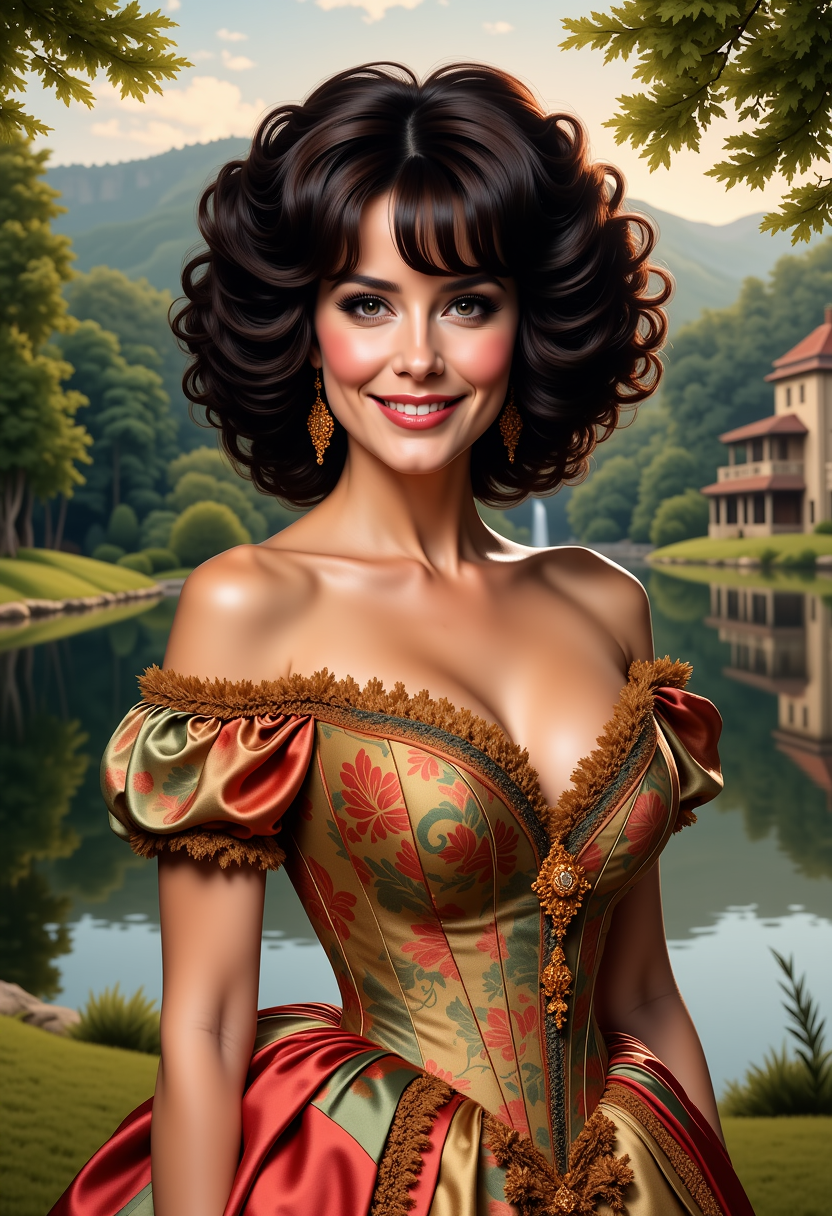
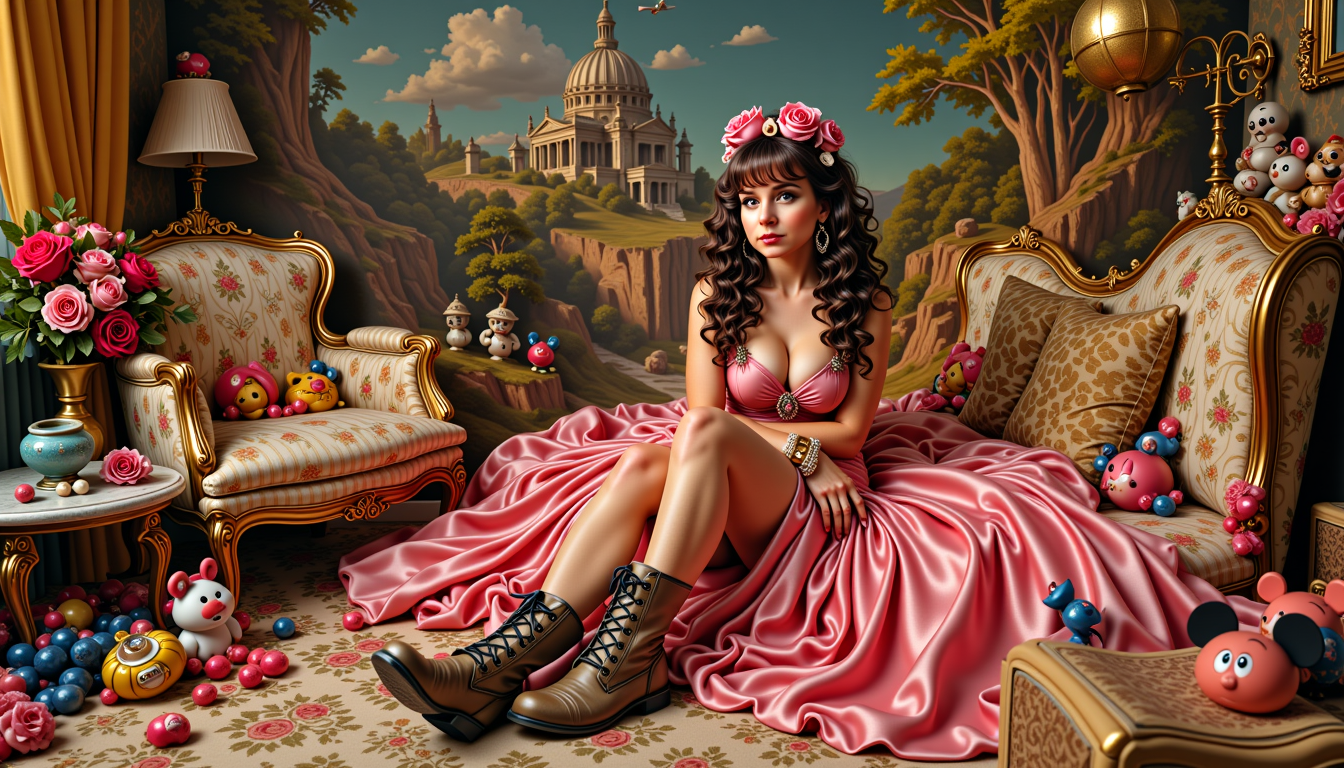
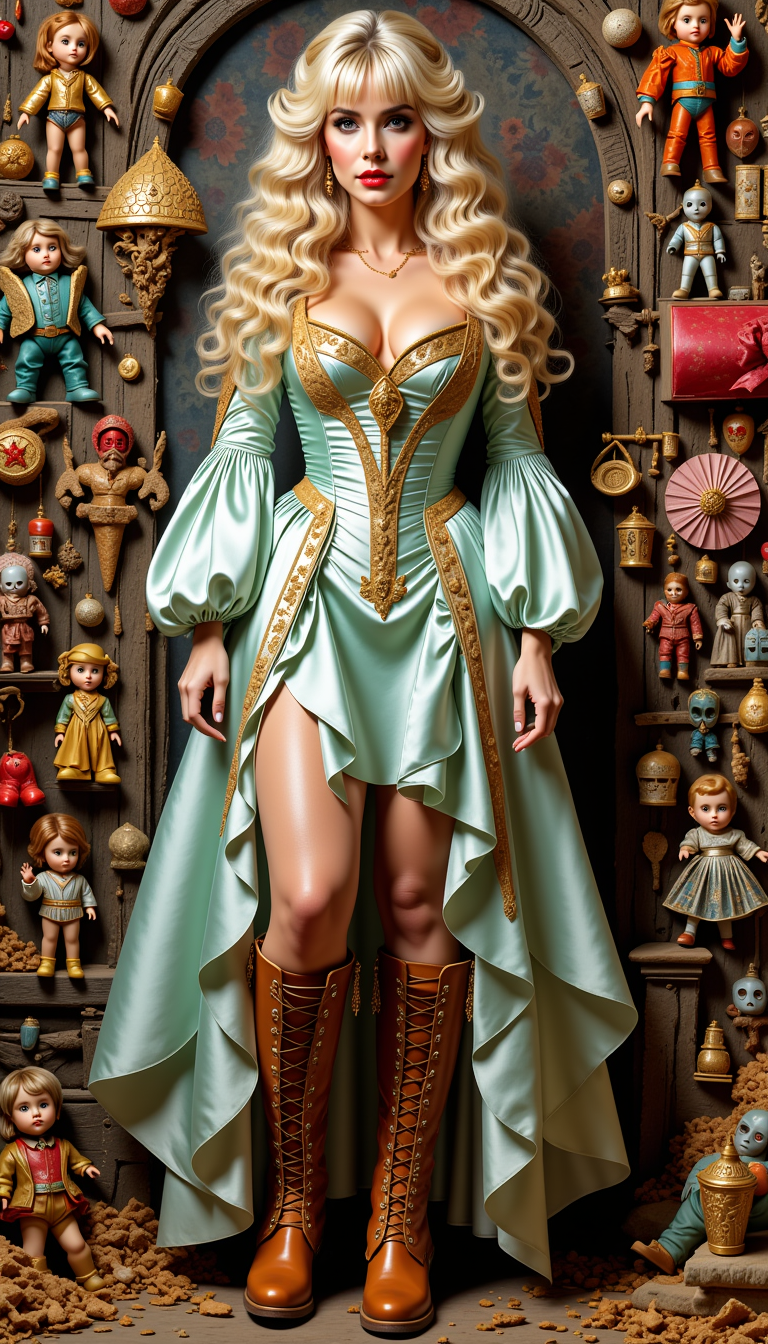
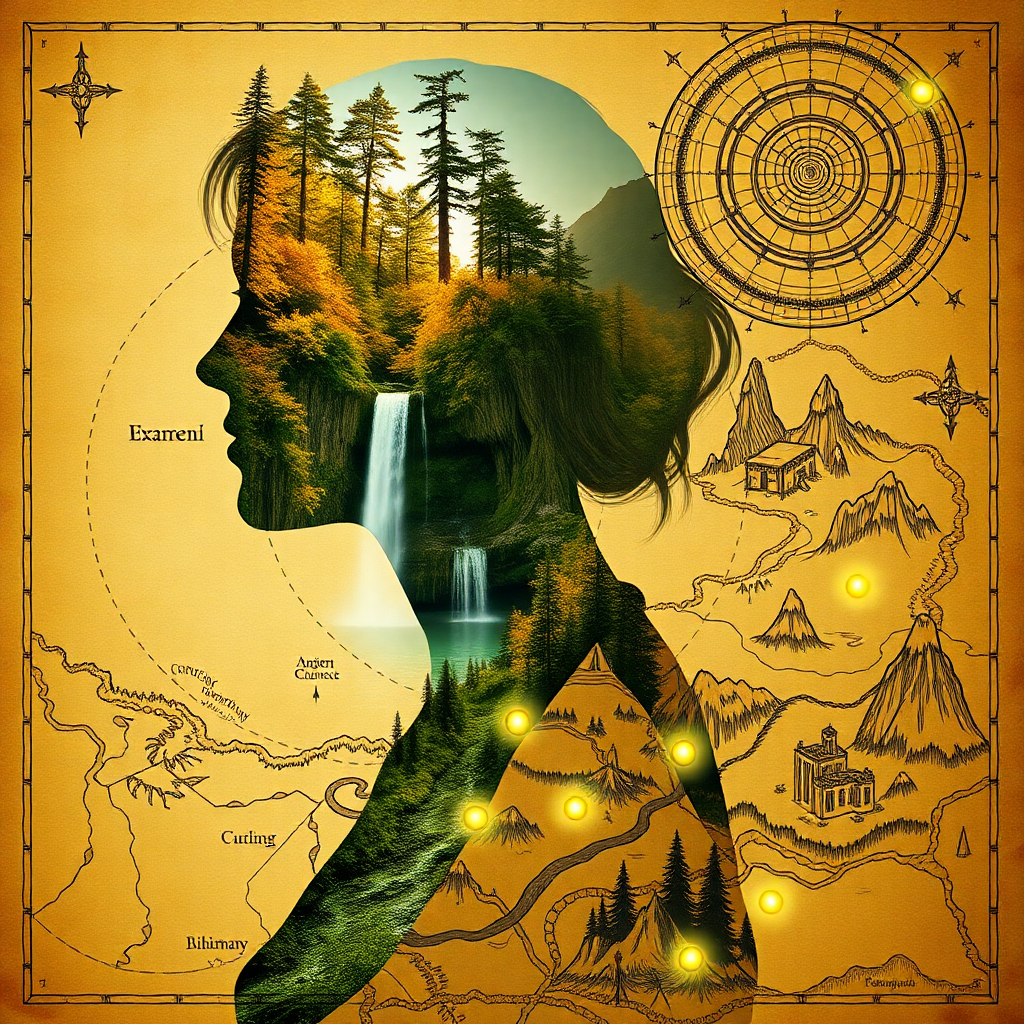
Unlock your creative potential with PixelDojo's LoRA models, enabling you to generate custom AI images that reflect your unique artistic style and vision. Whether you're an artist, designer, or content creator, our platform empowers you to produce high-quality, personalized images effortlessly.
Join over 10,000 creators who have generated more than 1 million images using PixelDojo's AI tools. Rated 4.8/5 by our satisfied users.
Why Choose Pixel Dojo for loras
Professional-quality results with cutting-edge AI technology
Personalized Artistic Styles
Craft images that align perfectly with your unique style and vision using LoRA models.
Efficient and Fast Training
Train LoRA models quickly with minimal resources, allowing for rapid iteration and creativity.
High-Quality Outputs
Generate detailed and impressive images that meet professional standards.
How It Works
Creating custom AI images with LoRA models on PixelDojo is a straightforward process. Follow these steps to bring your ideas to life:
Step 1: Select Your Base Model
Choose a foundational AI model that closely aligns with your desired output style. This serves as the starting point for your LoRA training.
Step 2: Upload Training Images
Provide a set of images that represent the style or concept you wish to emulate. These images will guide the LoRA model's learning process.
Step 3: Train and Generate
Initiate the LoRA training process. Once completed, input your prompts to generate new images that reflect the trained style or concept.



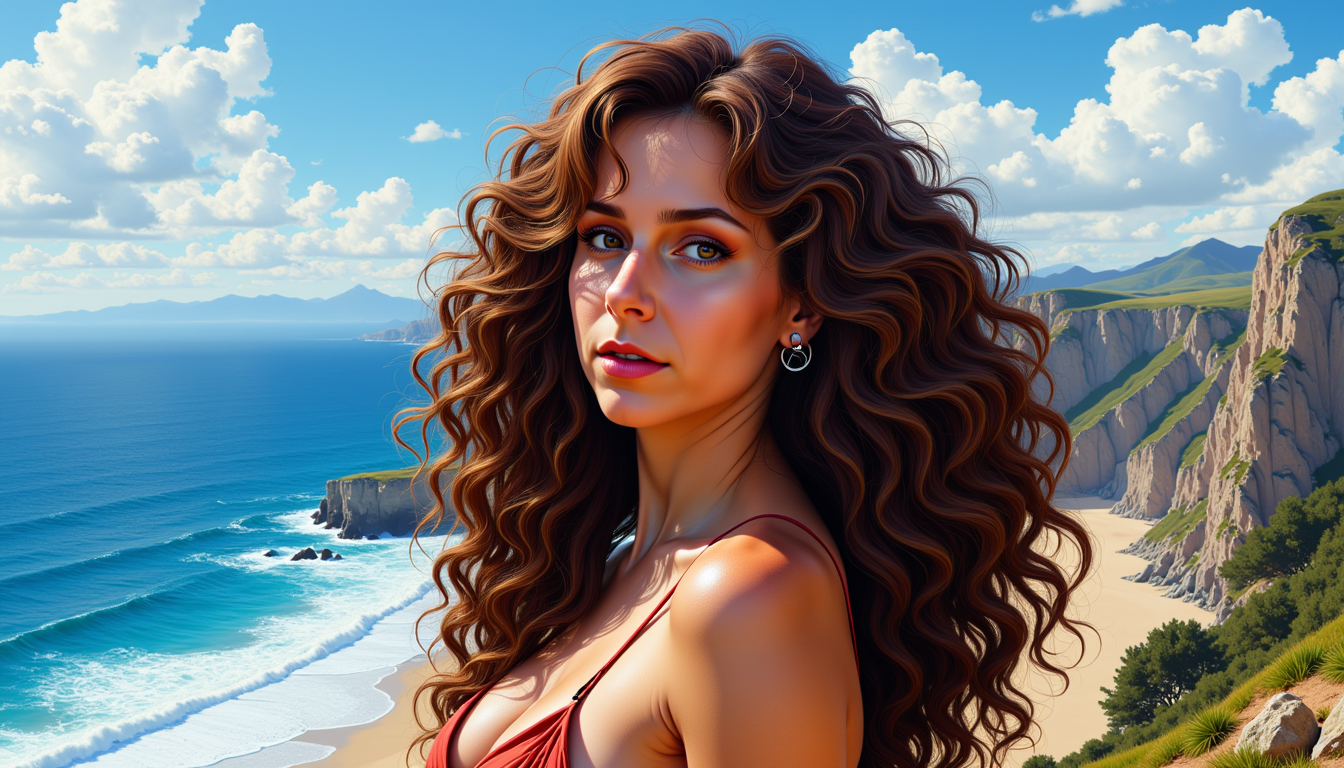
The Pixel Dojo Advantage
Why PixelDojo outperforms other options for LoRA image generation:
| Others | Pixel Dojo |
|---|---|
| Traditional Image Editing | Automate the creation of complex images without manual editing, saving time and effort. |
| Generic AI Models | Achieve personalized outputs tailored to your specific style, unlike one-size-fits-all solutions. |
| Manual Illustration | Generate high-quality images rapidly, reducing the time from concept to completion. |
Loved by creators on PixelDojo
Real feedback from people using PixelDojo, pulled from our in-product surveys.
Great site and so much fun to use!
very useful set of tools for image creation, upscaling and enhancement
ease of use, variety of tools, high quality trainings, and a well-maintained discord channel
Ease of use, friendliness and support of the owner, continued innovation.
it is an amazing site to create a pics and vids for those who don't have the hardware themselves
good tools in one place
Explore more AI tools on PixelDojo
Popular AI Models
AI Tools
Compare & Switch
- Best AI Image Generators
- Best AI Video Generators
- Midjourney Alternatives
- Civitai Alternatives
- Runway Alternatives
- Leonardo Alternatives
- Pika Alternatives
- Luma Alternatives
- Magnific Alternatives
- Veo Alternatives
- Flux Alternatives
- Freepik Alternatives
- Seedance Alternatives
- Seedream Alternatives
- Pixverse Alternatives
- GPT Image Alternatives
- Synthesia Alternatives
- Playground Alternatives
- NightCafe Alternatives
- Canva AI Alternatives
- ElevenLabs Alternatives
- ComfyUI Alternatives
- Fal Alternatives
- Replicate Alternatives
Common Questions
Everything you need to know about loras
What is a LoRA image model?
A LoRA (Low-Rank Adaptation) image model is a technique that allows for efficient fine-tuning of AI models to generate images in specific styles or concepts. It enables personalized image generation with minimal computational resources.
How do I train a LoRA model on PixelDojo?
To train a LoRA model on PixelDojo, select a base model, upload a set of images representing your desired style, and initiate the training process. Once trained, you can generate new images that reflect the trained style by inputting prompts.
What types of images can I create with LoRA models?
LoRA models can be used to create a wide range of images, including character designs, artistic styles, specific objects, and more. The versatility of LoRA allows for diverse and customized image generation.
Do I need advanced technical skills to use LoRA models on PixelDojo?
No, PixelDojo is designed to be user-friendly. Our platform guides you through the process of training and generating images with LoRA models, making it accessible to users of all skill levels.
How long does it take to train a LoRA model?
Training times can vary depending on the complexity of the style and the number of training images. However, LoRA models are known for their efficiency, often completing training in a matter of minutes.
Can I use multiple LoRA models together?
Yes, you can combine multiple LoRA models to generate images that incorporate various styles or concepts, allowing for even greater creative flexibility.