realtime ai image generator
Generated on PixelDojo. Produced by PixelDojo's generation pipeline.
Imagine typing a simple description and watching a complete, high-quality image appear and evolve right before your eyes. That is the power of PixelDojo’s realtime AI image generator. You no longer wait minutes for a single result. Instead, you stay in creative flow, refining ideas on the fly and turning concepts into polished visuals in seconds. Designers produce client-ready mockups during live meetings. Marketers generate social posts, ads, and campaign assets while inspiration is fresh. Artists explore dozens of directions without ever leaving the canvas. With tools built for speed and quality, you achieve professional outcomes that used to require hours of work or expensive software. PixelDojo puts 100+ cutting-edge AI tools at your fingertips so you can create more, iterate faster, and never lose momentum. Loved by 1M+ creators worldwide, you can start today and cancel anytime.
Real image examples generated on PixelDojo
Every example below was produced on PixelDojo. Hover to see the prompt.
Create stunning AI videos from a single photo
p-video-avatar
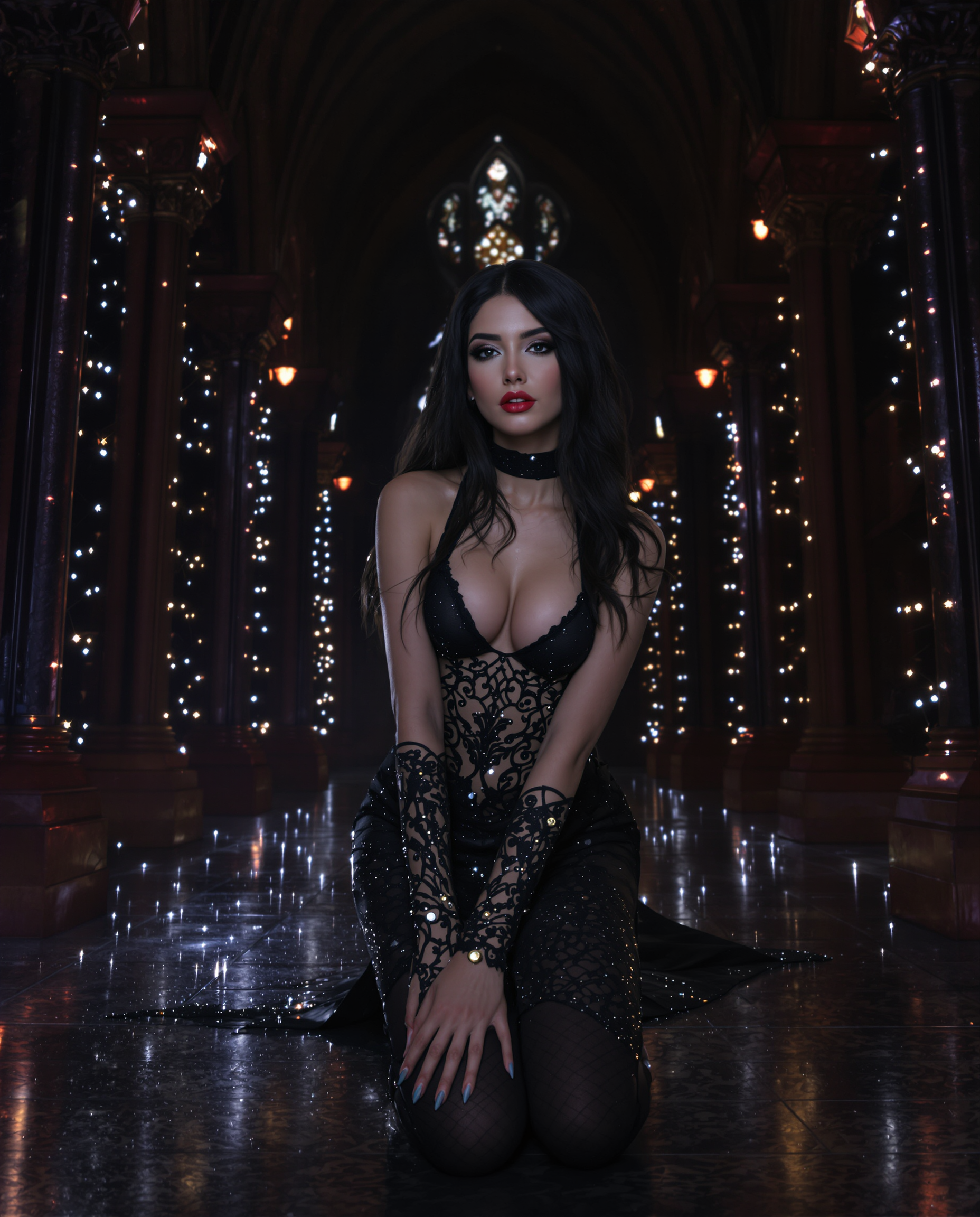
This image is a realistic photo photograph of a female real person digital artwork that sh…
flux
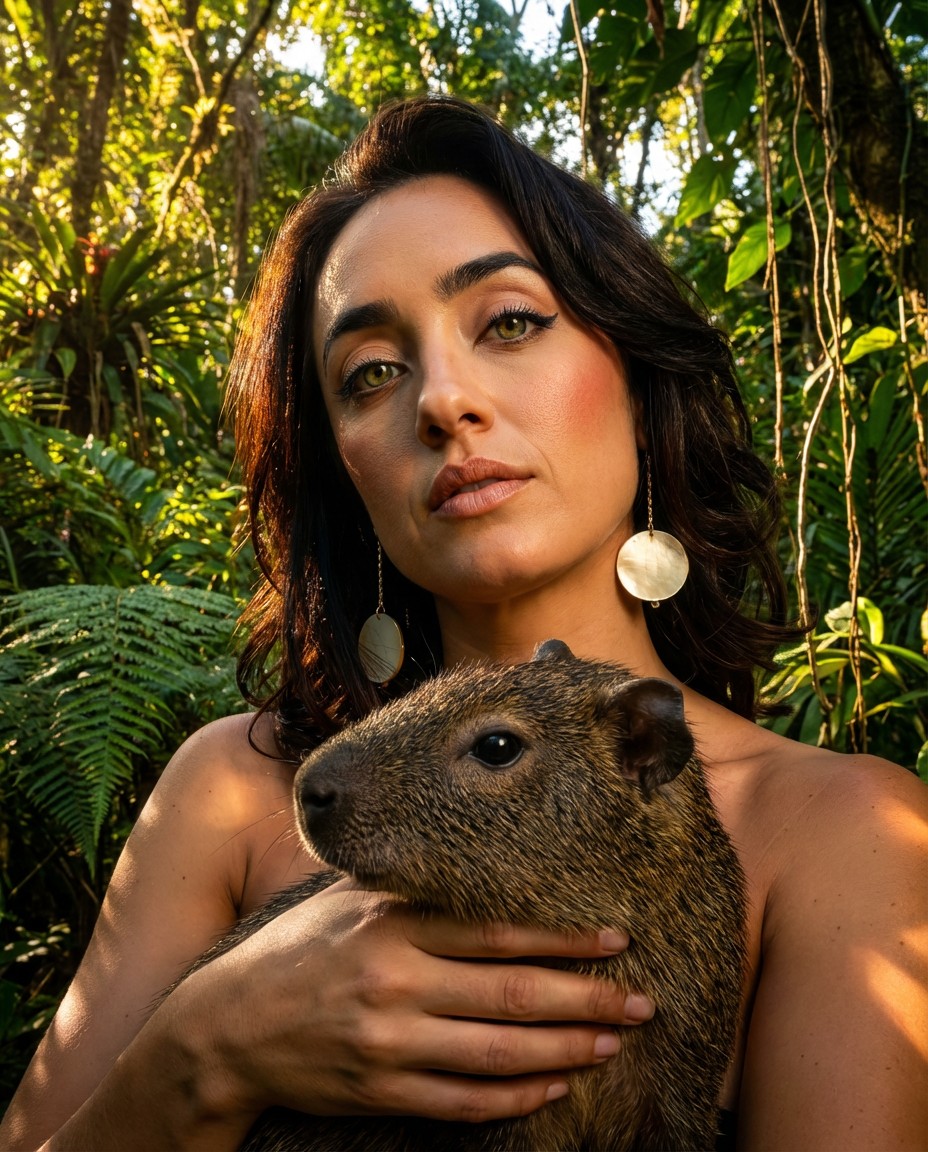
Portrait series with neutral background
consistent-characters
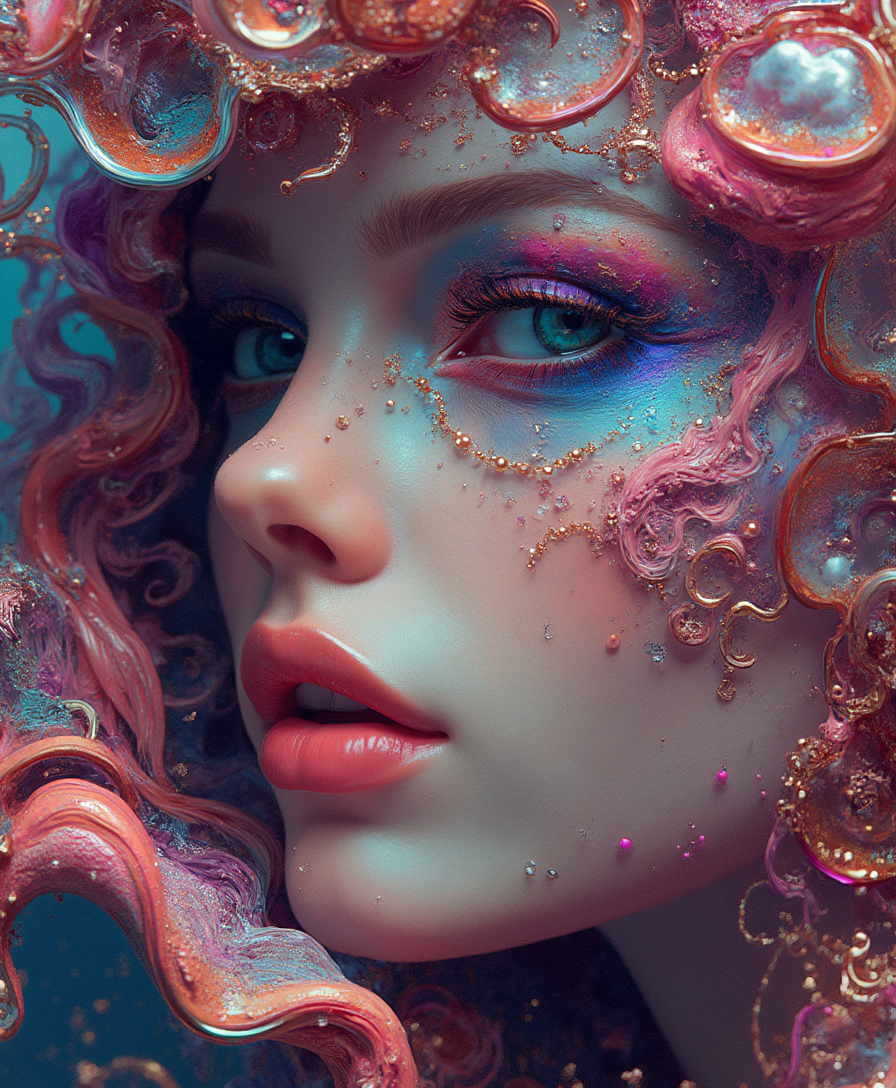
Highly Detailed surrealistic conceptual painting of a sexy woman dream visions
flux
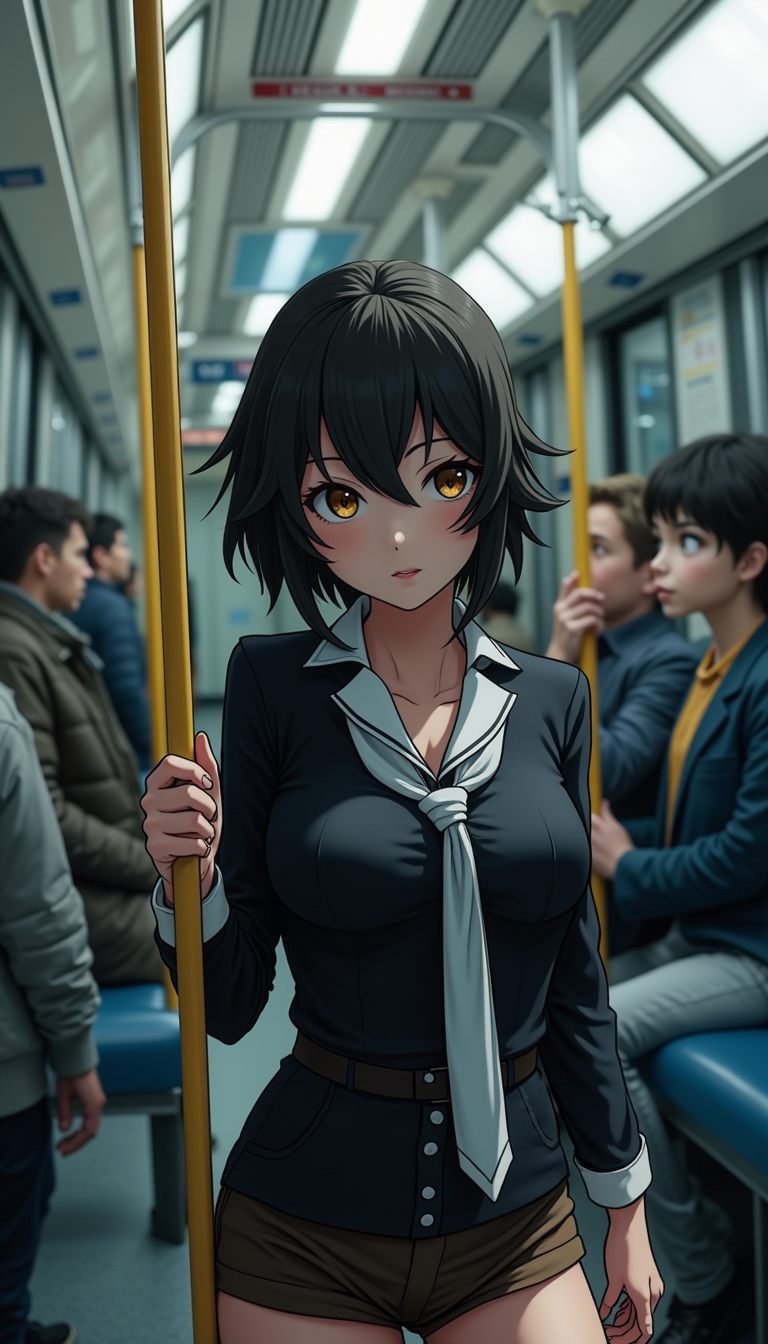
Anime character
flux
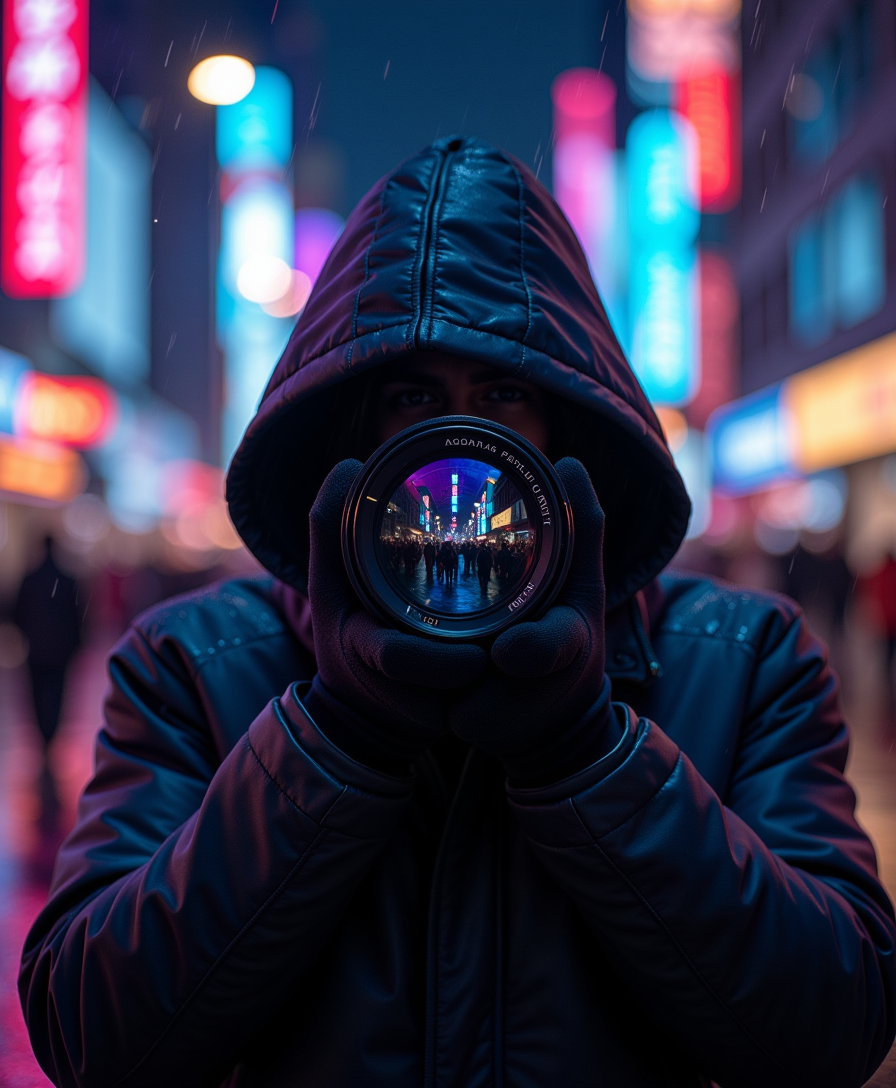
A mysterious hooded photographer stands in the heart of a neon-lit city at night
flux
Models you can run on PixelDojo for realtime ai image generator
Switch models without switching tools. Each one runs in the same PixelDojo studio.
What you can do with realtime ai image generator on PixelDojo
Live Prompt Rendering
We update the canvas as you type so you can steer composition, lighting, and subject without waiting for a full queue. Creators see each change in near real time and keep iterating in one session.
Rapid Variation Sets
We produce several related frames from one prompt so you can compare poses, crops, and palettes quickly. You pick the strongest take and refine it without starting over.
Style Control On The Fly
We let you lock a look (medium, camera, color grade) while you keep editing the scene. Creators stay consistent across a sequence and still adjust details live.
Export Ready Stills
We output finished images at working resolution for posts, decks, and concept boards. You download what you see on the canvas without a separate render pass.
Loved by 1M+ creators worldwide. Access 100+ cutting-edge AI tools with the freedom to cancel anytime. Join the community already generating millions of realtime images.
Why Choose Pixel Dojo for realtime ai image generator
Professional-quality results with cutting-edge AI technology
Stay in Creative Flow Without Waiting
You type, the image updates live. Every added detail, color change, or composition tweak appears instantly so your ideas never stall. Rapid iteration lets you explore ten concepts in the time it once took to generate one, keeping your energy high and your output multiplying.
Deliver Client-Ready Visuals in Seconds
You produce photorealistic product shots, campaign graphics, and concept art that look professionally crafted. High-fidelity results appear fast enough to use in presentations, social feeds, or print without extra polishing, giving you a competitive edge on every deadline.
Turn Brainstorms Into Finished Assets Instantly
You move from rough idea to downloadable file in one continuous session. Combine live generation with built-in editing and upscaling so the same workflow that sparks creativity also delivers production-ready files you can share or sell immediately.
How It Works
PixelDojo makes realtime AI image generation feel as natural as sketching. You pick a speed-optimized tool, describe what you want, and watch the picture form and refine live. Then you polish and export. The entire process stays inside one intuitive workspace.
Step 1: Choose Your Realtime Tool
Open the Generate Images section and select a tool built for instant results. Z Image Turbo delivers near-instant drafts perfect for rapid exploration. Flux.2 Studio and Krea Image give you higher fidelity while still updating live as you type. Nano Banana 2 and GPT Image 2 add extra reasoning and style range when you need more complexity. Pick the one that matches your current goal and start creating immediately.
Step 2: Type and Watch Your Image Appear Live
Enter a natural-language prompt describing the scene, style, lighting, and mood you want. As you add words the image generates and updates in real time, showing you exactly how each change affects the result. Adjust the prompt on the fly, lock a seed for consistency, or switch styles without starting over. You stay in control while the AI keeps pace with your thinking.
Step 3: Refine, Enhance, and Download
Once the live preview looks right, use Image to Image, Inpainting, Style Transfer, or Change Camera Angle to perfect details. Remove backgrounds, polish lighting with Magic Lighting, or extend the canvas with Image Outpainting. Finish with P-Image Upscale or Magnific Upscaler for crisp high-resolution output, then download or send straight to video tools. Your finished asset is ready in minutes instead of hours.
The Pixel Dojo Advantage
Why PixelDojo’s realtime AI image generator outperforms other options for instant visual creation
| Others | Pixel Dojo |
|---|---|
| Traditional sketching and rendering | You skip hours of drawing and rendering. A complete, detailed image appears as you type, letting you test compositions, lighting, and styles in real time instead of waiting for the next iteration. |
| Generic slow AI generators | You avoid long wait times and one-shot results. PixelDojo’s turbo and studio tools update live, so you refine continuously rather than generating, waiting, and repeating. |
| Manual photo editing and stock libraries | You create original, on-brand visuals without hunting through stock sites or spending hours in complex software. Everything happens in one fast, web-based workflow you can access from anywhere. |
Loved by creators on PixelDojo
Real feedback from people using PixelDojo, pulled from our in-product surveys.
es facil de comprender asi uno no sea programador
amazing web site
phenomenal site. would highly recommend
Amazing features, easy to use, privacy
the number of options, and especially the quick response to questions on Discord
Love you guys!!
Explore more AI tools on PixelDojo
Popular AI Models
AI Tools
Compare & Switch
- All AI Tool Alternatives
- Pollo AI Alternative
- PixelDojo vs Pollo AI
- Pollo AI Review
- MotionMuse AI Alternative
- MioCreate Alternative
- Dessi AI Alternative
- Runway Alternatives
- CapCut Alternatives
- Leonardo Alternatives
- OpenArt Alternatives
- Midjourney Alternatives
- Canva AI Alternatives
- Pika Alternatives
- InVideo Alternatives
- Higgsfield Alternatives
- Krea Alternatives
- Luma Alternatives
- Magic Hour Alternatives
- HeyGen Alternatives
- PixAI Alternatives
- Vidu Alternatives
- Seedream Alternatives
- Tensor.Art Alternatives
Common Questions
Everything you need to know about realtime ai image generator
What is a realtime AI image generator and how does PixelDojo make it work for you?
A realtime AI image generator produces and updates images as you type instead of making you wait for a finished result. PixelDojo achieves this with speed-optimized tools such as Z Image Turbo, Flux.2 Studio, and Krea Image. You describe your vision in plain language and the picture forms live, giving you immediate visual feedback so you can keep creating without interruption.
How can a realtime AI image generator help designers and marketers finish projects faster?
You generate multiple high-quality options during a single brainstorming session instead of waiting between each attempt. Marketers produce social graphics, ad variants, and campaign mockups on the spot. Designers show clients live revisions. The same session that sparks the idea also delivers the finished file, cutting project timelines from days to minutes while maintaining professional quality.
Which PixelDojo tools are best for instant AI image creation?
Z Image Turbo is ideal when you need the absolute fastest drafts. Flux.2 Studio and Krea Image balance speed with richer detail and style control. Nano Banana 2 and GPT Image 2 add extra intelligence for complex scenes. You can switch between them instantly and still use the full suite of editing tools such as Inpainting, Style Transfer, and P-Image Upscale to polish every result.
Can I create high-resolution professional images with a realtime AI image generator?
Yes. After the live preview looks right you apply P-Image Upscale, Magnific Upscaler, or Clarity Pro to reach print-ready or web-ready resolutions. Combined with Reality Polisher and Background Remover, the output meets commercial standards for marketing, e-commerce, and client presentations without extra software.
Is realtime AI image generation suitable for consistent brand work and character design?
Absolutely. You can lock seeds for visual consistency, use Consistent Characters and Character Sheets, or apply Flux Pro Virtual Try-On. Live generation lets you test variations while keeping identity, style, and branding intact, then export matching assets for campaigns or product lines.
How do I get started with PixelDojo’s realtime AI image generator today?
Sign up, choose Z Image Turbo or Flux.2 Studio, and type your first prompt. The image appears live. Experiment freely, then refine with the built-in editors and upscalers. You have access to 100+ cutting-edge tools, can cancel anytime, and join 1M+ creators already producing professional work in real time.