consistent character from photo
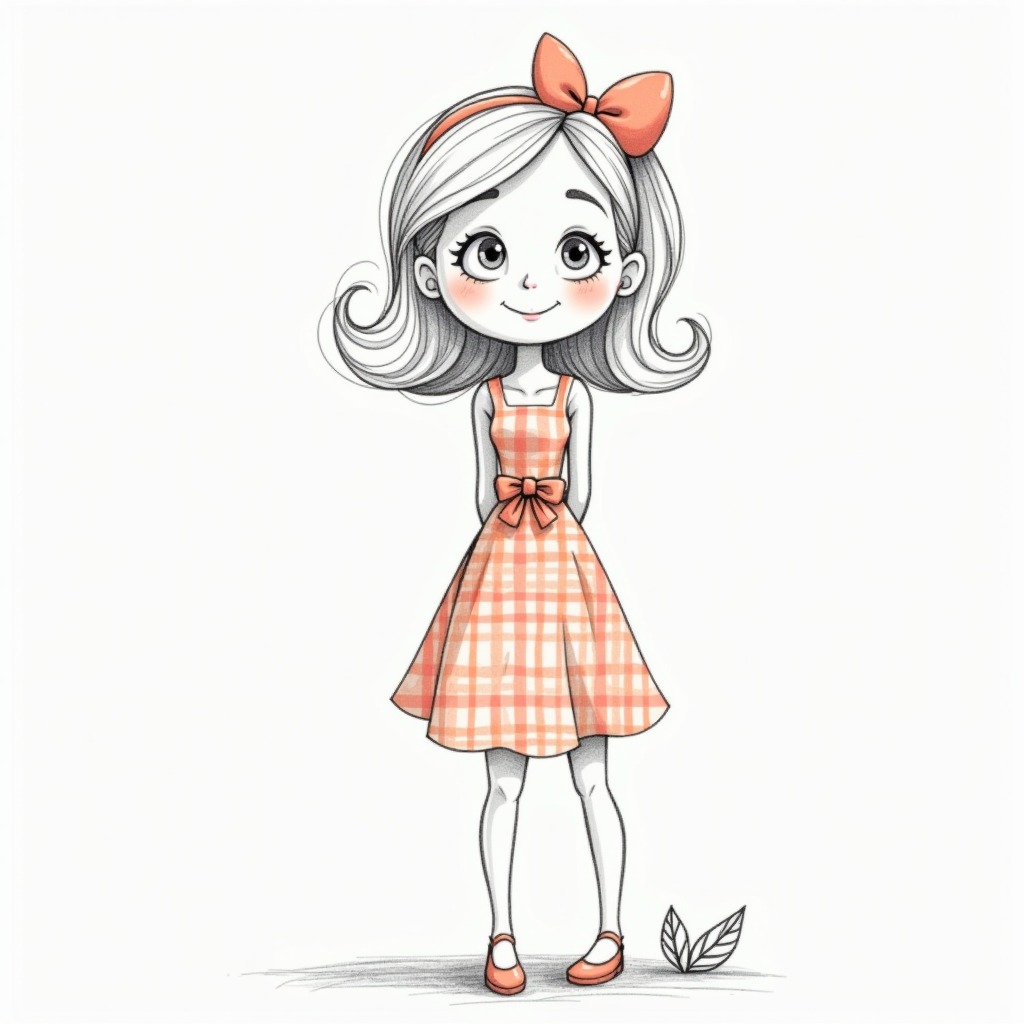
Generated on PixelDojo. Produced by PixelDojo's generation pipeline.
Turn a single photo into a character that looks exactly the same in every image you create. With PixelDojo you upload one clear portrait and instantly generate that person or concept in new poses, outfits, lighting, and environments while the face, hair, proportions, and distinctive features stay locked. Authors produce entire comic series and children's books without redrawing faces. Marketers build campaign assets and social series where the brand mascot or spokesperson remains instantly recognizable. Game developers and storytellers generate matching stills and video frames from one starting photo. You focus on the story and the world while PixelDojo's dedicated character tools handle the visual continuity that used to take days of manual work. The result is professional, commercial-ready images that feel like they came from the same illustrator or photographer every time.
Real image examples generated on PixelDojo
Every example below was produced on PixelDojo. Hover to see the prompt.
This image is a pencil sketch
flux
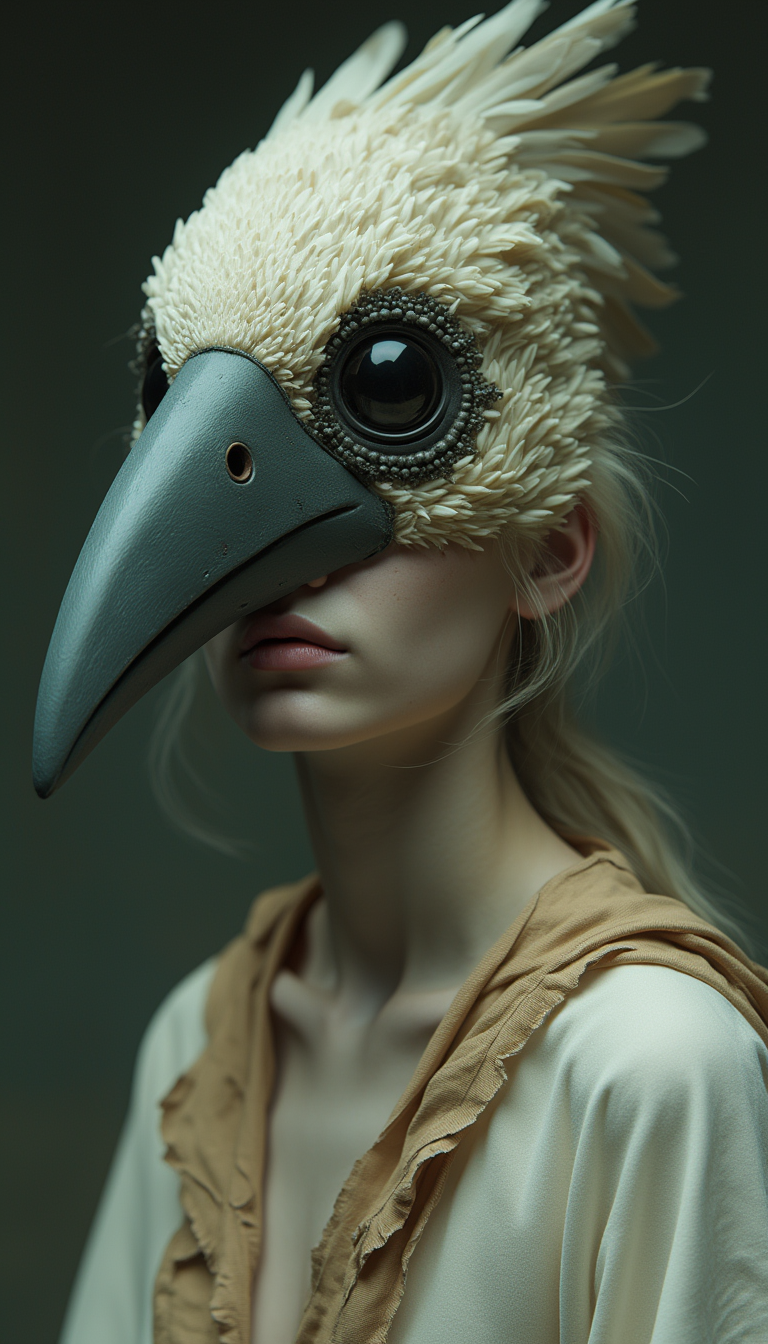
A medium
stable-diffusion
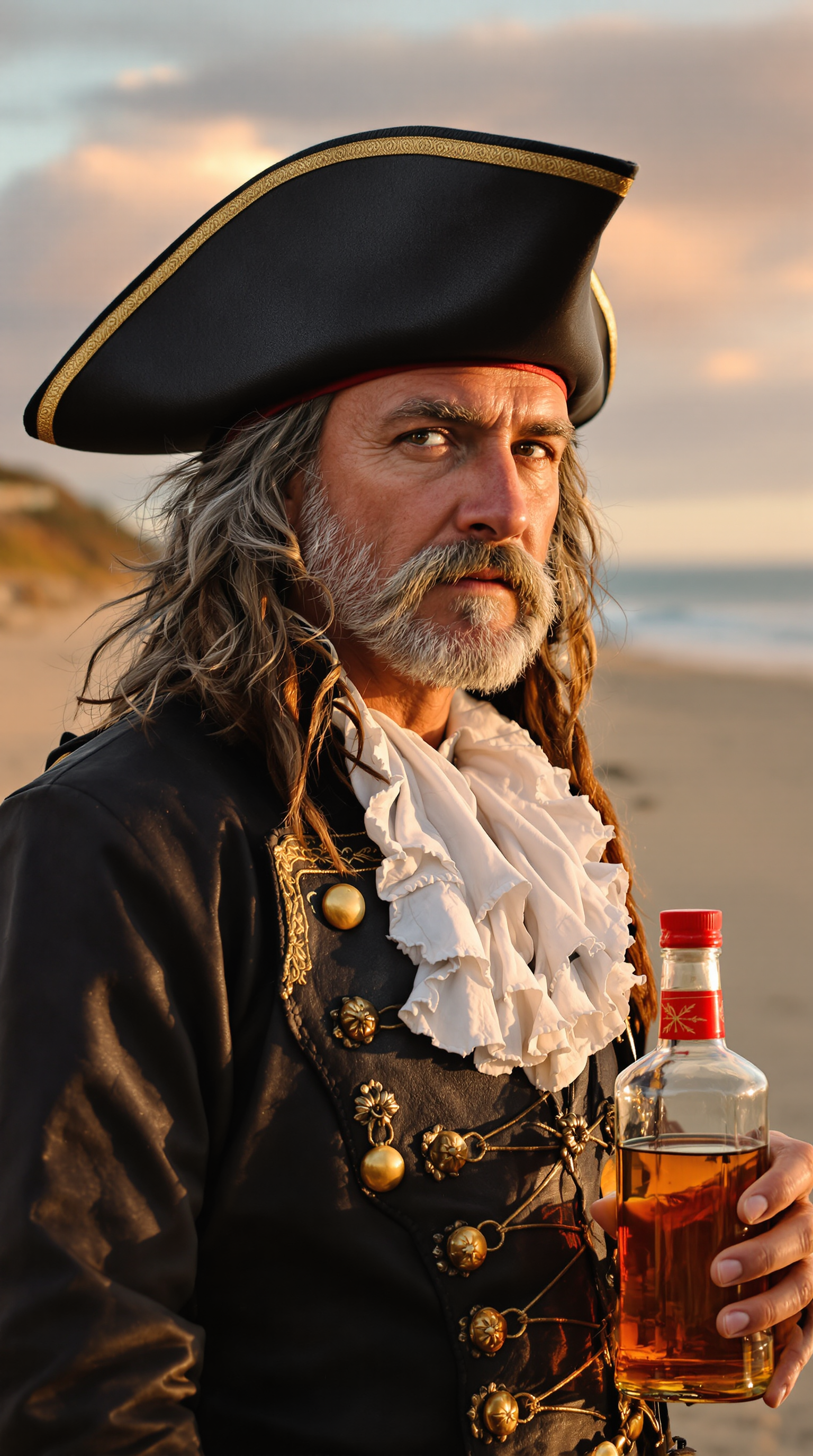
A high-resolution
flux
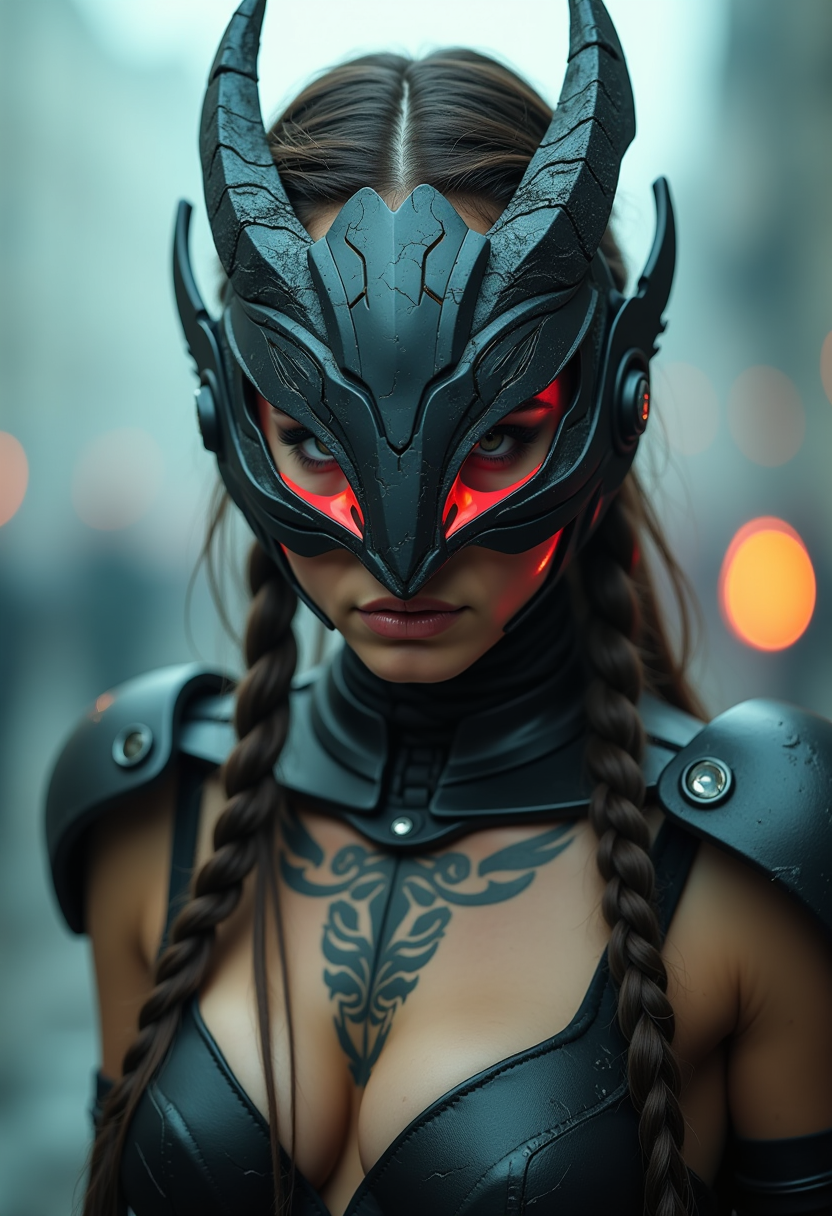
Analog movie still
flux
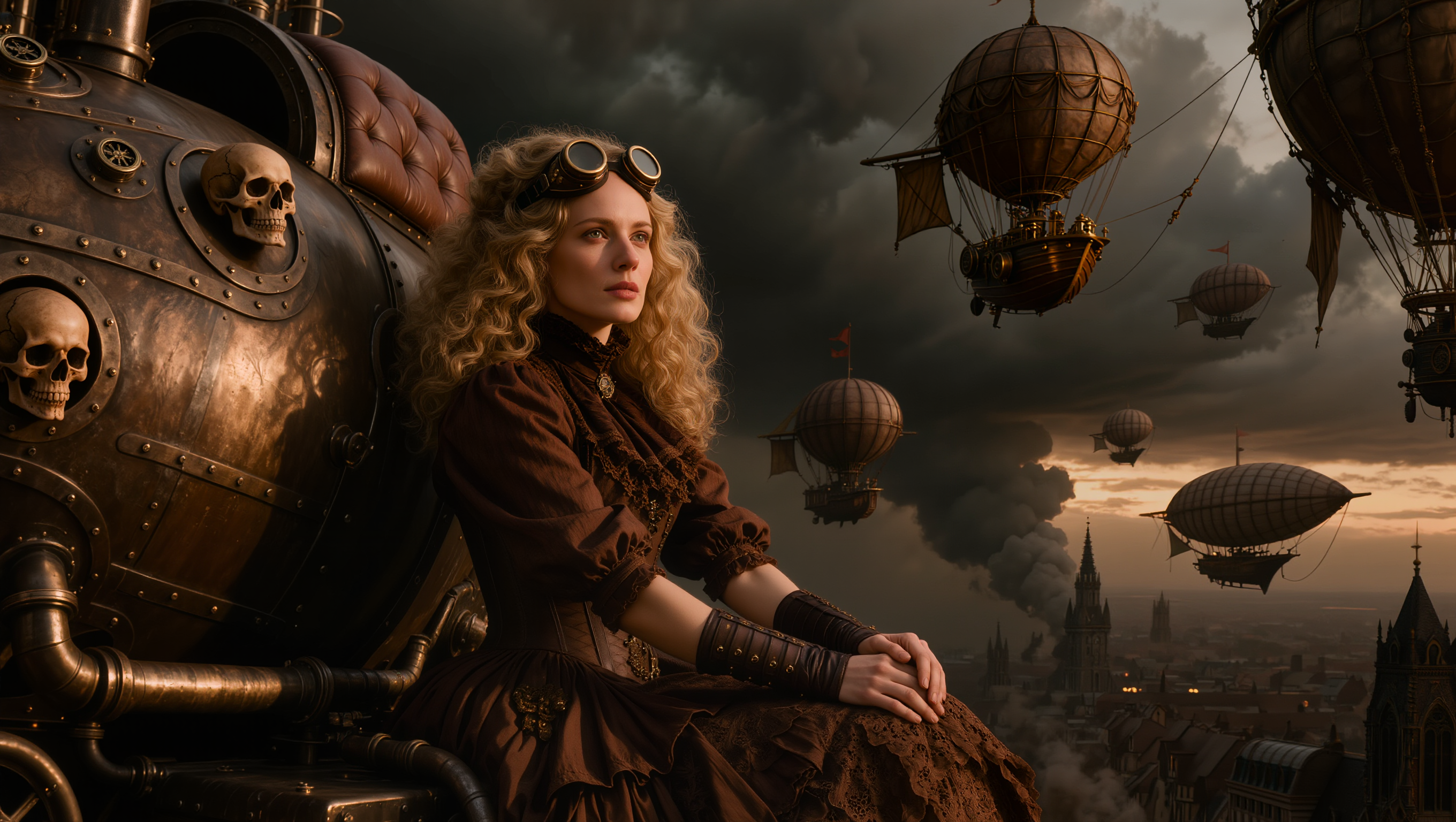
A highly detailed cinematic digital illustration in a dark steampunk Victorian style
kling-image
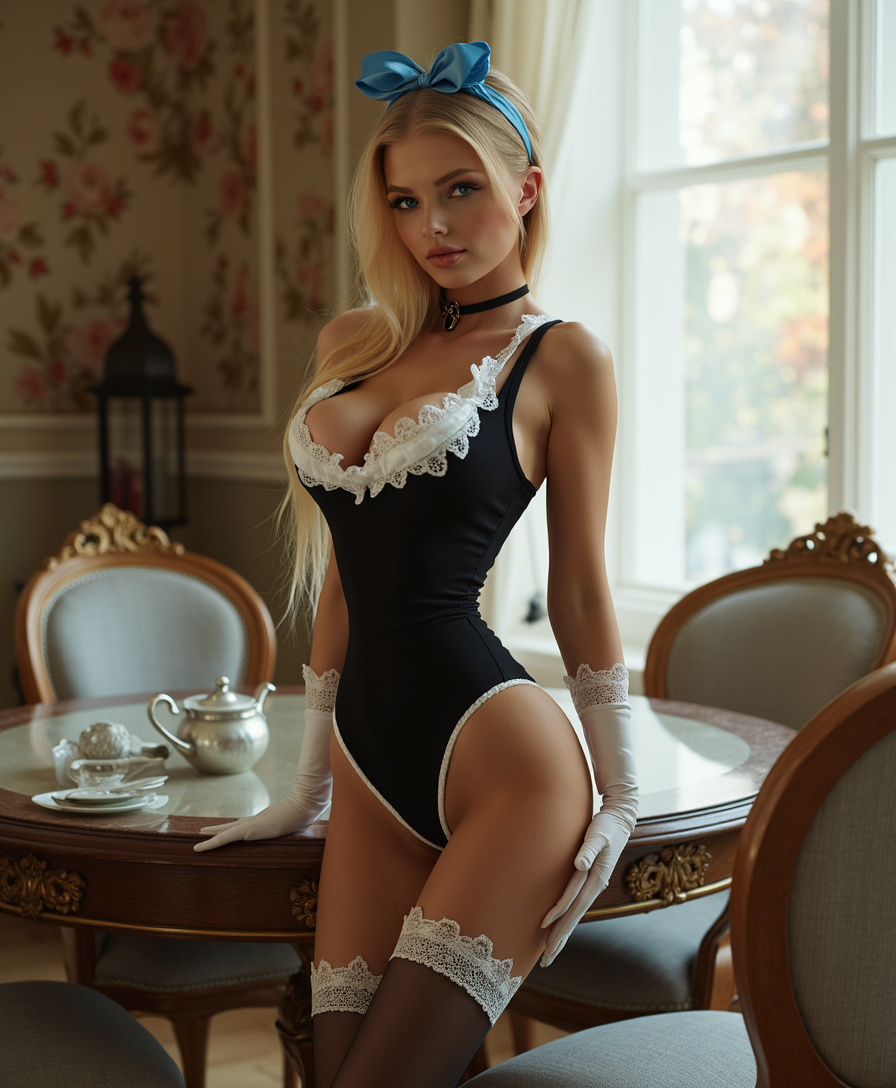
A sexier
flux
Models you can run on PixelDojo for consistent character from photo
Switch models without switching tools. Each one runs in the same PixelDojo studio.
What you can do with consistent character from photo on PixelDojo
Lock Identity From One Photo
Upload a reference photo and we generate the same person in new scenes, outfits, and lighting while keeping facial identity stable.
New Poses Without Drift
We produce extra stills of your character from different angles and expressions so the likeness stays aligned with the original photo.
Scenes And Wardrobe Swaps
Keep the person recognizable as we place them in new environments or clothing for storyboards, comics, and campaign art.
Matched Sets For Series
Generate a batch of images that share one identity so ads, posts, and sequential frames read as the same character throughout.
Loved by 1M+ creators worldwide who have generated millions of consistent characters. Rated 4.9/5. 100+ cutting-edge AI tools, commercial usage rights included, cancel anytime.
Why Choose Pixel Dojo for consistent character from photo
Professional-quality results with cutting-edge AI technology
Lock Identity from One Photo Forever
Upload a single well-lit portrait and PixelDojo's Consistent Characters and Character Studio tools extract and preserve facial structure, hair, and unique traits so every new generation matches perfectly no matter how much the scene changes.
Produce Complete Stories and Campaigns in Hours
Generate matching panels, book illustrations, ad variations, and social posts from the same photo reference. What once required weeks of drawing or editing now happens in minutes, letting you ship more content and iterate faster.
Achieve Studio-Quality Continuity Without Skills
Create photorealistic or stylized characters ready for print, web, games, or video even if you have never drawn. Combine Character Sheets, Virtual Try-On, and trainers to build a reusable identity that works across all PixelDojo tools.
How It Works
PixelDojo gives you purpose-built tools that turn one photo into a persistent character you can reuse everywhere. Follow these three simple steps to go from a single image to a full set of matching scenes.
Step 1: Choose Your Tool and Upload Your Photo
Open Character Studio or the Consistent Characters tool. Upload one clear, front-facing, well-lit photo as your primary reference. Add extra angles if you have them. Select Ideogram Character for photorealistic locking or Nano Banana 2, GPT Image 2, or Flux.2 Studio for additional style options. Character Studio saves the identity once so every future shot automatically carries the same face.
Step 2: Enter Your Prompt for the New Scene
Describe only what should change: the action, outfit, location, lighting, or mood. Keep a short identity block such as 'the same person from the reference photo' at the start of every prompt. Character Studio and Consistent Characters automatically apply the photo lock while you generate one to four images at once. Use Character Stylist for expression control and Flux Pro Virtual Try-On when you want clothing changes that still match the original face.
Step 3: Customize, Build Sheets, and Download
Refine details with Image to Image, Inpainting, or Magic Lighting. Generate Character Sheets for front, side, and back views that become your new master reference. When you want even stronger lock, select your best shots and train with Flux Trainer or QWEN Trainer in one click. Upscale with Portrait Upscaler or Clarity Pro, then download high-resolution files ready for comics, ads, or video. Extend the same character into motion with WAN Video Character Swap or Kling Video Character Swap.
The Pixel Dojo Advantage
Why PixelDojo outperforms other options for consistent character from photo image generation
| Others | Pixel Dojo |
|---|---|
| Traditional character creation | Skip weeks of sketching, revisions, and redrawing. Generate dozens of perfectly matching variations from one photo in the time it takes to finish a single traditional illustration. |
| Generic AI tools | Dedicated Character Studio, Consistent Characters, and Ideogram Character tools lock identity from a photo without complicated workarounds or constant prompt tweaks that generic generators require. |
| Manual photo editing | Create new poses, outfits, and entire scenes instantly while the face stays identical. No layers, masks, or hours of compositing needed. |
Loved by creators on PixelDojo
Real feedback from people using PixelDojo, pulled from our in-product surveys.
So many different models to try out
You keep adding to it to stay up to date and that is GOLD.
very easy to use and good support
Very easy to use
super easy to use
it's very easy to use
Explore more AI tools on PixelDojo
Popular AI Models
AI Tools
Compare & Switch
- All AI Tool Alternatives
- Pollo AI Alternative
- PixelDojo vs Pollo AI
- Pollo AI Review
- MotionMuse AI Alternative
- MioCreate Alternative
- Dessi AI Alternative
- Runway Alternatives
- CapCut Alternatives
- Leonardo Alternatives
- OpenArt Alternatives
- Midjourney Alternatives
- Canva AI Alternatives
- Pika Alternatives
- InVideo Alternatives
- Higgsfield Alternatives
- Krea Alternatives
- Luma Alternatives
- Magic Hour Alternatives
- HeyGen Alternatives
- PixAI Alternatives
- Vidu Alternatives
- Seedream Alternatives
- Tensor.Art Alternatives
Common Questions
Everything you need to know about consistent character from photo
How do I generate a consistent character from a single photo with PixelDojo?
Upload one clear front-facing photo to Character Studio or the Consistent Characters tool. The platform extracts facial identity automatically. Then write a prompt that describes only the new scene or action while repeating a short identity phrase. PixelDojo keeps the face, hair, and distinctive features locked across every generation. You can add extra reference angles for even better results and later train a custom identity with Flux Trainer for production-scale work.
What kind of photo works best for creating a consistent AI character?
Use a high-resolution, well-lit, front-facing portrait with even lighting, a simple background, and an unobstructed face. Neutral expression gives the most flexibility for later poses. Character Studio accepts multiple photos so you can include a three-quarter view or profile. Avoid heavy filters, extreme angles, or busy backgrounds. Once uploaded, PixelDojo's tools treat that photo as the permanent identity anchor so you never have to start over.
Can I change outfits, poses, and scenes while keeping the exact same face from my photo?
Yes. Consistent Characters and Character Studio lock the identity from your photo while you freely change clothing with Flux Pro Virtual Try-On or Virtual Try-On, adjust body language with Character Stylist, and place the character in any environment. Image to Image and Inpainting let you refine small details. The original photo remains the source of truth, preventing the drift that happens when you chain generated images together.
How do I create character sheets and turnarounds from a photo for professional projects?
After uploading your photo, switch to Sheet mode inside Character Studio. Generate photorealistic or stylized full-body and portrait turnarounds showing front, side, and back views. Set the strongest sheet as the character's current reference. These sheets become reusable assets for comics, games, and animation. You can then generate new scenes that stay perfectly consistent with the sheet using Nano Banana 2, GPT Image 2, or Flux.2 Studio.
Do I need to train a custom model to keep a character consistent from one photo?
No. Character Studio and Consistent Characters deliver strong identity lock from a single photo with zero training. When you need maximum reliability for a long series or brand campaign, select your best generated shots and send them to Flux Trainer, QWEN Trainer, or SDXL Trainer in one click. The trained identity then works across every PixelDojo image and video tool, giving you production-grade consistency.
Can I use the same consistent character from photo in videos and animations?
Absolutely. Once the identity is locked in Character Studio, take the character into Film Studio or use WAN Video Character Swap, Kling Video Character Swap, P Video Avatar, or Kling Avatar. The same photo-based face appears in talking-head videos, animated scenes, and multi-shot sequences. Combine with Marketing Studio for complete campaign packages that stay visually unified from stills to motion.