first frame last frame interpolation AI Generator

Generated on PixelDojo. Produced by PixelDojo's generation pipeline.
You can now turn any two images into a complete, directed video sequence that begins exactly where you want and lands precisely where you planned. First frame last frame interpolation on PixelDojo gives you that power. Upload or generate a starting image and an ending image, then watch the AI fill every frame in between with natural motion, camera movement, lighting shifts and character performance. The result is professional animations, product reveals, character walks, scene morphs and cinematic transitions that look filmed rather than generated. You no longer hope the model guesses your vision. You define both endpoints and PixelDojo delivers the journey. 1M+ creators already use this approach inside Marketing Studio, Kling Video, WAN 2.7 Video, Seedance 2.5 and VEO 3.1 to produce high-converting social content, ads and stories in minutes instead of days. Start with 100+ cutting-edge tools, loved by 1M+ creators worldwide, and cancel anytime.
Real image examples generated on PixelDojo
Every example below was produced on PixelDojo. Hover to see the prompt.
Classic cartoon effect
flux
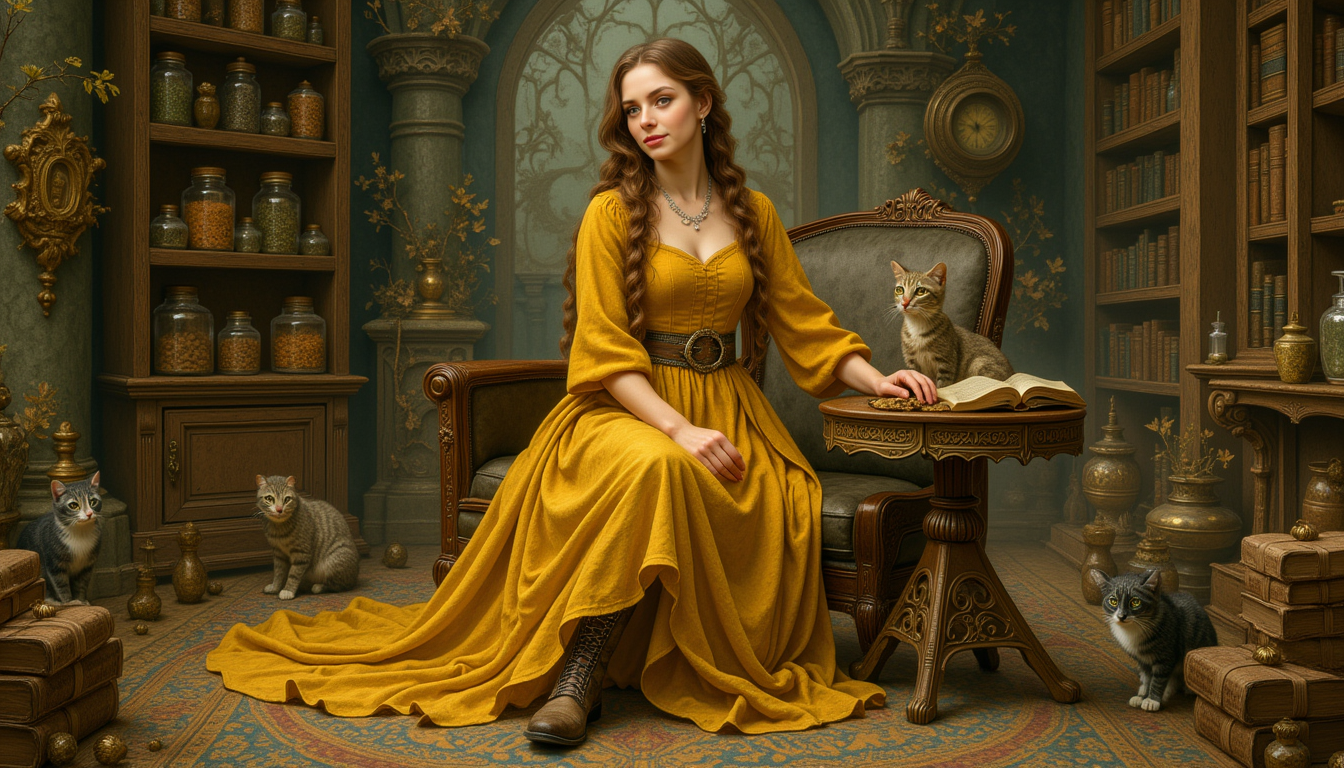
Kira-Lux-Flux
flux
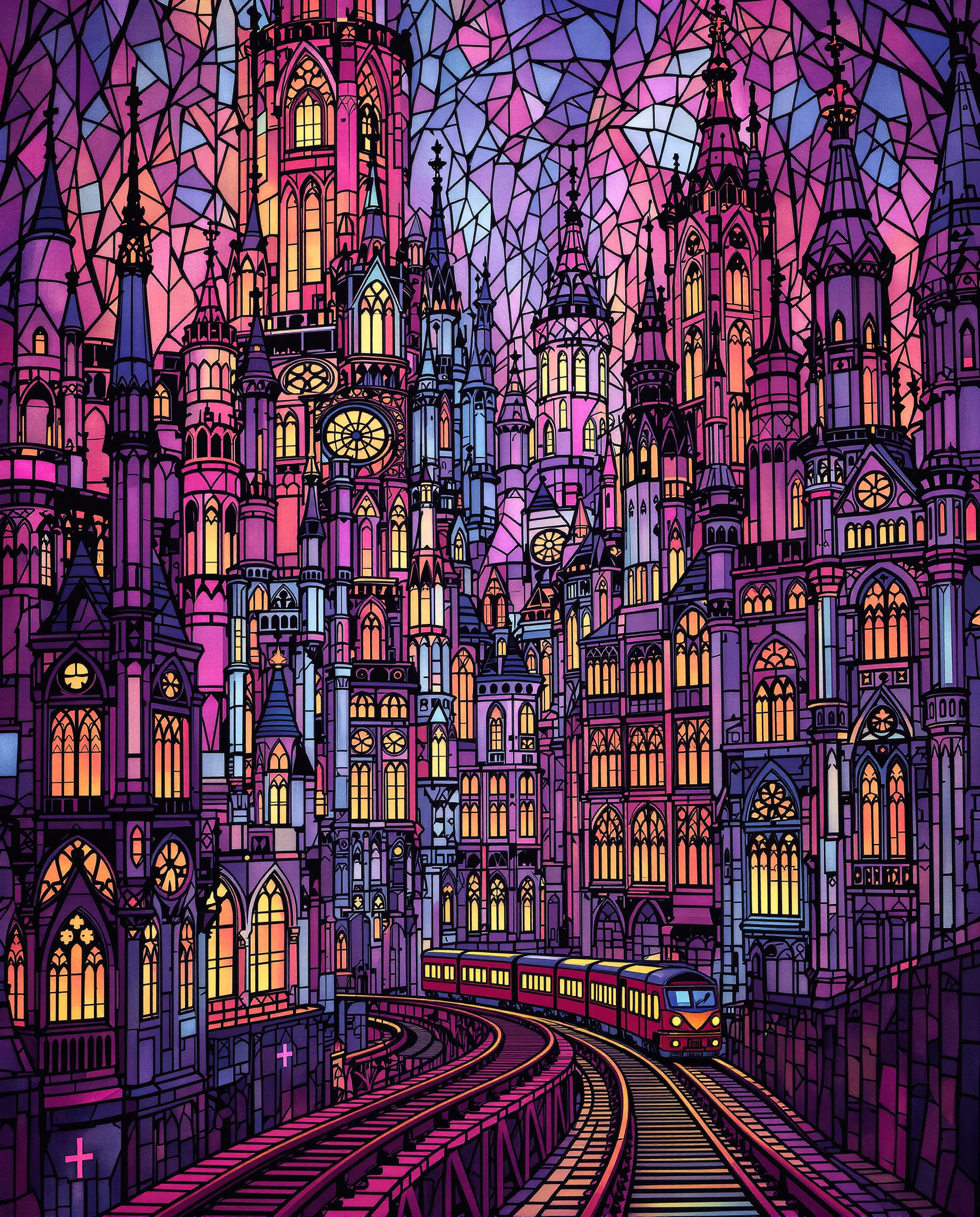
This image is a digital artwork that emulates the style of stained glass windows
flux
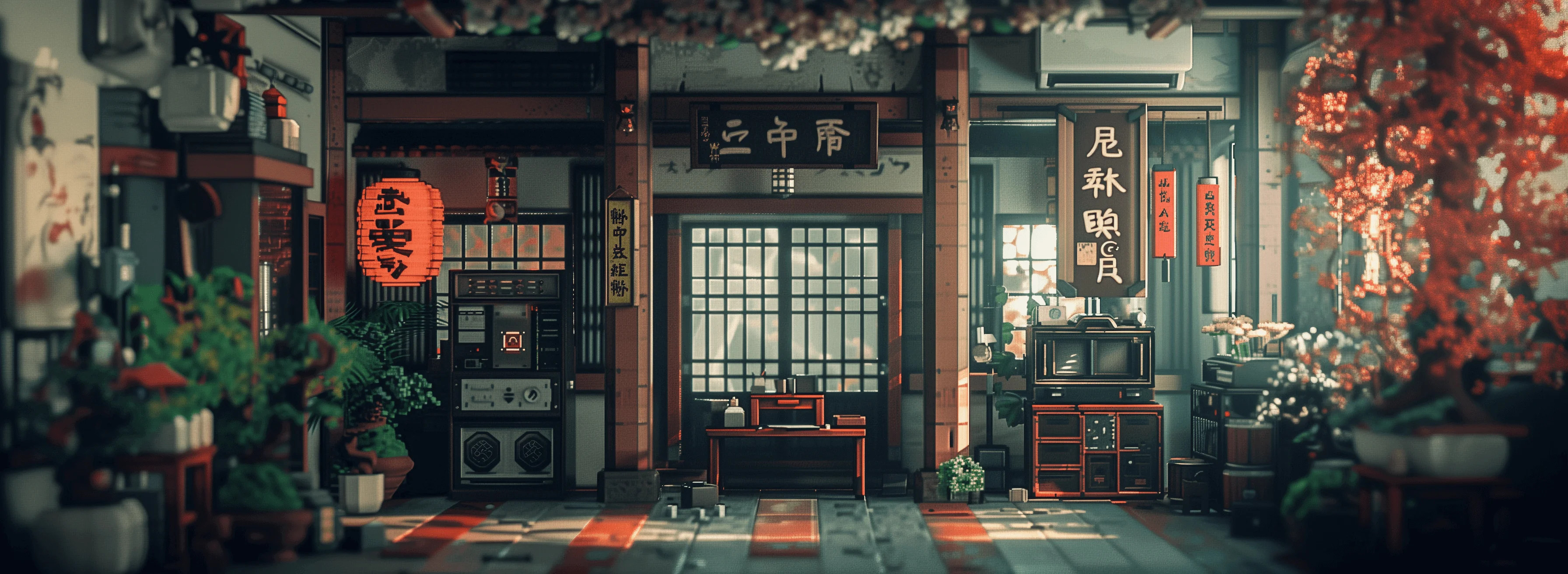
Masterpiece
creative-upscaler
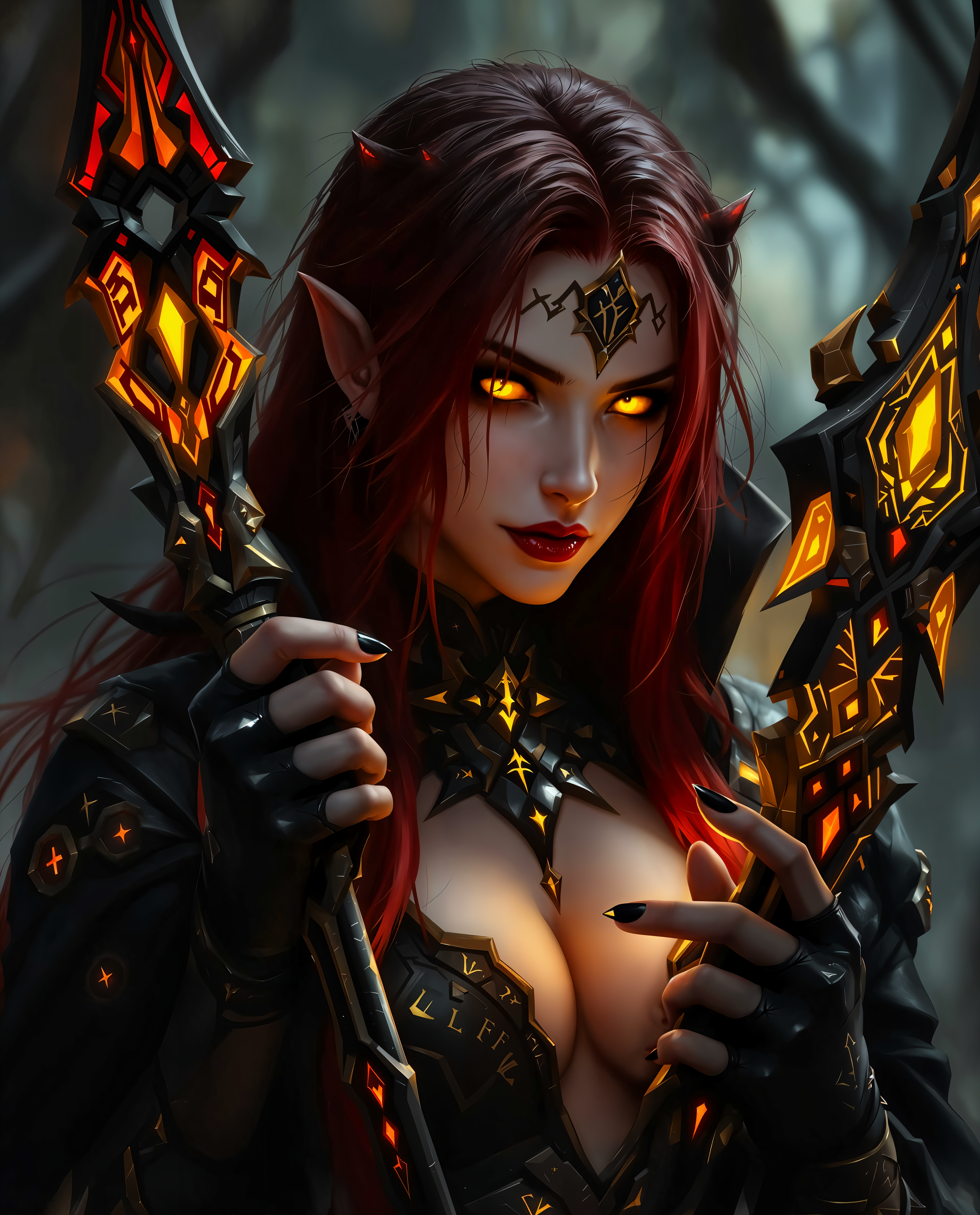
first frame last frame interpolation on PixelDojo
Generate a moody
ponyxl
Models you can run on PixelDojo for first frame last frame interpolation
Switch models without switching tools. Each one runs in the same PixelDojo studio.
What you can do with first frame last frame interpolation on PixelDojo
Start and End Frame Control
We take your first and last images and generate the in-between frames so the sequence travels from one composition to the other.
Guided Image Interpolation
You set the opening and closing stills; we fill the path with interpolated images that follow those two endpoints.
Subject and Style Continuity
We keep identity, lighting, and style aligned as we interpolate from the first frame through to the last frame.
Frame Sequence Export
We deliver the interpolated stills as an ordered set you can review, pick from, or bring into your editing tools.
Loved by 1M+ creators worldwide. 100+ cutting-edge AI tools including Kling Video, WAN 2.7 Video, Seedance 2.5 and VEO 3.1. Cancel anytime.
Why Choose Pixel Dojo for first frame last frame interpolation
Professional-quality results with cutting-edge AI technology
Lock Exact Start and End Points
You control the opening shot and the closing shot so every interpolation tells the story you intended. Product boxes open on cue, characters arrive at destinations, lighting changes on schedule. No more random endings or identity drift.
Create Fluid Cinematic Motion in Minutes
Generate smooth camera orbits, walking cycles, morphs and transformations that rival traditional animation. You skip weeks of keyframing and still get Hollywood-grade motion ready for ads, reels and presentations.
Keep Characters and Products Perfectly Consistent
Pair Consistent Characters or Flux.2 Studio keyframes with WAN 3.0, Kling Video or MiniMax H3 interpolation and your subject stays recognizable from first frame to last. Ideal for branded series and storytelling.
How It Works
PixelDojo makes first frame last frame interpolation straightforward. Generate matching keyframes with our image tools, then let specialized video models interpolate the sequence while you guide motion, camera and mood.
Step 1: Choose Your Tool and Create Matching Keyframes
Open Generate Images and pick Nano Banana 2, Flux.2 Studio, Seedream 5, Ideogram 4 or Kling Image. For characters use Consistent Characters or Character Sheets so both frames share identity, lighting and composition. Refine with Image to Image or Inpainting until the start and end shots feel like the same scene captured moments apart.
Step 2: Enter Your Prompt and Interpolate
Switch to Generate Videos and select Kling Video, WAN 2.7 Video, WAN 3.0, Seedance 2.5, VEO 3.1, Gemini Omni Flash or MiniMax H3. Upload the two frames, write a prompt that describes only the motion, camera path, lighting continuity and duration, then generate. The model interpolates every in-between frame while honoring both endpoints.
Step 3: Customize, Enhance and Download
Preview the clip, extend or refine with Kling Video Edit, WAN 2.7 Video Edit or Grok Imagine Video Extend. Upscale using FLUX Video Upscale or Magnific Upscaler, add soundtrack via Text to Music, then download. Your interpolation is ready for social, ads or film.
The Pixel Dojo Advantage
Why PixelDojo outperforms other options for first frame last frame interpolation
| Others | Pixel Dojo |
|---|---|
| Traditional animation and filming | You skip crews, studios and weeks of work. Generate directed interpolations in minutes with Kling Video, Seedance 2.5 and WAN 2.7 Video at a fraction of the cost. |
| Generic AI video tools | You get specialized first-last-frame modes plus matching image generators like Flux.2 Studio and Consistent Characters so endpoints stay consistent instead of drifting. |
| Manual photo and video editing | You avoid tedious frame-by-frame work. PixelDojo interpolates naturally while you keep full control over start, end, motion and style. |
Loved by creators on PixelDojo
Real feedback from people using PixelDojo, pulled from our in-product surveys.
es facil de comprender asi uno no sea programador
amazing web site
phenomenal site. would highly recommend
Amazing features, easy to use, privacy
the number of options, and especially the quick response to questions on Discord
Love you guys!!
Explore more AI tools on PixelDojo
Popular AI Models
AI Tools
Compare & Switch
- All AI Tool Alternatives
- Pollo AI Alternative
- PixelDojo vs Pollo AI
- Pollo AI Review
- MotionMuse AI Alternative
- MioCreate Alternative
- Dessi AI Alternative
- Runway Alternatives
- CapCut Alternatives
- Leonardo Alternatives
- OpenArt Alternatives
- Midjourney Alternatives
- Canva AI Alternatives
- Pika Alternatives
- InVideo Alternatives
- Higgsfield Alternatives
- Krea Alternatives
- Luma Alternatives
- Magic Hour Alternatives
- HeyGen Alternatives
- PixAI Alternatives
- Vidu Alternatives
- Seedream Alternatives
- Tensor.Art Alternatives
Common Questions
Everything you need to know about first frame last frame interpolation
What is first frame last frame interpolation and how does it work on PixelDojo?
First frame last frame interpolation lets you supply a starting image and an ending image so the AI generates every frame in between. On PixelDojo you create those keyframes with Nano Banana 2, Flux.2 Studio or Consistent Characters, then interpolate using Kling Video, WAN 2.7 Video, Seedance 2.5 or VEO 3.1. The models treat both images as hard constraints, producing directed motion instead of random animation. You get precise product reveals, character performances and camera moves that start and finish exactly as planned.
Which PixelDojo tools support first last frame interpolation for the best results?
For keyframes use Generate Images tools such as Flux.2 Studio, Seedream 5, Ideogram 4, Kling Image and WAN Image together with Consistent Characters. For interpolation choose Kling Video, WAN 2.7 Video, WAN 3.0, Seedance 2.5, VEO 3.1, Gemini Omni Flash, MiniMax H3 or PixVerse V6. Marketing Studio and Film Studio let you assemble multiple interpolations into longer stories. All of these sit inside one platform so you never leave PixelDojo.
How do I keep characters and products consistent between first and last frames?
Generate both frames with Consistent Characters, Character Sheets or Flux.2 Studio using the same seed and style settings. Keep composition, lighting direction and camera height as similar as possible. Then interpolate with WAN 2.7 Video or Kling Video, which honor identity far better than single-image animation. If needed, polish frames first with Reality Polisher or Image to Image before uploading.
Can I use first frame last frame interpolation for marketing videos and product demos?
Yes. Marketing Studio plus first-last-frame tools is built for this. Create a closed-box first frame and an open-box last frame, interpolate a reveal, then add captions with Video Autocaption. The same workflow produces before-after transformations, unboxings and lifestyle sequences that convert because they look intentional rather than generated. 1M+ creators already run ads this way.
What latest techniques make first last frame interpolations look more professional?
Keep first and last frames close in composition and lighting so the model interpolates rather than morphs. Write prompts that describe only the motion, camera path and lighting continuity, not the entire scene. Use shorter durations (5-10 seconds) for tighter consistency, then chain clips with Merge Videos or Grok Imagine Video Extend. Upscale the final clip with FLUX Video Upscale. These steps, combined with PixelDojo’s specialized models, produce results that hold up on large screens.
Is there any risk trying first frame last frame interpolation on PixelDojo?
None. You get instant access to 100+ cutting-edge AI tools including every interpolation model listed above. Loved by 1M+ creators worldwide, you can cancel anytime. Generate your first interpolation today and keep only what you love.