minimax h3 image to video
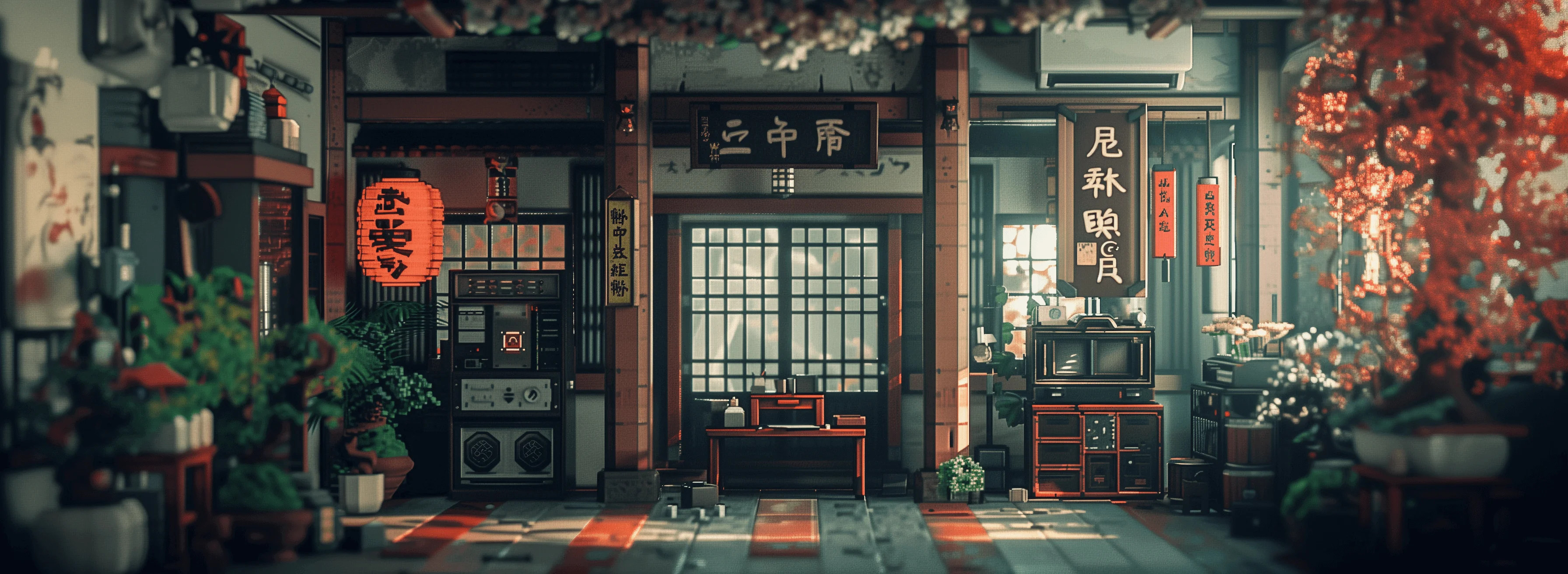
Generated on PixelDojo. Produced by PixelDojo's generation pipeline.
Transform your still photographs into captivating, motion-packed videos that grab attention and drive action with PixelDojo's MiniMax H3 image to video tools. In a world overflowing with static content, you need videos that showcase products in motion, bring portraits to life, and tell stories that convert browsers into buyers. Upload any image you create with Flux.2 Studio, Nano Banana 2, or GPT Image 2, or use your existing photos, then let MiniMax H3 add realistic movement, cinematic camera work, and native stereo audio to produce stunning 2K clips up to 15 seconds long. You achieve professional results without cameras, crews, or complex software. Marketers animate catalog shots for higher engagement, content creators produce scroll-stopping social videos, and businesses generate ads that sell more. PixelDojo gives you MiniMax H3 plus MiniMax H3 Turbo for faster generations, all alongside 100+ cutting-edge AI tools loved by 1M+ creators worldwide. Cancel anytime and watch your images become the dynamic content your audience craves, boosting shares, clicks, and sales starting today.
Real video examples generated on PixelDojo
Every example below was produced on PixelDojo. Hover to see the prompt.
Masterpiece
creative-upscaler
Close-up of a steaming coffee cup on a wooden table
image-to-video
A calm koi pond with gentle ripples and drifting flower petals
wan-2.7-video
Heavy boots and movement gunfire and
image-to-video
Laughing
image-to-video
Joey and Chandler sit side by side on the couch with coffee cups
minimax-h3-spicy
Models you can run on PixelDojo for minimax h3 image to video
Switch models without switching tools. Each one runs in the same PixelDojo studio.
What you can do with minimax h3 image to video on PixelDojo
Still Image to Motion
We turn a single still into a short video with MiniMax H3 image-to-video on PixelDojo. Upload a frame and generate motion without starting from scratch.
Prompt Guided Camera Moves
We let you describe pan, zoom, and subject movement so H3 follows your intent. Keep the original composition while adding directed action.
Creator Ready Video Clips
We generate clips you can review, regenerate, and download for edits or social posts. Use PixelDojo to iterate on the same source image until the motion fits.
Consistent Subject From Photo
We keep identity and scene details from your input image while H3 adds temporal motion. That helps product shots, portraits, and key art stay recognizable on screen.
Loved by 1M+ creators worldwide who generate professional videos daily. PixelDojo delivers consistent 2K quality with MiniMax H3, backed by 100+ tools and the freedom to cancel anytime.
Why Choose Pixel Dojo for minimax h3 image to video
Professional-quality results with cutting-edge AI technology
Animate Any Photo into Scroll-Stopping Video
You turn product photos, portraits, or artwork into 5-15 second videos with natural motion, lighting shifts, and audio that feels real. Upload an image from Krea Image or Seedream 5, describe a slow zoom or fabric ripple, and MiniMax H3 delivers cinematic results perfect for Instagram Reels, TikTok ads, or website heroes that increase watch time and conversions.
Produce Studio-Quality Content in Minutes
You skip expensive shoots and editing suites. MiniMax H3 on PixelDojo generates 2K videos with physics-accurate movement and synchronized sound from a single still. Pair it with Image Analyzer or Reality Polisher first, then enhance the output with FLUX Video Upscale or Video Autocaption. The outcome is marketing videos, product demos, and stories that look professionally produced and ready to publish immediately.
Maintain Brand Consistency Across Every Clip
You keep characters, products, and styles identical from image to video using first-frame control plus PixelDojo's Consistent Characters and Character Sheets. Combine MiniMax H3 with WAN Reference to Video or Kling Video Character Swap for series that feel cohesive. The result is branded content libraries that build recognition and trust without starting from scratch each time.
How It Works
You create MiniMax H3 image to video content on PixelDojo in three straightforward steps that take you from still image to finished clip ready for any platform.
Step 1: Create or Refine Your Starting Image
Begin in Generate Images with tools like Flux.2 Studio, QWEN Image 2, or Ideogram 4 to produce a high-resolution still that matches your vision. Upload your own photo if you prefer. Then polish it using Edit Images features such as Image to Image, Magic Lighting, or Background Remover so the composition, lighting, and details are perfect. This image becomes the first frame that MiniMax H3 will animate, giving you complete control over the starting look.
Step 2: Choose MiniMax H3 and Direct the Motion
Go to Generate Videos and select MiniMax H3 or MiniMax H3 Turbo for quicker results. Upload your prepared image as the first frame (and optionally a last frame for precise endings). Write a prompt focused on action, camera movement, and sound, for example: the phone screen lights up, camera slowly dollies in, subtle ambient office sounds and a soft notification chime. You can add references from your library or use Marketing Studio for campaign-ready direction. PixelDojo handles the rest while you iterate.
Step 3: Generate, Polish, and Export Your Video
Click generate and MiniMax H3 produces your 2K video with native audio in minutes. Review it with Video Analyzer, add captions via Video Autocaption, reframe for different platforms using Video Reframe, or upscale further with Magnific Upscaler. Merge multiple clips if needed, then download in the format you want. With 100+ tools in one place you refine until the video perfectly matches your goals and publish with confidence.
The Pixel Dojo Advantage
Why PixelDojo outperforms other options for MiniMax H3 image to video generation
| Others | Pixel Dojo |
|---|---|
| Traditional video production | You avoid location scouting, talent fees, and days of editing. PixelDojo MiniMax H3 turns one image into a finished 2K video with audio in minutes, delivering the same professional impact at a tiny fraction of the cost and time. |
| Generic AI tools | You get MiniMax H3 plus complementary generators like Kling Video, Seedance 2.5, and WAN 3.0 in a single workspace. PixelDojo also includes image creation, character consistency, and editing tools so your entire workflow stays connected instead of jumping between disconnected platforms. |
| Manual photo editing and animation | You skip steep learning curves and hours of keyframing. Simply describe the motion you want and MiniMax H3 handles realistic physics, lighting, and sound automatically, letting you focus on creative direction rather than technical execution. |
Loved by creators on PixelDojo
Real feedback from people using PixelDojo, pulled from our in-product surveys.
Very easy to use
super easy to use
it's very easy to use
Practically every Ai suite in one place? Who wouldn't?
versatile menu of tools
Best AI tool availble the suite is rad
Explore more AI tools on PixelDojo
Popular AI Models
AI Tools
Compare & Switch
- All AI Tool Alternatives
- Pollo AI Alternative
- PixelDojo vs Pollo AI
- Pollo AI Review
- MotionMuse AI Alternative
- MioCreate Alternative
- Dessi AI Alternative
- Runway Alternatives
- CapCut Alternatives
- Leonardo Alternatives
- OpenArt Alternatives
- Midjourney Alternatives
- Canva AI Alternatives
- Pika Alternatives
- InVideo Alternatives
- Higgsfield Alternatives
- Krea Alternatives
- Luma Alternatives
- Magic Hour Alternatives
- HeyGen Alternatives
- PixAI Alternatives
- Vidu Alternatives
- Seedream Alternatives
- Tensor.Art Alternatives
Common Questions
Everything you need to know about minimax h3 image to video
How do I create MiniMax H3 image to video on PixelDojo for better marketing results?
You start by generating or uploading a strong still image using Flux.2 Studio or Recraft V4.1, then select MiniMax H3 in Generate Videos, set the image as the first frame, and write a prompt that describes product movement, camera work, and audio. The resulting 2K clip with native sound performs better in ads and social posts because it shows the item in action. 1M+ creators use this exact flow daily and cancel anytime if it does not fit their needs.
What prompt techniques work best for MiniMax H3 image to video generation?
Focus your prompt on visible motion, camera path, and sound rather than restating what is already in the image. For a portrait you might write: hair gently blows, camera slowly orbits, soft ambient music and distant city sounds. PixelDojo MiniMax H3 follows these directions closely, producing natural results. Combine with last-frame control or references from Consistent Characters for even tighter outcomes, then enhance with Video Analyzer.
Can MiniMax H3 image to video include native audio and how do I control it?
Yes, every MiniMax H3 generation on PixelDojo includes synchronized stereo audio created in the same pass. You guide it by describing sounds in your prompt, such as ticking clocks, fabric rustle, or background music. The audio matches the motion perfectly, saving you from adding sound later. Use MiniMax H3 Turbo when you want faster iterations while keeping the same audio quality.
How long can MiniMax H3 image to video clips be and what resolution do I get?
You generate clips from 5 to 15 seconds at native 2K resolution and 24 fps. Choose the length that fits your platform, then upscale or reframe using PixelDojo tools like FLUX Video Upscale or Video Reframe. This range is ideal for ads, stories, and product videos that hold attention without feeling too long or too short.
Is MiniMax H3 image to video on PixelDojo suitable for commercial and e-commerce use?
Absolutely. You create product animations, brand films, and social ads that look professionally produced. Pair MiniMax H3 with Marketing Studio, Virtual Try-On, or Face Swap to keep everything on-brand. Thousands of businesses already rely on PixelDojo's 100+ tools for this exact purpose and appreciate the ability to cancel anytime.
Which other PixelDojo tools work best with MiniMax H3 image to video?
You generate the starting image with Nano Banana 2, Grok Image, or Hunyuan Image 3, refine it with Inpainting or Style Transfer, then animate with MiniMax H3. After generation, use Kling Video Edit, Seedance 2.5 Video Edit, Merge Videos, or Extract Frame to expand the project. The full suite of 100+ tools keeps every step inside one platform so you move faster and stay consistent.