h3 minimax AI Generator
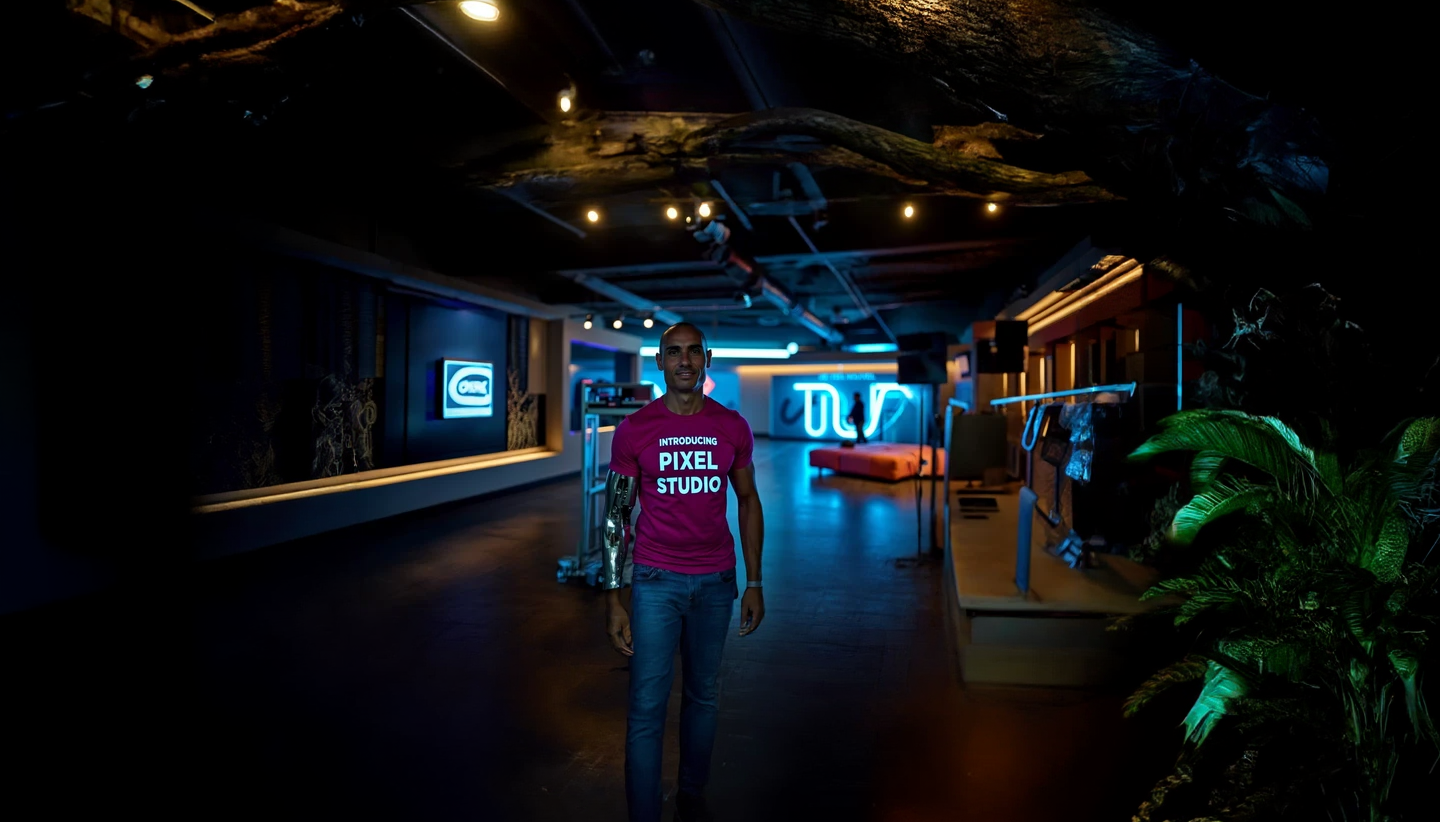
Generated on PixelDojo. Produced by PixelDojo's generation pipeline.
Imagine turning a simple idea, a product photo, or a character sketch into a polished cinematic video complete with natural dialogue, sound effects, and atmosphere—all in one generation. That is exactly what you achieve with MiniMax H3 on PixelDojo. You no longer wait days for production teams or stitch together separate audio and video tools. You describe the scene, attach up to nine reference images, video clips, or audio files, and receive a ready-to-use 2K clip with native stereo sound that looks and sounds like it was filmed on set. Whether you are launching an ad campaign, building a game cinematic, creating e-commerce product videos, or telling a short story, MiniMax H3 plus MiniMax H3 Turbo give you broadcast-quality results you can download and publish immediately. PixelDojo puts this powerful capability in your browser alongside 100+ other cutting-edge AI tools so you can iterate, refine, and ship faster than ever.
Real image examples generated on PixelDojo
Every example below was produced on PixelDojo. Hover to see the prompt.
h3 minimax on PixelDojo
stable-diffusion

Create a 1950s pinup art illustration featuring a person dressed in a Victorian-inspired b…
flux
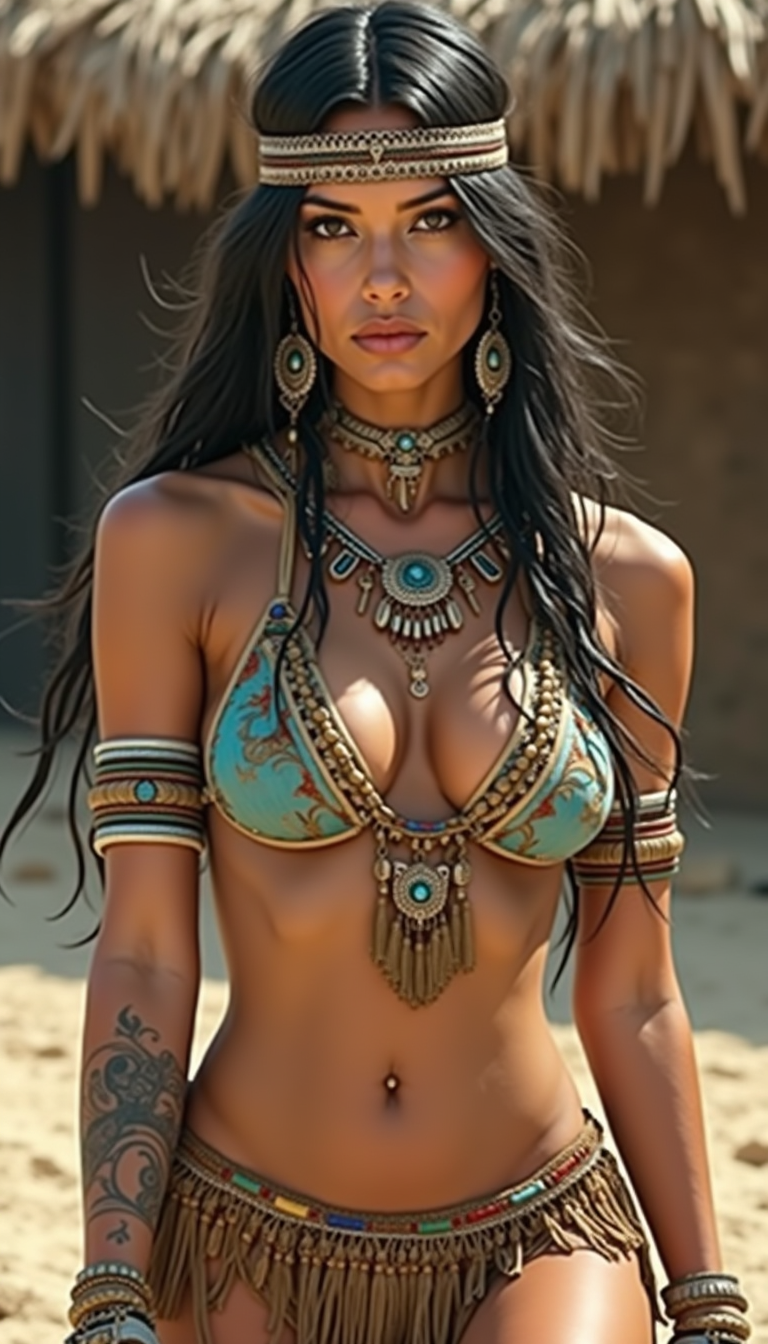
h3 minimax on PixelDojo
flux

Bridget Regan as Kahlan Amnell as Barbie
stable-diffusion
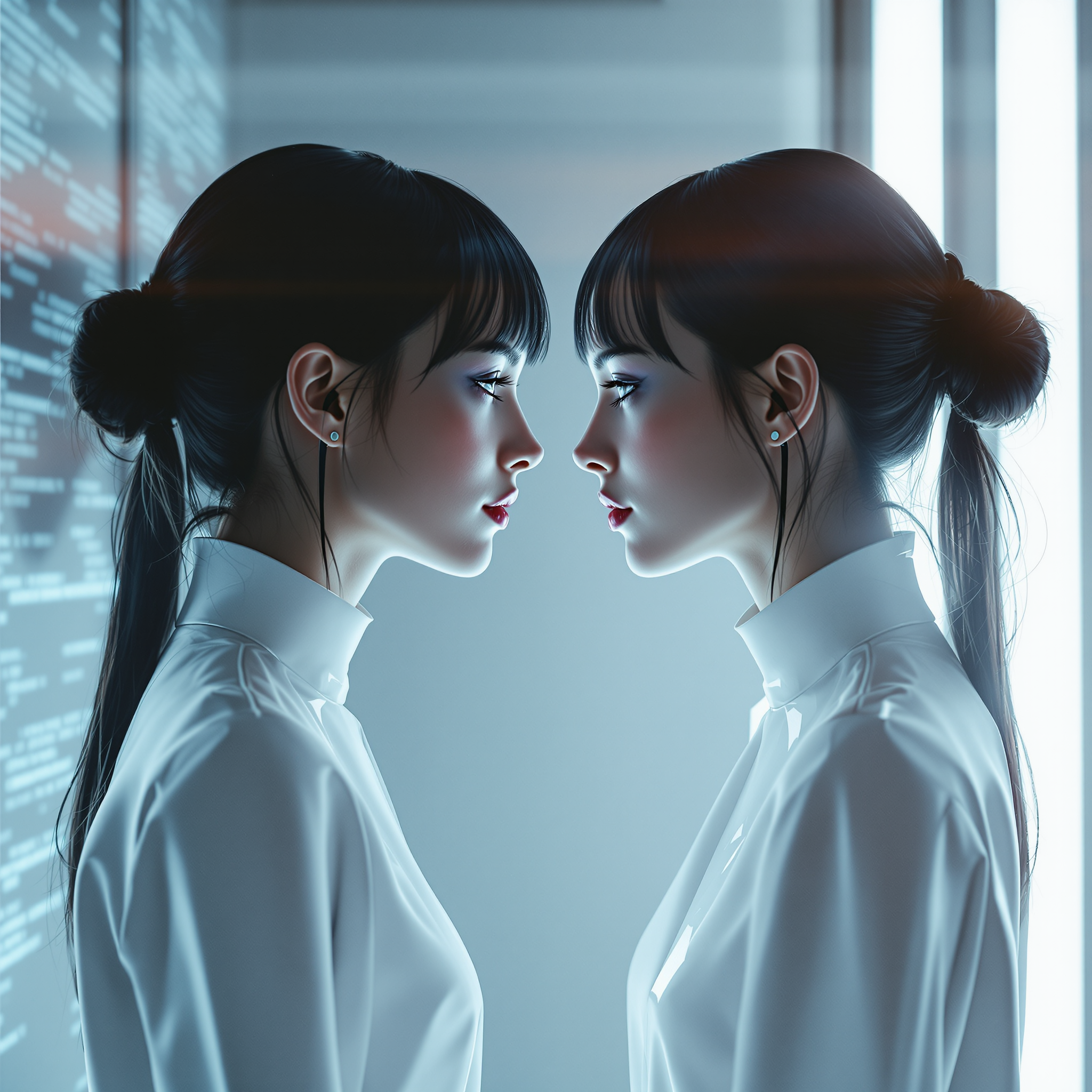
A woman and her digital twin
flux

A beautiful woman stands in a flower garden
flux-studio
Models you can run on PixelDojo for h3 minimax
Switch models without switching tools. Each one runs in the same PixelDojo studio.
What you can do with h3 minimax on PixelDojo
MiniMax Image Generation
We give you access to MiniMax image models so you can turn text prompts into stills for campaigns, product shots, and concept art. Generate variations in one workspace without leaving PixelDojo.
Prompt And Style Control
We support detailed prompts, negative prompts, and style direction so you can steer composition, lighting, and subject. Iterate until the frame matches the brief.
Formats Creators Need
We let you choose common aspect ratios and export stills you can drop into decks, social posts, and production pipelines. Keep outputs organized next to your other PixelDojo tools.
Studio Workflow On PixelDojo
We place MiniMax generation beside history, remix, and download so you can compare takes and reuse strong prompts. Share results with collaborators from the same project.
Loved by 1M+ creators worldwide who generate millions of MiniMax H3 clips every month. 100+ cutting-edge AI tools in one platform, cancel anytime, and start creating in seconds.
Why Choose Pixel Dojo for h3 minimax
Professional-quality results with cutting-edge AI technology
Cinematic Videos That Include Perfect Sound
You receive fully produced clips with dialogue, foley, music, and room tone generated together with the picture. No extra audio software or lip-sync steps—your MiniMax H3 video is ready for ads, social, or client presentations the moment it finishes.
Lock Characters, Products, and Motion Across Shots
Attach reference images, video, and audio once and MiniMax H3 keeps faces, branding, camera movement, and voices consistent. You create multi-shot sequences that feel like a single professional production instead of disconnected clips.
Ship Faster with Turbo Speed and Easy Editing
MiniMax H3 Turbo delivers high-quality results in a fraction of the time while you still have access to full MiniMax H3 for maximum fidelity. Combine with PixelDojo video editing tools to refine, extend, or recaption without leaving the platform.
How It Works
Creating MiniMax H3 videos on PixelDojo takes three simple steps. You stay in control of style, timing, and references while the AI handles the heavy lifting of generation and audio.
Step 1: Choose MiniMax H3 or MiniMax H3 Turbo
Open PixelDojo and select MiniMax H3 for the highest 2K quality with native stereo audio or MiniMax H3 Turbo when you need results even faster. Both tools sit inside the same Generate Videos workspace so you can switch instantly. Upload your reference images, video clips, or audio files if you want character consistency, motion transfer, or a specific voice.
Step 2: Write Your Scene and Direct the Camera
Type a detailed prompt that covers subject, action, environment, lighting, camera moves, and sound. You can use shot lists, timed beats, and on-screen text that MiniMax H3 renders accurately. The prompt field supports thousands of characters so you can describe an entire short sequence in one go. PixelDojo also lets you generate supporting stills first with tools like Flux.2 Studio or Seedream 5 if you want extra visual references.
Step 3: Generate, Refine, and Download Your Video
Hit generate and watch MiniMax H3 produce your clip. Preview, then use PixelDojo’s video tools such as Kling Video Edit, WAN 2.7 Video Edit, Video Autocaption, or Extract Frame to polish. Upscale with FLUX Video Upscale if needed, merge clips, or extend the sequence. Download in the format you need and publish. Everything stays inside PixelDojo so you never lose quality or time switching apps.
The Pixel Dojo Advantage
Why PixelDojo outperforms other options for MiniMax H3 video and image generation
| Others | Pixel Dojo |
|---|---|
| Traditional video production | You skip crews, studios, and weeks of post-production. MiniMax H3 on PixelDojo delivers 2K footage with native audio in minutes instead of days, at a fraction of the cost, while still giving you professional control over every shot. |
| Generic AI tools | PixelDojo gives you the actual MiniMax H3 and MiniMax H3 Turbo models plus a complete ecosystem of image generators, video editors, upscalers, and character tools in one place. You stay consistent from first still to final video without exporting and re-importing. |
| Manual photo and video editing | Instead of hours of keyframing, rotoscoping, and sound design, you describe what you want and MiniMax H3 generates it. Then you make targeted tweaks with PixelDojo’s inpainting, camera-angle, and video-edit tools rather than starting over. |
Loved by creators on PixelDojo
Real feedback from people using PixelDojo, pulled from our in-product surveys.
the quality is the best
All the tools needed in one dashboard
Very fair and very broad in tools.
Accurate results
Great site and so much fun to use!
everyone has gotten so expensive and limits what can be done, you all are simply the best available option by miles
Explore more AI tools on PixelDojo
Popular AI Models
AI Tools
Compare & Switch
- All AI Tool Alternatives
- Pollo AI Alternative
- PixelDojo vs Pollo AI
- Pollo AI Review
- MotionMuse AI Alternative
- MioCreate Alternative
- Dessi AI Alternative
- Runway Alternatives
- CapCut Alternatives
- Leonardo Alternatives
- OpenArt Alternatives
- Midjourney Alternatives
- Canva AI Alternatives
- Pika Alternatives
- InVideo Alternatives
- Higgsfield Alternatives
- Krea Alternatives
- Luma Alternatives
- Magic Hour Alternatives
- HeyGen Alternatives
- PixAI Alternatives
- Vidu Alternatives
- Seedream Alternatives
- Tensor.Art Alternatives
Common Questions
Everything you need to know about h3 minimax
What is MiniMax H3 and how does PixelDojo make it easy to use?
MiniMax H3 is an advanced omni-modal AI that generates high-resolution video with native stereo audio from text, images, video, and audio references. On PixelDojo you simply choose MiniMax H3 or MiniMax H3 Turbo, add your prompt and optional references, and generate. You also have immediate access to supporting tools such as Flux.2 Studio for stills, Consistent Characters, and video editors so your entire workflow lives in one dashboard.
Can I create still images with MiniMax H3 on PixelDojo as well as video?
Yes. While MiniMax H3 shines at video, many creators first generate high-quality stills using PixelDojo’s dedicated image tools (Nano Banana 2, GPT Image 2, Flux.2 Studio, Seedream 5, Ideogram 4, and others) then feed those images into MiniMax H3 as first-frame or reference images. You can also extract frames from MiniMax H3 videos and enhance them with P-Image Upscale or Reality Polisher for perfect stills.
How do I keep characters and products consistent across MiniMax H3 videos?
Upload up to nine reference images plus video and audio clips when you generate with MiniMax H3. PixelDojo also offers Consistent Characters, Character Sheets, Ideogram Character, and LoRA Face Swap so you can lock a face or product once and reuse it across MiniMax H3, Kling Video, WAN Video, and still-image tools without drift.
What video lengths and resolutions can I get with MiniMax H3 on PixelDojo?
MiniMax H3 produces clips from a few seconds up to 15 seconds at up to 2K resolution with native stereo audio. MiniMax H3 Turbo offers faster generations at slightly lower resolution when speed matters most. You can then extend, merge, or upscale using PixelDojo’s Grok Imagine Video Extend, Merge Videos, and FLUX Video Upscale tools.
Do I need technical knowledge to write good MiniMax H3 prompts?
No. PixelDojo’s interface guides you with simple fields for subject, action, camera, lighting, and sound. You can start with a short sentence and let MiniMax H3 interpret it, or write a detailed shot list—the model handles both. If you want extra help, generate a still first with QWEN Image 2 or ImagineArt, then describe how it should move.
Can I edit MiniMax H3 videos after they are generated?
Absolutely. PixelDojo includes dedicated editors such as Kling Video Edit, WAN 2.7 Video Edit, Seedance 2.5 Video Edit, Runway Aleph, Video Autocaption, Video Reframe, and Extract Frame. You can change lighting, swap backgrounds, add captions, or extend the clip without leaving the platform. Combine with image tools like Inpainting and Style Transfer for even more control.