google flow alternative
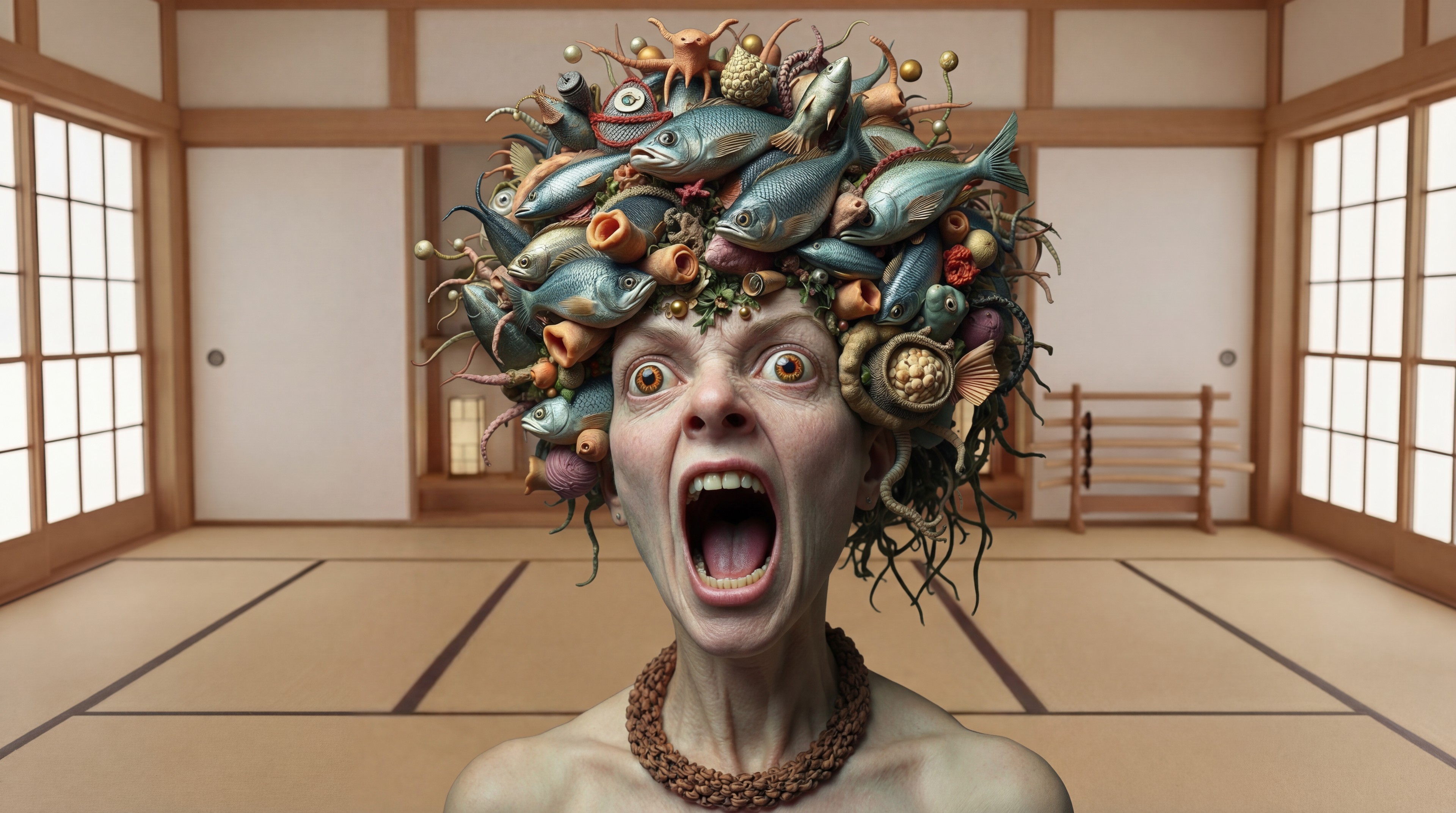
Generated on PixelDojo. Produced by PixelDojo's generation pipeline.
Tired of being locked into one model family when you need professional cinematic images and videos? PixelDojo is the Google Flow alternative that puts you in complete control. You generate stunning stills with Nano Banana 2, GPT Image 2, Grok Image or Flux.2 Studio, then bring them to life with VEO 3.1, Kling Video, WAN 3.0 or Seedance 2.5 – all in one workspace. Marketers launch campaigns faster, filmmakers storyboard entire sequences, and brands keep characters identical across every asset. You skip credit surprises and single-ecosystem limits, achieving polished, production-ready results that convert viewers into customers. 1M+ creators already switched because you get more choice, more consistency and more finished projects without the friction.
Real image examples generated on PixelDojo
Every example below was produced on PixelDojo. Hover to see the prompt.
Replace the woman in the black dress with the woman with the fish edited with Google Nano…
google-gemini-image

Fs-product
image-to-image
The waterfall flows naturally
wan-2.7-i2v-spicy
Gv-product
image-to-video
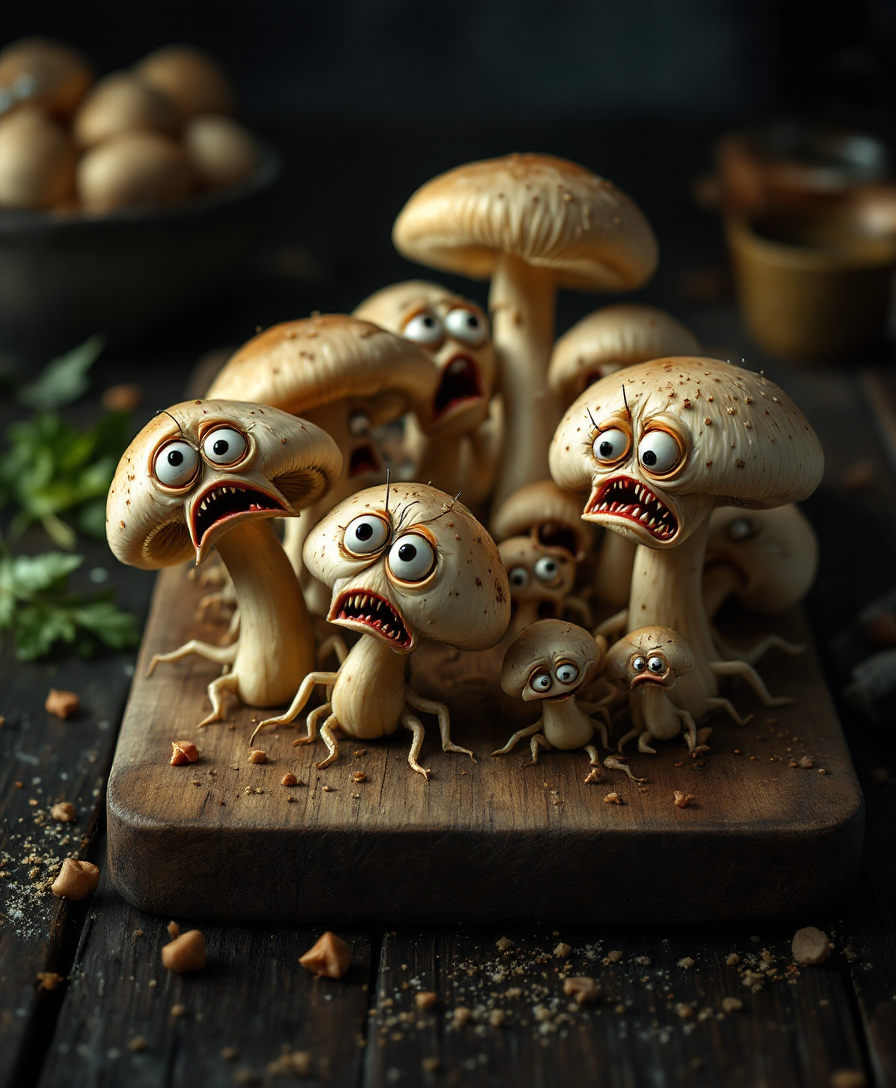
A surreal
flux
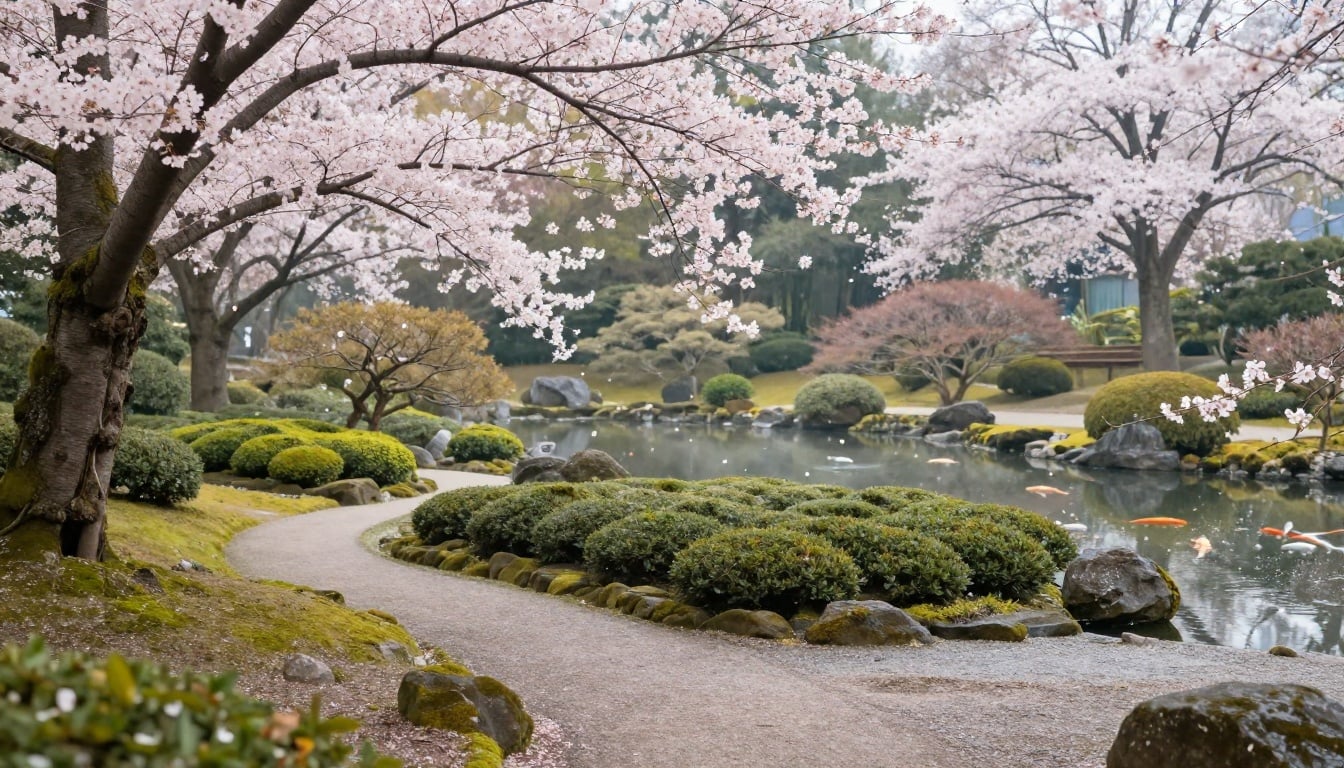
A serene Japanese tea garden in spring
p-image
Models you can run on PixelDojo for google flow alternative
Switch models without switching tools. Each one runs in the same PixelDojo studio.
What you can do with google flow alternative on PixelDojo
Multiple Image Generation Models
We host several image models in one place so you can compare looks and choose the generator that fits each brief.
Prompt And Parameter Control
You set seeds, aspect ratios, and guidance, then refine prompts until the result matches what you asked for.
Edit And Iterate Images
We support inpainting, outpainting, and variations so you can fix regions or explore options without starting over.
Exports For Creator Workflows
Download high resolution stills and reuse styles across projects without leaving the same workspace.
Loved by 1M+ creators worldwide. 100+ cutting-edge AI tools at your fingertips. Cancel anytime – zero risk, unlimited creative freedom.
Why Choose Pixel Dojo for google flow alternative
Professional-quality results with cutting-edge AI technology
Choose the Perfect Model for Every Shot
You no longer settle for whatever one studio offers. Generate photorealistic product shots with Recraft V4.1 or Ideogram 4, cinematic portraits with PonyXL or Seedream 5, then animate them using PixVerse V6 or MiniMax H3. The result is higher-quality, on-brand visuals that perform better in ads, social feeds and presentations.
Keep Characters and Brands Perfectly Consistent
Build once, reuse everywhere. Consistent Characters, Character Sheets, Ideogram Character and Face Swap lock identity across stills. Then WAN Video Character Swap, Kling Avatar or P Video Avatar carry that same face and style into motion. Your series, influencer campaigns and virtual try-ons look professional and cohesive, boosting recognition and trust.
Finish Entire Projects in One Studio
Generate, refine, enhance and deliver without leaving PixelDojo. Edit with Inpainting, Change Camera Angle, Style Transfer and Magic Lighting. Remove backgrounds, outpaint scenes, upscale with Magnific Upscaler or Clarity Pro, add audio via Text to Music or Seed Audio 1.0, even train custom LoRAs with Flux Trainer. You ship finished marketing videos, 3D assets via Rodin and Hunyuan 3D, and ready-to-post content in record time.
How It Works
Turning your ideas into cinematic images and videos as a Google Flow alternative takes just three simple steps inside PixelDojo’s all-in-one studio.
Step 1: Choose Your Tool
Pick the right engine for the job. For stills select Nano Banana 2, GPT Image 2, Flux.2 Studio, Krea Image or QWEN Image 2. For motion choose VEO 3.1, Gemini Omni Flash, Kling Video, Seedance 2.5 or WAN 2.7 Video. Marketing Studio and Film Studio give you ready-made campaign workflows.
Step 2: Enter Your Prompt
Describe the scene in everyday language, upload reference images for style or character lock, and blend multiple ingredients just like advanced filmmaking canvases. Add camera moves, lighting notes or audio cues. The models understand complex, multi-subject requests so you get exactly the mood and composition you envisioned.
Step 3: Customize & Download
Refine instantly with Image to Image, Inpainting, Reality Polisher or Video Autocaption. Change angles, extend frames, merge clips, upscale to 4K with FLUX Video Upscale or Portrait Upscaler, then download or send to your team. Train a custom model if you need even tighter brand control.
The Pixel Dojo Advantage
Why PixelDojo outperforms other options for Google Flow alternative image and video generation
| Others | Pixel Dojo |
|---|---|
| Traditional cinematic production | You skip location scouting, lighting crews and expensive cameras. Generate Hollywood-grade stills and clips in minutes with Flux.1 Studio, Hunyuan Image 3 and Seedance 2, then polish them with professional editing tools. |
| Generic single-model AI studios | Instead of being stuck with one family of models you access Nano Banana 2 plus GPT Image 2, Grok Image, Riverflow, Luma UNI 1, Bria 3.2 and dozens more, plus full video suites like Happy Horse and Vidu Q3, giving you the best result for every creative need. |
| Manual photo and video editing | Hours of masking and color grading disappear. Background Remover, Image Analyzer, Video Reframe, Extract Frame and Merge Videos plus AI upscalers deliver broadcast-ready files while you focus on the story, not the software. |
Loved by creators on PixelDojo
Real feedback from people using PixelDojo, pulled from our in-product surveys.
es facil de comprender asi uno no sea programador
amazing web site
phenomenal site. would highly recommend
Amazing features, easy to use, privacy
the number of options, and especially the quick response to questions on Discord
Love you guys!!
Explore more AI tools on PixelDojo
Popular AI Models
AI Tools
Compare & Switch
- All AI Tool Alternatives
- Pollo AI Alternative
- PixelDojo vs Pollo AI
- Pollo AI Review
- MotionMuse AI Alternative
- MioCreate Alternative
- Dessi AI Alternative
- Runway Alternatives
- CapCut Alternatives
- Leonardo Alternatives
- OpenArt Alternatives
- Midjourney Alternatives
- Canva AI Alternatives
- Pika Alternatives
- InVideo Alternatives
- Higgsfield Alternatives
- Krea Alternatives
- Luma Alternatives
- Magic Hour Alternatives
- HeyGen Alternatives
- PixAI Alternatives
- Vidu Alternatives
- Seedream Alternatives
- Tensor.Art Alternatives
Common Questions
Everything you need to know about google flow alternative
What is the best Google Flow alternative for AI image generation?
PixelDojo stands out because you are not limited to Nano Banana or Imagen-style models. You generate with GPT Image 2 for reasoning-heavy layouts, Flux.2 Studio for photorealism, Ideogram 4 for perfect text, Recraft V4.1 for design assets and Z Image Turbo for speed. Then you instantly animate those stills. The combination of choice, quality and workflow speed makes it the most complete Google Flow alternative for both stills and motion.
How do I keep characters consistent across images and videos like Google Flow Ingredients?
Start with Consistent Characters or Character Sheets to lock facial features, clothing and style. Use Ideogram Character or LoRA Face Swap for extra precision. Apply the same identity to motion using WAN Video Character Swap, Kling Video Character Swap or P Video Avatar. Virtual Try-On and Character Stylist let you change outfits without losing the person. The result is series-ready, brand-safe talent that looks identical from first frame to last.
Can PixelDojo replace Google Flow for full video production?
Yes. You generate with VEO 3.1, Gemini Omni Flash, Grok Video, Kling Video, WAN 3.0, Seedance 2.5, Hailuo 2.3, MiniMax H3 and PixVerse V6. Edit using Runway Aleph, Grok Video Edit, Kling Video Edit, WAN 2.7 Video Edit and Seedance 2.5 Video Edit. Add captions, reframe, extend and merge. Marketing Studio and Film Studio give you campaign-ready templates. You get longer clips, more models and commercial-friendly output without the original platform’s credit ceilings.
Does PixelDojo offer custom model training unlike Google Flow?
Absolutely. Flux Trainer, QWEN Trainer, SDXL Trainer, Z-Image Trainer, WAN 2.2 Image Trainer and Flux 2 Trainer let you teach the AI your brand style, product catalog or unique character. Once trained, those models appear alongside the 40+ public ones so every new generation stays on-brand automatically. Developers can also use the API and ComfyUI for even deeper customization.
What image editing tools does PixelDojo provide as a Google Flow alternative?
You get Image to Image, Inpainting, Change Camera Angle, Style Transfer, Magic Lighting, Background Remover, Image Analyzer, Reality Polisher and Image Outpainting. Combined with P-Image Upscale, Magnific Upscaler, Creative Upscaler and Clarity Pro you turn rough generations into print-ready or 4K assets. The editing suite is built for speed so you iterate in real time instead of waiting for new generations.
Is there a developer API and can I cancel anytime?
Yes. Developer API, API Keys, API Usage dashboard and Buy API Credits give you programmatic access to every model. ComfyUI integration is included. You can start creating immediately, use only what you need, and cancel at any time with no long-term commitment. 1M+ creators and agencies already rely on this flexibility to scale campaigns without vendor lock-in.