wavespeed playground alternative

Generated on PixelDojo. Produced by PixelDojo's generation pipeline.
Tired of limited options in your current AI playground? PixelDojo stands out as the premier WaveSpeed Playground alternative, letting you transform simple ideas into breathtaking, professional-grade images that drive real results. Imagine crafting photorealistic product photos for your e-commerce store, eye-catching social media graphics that boost engagement, or unique artwork for personal projects—all in just seconds, without technical barriers or endless waiting. With PixelDojo, you gain access to an unmatched suite of 100+ cutting-edge tools including Nano Banana 2, GPT Image 2, Flux.2 Studio, Seedream 5, WAN Image, Kling Image, and Ideogram 4. These empower you to achieve consistent character designs, precise text rendering, cinematic lighting, and commercial-ready outputs that elevate your brand or creative portfolio. Thousands of marketers, designers, and artists have already made the switch to produce more content faster, iterate freely, and skip the frustration of single-model limitations. Experience the freedom of a true all-in-one playground where your vision comes to life exactly as you imagined, backed by the flexibility to cancel anytime.
Real image examples generated on PixelDojo
Every example below was produced on PixelDojo. Hover to see the prompt.
Wi-landscape
image-to-image

Qwen-text
image-to-image
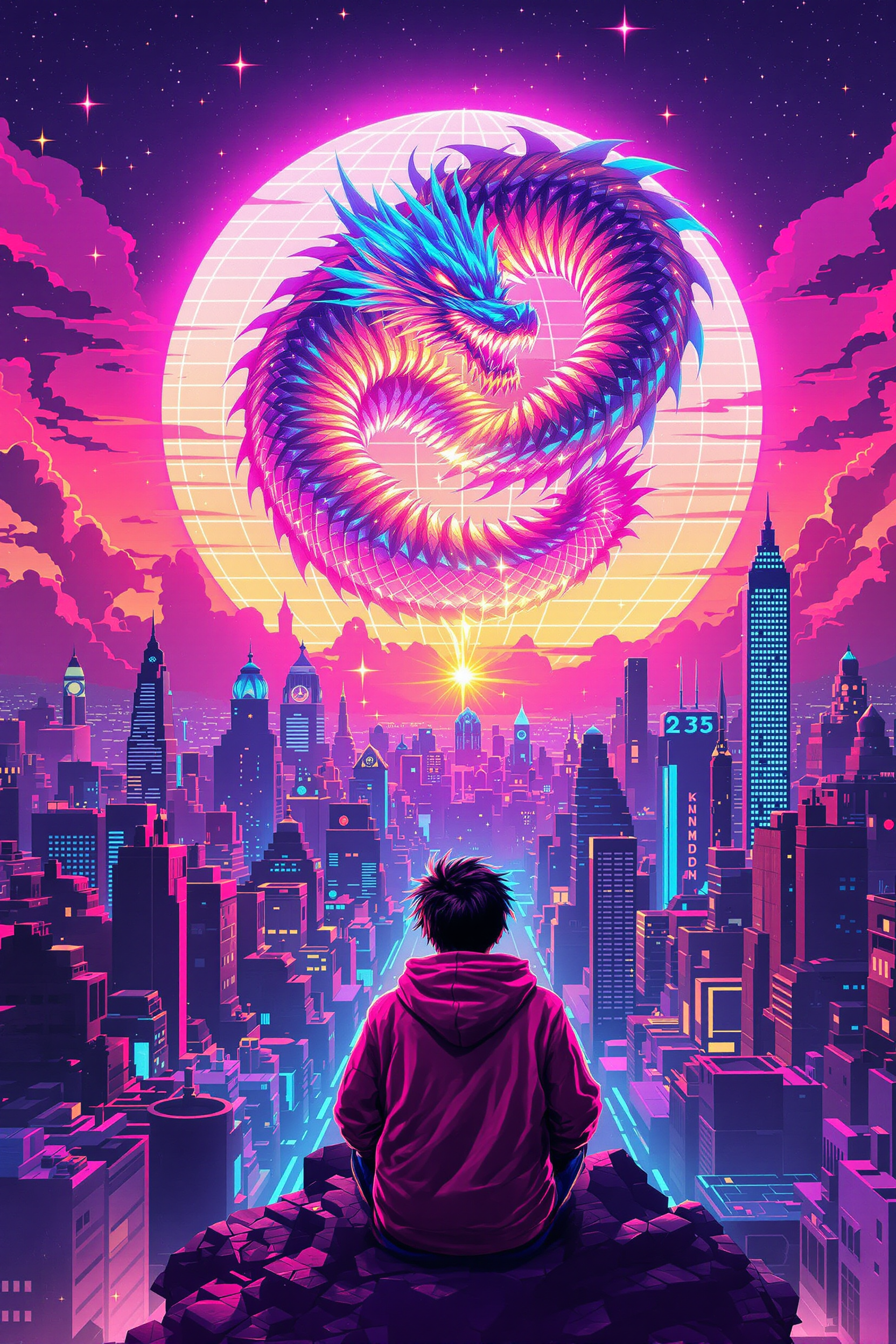
Block-style youth in neon hoodie releasing a glowing voxel dragon above a retro arcade sky…
flux-studio
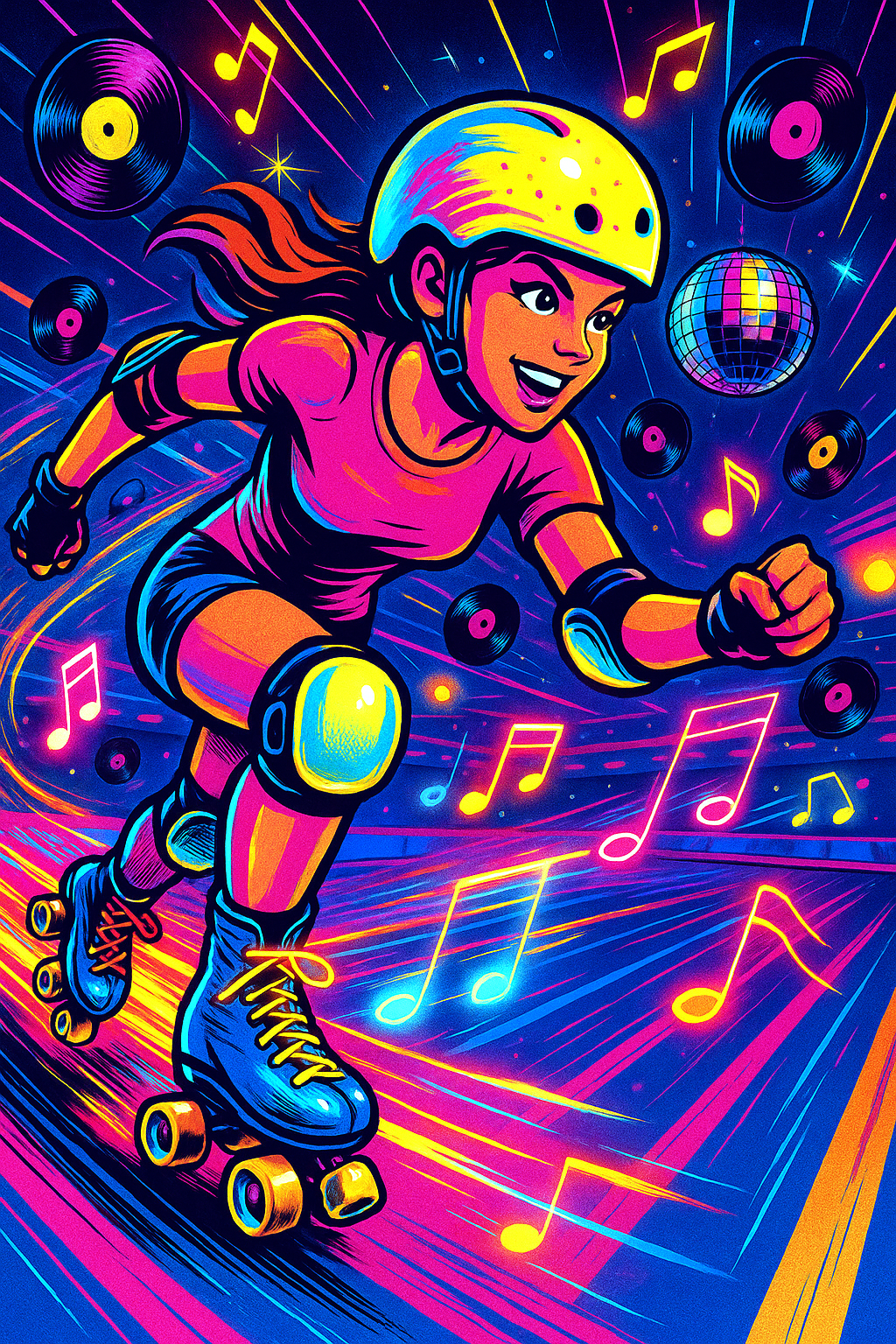
Energetic roller derby girl skating in a ’80s pop-retro rink
stable-diffusion
The faint buzzing of a drone flying as waves crash below
image-to-video
"subject": "a group of young female college students playing beach volleyball
image-to-video
Models you can run on PixelDojo for wavespeed playground alternative
Switch models without switching tools. Each one runs in the same PixelDojo studio.
What you can do with wavespeed playground alternative on PixelDojo
Multi-model image playground
We give you one workspace to try several image models with the same prompt so you can compare looks without jumping between tools.
Prompt and parameter control
We let you adjust size, steps, guidance, seed, and negative prompts so you can refine a still until it matches what you need.
Iterate and keep versions
We store recent generations in the session so you can restyle, upscale, or branch from a take you already like.
Export ready stills
We output standard image files you can download and drop into your editor, deck, or post without extra conversion steps.
Loved by 1M+ creators worldwide who generate millions of images monthly. 100+ cutting-edge AI tools with 4.9/5 user ratings. Join the community producing professional results every day.
Why Choose Pixel Dojo for wavespeed playground alternative
Professional-quality results with cutting-edge AI technology
Launch Campaigns with Instant Professional Visuals
Create high-converting ads, banners, and product shots using Flux.2 Studio and Seedream 5 that rival studio photography, helping you launch marketing campaigns in minutes instead of days and increase your conversion rates dramatically.
Perfect Every Detail with Powerful Editing Freedom
Refine images on the fly with Inpainting, Style Transfer, Magic Lighting, Background Remover, and Image Outpainting so your final visuals match your exact brand guidelines and creative intent without restarting from scratch.
Experiment Across 100+ Models Without Switching Platforms
Seamlessly try Nano Banana 2, GPT Image 2, QWEN Image 2, WAN 2.7, Recraft V4.1, Hunyuan Image 3, and Bria 3.2 in one place to discover the ideal style for portraits, illustrations, or photorealism, accelerating your workflow and unlocking new creative possibilities.
How It Works
PixelDojo makes generating stunning AI images as intuitive as any playground while delivering superior quality and control. You start with your idea and end with downloadable, commercial-ready files in three straightforward steps that anyone can master immediately.
Step 1: Choose Your Tool
Sign up or log in to PixelDojo and head to the Generate Images section. Browse and select the perfect model for your needs—Flux.2 Studio for unmatched photorealism, Nano Banana 2 for vibrant creative concepts, GPT Image 2 for accurate text and details, or Seedream 5 for high-fidelity scenes. The dashboard previews each tool's strengths so you pick confidently and start generating right away.
Step 2: Enter Your Prompt
Type a detailed description of what you want, including subject, lighting, style, composition, and mood. PixelDojo's advanced models interpret complex prompts with exceptional accuracy, often delivering your vision on the first try. Add reference images if using Image to Image or specify aspects like camera angle for even more precision.
Step 3: Customize & Download
Preview your image and enhance it using Edit Images tools such as Inpainting for targeted changes, Style Transfer for artistic flair, or P-Image Upscale for crisp high-resolution output. Adjust with Magic Lighting or Background Remover, then download instantly in the format you need. Repeat as often as you like with no extra setup.
The Pixel Dojo Advantage
Why PixelDojo outperforms other options for wavespeed playground alternative image generation
| Others | Pixel Dojo |
|---|---|
| Traditional wavespeed playground alternative creation | You skip slow, single-model limitations and instead generate, edit, and iterate across 100+ specialized tools like Kling Image and Ideogram 4 in one unified workspace, producing more polished results in far less time. |
| Generic AI tools | PixelDojo gives you dedicated high-end models such as Flux.2 Studio, Qwen 3 Pro, and Riverflow plus full editing suites including Change Camera Angle and Reality Polisher, delivering professional consistency that generic platforms simply cannot match. |
| Manual photo editing | Replace hours of tedious Photoshop work with instant AI generations followed by precise Inpainting, Image Analyzer, and Portrait Upscaler, so you create magazine-quality images without any design skills or expensive software. |
Loved by creators on PixelDojo
Real feedback from people using PixelDojo, pulled from our in-product surveys.
Practically every Ai suite in one place? Who wouldn't?
versatile menu of tools
Best AI tool availble the suite is rad
Versatility quality, value, ROI, innovation
variety of tools available and prompt tools
A "one-stop-shop" for creators! Thanks!!
Explore more AI tools on PixelDojo
Popular AI Models
AI Tools
Compare & Switch
- All AI Tool Alternatives
- Pollo AI Alternative
- PixelDojo vs Pollo AI
- Pollo AI Review
- MotionMuse AI Alternative
- MioCreate Alternative
- Dessi AI Alternative
- Runway Alternatives
- CapCut Alternatives
- Leonardo Alternatives
- OpenArt Alternatives
- Midjourney Alternatives
- Canva AI Alternatives
- Pika Alternatives
- InVideo Alternatives
- Higgsfield Alternatives
- Krea Alternatives
- Luma Alternatives
- Magic Hour Alternatives
- HeyGen Alternatives
- PixAI Alternatives
- Vidu Alternatives
- Seedream Alternatives
- Tensor.Art Alternatives
Common Questions
Everything you need to know about wavespeed playground alternative
What is the best wavespeed playground alternative for professional AI image generation?
PixelDojo is widely regarded as the leading wavespeed playground alternative because it combines 100+ specialized tools including Nano Banana 2, GPT Image 2, Flux.2 Studio, Seedream 5, WAN Image, and Ideogram 4 into one intuitive platform. You get faster generations, superior editing capabilities like Inpainting and Style Transfer, and commercial-use rights that help you produce client-ready work immediately.
How does PixelDojo compare as a wavespeed playground alternative in terms of speed and quality?
PixelDojo delivers images in seconds using optimized models such as Z Image Turbo and Flux.1 Studio while maintaining exceptional quality through tools like Reality Polisher and Magnific Upscaler. You enjoy the same playground-style experimentation plus extra features like batch-friendly workflows and Character Sheets for consistency, all without the typical wait times or quality drop-offs.
Can I use advanced editing like inpainting and LoRA in this wavespeed playground alternative?
Absolutely. PixelDojo includes full Inpainting, Image to Image, Magic Lighting, and Background Remover for precise edits, plus Train Models options like Flux Trainer and QWEN Trainer so you can create custom LoRAs. This gives you playground-level flexibility with even more control over characters, styles, and details than most alternatives.
Is PixelDojo a free wavespeed playground alternative I can try without commitment?
Yes, PixelDojo lets you start creating immediately with access to 100+ tools. You can generate your first images right away, and the platform emphasizes cancel anytime flexibility so you only continue if it exceeds your expectations. 1M+ creators begin this way and stay for the unmatched results.
Which AI models does PixelDojo offer as a wavespeed playground alternative?
You get exclusive access to Nano Banana 2, GPT Image 2, Grok Image, Flux.2 Studio, Krea Image, Riverflow, Luma UNI 1, QWEN Image 2, WAN 2.6, Kling Image, Seedream 4.5, Seedream 5, ImagineArt, Ernie, Hunyuan Image 3, Bria 3.2, Recraft V4.1, Ideogram 4, PonyXL, SDXL, and many more, plus video and 3D options if you expand later.
How do I get started with PixelDojo as my new wavespeed playground alternative?
Simply visit PixelDojo, choose a Generate Images tool like Flux.2 Studio or Nano Banana 2, enter your prompt, and generate. Then customize with Edit Images features and download. The entire process takes minutes, and our Developer API plus ComfyUI support lets you scale into production workflows whenever you're ready.